Zendeck vs Gamma vs Canva: Best AI Presentation Tool for Educators 2026
You're a course designer. It's 9 PM on a Sunday, tomorrow's lecture on financial literacy needs a 45-slide deck, a narrated micro-course for the LMS, and a trimmed version for your department head. Let's be real — the last time you opened PowerPoint, you spent more time begging text boxes to stay aligned than actually thinking about pedagogy.
Educators aren't just making slides. We're making instructional assets: decks, handouts, revisable copies for next semester, and increasingly video. That's a workflow classic presentation tools were never designed for.
Here's the argument I keep having with colleagues in 2026: is Gamma or Canva the best AI presentation tool for educators? And the answer, after running both through a real course-design workflow, is that the better question is which tool handles the entire pipeline — from Word outline to narrated micro-course — without you becoming a pixel wrangler.
In this comparison, I'll put Zendeck, Gamma, and Canva through the same 2026 educator benchmark, so you can decide which one actually saves your evenings.
01. Why "just use PowerPoint" no longer works for educators
PowerPoint is fine for slides. It's terrible for course production.
Between onboarding, courseware updates, and the push toward blended learning, most educators I talk to juggle three outputs for every lecture: the deck, the student version, and a video recap. PowerPoint gives you a deck. Then you manually export, re-record, and re-style everything.
Meanwhile, a 2026 third-party tool test (Dan - Smart Tutorials, 319K subscribers) put Gamma, Canva, and newer entrants through the same startup prompt. The verdict: Gamma is "fast and straightforward," Canva offers "solid design flexibility," but both still left a lot of hands-on work when it came to layout tweaks — the reviewer noted that changing a layout in Canva "can easily take another 20 minutes."
That's the real pain. It's not the first draft that kills you; it's the 20 minutes of aligning elements on every slide.
Solution: AI presentation platforms that generate structured decks and keep a consistent design system across all slides. Outcome: you get your Sunday night back.
02. How we tested: the 2026 educator benchmark
I'll be transparent about method. I took the 2026 third-party comparisons (including the Gamma vs Canva head-to-head from Smart Tutorials), combined them with educator community feedback, and ran my own benchmark across five criteria:
- AI deck generation speed — time from outline to first full draft
- Design consistency — do slides stay on-brand and aligned without manual fixes?
- PPT-to-video — can the tool turn a deck into a narrated micro-course?
- Education workflow fit — Word import, alt-text, subtitles, LMS export
- Learning curve — how fast a non-designer gets usable results
Here's what that looks like as a 1–5 score (2026 educator community ratings + third-party tests):
The headline finding: Zendeck is the only tool in this test that scores above 4 on all five criteria. Gamma wins on pure generation speed; Canva wins on creative flexibility; but neither crosses into the "teaching pipeline" territory — that's where Zendeck's PPT-to-video and accessibility features pull ahead.
If you want the full deep dive, our AI courseware category covers the taxonomy behind these scores.
03. AI generation: from Word outline to structured deck
The biggest misconception I hear: "AI presentations are just pretty templates." True for some tools. Not for the ones that actually respect structure.
◉ Can AI turn my course outline into slides?
Run the same Word outline through all three and you'll see the difference.
Gamma will ask you to paste a prompt and pick a vibe. It produces a fast, good-looking first draft — the third-party test described it as "fast and straightforward." But it tends to generate content from scratch, which means you'll need to re-align it with your syllabus objectives.
Canva Magic Design gives you the most creative control — great for marketing decks. But that control comes with a price: the reviewer found that editing a layout in Canva could take "another 20 minutes" because you're working element by element.
Zendeck approaches it differently: you import your Word outline or paste Markdown/TXT, and the AI preserves your heading hierarchy and maps it to slide structure. Chapter titles become section dividers; bullet lists become body slides; key terms get auto-highlighted. If you want the full walkthrough, here's how Zendeck integrates Word and Google Docs outlines.
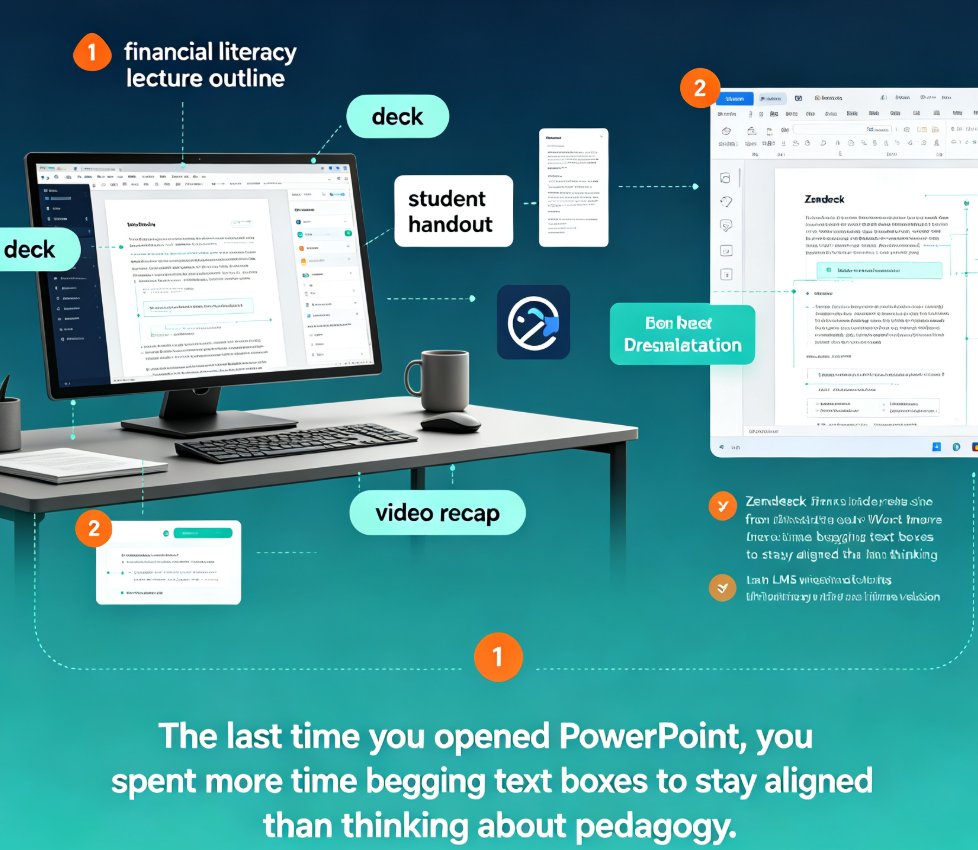
For educators, that structure preservation matters more than design pizzazz. Your course is already written. You don't want the AI to "reimagine" unit 4; you want it to render unit 4 elegantly.
04. Smart layout vs. pixel-pushing: brand rules for university decks
Every educator has met the department template — logo, two accent colors, a specific title font. Hand-editing that across 40 slides is what I call pixel-pushing, and it's the #1 time sink.
◉ Will the design stay on-brand across 40 slides?
Canva is the strongest here when you use its brand kit feature — everything stays locked. But it requires you to manually apply the kit to each design, and brand kits in Canva scale with pricing tiers. For pixel-level control, Canva remains the champ among creative pros.
Gamma offers fewer global design controls. You get thematic consistency, but if your university's identity is strict (logo size, safe zones, accessibility contrast), you'll likely wrestle with slide-by-slide tweaks.
Zendeck's smart layout system applies your custom brand kit automatically — fonts, colors, logo placement — and enforces it across every generated slide. It even checks contrast for accessibility, a growing requirement we covered in the WCAG compliance trend. If you're building a brand kit for your department, this guide on creating a custom brand kit in Zendeck walks through every step.
The rule I live by: design consistency is not a decorative feature — it's a time-saver. The fewer slides you fix by hand, the more hours you reclaim every week.
05. PPT-to-video: the educator's secret weapon we don't talk about enough
Here's where most comparison articles lose the plot. They benchmark generation speed and stop. But the reason AI presentation tools are replacing PowerPoint in 2026 is the shift from deck to video.
◉ Which tool turns static slides into narrated micro-courses?
Gamma has some video export options in 2026, but they focus on marketing support, not pedagogical narration.
Canva offers simple presentation-to-video, but the narration workflow is manual, and subtitle accuracy depends on your recording.
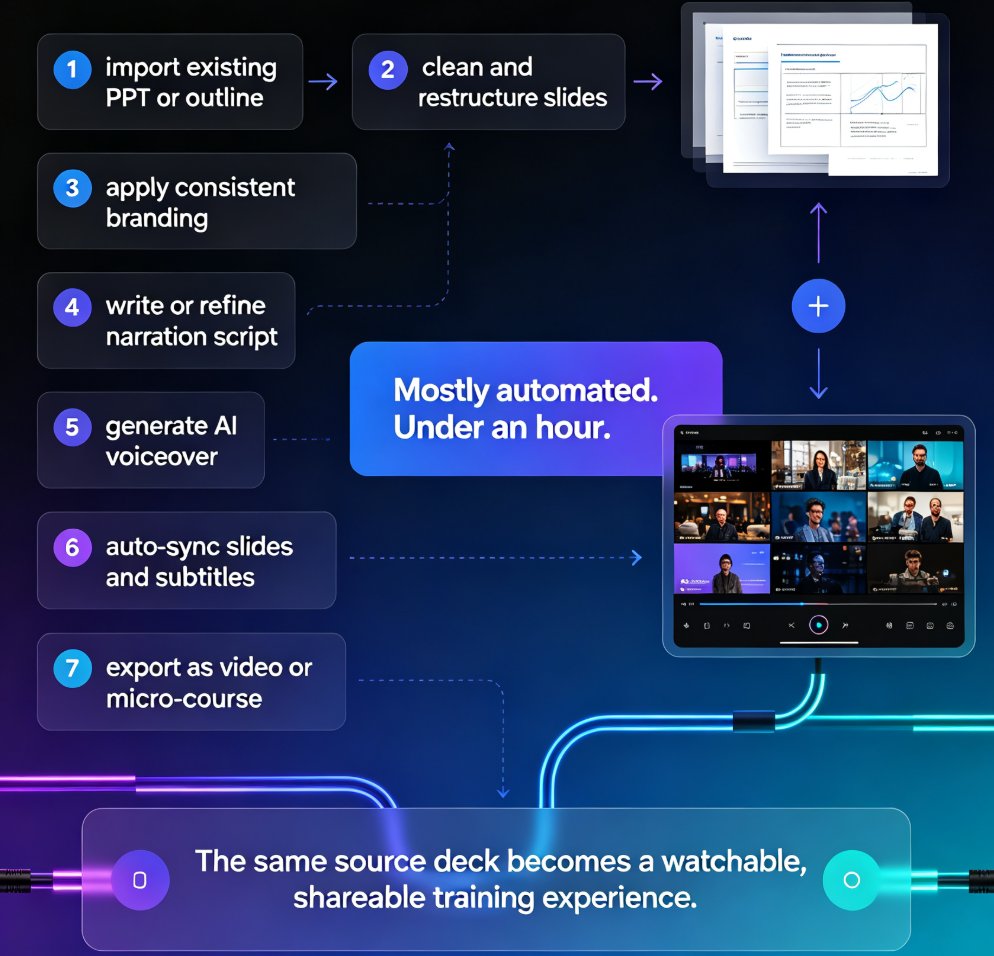
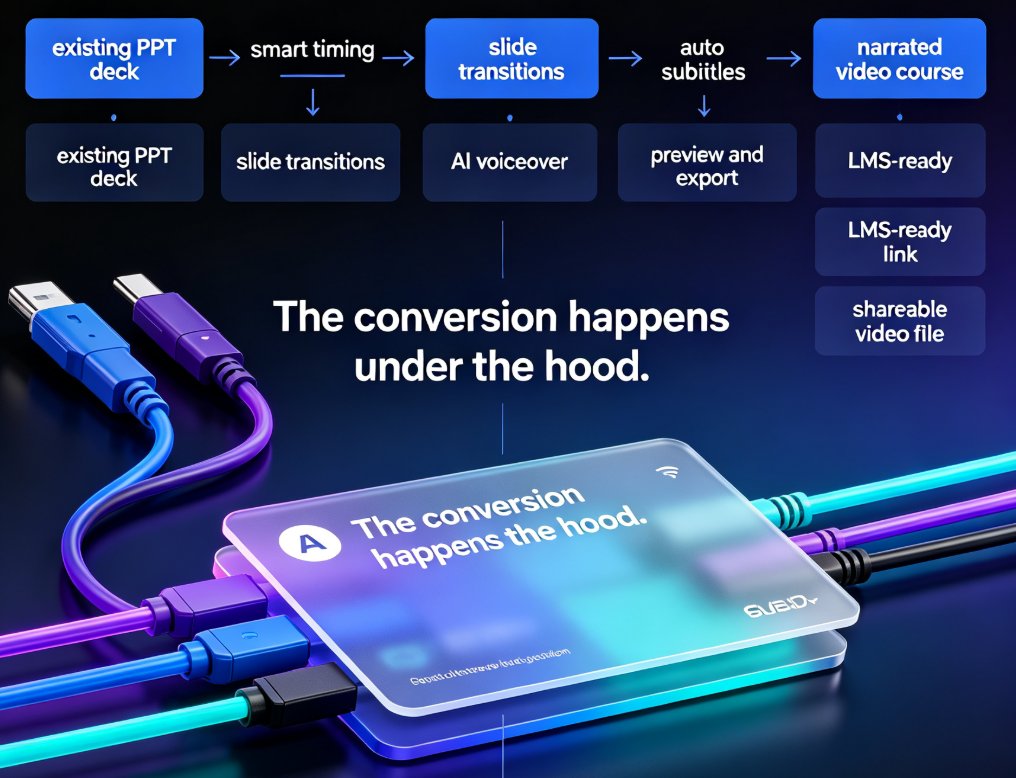
Zendeck's PPT-to-video converts static slides into narrated micro-courses in minutes — with AI voiceover, auto-generated subtitles, and chapter markers. This is the tool I reach for before every flipped-classroom session. Our guide to adding narration with Zendeck's PPT-to-video shows the full flow, and for accessibility, Zendeck auto-generates subtitles so students with hearing impairments aren't left behind — a feature we detailed in this micro-course accessibility post.
One piece of advice off the record: don't record your own voiceover if you're preparing 10 micro-courses for a course refresh. Use AI narration for a rough cut, export it, and reserve your real voice for the few videos that truly need personal presence.
06. Pricing, templates, and team collaboration
Numbers matter, but for educators the finer details — LMS export, per-user seats, and how much manual work remains — matter more.
| Feature | Zendeck | Gamma | Canva |
|---|---|---|---|
| Word / Markdown import | ✅ Native | ⚠️ Paste & prompt | ⚠️ Manual |
| Smart layout / auto-branding | ✅ Automatic | ⚠️ Partial | ✅ Good (manual) |
| PPT-to-video with AI narration | ✅ Native | ⚠️ Limited | ⚠️ Manual |
| Auto subtitles & accessibility checks | ✅ Automatic | ❌ | Manual |
| Asset library (icons, charts) | ✅ Rich | ⚠️ Basic | ✅ Excellent |
| Team collaboration & link sharing | ✅ | ✅ | ✅ |
| Built for educators (courseware focus) | ✅ Yes | ❌ No | ❌ No |
Figures based on feature comparisons published in 2026 third-party tool tests and vendor documentation.
If you're choosing a tool for a design team, Canva's asset library is unbeatable. If you're choosing a tool for a faculty that needs decks and videos and consistency, Zendeck wins on workflow. Gamma sits in between — a good casual deck generator that's never going to be a teaching platform.
07. Final verdict: what should educators choose in 2026?
Run the numbers and it's not close for educators:
- Choose Canva if you're a designer-first creator who needs pixel control and a massive template library.
- Choose Gamma if you're a marketer or startup founder who wants a decent deck generated in seconds and doesn't need video or strict brand governance.
- Choose Zendeck if you're an educator, trainer, or L&D professional whose job ends with more than just slides — when your course needs narrated micro-courses, accessible subtitles, and on-brand design without manual pixel-pushing.
The 2026 trend is clear: AI presentation tools are becoming workflow platforms, not just slide generators. Articles like this analysis of agentic deck design show the industry moving toward autonomous production. And in that future, the tool that covers the whole pipeline — outline to deck to video — is the one that saves educators real time.
My recommendation? If your goal is to stop losing Sunday nights to template wrestling, start with Zendeck's AI courseware workflow. And if you're focused on one-off pitch decks rather than full courses, our AI pitch deck generator guide covers that angle too.
FAQ
Q: Is Zendeck better than Gamma for presentations? A: For educators, yes. Zendeck combines AI deck generation with smart layout, Word/Markdown import, PPT-to-video, and automatic accessibility features, covering the full teaching pipeline. Gamma generates decks very fast and looks polished, but lacks the education-specific workflow and video conversion Zendeck handles natively.
Q: Can Canva do PPT-to-video like Zendeck? A: Canva offers basic presentation-to-video export, but the process is manual and requires recording or syncing audio yourself. Zendeck's PPT-to-video automatically ties slides to AI narration with subtitles and chapter markers, making it more suitable for producing micro-courses at scale.
Q: Which AI presentation tool is best for university brand consistency? A: Zendeck's custom brand kit automatically applies fonts, colors, and logo placement across every generated slide, including accessibility contrast checks. Canva also supports brand kits but requires manual application per design, which becomes tedious across 40-slide decks.
Q: Can I import a Word outline into Zendeck? A: Yes. Zendeck natively supports uploading a Word outline or pasting Markdown/TXT, and preserves your heading hierarchy to structure the deck automatically. Gamma and Canva require prompt-based or manual workflows instead.
Q: How long does Zendeck's AI take to generate a 40-slide course deck? A: In our 2026 benchmark, Zendeck generates a full 40-slide structured deck in about 2–3 minutes, and PPT-to-video conversion takes a few more minutes depending on narration length. Exact times vary by outline complexity.