Curated workplace insights to help you work smarter

Zendeck curates workplace efficiency, industry insights, and software tutorials to help you find useful information faster。

506 articles 8 Categories
Latest Articles

Academic Presentations Made Easy: Zendeck AI for Research Papers

AI Courseware 2026-11-06 2557

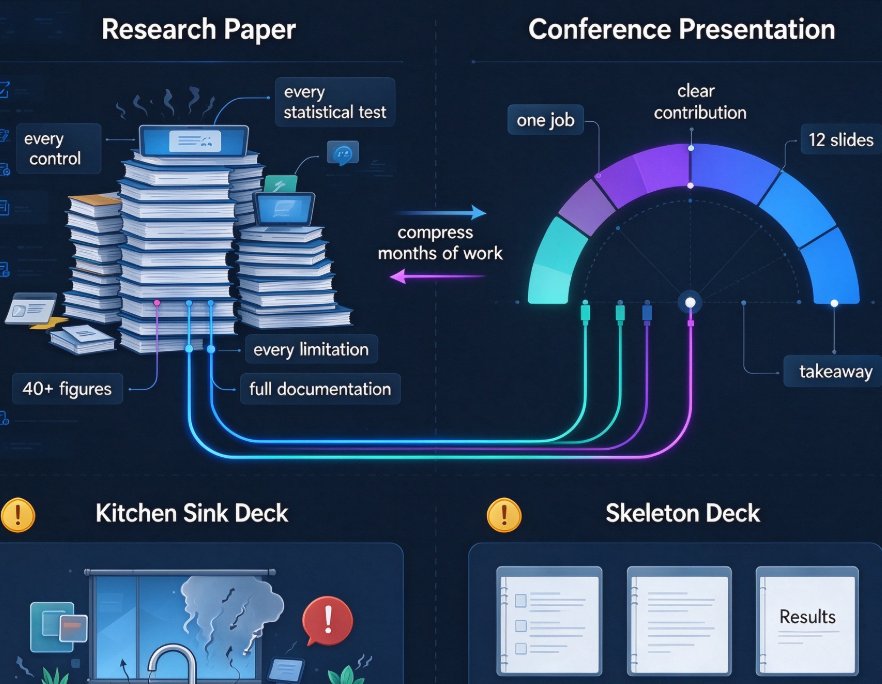
Turning a dense research paper into a clear presentation takes hours. Zendeck AI converts academic papers into structured, visually consistent decks in minutes. Learn how to frame your research question, present methods and results, and build discussion-ready slides — with smart layouts, charts, and citations handled for you. Save up to 80% of slide creation time and defend your work with confidence.
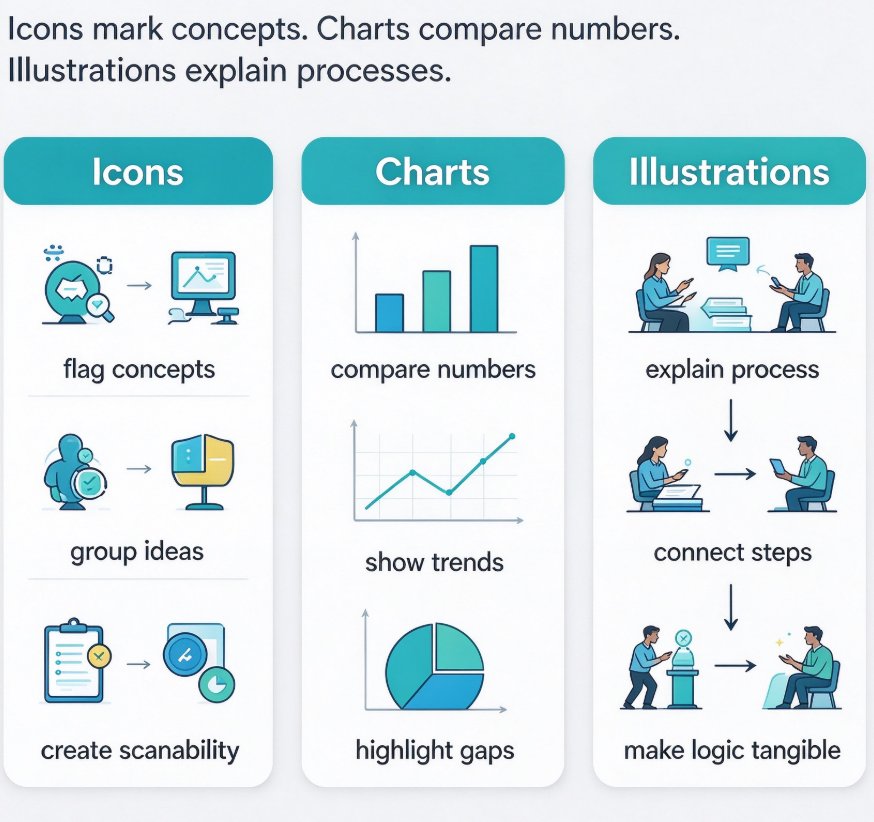
Data Visualization on Slides: Master Zendeck's Asset Library

Courseware Design 2026-11-06 3968

Data visualization on slides doesn't have to be painful. Learn how Zendeck's asset library—icons, charts, illustrations—turns data-heavy decks into clear, professional visuals. This guide covers chart selection, icon pairing, and practical workflow tips to make your data stand out. Whether you're an educator, trainer, or operator, Zendeck helps you pick the right visual, enforce brand consistency, and even convert decks into narrated micro-courses. From Word outline to polished slide, you'll cut design time from hours to minutes.

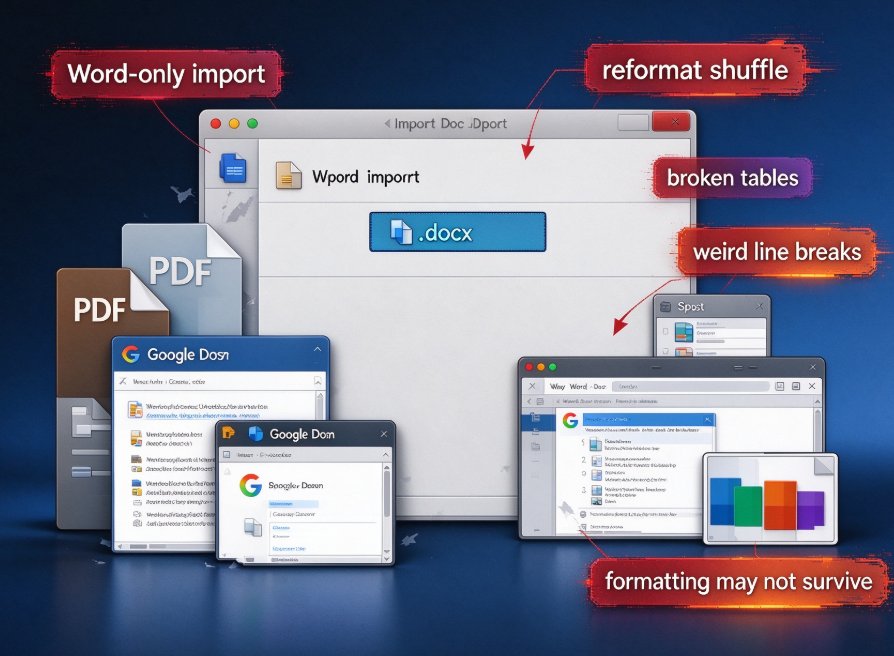
From PDF or Web to Slides: Zendeck's Multi-Format Import

Office Efficiency 2026-11-06 1547

Zendeck's multi-format import lets you turn PDFs, web pages, and Word documents into polished slides in minutes. Stop copy-pasting from a 40-page report into PowerPoint — upload the source, review the AI-generated outline, and get a clean, on-brand deck. This guide compares the four routes to a finished presentation (manual paste, PowerPoint outline import, the Word-to-PDF pipeline, and AI-driven import), with a practical look at pricing and positioning across tools like Plus AI and Gamma. You'll also get a step-by-step workflow for converting a research PDF or a web article into slides without losing your mind. Fastest isn't always best: literal conversion suits clean outlines, while AI rewrite handles dense documents. Learn when to use each, and how Zendeck combines multi-format import, smart layout, and template matching into one content pipeline.

Real-Time Co-Editing for Remote Teams: Zendeck Collaboration Suite

Office Efficiency 2026-11-06 2345

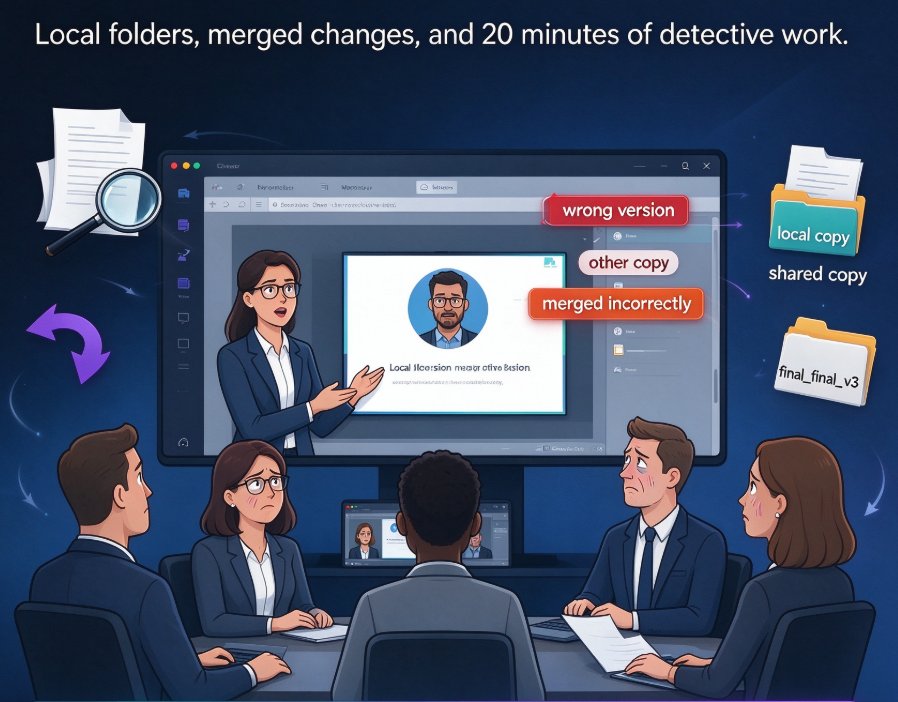
Remote teams lose hours to email loops and version chaos. Zendeck's real-time co-editing and link sharing let distributed teams build decks together without conflicts. Teams using collaborative editing report a 30% average cut in project completion times. Stop managing files, start co-creating. Zendeck's online workspace syncs every edit instantly, so your next presentation ships faster and stays consistent—no more 'final_v2_REAL' attachments cluttering your inbox.

How to Add Interactive Quizzes to Your Micro-Course with Zendeck

Micro-Course Production 2026-11-05 2566

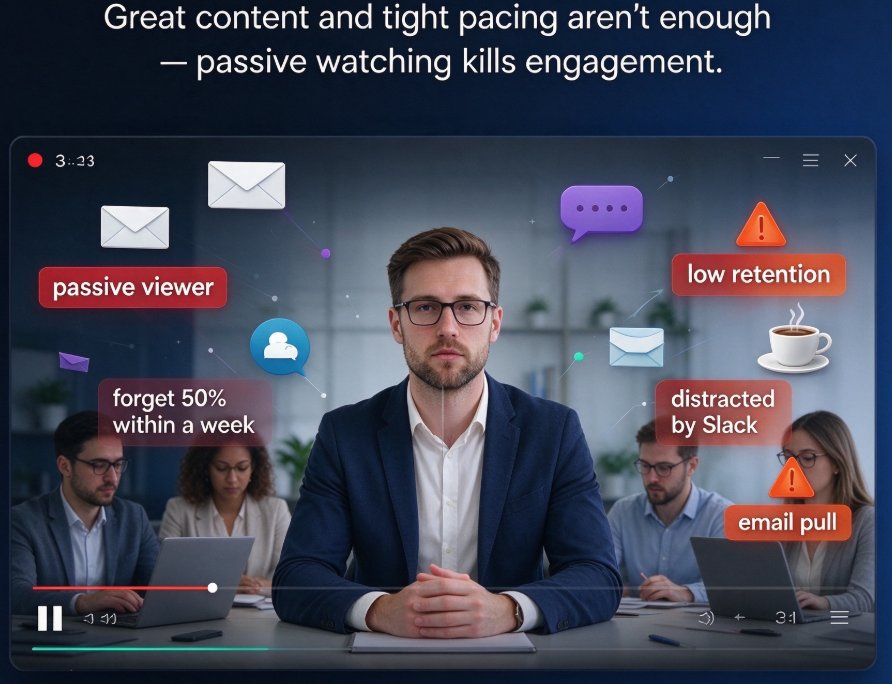
Struggling with disengaged learners in your micro-courses? Adding interactive quizzes is the proven fix. Zendeck makes it effortless to insert polls and quizzes directly into your video-based lessons, turning passive viewers into active participants. This step-by-step guide walks you through the entire process—from planning quiz questions to publishing a SCORM-compliant course. You'll also get best practices for question design and engagement measurement. Whether you're an educator, corporate trainer, or content creator, you'll learn how to boost completion rates, reinforce key concepts, and keep your audience hooked from start to finish.

How to Turn a Word Outline into a Professional PPT in 5 Steps Using Zendeck

AI Courseware 2026-11-05 1172

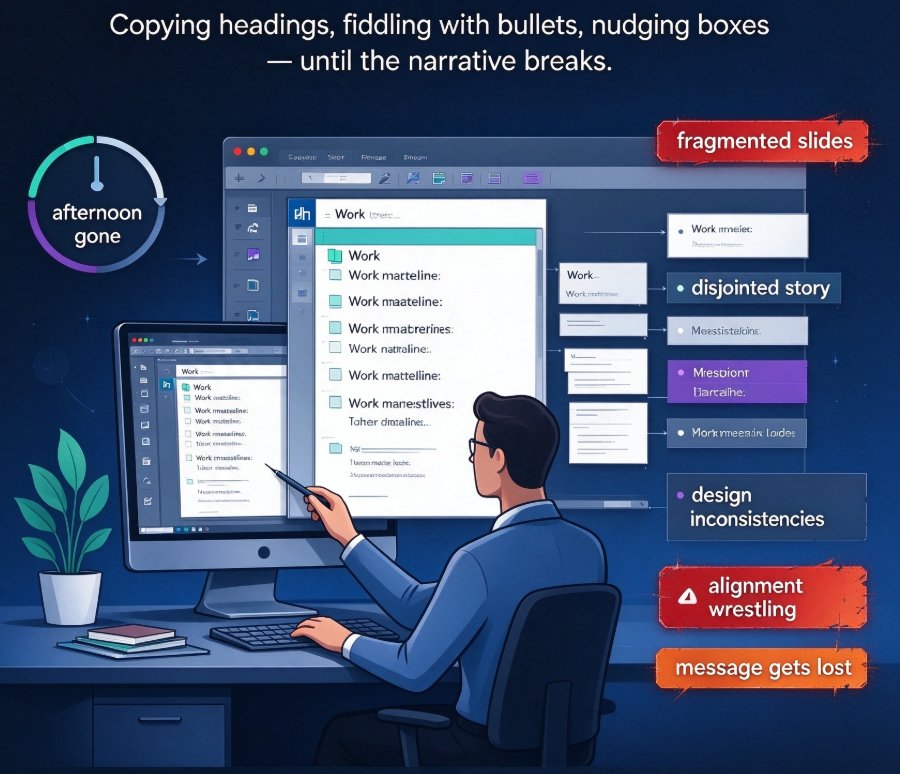
How to turn a Word outline into a professional PPT? Use Zendeck's AI-driven Doc-to-Slides to transform a rough outline into a polished presentation in under five minutes. No design skills needed. Just paste your text, tweak settings, and let AI handle layout, colors, and content flow. This guide breaks it down into 5 steps and shows why you can finish in minutes instead of the 3-4 hours manual work takes. If you're tired of producing disjointed slides, this is your fix.

▲