Tags:Zendeck PPT-to-video

28 articles

PPT to Video: Turn Slides into Engaging Micro-Courses in 5 Steps

PPT to Video 2026-09-22 2829

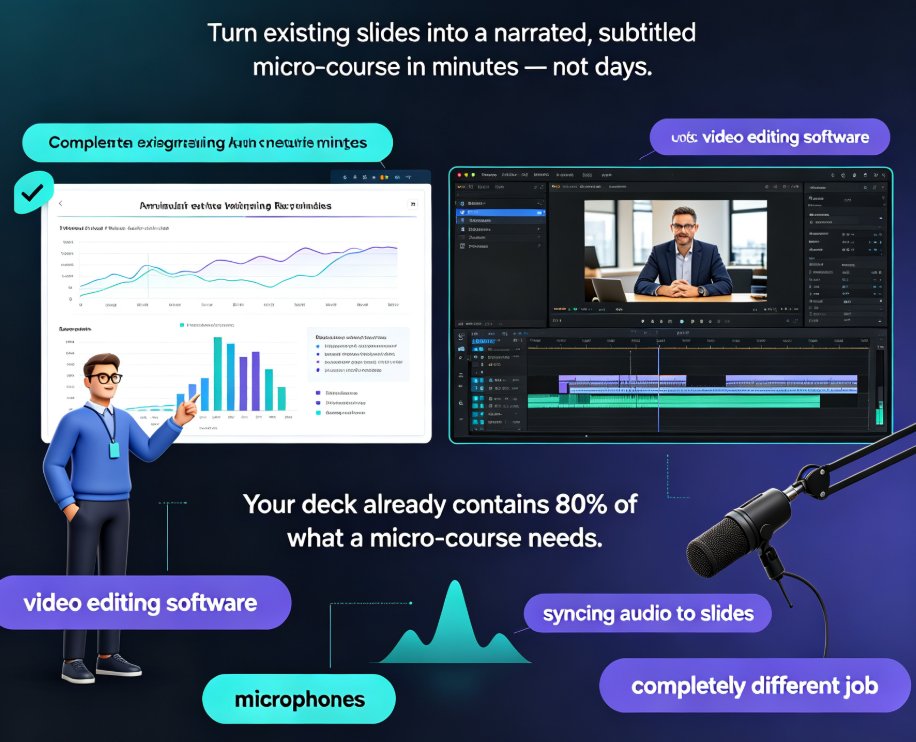
Convert any PPT into a narrated, subtitled micro-course in minutes with Zendeck's PPT-to-video workflow — no video editing skills needed. This step-by-step guide covers deck trimming, AI narration, smart layout reskinning, auto-subtitles, and export, with a comparison table showing hours saved per video. Built for educators and corporate trainers who want engaging learning videos from existing slides, Zendeck's automation replaces time-consuming screen recording and manual syncing, letting you publish polished micro-courses and boost learner engagement without learning complex editing software. You'll also find common PPT-to-video mistakes to avoid, practical tips for scripting at the right pace, and answers to the most frequent questions about output formats, subtitle editing, and mixing your own voice with AI narration. If your team already builds courseware in PowerPoint, this guide shows how to extend that investment into a video library your learners will actually finish.
PPT to Video: How to Add Voiceover Without Recording Yourself

PPT to Video 2026-09-21 3953

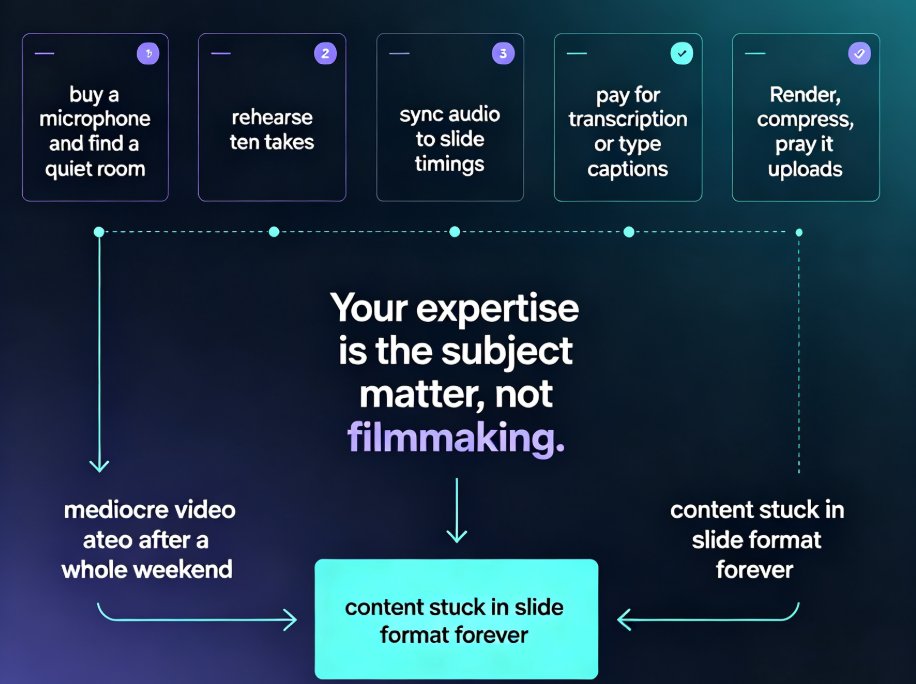
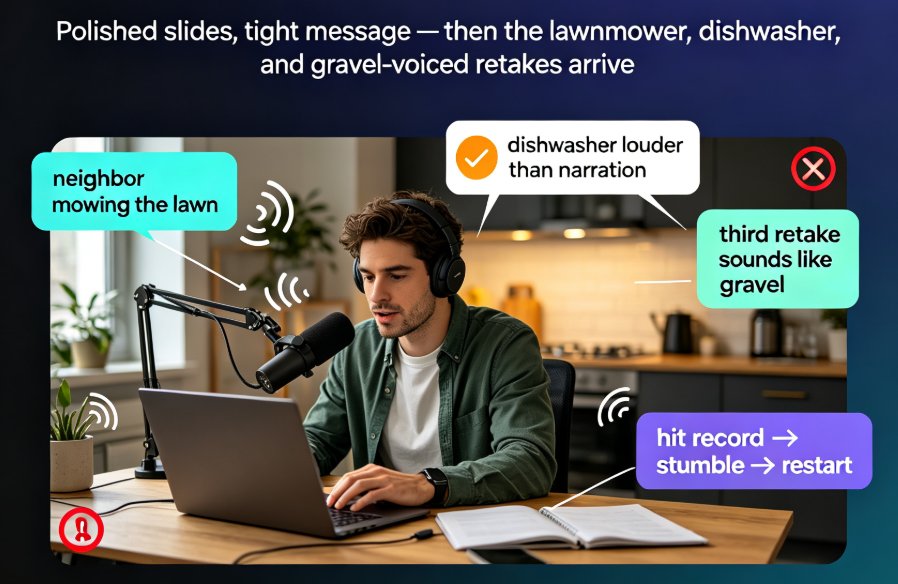
Adding voiceover to a PPT doesn't require a studio, a condenser mic, or a golden radio voice. Thanks to AI narration, you can convert PPT to video with a natural-sounding voice in minutes — and Zendeck's PPT-to-video feature makes it a one-click job. This guide covers the real bottleneck (retakes and sync, not equipment), how AI voice synthesis works and its limits, a step-by-step workflow, and the script pacing and slide timing tricks that keep narrated decks crisp. You'll also get a recording-vs-AI comparison table, honest use-case advice, and answers to the questions educators and trainers ask most.

Your Old PPT Lessons Are Gold: Convert to Modern Micro-Courses

Knowledge Video 2026-09-16 1688

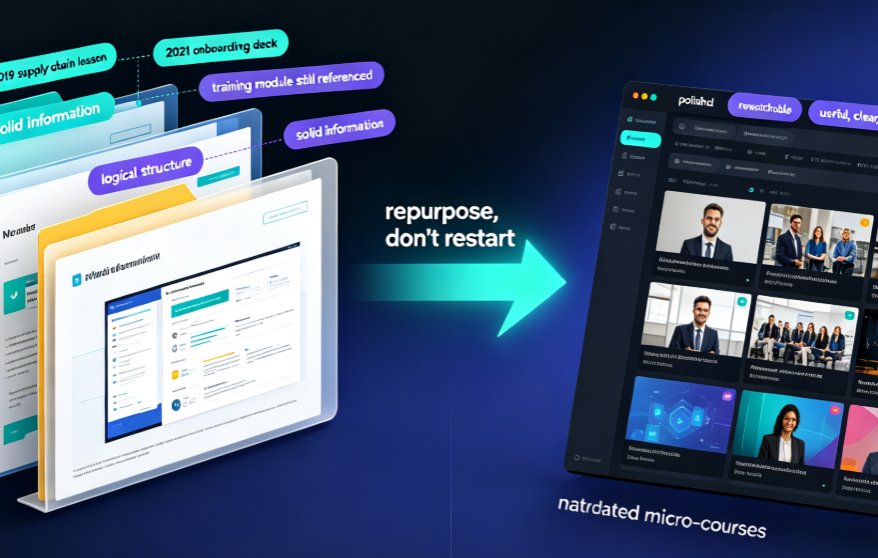
Stop letting years of PowerPoint lessons rot in your archive. Converting old PPT decks into narrated micro-courses with Zendeck's PPT-to-video pipeline turns static slides into rewatchable, accessible video lessons in hours—not months. This playbook shows teachers and trainers exactly which decks to repurpose first, how the conversion workflow protects your layouts and charts, and why narrated video drives higher learner retention than slide decks ever will. Zendeck handles narration, subtitles, and smart layouts automatically, so you focus on teaching, not redesigning. If you have a backlog of outdated courseware, this is the fastest path to a modern, on-brand knowledge video library your students will actually rewatch.

AI Avatars for Educators: Zendeck Digital Human Narrates Slide Decks

Presentation Skills 2026-09-15 3885

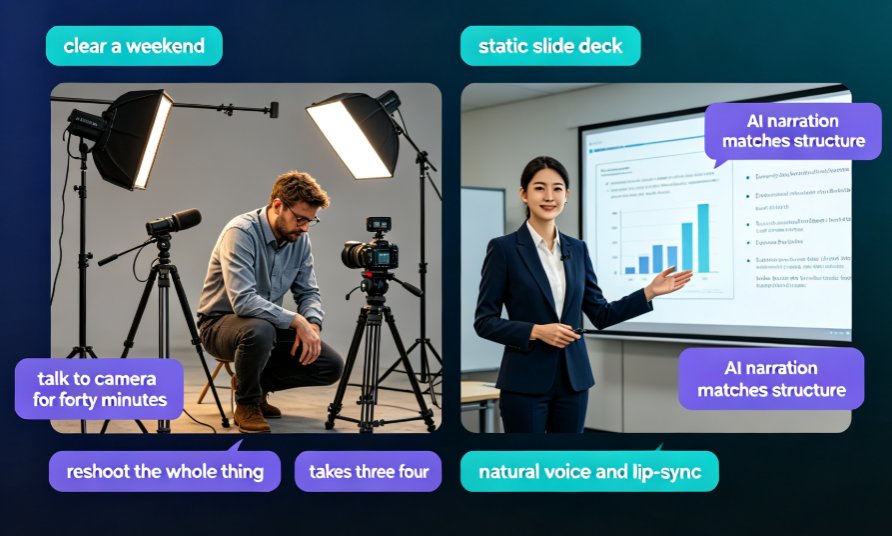
Turn static slide decks into narrated, avatar-led videos with Zendeck's digital human presenter. This guide covers practical edge cases for educators — course delivery, explainer videos, and micro-learning — beyond just avatar hype. Learn how Zendeck's PPT-to-video workflow removes the need for cameras, studio time, and retakes, so you can produce on-demand lectures that feel personal and keep learners engaged. No design or editing skills required.

No Camera, No Studio: Turn PPT into Narrated Micro-Courses with Zendeck

PPT to Video 2026-09-11 2347

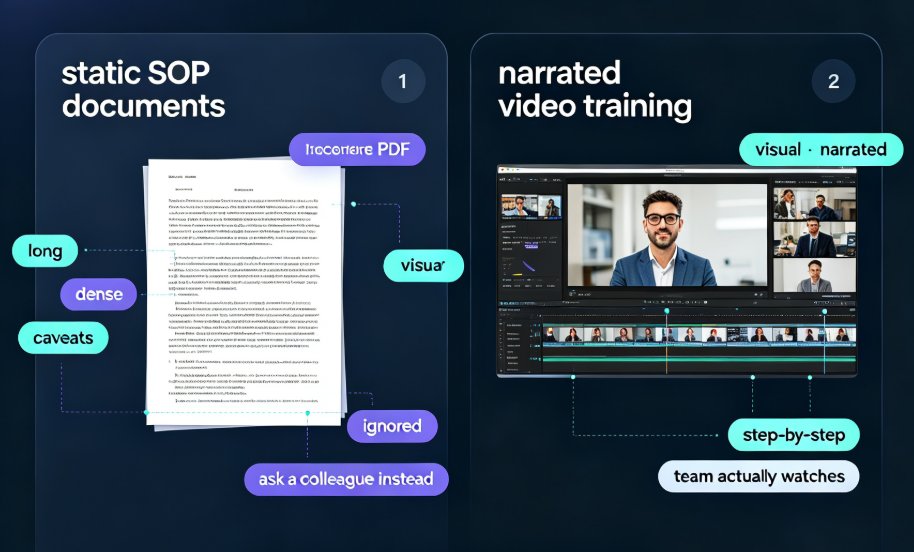
Turn static PowerPoint decks into professional narrated micro-courses with Zendeck's PPT-to-video feature. No camera, microphone, or editing skills required — just upload your slides, pick an AI voice, and Zendeck generates a polished MP4 with synchronized subtitles and an optional digital human presenter. This walkthrough covers the complete workflow: importing decks, choosing narration voices, editing auto-captions, using the presenter avatar, and exporting for your LMS or YouTube. We also compare production times against traditional studio and DIY recording so you can plan your course pipeline with real numbers. Whether you're a teacher who needs reusable video lessons, an HR trainer shipping compliance modules, or a content operator building a micro-course library, this guide shows why PPT-to-video is becoming the 2026 corporate training standard.