Tags:educator workflow

8 articles

PPT to Video: Turn Slides into Engaging Micro-Courses in 5 Steps

PPT to Video 2026-09-22 2829

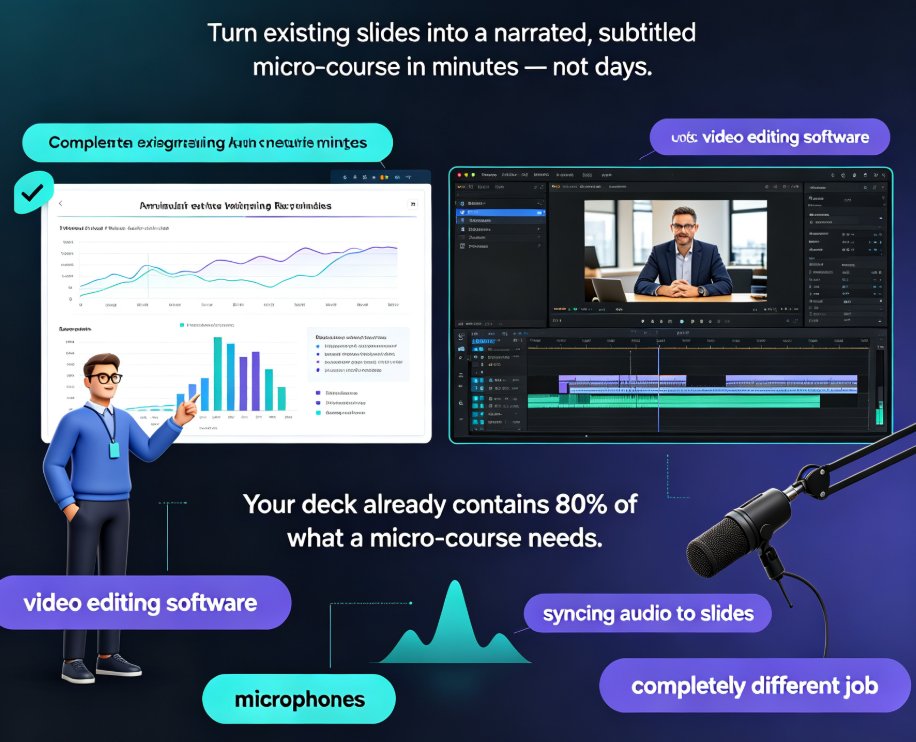
Convert any PPT into a narrated, subtitled micro-course in minutes with Zendeck's PPT-to-video workflow — no video editing skills needed. This step-by-step guide covers deck trimming, AI narration, smart layout reskinning, auto-subtitles, and export, with a comparison table showing hours saved per video. Built for educators and corporate trainers who want engaging learning videos from existing slides, Zendeck's automation replaces time-consuming screen recording and manual syncing, letting you publish polished micro-courses and boost learner engagement without learning complex editing software. You'll also find common PPT-to-video mistakes to avoid, practical tips for scripting at the right pace, and answers to the most frequent questions about output formats, subtitle editing, and mixing your own voice with AI narration. If your team already builds courseware in PowerPoint, this guide shows how to extend that investment into a video library your learners will actually finish.
Word Outline to Polished Presentation: Zendeck AI in Minutes

AI Courseware 2026-09-03 3974

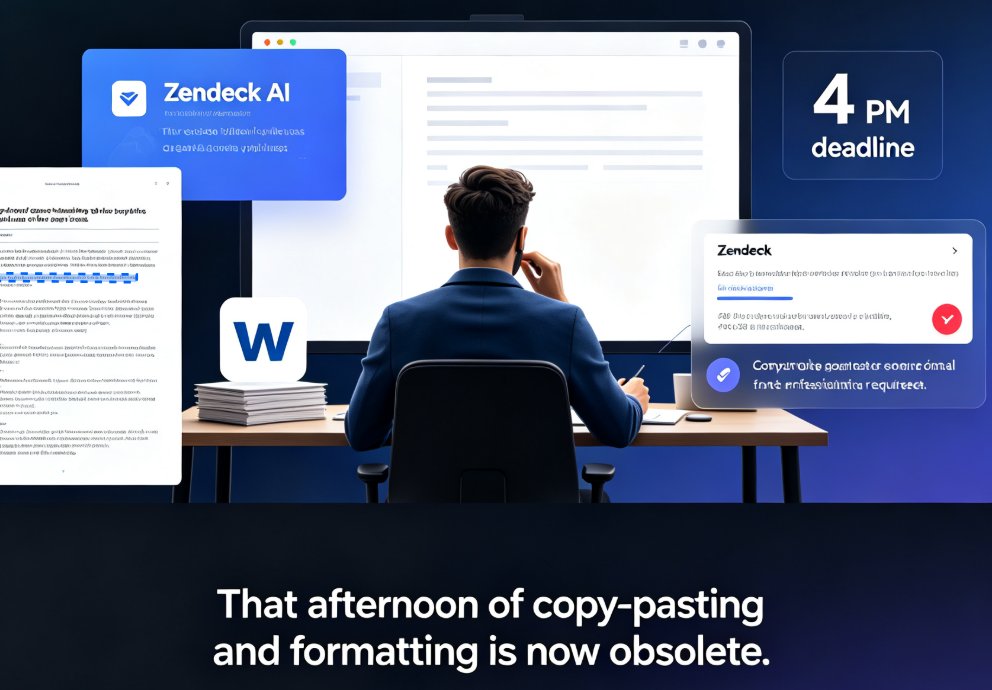
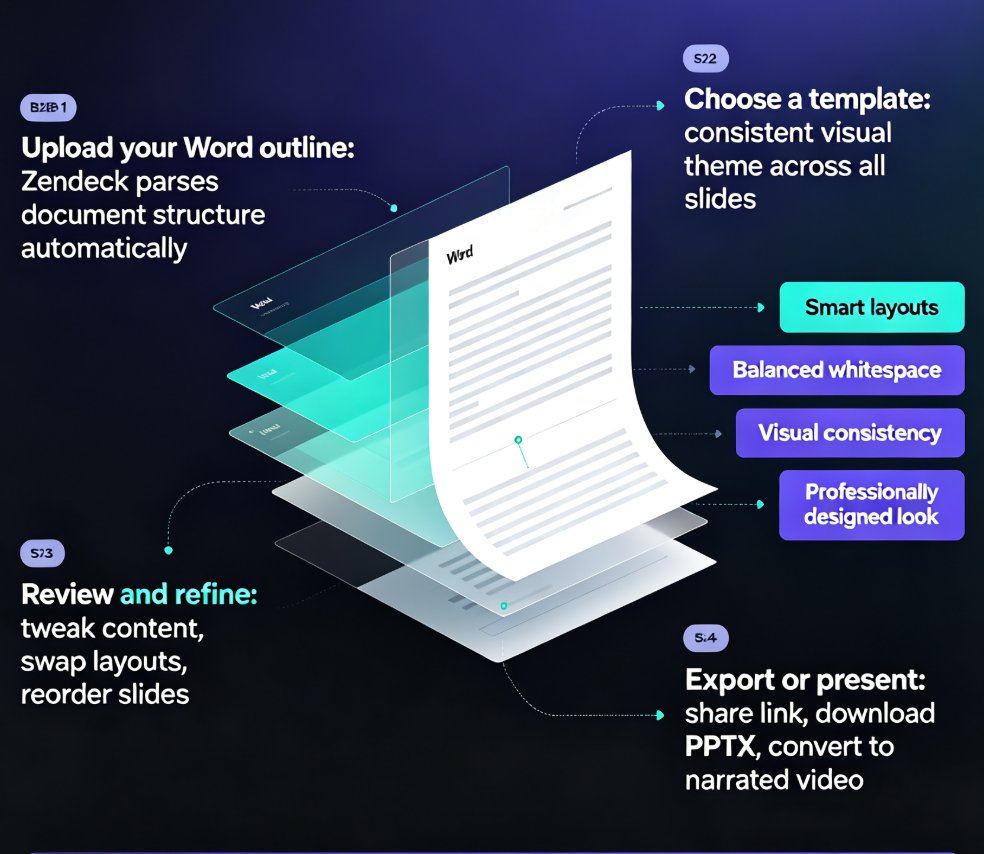
Turn a Word outline into a polished, presentation-ready deck in minutes with Zendeck AI. This guide walks through the outline-to-slide mapping workflow, showing educators, trainers, and professionals how to convert Word documents to PowerPoint slides without manual formatting. Learn the step-by-step process, best practices for structuring your outline, and real time-saving numbers. Zendeck's AI reads your document's heading structure, maps content to slide layouts, applies consistent design, and delivers a finished presentation in about 10 minutes — versus 3-4 hours of manual work. Includes a comparison table, workflow tips, and answers to common questions about Word import, template selection, brand kits, and PPT-to-video conversion. Whether you're repurposing a training manual, course syllabus, or quarterly report, Zendeck makes Word-to-PPT conversion effortless.

Word-to-PPT Automation: The End of Manual Copy-Paste for Educators and Trainers

AI Courseware 2026-08-24 2882

Word-to-PPT automation is transforming how educators and trainers build decks. Instead of copy-pasting lecture notes into PowerPoint slide by slide, tools like Zendeck parse your Word outline and generate a professionally structured, visually consistent presentation in minutes. This article breaks down the workflow, compares manual vs automated deck-building time, and shares practical tips for structuring your Word documents for clean AI conversion. If you're an educator, trainer, or course creator who's tired of losing hours to formatting, this guide shows you how to reclaim that time — and produce decks that actually look good. Learn how Zendeck's outline-to-slide conversion works, what to avoid, and why Word-to-PPT automation is becoming a standard expectation in modern presentation tools.

From Outline to Video: The Rise of End-to-End AI Presentation Agents

PPT to Video 2026-08-21 1944

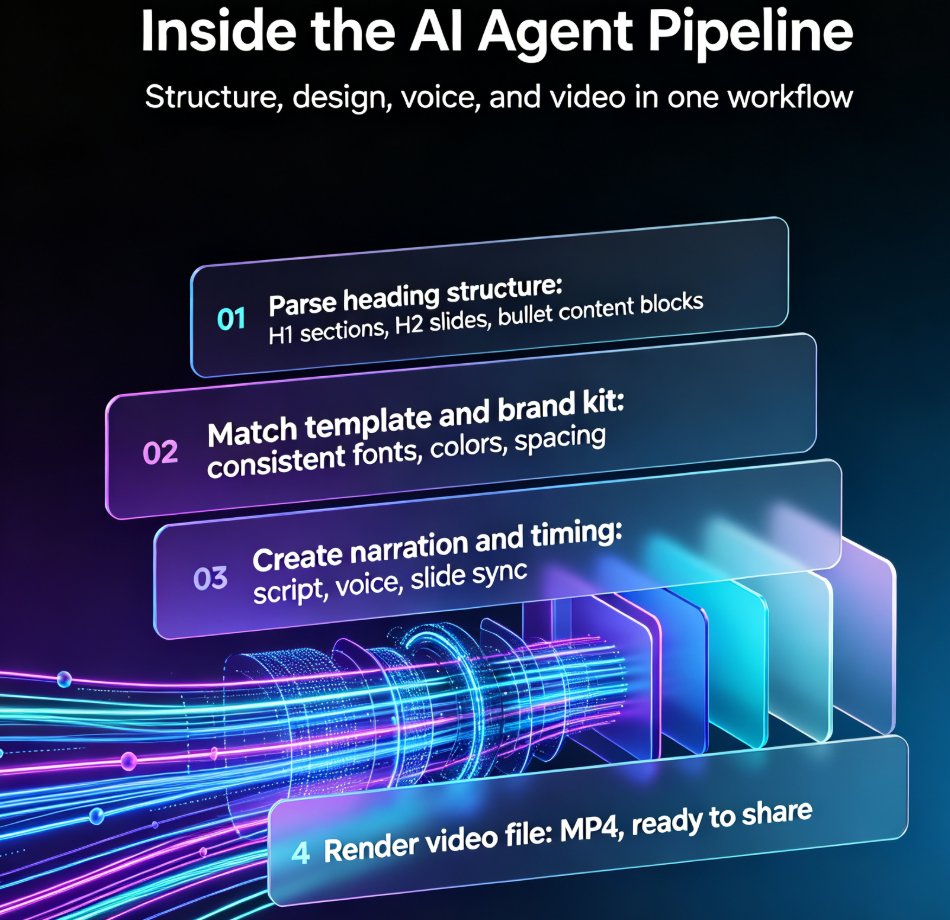
End-to-end AI presentation agents are turning Word outlines into fully narrated videos in minutes, and Zendeck's AI Agent is leading the shift. For educators, trainers, and HR teams, this means production time drops from four to six hours down to fifteen to thirty minutes per micro-course. This guide breaks down how the outline-to-video pipeline works — from document import to slide generation, narration, and video export — compares the traditional workflow against AI agents, and explains what to look for when evaluating tools. If you create training videos, courseware, or internal communications, this is the workflow change you need to understand in 2026. No design skills, no video editing, no late nights — just import, review, and export. Whether you are building onboarding modules, compliance training, or educational micro-courses, the end-to-end agent approach removes the production bottleneck and lets you focus on content quality.

From PPT to Video: Creating Narrated Micro-Courses with Zendeck

PPT to Video 2026-08-21 1792

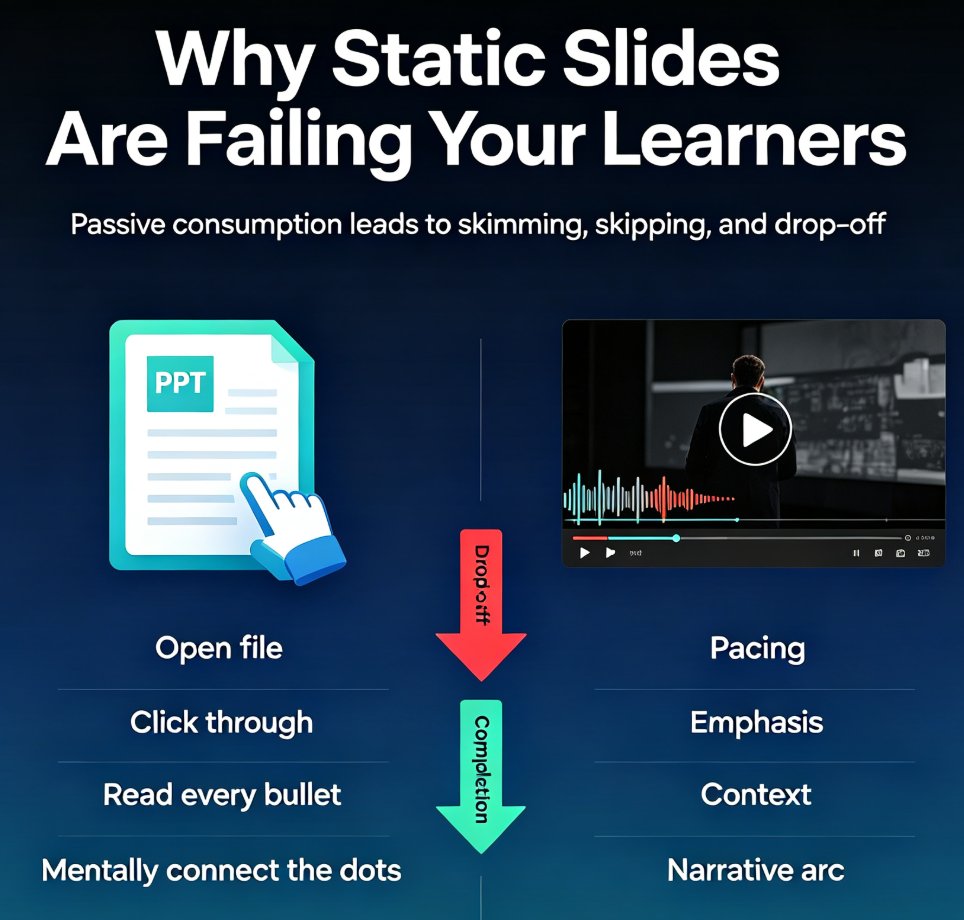
Zendeck's PPT-to-video feature turns static slides into narrated micro-courses with auto-generated voiceover and subtitles. This guide shows educators and trainers how to repurpose existing PowerPoint decks into shareable video content in minutes — no extra tools, no design skills, no video editing experience. Learn the step-by-step workflow, best practices for narration, and when to use this approach for training, onboarding, and micro-course production. If you've been sitting on a deck that deserves a wider audience, this is the fastest path from PPT to video. We'll cover real scenarios, common mistakes, and how Zendeck's smart layout and asset library keep your video on-brand from first slide to final export.

PPT to Video with AI Narration: Zendeck's Guide to Micro-Course Creation

PPT to Video 2026-08-20 2284

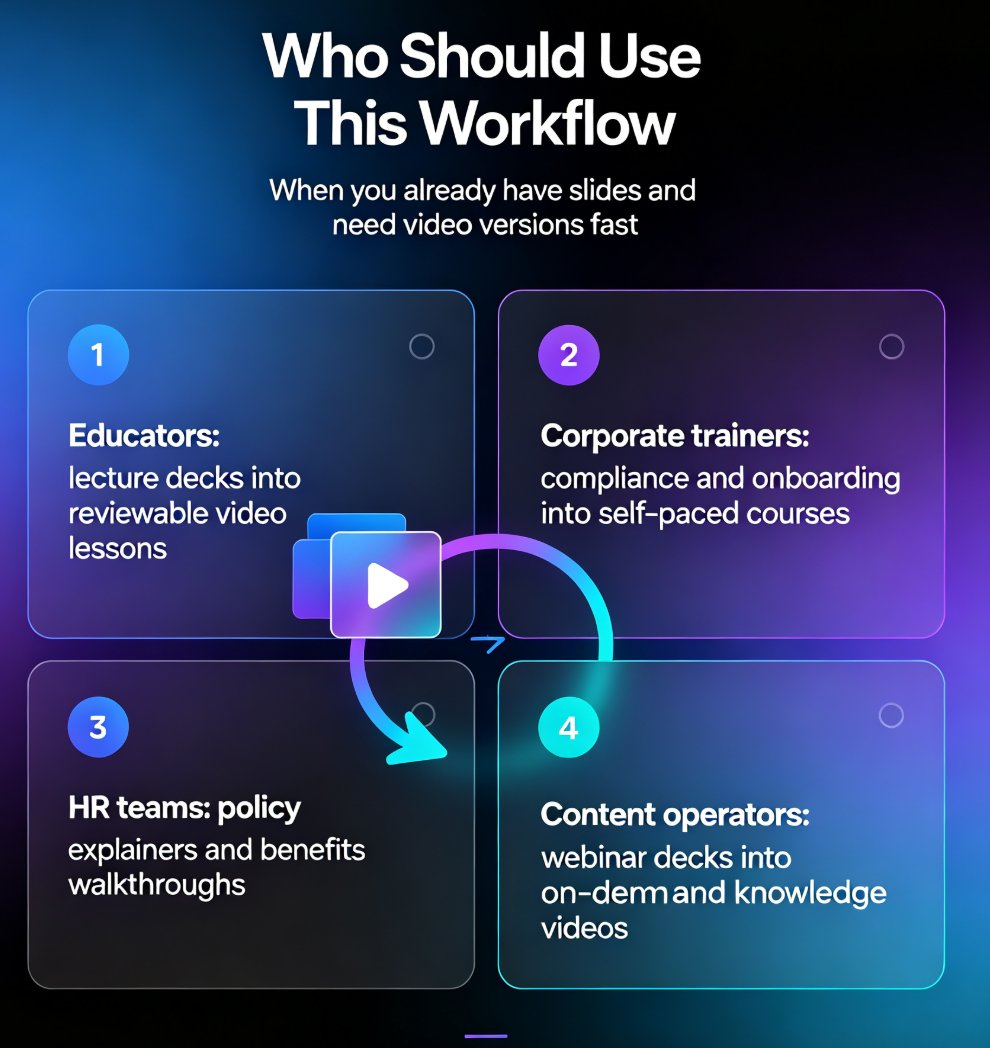
Turn static slides into narrated micro-courses with Zendeck's PPT-to-video feature — no camera, no mic, no editing software required. This guide walks educators, trainers, and HR teams through the complete workflow: upload a deck, let AI generate the script, pick a voice, refine the narration, and export a share-ready MP4 in minutes. We compare the traditional production pipeline against the AI-assisted route, break down the time and cost savings with a side-by-side table, and share practical tips for keeping your micro-courses engaging and up to date. Whether you're converting compliance training, onboarding material, or a lecture deck, Zendeck's PPT-to-video removes the production barrier so you can publish more courses, faster, without a studio budget.