
PPT to Video: Turn Slides into Engaging Micro-Courses in 5 Steps
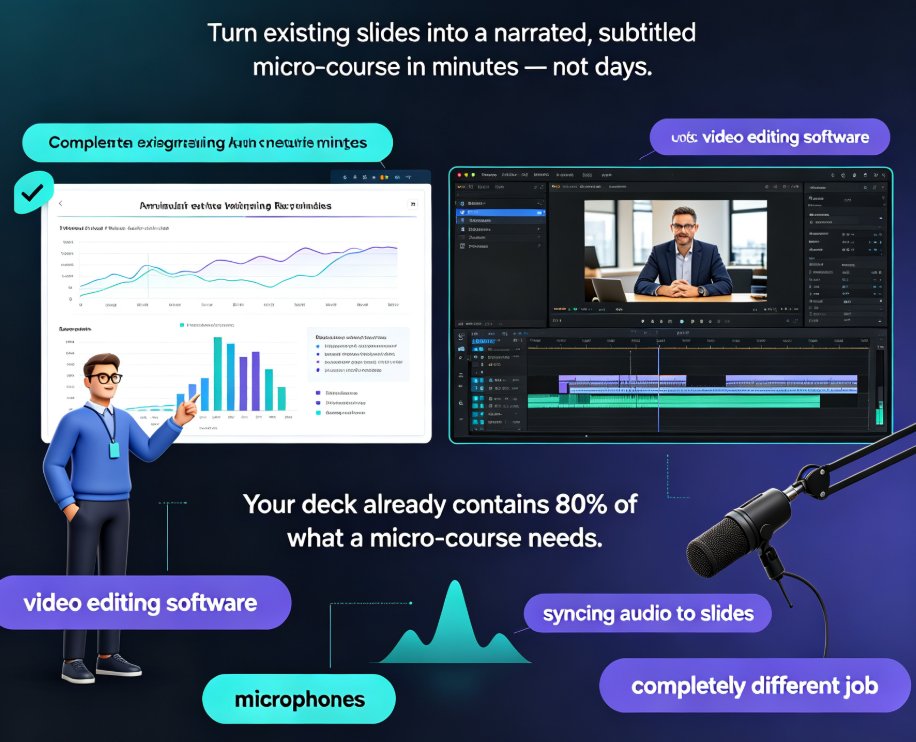
Convert any PPT into a narrated, subtitled micro-course in minutes with Zendeck's PPT-to-video workflow — no video editing skills needed. This step-by-step guide covers deck trimming, AI narration, smart layout reskinning, auto-subtitles, and export, with a comparison table showing hours saved per video. Built for educators and corporate trainers who want engaging learning videos from existing slides, Zendeck's automation replaces time-consuming screen recording and manual syncing, letting you publish polished micro-courses and boost learner engagement without learning complex editing software. You'll also find common PPT-to-video mistakes to avoid, practical tips for scripting at the right pace, and answers to the most frequent questions about output formats, subtitle editing, and mixing your own voice with AI narration. If your team already builds courseware in PowerPoint, this guide shows how to extend that investment into a video library your learners will actually finish.