PPT Tutorial

PPT creation tips, step-by-step guides, efficiency methods, and hands-on playbooks.

34 articles

5 Ways Zendeck Smart Layout Cuts Presentation Design Time

PPT Tutorial 2026-09-18 2364

Zendeck's smart layout feature auto-unifies fonts, colors, and alignment, cutting presentation design time by up to 80%. This practical guide breaks down five before-and-after scenarios, from untangling mismatched fonts across 40 slides to turning a Word outline into a finished, on-brand deck in one pass. Built on documented results from L&D teams and training managers, we show exactly where the hours go when you format manually — and how one-click smart layout removes them. Includes time-saving benchmarks, a side-by-side comparison chart, and the step-by-step workflow you can apply to your next deck. If you build slides for training, sales, or teaching, this is the fastest path from blank template to ready to present.
One-Click Reskin: How to Rebrand a 50-Slide Deck in Minutes

PPT Tutorial 2026-09-17 2403

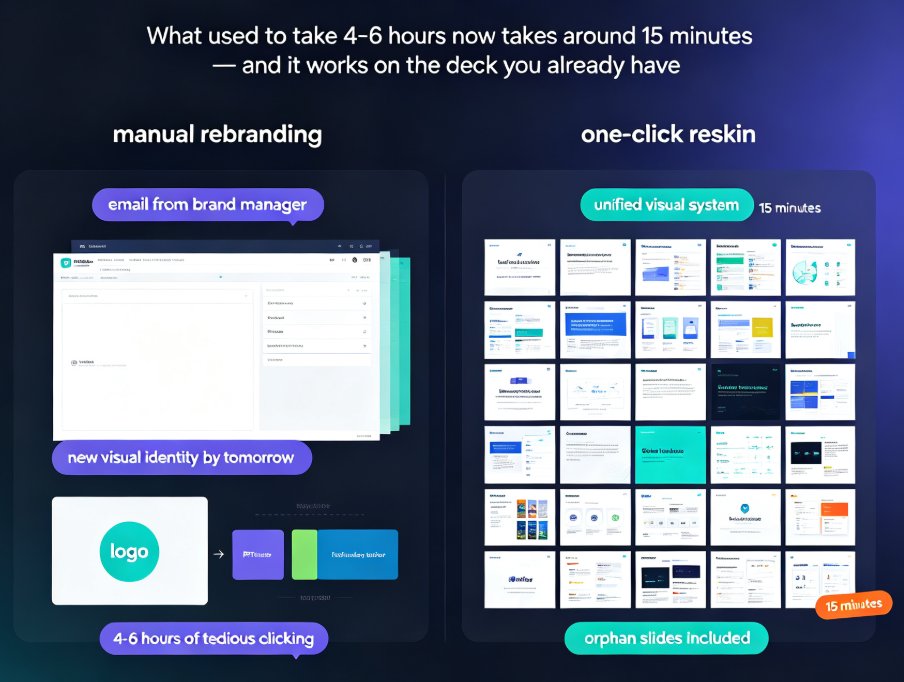
Rebranding a 50-slide deck doesn't have to eat your whole week. Zendeck's one-click reskin unifies fonts, colors, and layouts across every slide in minutes — no manual slide-master surgery, no starting over. This practical tutorial walks you through the complete reskin workflow, compares it with the old manual approach, and shows the real time savings with data. Whether you're consolidating brand identities, adapting a deck for a new client, or just tired of inconsistent typography, this is the fastest path from chaotic to cohesive. Learn when reskin works, when it doesn't, and how to get the most consistent results in under 15 minutes.

Zendeck vs Canva for Teachers: Best AI Presentation Tool in 2026

PPT Tutorial 2026-09-15 1930

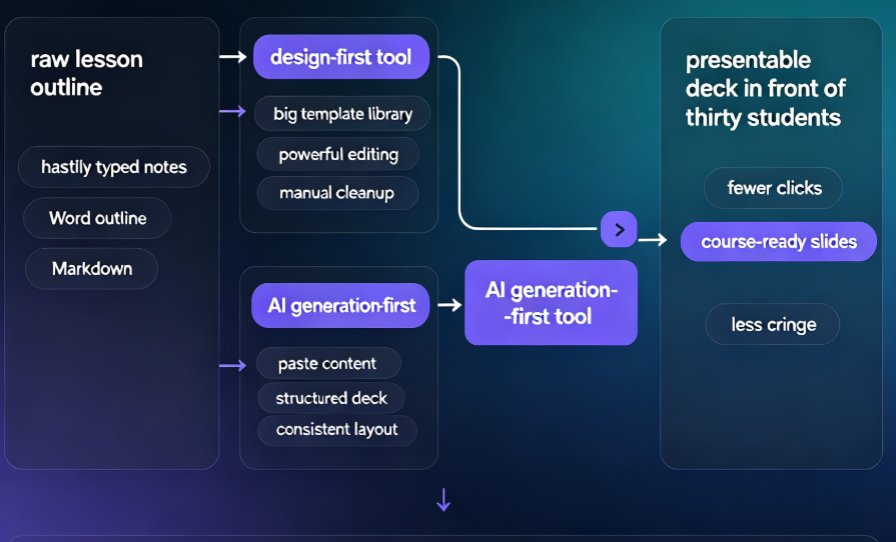
For teachers torn between Zendeck vs Canva, the winner depends on how you work: Zendeck turns outlines into course-ready, consistently designed decks automatically, while Canva offers more templates but expects manual design effort. In this education-focused comparison, Zendeck wins on automation — paste a Word outline and get structured slides with balanced layouts in minutes — while Canva wins on template volume and free education access. We tested what actually matters in a classroom: AI deck generation, smart layouts and reskinning, micro-course support, branding, and honest pricing trade-offs. If your daily reality is lesson decks, narrated micro-courses, and zero design decisions, Zendeck is the tool that reclaims your evenings. See the full feature table, the outline-to-slides workflow, and the final verdict inside.

Word Outline to PPT in Minutes: Smart Import Guide

PPT Tutorial 2026-09-10 3338

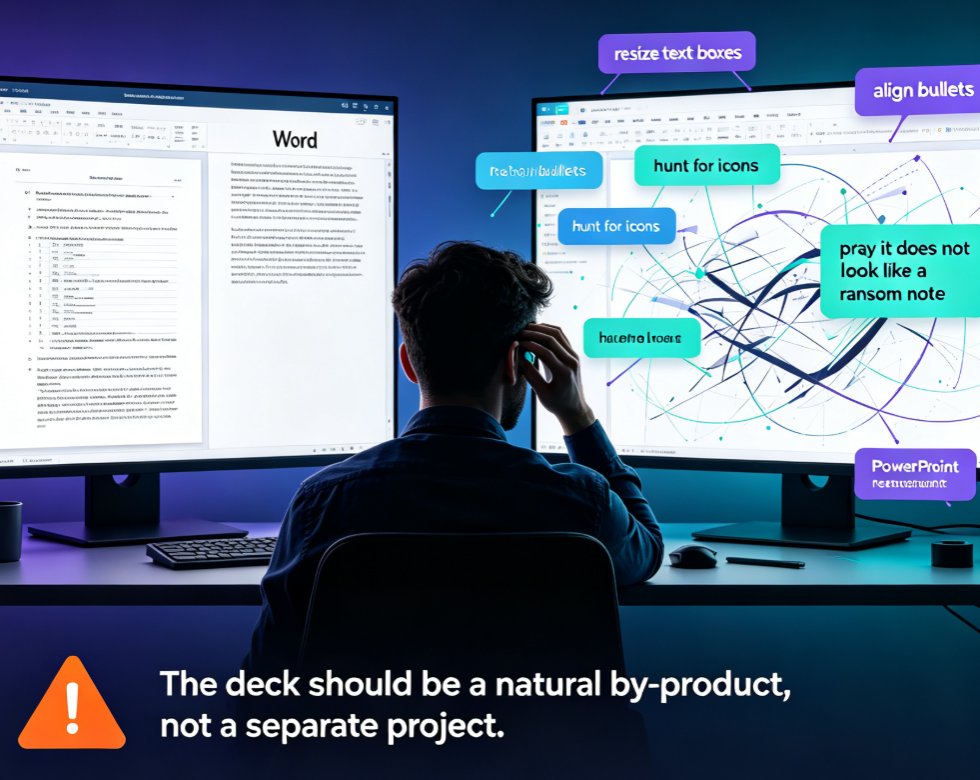
Learn how to turn a Word outline into a polished PPT in minutes with Zendeck. This smart import guide covers PowerPoint's native outline feature, its limitations, and how Zendeck's AI streamlines the entire workflow—from heading detection to automated design. Save hours, avoid formatting headaches, and deliver consistent, professional decks every time. Perfect for trainers, educators, and business professionals who want to skip the copy-paste grind.

One-Click Re-Skin: AI Unifies Fonts, Colors & Layout in PPT

PPT Tutorial 2026-09-08 2187

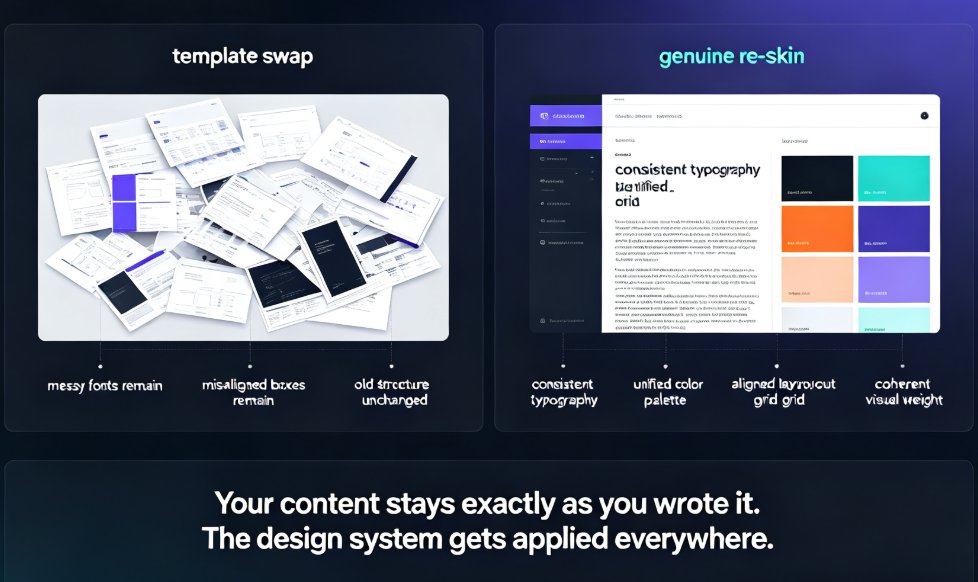
A one-click AI re-skin unifies fonts, colors, and layout across your entire PPT in 15–30 minutes instead of 6–8 hours of manual slide-by-slide editing. Zendeck's smart-layout engine diagnoses the common design sins — font chaos, clashing palettes, stretched visuals — then repairs every slide with consistent typography, a unified brand palette, and aligned grids, all while preserving your content. This guide breaks down what one-click re-skinning actually means, the three-stage diagnostic process that powers it, a workflow you can copy, and the mistakes to avoid. If you have ever spent a Thursday night re-picking hex codes across 40 slides, this is the piece that shows you there is a faster way — and why it beats both manual editing and old-school template swaps.

One-Click Reskin: How Zendeck Auto-Unifies Fonts, Colors, and Layouts

PPT Tutorial 2026-09-07 1680

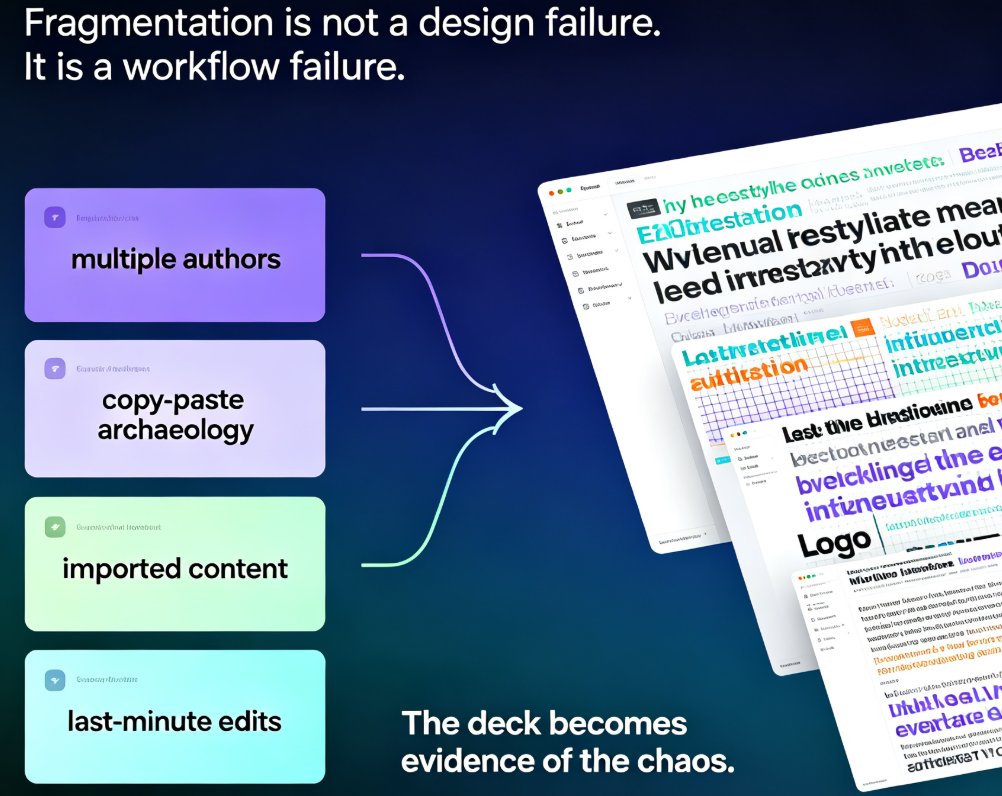
One-click reskin in Zendeck turns a scattered, multi-author deck into a single, on-brand presentation in minutes. Zendeck's smart layout engine auto-unifies fonts, colors, spacing, and slide structure across the whole deck — no manual redesign, no template-pasting, no broken alignment. This guide walks through what reskinning actually does under the hood, the real before-and-after scenarios in corporate and academic settings, how to enforce brand guidelines without hiring a design police force, and a 15-minute workflow you can reuse on every deck. We also cover edge cases where one-click reskin needs a human touch. If you've ever shipped a deck with three fonts and five shades of blue, you'll want to read this before your next all-hands.