Tags:Zendeck template library

19 articles

Zendeck Template Library: Design Consistent Courseware in 3 Steps

Courseware Design 2026-11-05 3340

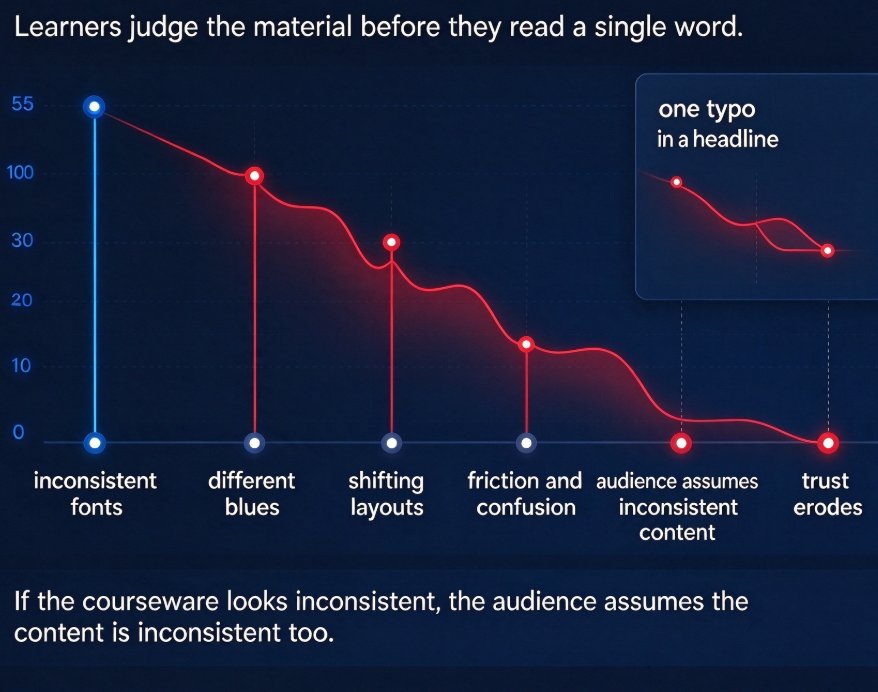
Inconsistent fonts, mismatched colors, and shifting layouts quietly undermine the credibility of your courseware. With Zendeck's template library, you can design professional, on-brand courseware in three steps: set up your brand kit, generate slides from a Word outline or Markdown, and apply a one-click reskin to unify everything. This guide walks educators, trainers, and HR teams through the entire workflow, from choosing the right template to polishing with smart layout. The result is courseware that looks intentional, saves hours of layout work, and scales across your whole team. Whether you're producing compliance training, onboarding sessions, or classroom lessons, this workflow keeps every slide aligned with your brand. If consistency is your biggest design problem, Zendeck's template library is the fastest fix you'll find.
How to Keep Brand Consistency Across Decks with Zendeck

PPT Tutorial 2026-11-03 1107

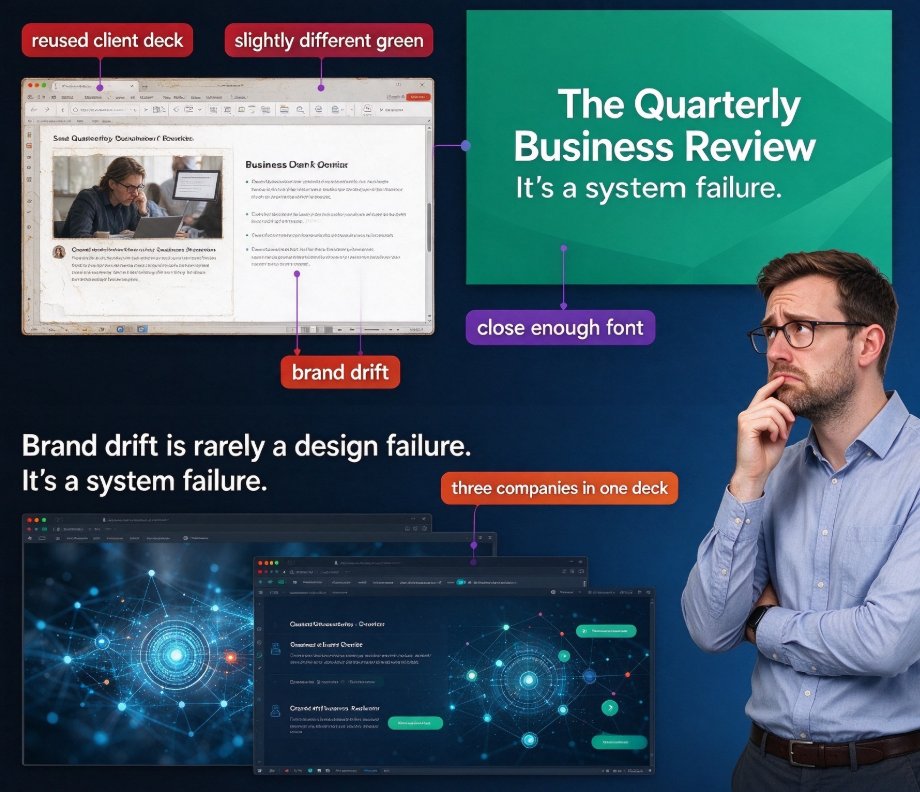
Brand consistency across decks is harder than it looks — especially when your brand rules live in a PDF nobody reads at 5 p.m. on deadline day. Zendeck's template library makes it the default: every deck starts from a pre-approved, on-brand template, and the one-click reskin feature instantly upgrades any legacy or off-brand deck. This guide shows how Zendeck enforces color palettes, typography hierarchy, and logo placement across every slide, why system-level enforcement beats human discipline, and the exact workflow (brand kit setup, mandatory template starts, and a 5-minute consistency audit) that keeps your whole team on-brand without a single designer. If you've ever shipped a deck with the 'close enough' font, this article is for you. It's practical, scenario-based, and designed for marketing teams, educators, and content ops.

How to Choose the Right Zendeck Template for Corporate Training Decks

Courseware Design 2026-11-02 1451

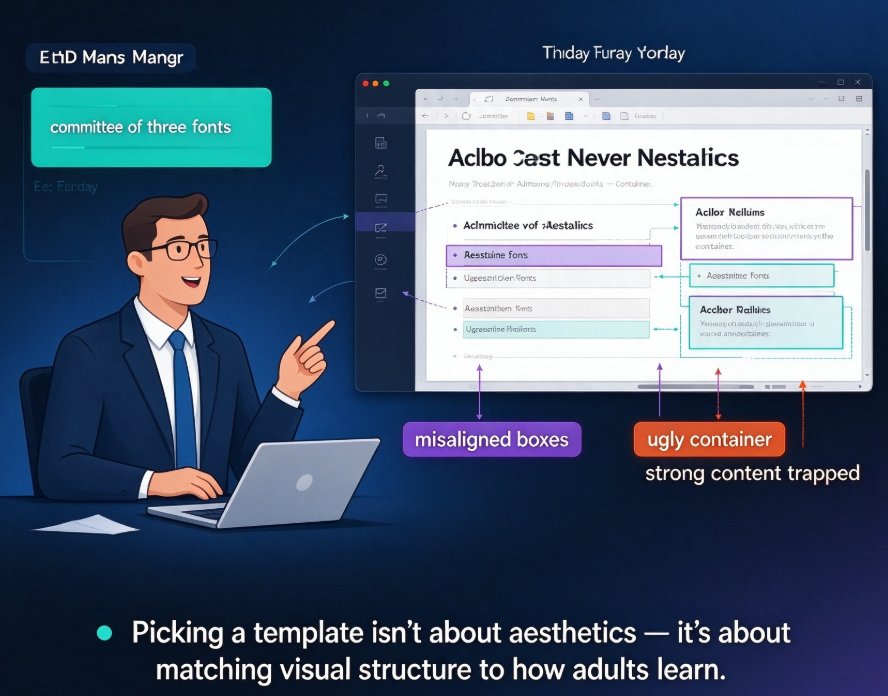
Choosing the right Zendeck template for corporate training decks starts with mapping the scenario: onboarding, compliance, and skills each need a different visual structure. This guide walks you through the criteria — content density, brand alignment, slide rhythm, and audience tone — and shows how Zendeck's template library helps non-designers build professional, on-brand training decks in minutes. You'll learn a repeatable workflow from outline to finished deck, plus real scenarios where the right template saves your week. Stop fighting font sizes; start matching templates to training goals.

How to Choose a Winning Template for Investor Pitches with Zendeck

Presentation Skills 2026-10-30 3599

Choosing the right investor pitch deck template with Zendeck can be the difference between getting read, remembered, and funded — or ghosted. This guide shows you how to select a winning template for investor pitches from Zendeck's library. You'll learn the anatomy of investor-ready decks, a six-point evaluation checklist, a step-by-step selection process, and common template mistakes that kill fundraising decks. Covering market opportunity charts, brand consistency, slide economy, and the ten-feet rule, this is a practical roadmap for founders at any stage who want a pitch deck that converts attention into funding. Zendeck's smart layout, context-aware template suggestions, and one-click reskinning make the decision fast and effective — so you can spend your energy on the pitch itself, not the visual design.

How to Build a Branded Training Deck with Zendeck Templates

Courseware Design 2026-10-21 2367

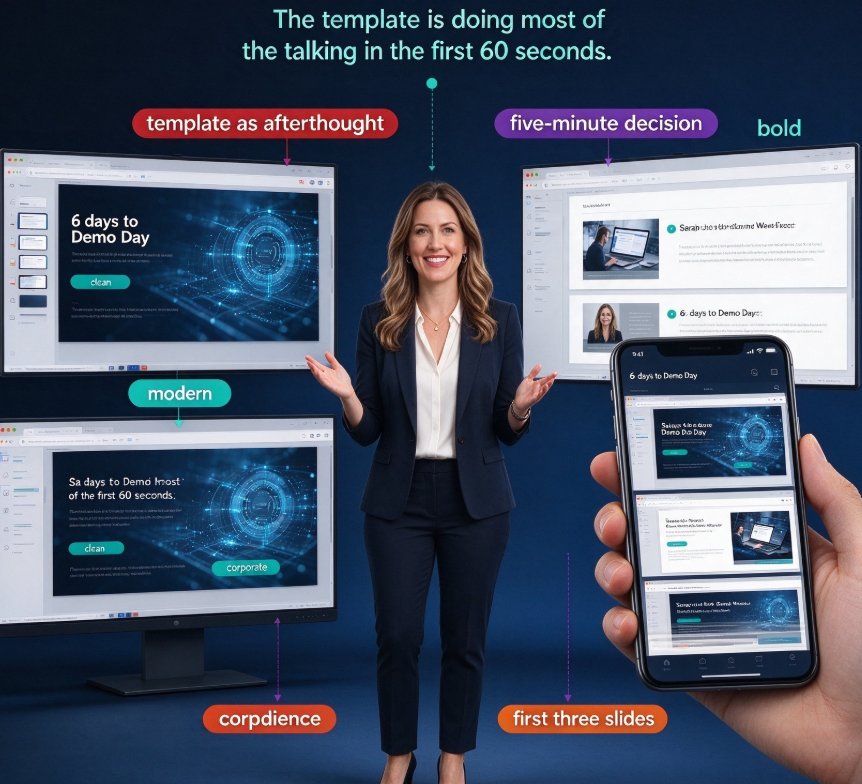
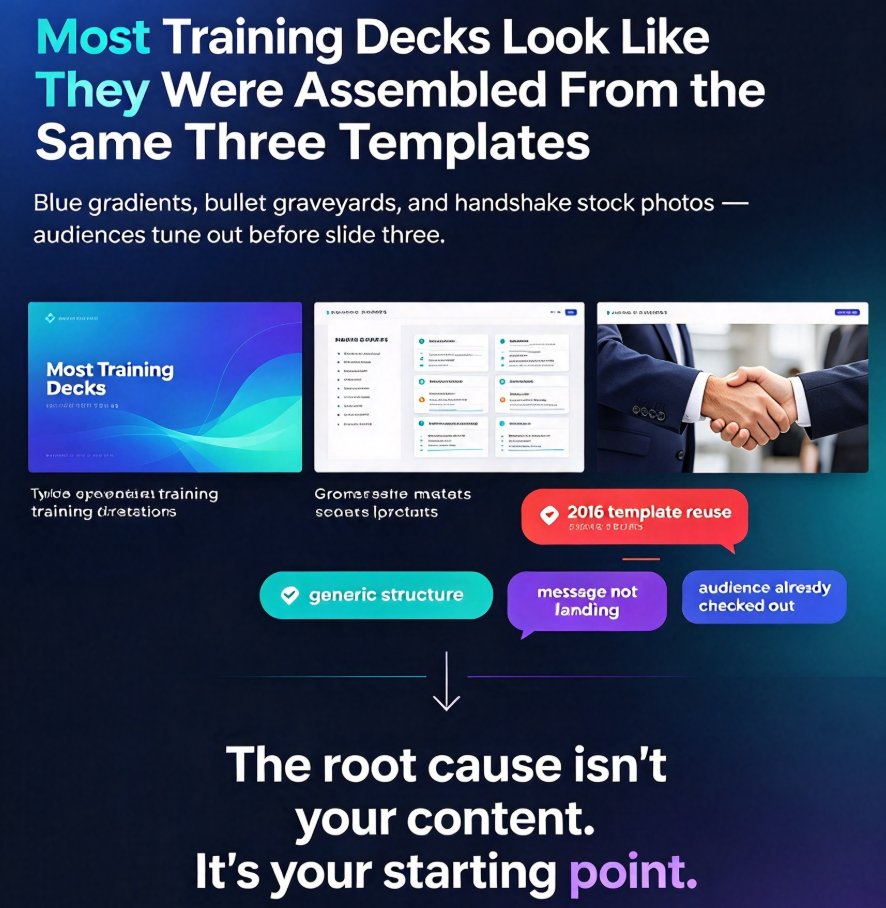
Generic templates make every training deck look the same. This step-by-step guide shows how to build a branded training deck from Zendeck's template library — from defining your brand foundation and picking the right contextual template to customizing colors and fonts with the brand kit, structuring a 10–20 slide flow, and reskinning everything in one click. For trainers and educators who want courseware that actually looks designed, Zendeck's context-aware templates, smart layout, and PPT-to-video export turn a plain outline into cohesive, on-brand learning material. No design skills required. Start with the brand kit, pick a contextual template, reskin with smart layout, and ship a deck that feels like it belongs to your organization.

Template Library Review: Find Perfect Slide Designs for Any Occasion

AI Courseware 2026-09-22 1725

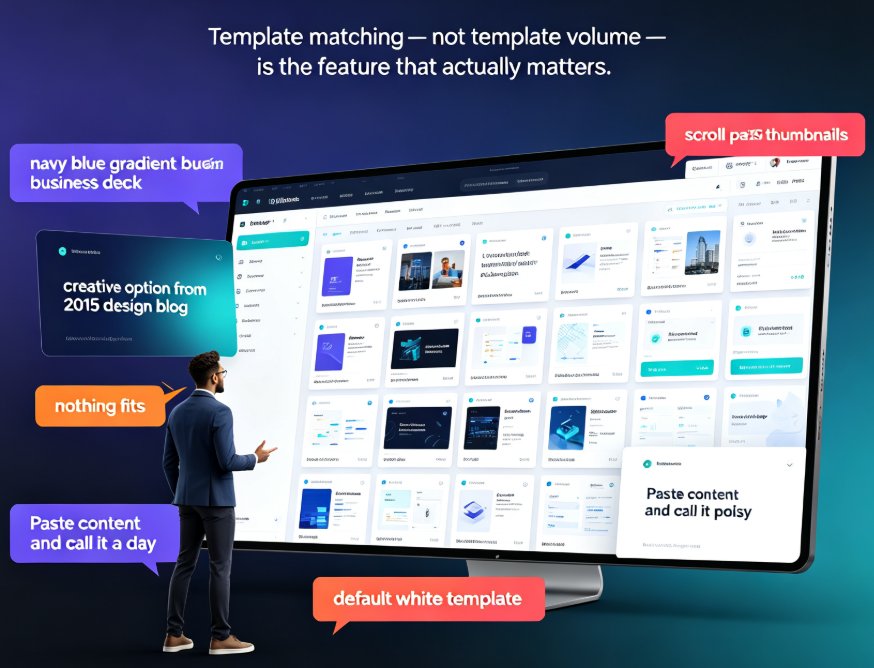
Need the perfect slide design for any occasion fast? This template library review compares how generic galleries fail against how Zendeck's scenario-based library matches business pitches, quarterly reports, classroom lessons, and training workshops. Zendeck's AI reads your outline and surfaces templates that fit your audience, tone, and goal — then a one-click reskin makes the design yours without opening a design tool. You'll get four practical rules for matching templates to context, a breakdown of business, education, marketing, HR, and data categories, and why context-aware design beats static PowerPoint themes for persuasive results. If you've lost an afternoon scrolling thumbnails, this review shows how the right library gets you from outline to a polished, on-brand deck in about an hour.

▲