How to Choose the Right Zendeck Template for Corporate Training Decks
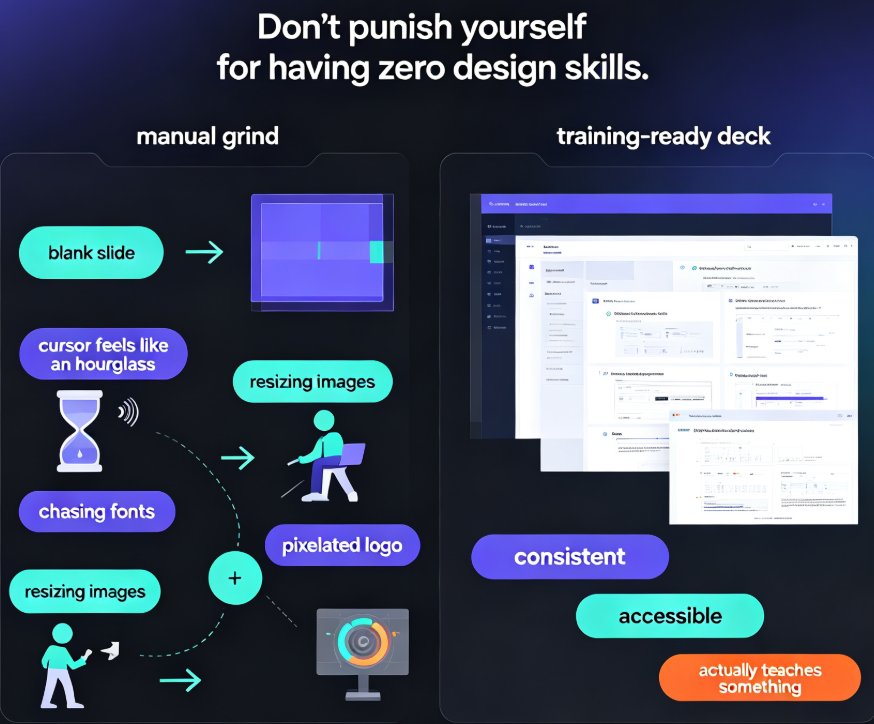
You're staring at a course outline due Friday, and the slide deck you made last quarter looks like it was designed by a committee of three fonts. If that sounds familiar, you're not alone. Most L&D managers and corporate trainers aren't designers — and honestly, they shouldn't have to be. The gap between solid training content and a deck that actually holds attention is almost never about the content. It's about the container.
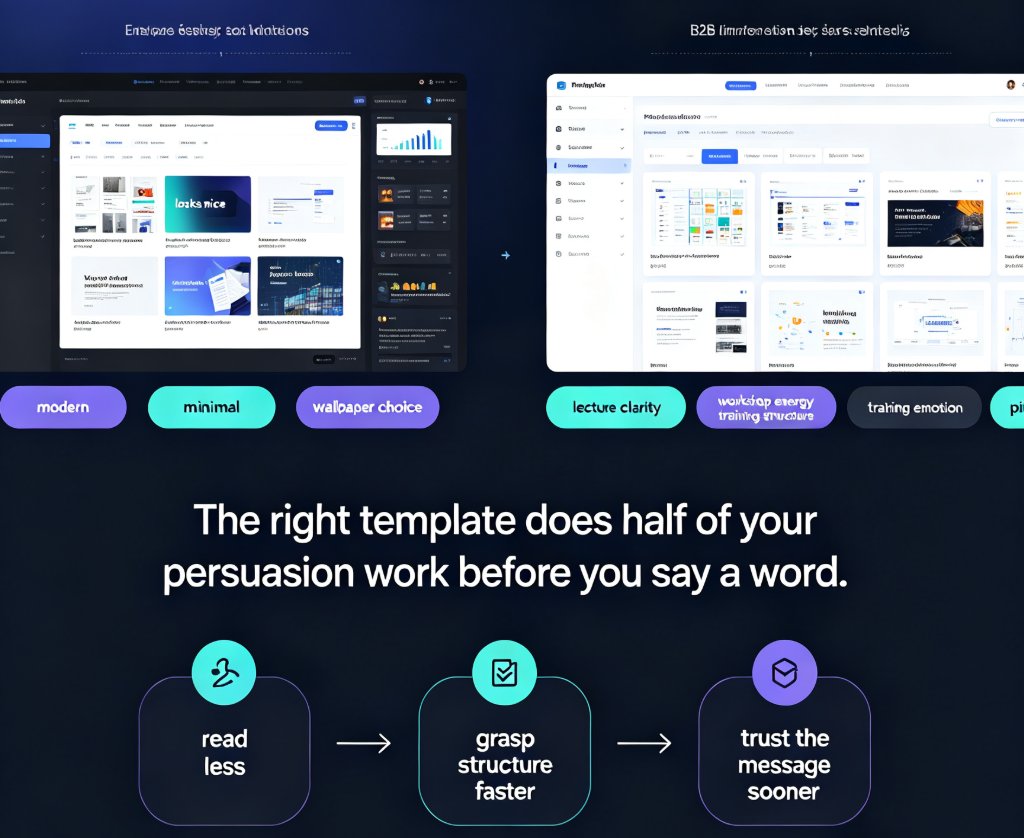
That's where template choice comes in. Let's be real: picking a template isn't about aesthetics. It's about matching visual structure to how adults learn and how your organization needs to present itself. In this guide, we'll walk through how Zendeck's template library helps you choose the right deck for onboarding, compliance, and skills training — without a design degree.
01. Why Template Choice Is the Hidden Lever in Training Engagement
Adults don't sit through training because the slides are pretty. They stay engaged when information is structured in a way that respects their time. A template is that structure. Headline placement, grid layout, color hierarchy, and slide rhythm all shape how quickly a learner absorbs a topic — and how much of it they remember a week later.
The right template is not a decoration — it's a cognitive scaffold. It tells the learner where to look, what matters, and how far they've traveled.
That's the principle behind template libraries in AI platforms like Zendeck: the design system does the thinking for you, so you spend your energy on content, not on nudging text boxes back into alignment. When you pick a template that genuinely fits your training scenario, two things happen. First, learners navigate the material more easily because the visual cues match their expectations. Second, you stop wasting hours on formatting — hours that can go back into making the content better.
If you're curious how Zendeck decides which template suits your content, we've broken down the selection logic in AI Deck Template Selection: How Zendeck Picks the Right Look for You.
02. Mapping Training Scenarios to Template Types
Not all training is the same. Onboarding needs warmth and structure; compliance needs clarity and audit-readiness; skills training needs visual demonstration. If you use the same generic business template for all three, you're fighting against your content from slide one.
Here's a practical way to map your training scenario to the template characteristics that matter:
| Training Scenario | Template Emphasis | Key Design Elements | Typical Deck Length |
|---|---|---|---|
| Onboarding | Warm, welcoming, structured | Timeline graphics, org charts, benefit callouts, team intro layouts | 20–40 slides |
| Compliance / Policy | Clear, formal, audit-ready | Checklists, policy callout blocks, quiz/review slides, legal disclaimers | 10–25 slides |
| Skills / Product | Visual, demonstration-heavy | Step diagrams, feature grids, comparison tables, screenshot placeholders | 15–30 slides |
| Leadership / Management | Strategic, high-level | Data charts, framework diagrams, action-plan layouts | 10–20 slides |
| Sales / Customer | Persuasive, benefit-led | Case studies, ROI charts, objection-handling frames | 15–25 slides |
The takeaway? The template library isn't a stack of pretty skins — it's a set of functional structures. Zendeck's library is searchable by use case, so instead of flipping through forty generic options, you can search "onboarding" and get a deck built for that purpose. And this is exactly why contextual templates beat generic designs. A template that was designed for onboarding already knows where the org chart goes; you don't have to bend a marketing template into a training tool.
03. Four Criteria That Separate the Right Template from the Wrong One
Before you click "apply template," run your choice through these four filters. They'll save you from the classic trap of picking a template that looks great on the gallery page but collapses under your content.
1. Content Density
Will this template hold what you actually need to say? A compliance deck is dense with policy text and checklists, so you need layouts that accommodate more text without turning into walls of words. A product training deck, by contrast, is more visual — you need large image areas and step diagrams. Match the template's layout capacity to your content load.
2. Brand Alignment
Your training deck is a brand artifact. If it doesn't match your corporate identity, it undermines the message. Zendeck's brand kit feature lets you define fonts, colors, and logo placement once, then applies them across any template you choose. The template gives you structure; the brand kit gives you identity. Together, they handle what we've covered in depth on creating a custom brand kit for consistent decks.
3. Slide Rhythm
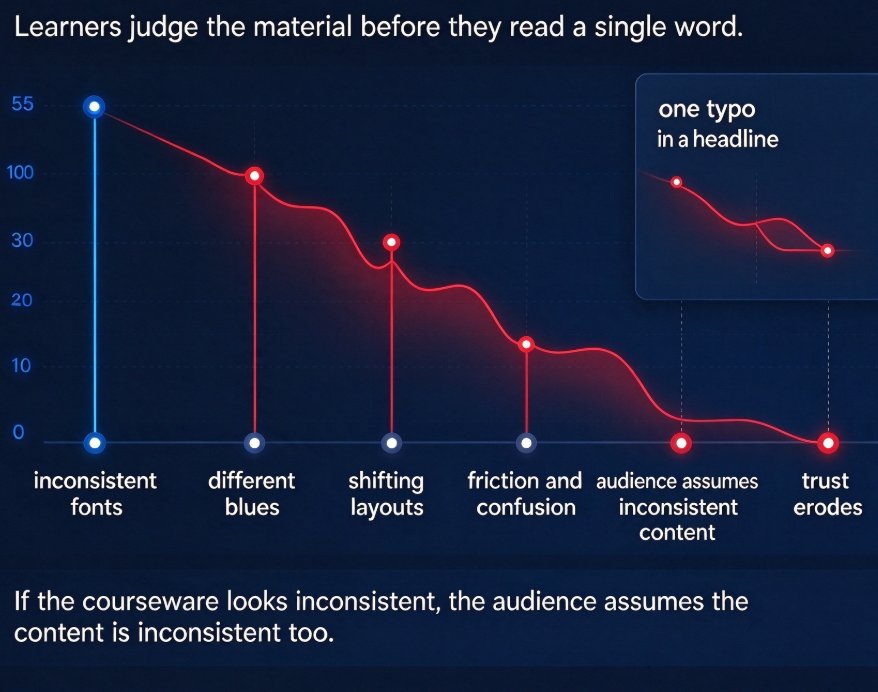
A good training deck doesn't look like a monotonous scroll. It alternates between title slides, content slides, data slides, and section dividers. Check whether the template offers variety in slide layouts. If every slide looks identical, learners will hit a wall around slide fifteen — no matter how good your content is.
4. Audience Tone
Onboarding for new hires calls for a welcoming, approachable look. A board-level strategy review calls for restrained, formal design. The same template can't serve both. Think about the emotional register your audience expects, then pick a template that matches — not one that fights it.
Choosing a template on looks alone is how you end up with a training deck that's beautiful and useless. Match the template to the content job, and the design stops being a distraction.
04. A Repeatable Workflow: From Outline to On-Brand Deck in Minutes
Once you've internalized the four criteria, the actual process in Zendeck becomes nearly automatic. Here's a workflow you can reuse for every training program.
Step 1 — Start with a Word outline. Write (or repurpose) your training content as an outline. Section headings become slide titles; bullet points become content blocks; tables become structured charts. If you already have training materials in Word, you're 80% of the way there.
Step 2 — Import and generate. Paste the outline into Zendeck, and the AI maps your content to the most appropriate slide layouts within the template you've chosen. This is where smart layout cuts presentation design time — headlines become titles, text becomes structured blocks, and your deck starts looking professionally designed even though your input was just a plain outline.
Step 3 — Apply the brand kit. One click applies your fonts, colors, and logo rules. This is also where Zendeck's reskinning comes in handy if you need to quickly switch a deck from one department's branding to another's.
Step 4 — Review and refine. Don't skip the human pass. AI handles the structure and design; you handle accuracy, tone, and local context. But instead of spending hours on formatting, you'll spend minutes — and the leftover time goes into polishing the content itself.
Step 5 — Export and distribute. Generate the final deck for live sessions, or push it through Zendeck's PPT-to-video to create a narrated micro-course for asynchronous learners.
This workflow scales. Build one onboarding deck, and the same system produces the next one in a fraction of the time. That's how AI templates enforce brand governance across an entire training catalog.
05. Real Scenarios That Save Your Week
Let's make this concrete. Three scenarios where the right template transforms your workflow:
Scenario A — Onboarding deck for a new regional office. You have the core onboarding outline from HQ, but you need to include local benefits and office logistics. Instead of copying slides manually into a dozen decks, you paste the local content into the outline, import it to Zendeck, and generate a fresh deck. The AI keeps the same brand kit and template structure, so the regional deck looks exactly like HQ's — just localized. Outcome: one morning of work instead of two days.
Scenario B — Compliance refresher for a mature workforce. Your veterans don't need basic onboarding; they need a fast, clear refresher with checkpoints. Pick a compliance-focused template with quiz blocks and policy callouts. Compress the full-day workshop into microlearning segments by adjusting the timing — no need to rewrite content from scratch. Outcome: a tighter, more respectful experience that actually gets completed.
Scenario C — Product training for a sales team. You need demo-heavy slides that show features, not read about them. A skills/product template with step diagrams and feature grids does the job. The layout guides learners from feature to benefit to objection-handling — the structure does half your persuasion work. Outcome: a deck that teaches, not just documents.
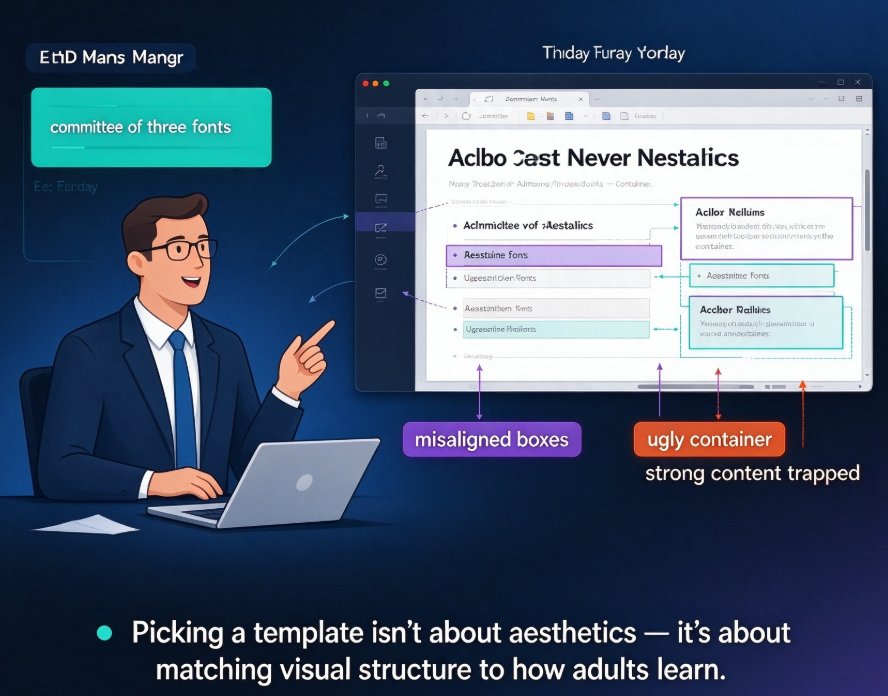
Each of these scenarios worked because the template matched the training job. When the structure fits, you're not fighting the layout — you're riding it.
06. Common Mistakes to Avoid When Picking a Training Template
Even with good criteria, mistakes happen. Here are the ones we see most often.
- Picking for the cover, not the content. That hero slide with the big image is gorgeous, but if the internal content slides can't hold your text and tables, you'll spend hours breaking the layout. Look beyond the first slide.
- Ignoring your brand kit. If your template's color palette clashes with your logo, you'll either look off-brand or spend time manually overriding every element. Apply the brand kit early.
- Reusing one template for everything. Yes, it's convenient. But as we saw in the scenario table, onboarding, compliance, and skills training demand different structures. Use the library; that's what it's for.
- Forgetting accessibility. If your organization follows WCAG guidelines, check contrast and font sizing before you commit. Zendeck can auto-add alt text and captions, but the template's base design should already be inclusive. For a deeper dive, check out our work on accessible AI presentations.
07. The Bottom Line
Template selection isn't a cosmetic decision. It's a strategic one that determines whether your training content lands or gets lost. Match the template to the training scenario, apply your brand kit, and let the structure carry the presentation — that's how non-designers produce decks that look professional and teach effectively.
Zendeck's template library turns this into a repeatable system. Search by use case, generate from your outline, apply brand rules, and you've got an on-brand training deck in minutes. For more on how the platform selects templates, revisit our deep dive on AI deck template selection, or explore more courseware design resources.
FAQ
How do I choose the right Zendeck template for an onboarding deck?
Look for templates with warm layout tones, timeline graphics, org-chart placeholders, and benefit callout blocks. In Zendeck's searchable library, filter by "onboarding" rather than picking a generic business deck. The template should map your content hierarchy — welcome slide, company story, team structure, local logistics — into a clear slide rhythm that a new hire can follow without getting lost.
Can I customize a compliance training template without breaking brand rules?
Yes. Zendeck's one-click reskin applies your brand kit — fonts, colors, logo placement — to any template while preserving the layout's structural integrity. Compliance decks often need checklists, policy callouts, and quiz blocks; you can keep those elements intact while the visual layer matches your organization's brand governance. This keeps audit-ready structure without sacrificing brand consistency.
What's the difference between Zendeck's smart layout and one-click reskinning?
Smart layout maps your imported outline to the most appropriate slide layouts in the template — headlines become titles, bullet lists become text blocks, tables become structured charts. One-click reskinning, on the other hand, applies a new visual theme (colors, fonts, background) to an existing deck. You use smart layout at generation time; you use reskinning when you need to quickly rebrand or match a different department style.
Can I use one template across multiple training programs?
Absolutely, but only if the content structure is similar. A single template works well for a series of onboarding cohorts or quarterly compliance refreshers, because it builds learner familiarity. For different content types — say a hands-on product demo versus a policy lecture — you're better off choosing separate templates from the library and keeping brand consistency through your brand kit rather than forcing one layout.
Do Zendeck templates support accessibility requirements?
Zendeck's templates are built with contrast and hierarchy in mind, and you can further enhance accessibility by using auto-captions for PPT-to-video micro-courses and auto-generated alt text for images. If WCAG compliance is a must for your organization, check the template's color contrast and font sizing before you commit, and lean on Zendeck's accessibility features to close remaining gaps.