PPTX, PDF, or MP4? Choosing the Right Export Format for Training Content
You've just finished a killer training deck. The content is sharp, the design is on-brand, and the flow makes sense. Then you hit the export button and freeze. PPTX? PDF? MP4? Which one won't mess up your hard work?
Let's be real: most people pick the format out of habit, not strategy. That's how you end up with a 50 MB PPTX that bounces back from your client's email server, or a PDF that loses all the animations you spent hours on. The good news? Once you match the format to the job, everything gets easier.
This guide breaks down the three export formats you actually need — PPTX, PDF, and MP4 — and shows you exactly when to use each one for training content. No jargon, no guesswork. Just a clear decision framework you can use starting today.
01 Why Export Format Matters More Than You Think
Here's a scenario: you're an L&D manager rolling out a new compliance training. You've built a 30-slide deck with embedded videos, interactive quizzes, and speaker notes. Now you need to send it to three different groups: your boss for approval, your team for feedback, and your remote learners who will take the course on their own.
If you send the same PPTX to everyone, you're asking for trouble. Your boss opens it in a different version of PowerPoint and the fonts break. Your team accidentally edits the master slide. And your remote learners can't even open the file on their tablets.
The right export format is the difference between a smooth rollout and a support ticket flood.
When you match the format to the use case, you control how people interact with your content. You decide whether they can edit, review, or just watch. That's not a technical detail — it's a strategic decision.
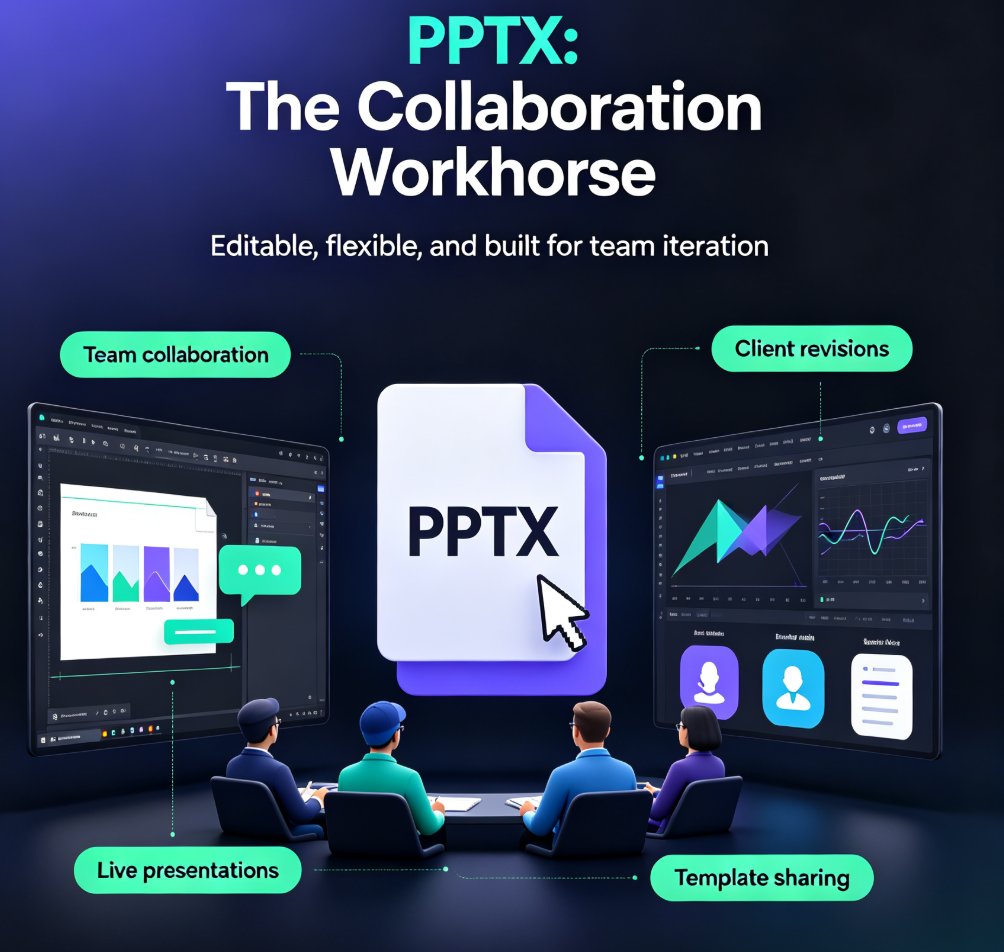
02 PPTX: The Collaboration Workhorse
PPTX is the default for a reason. It's editable, flexible, and supports every feature you've built into your deck — animations, transitions, embedded media, and speaker notes. If you're still working on the content with a team, PPTX is your best friend.
Use PPTX when you need to collaborate, iterate, or present live.
Here's when PPTX shines:
- Team collaboration: Multiple people need to edit slides, leave comments, or swap in new data.
- Client revisions: You're sharing a draft and expect feedback or changes.
- Live presentations: You need animations, transitions, and click-through interactivity.
- Template sharing: You want others to reuse your design and structure.
But there's a catch. PPTX files can bloat quickly. Embedded high-res images stay at original size, videos and audio add weight, and edit history piles up. A "simple" 20-slide presentation can easily hit 20–50 MB — sometimes more. That's a problem when you're emailing files or storing them in a shared drive.
If you're collaborating in real time, tools like Zendeck make it easy to work together without the file-size headache. You can co-edit online and export to PPTX only when you're ready to share. For more on real-time collaboration, check out our guide on collaborative AI decks and why co-editing is now a baseline.
03 PDF: The Review and Distribution Champion
When your deck is final and you just need people to see it — not edit it — PDF is your best bet. PDFs render identically on every device, compress images automatically, and strip out all the animation data that makes PPTX files heavy.
PDF is the format for review, approval, and read-only distribution.
Think about these situations:
- Executive review: Your boss needs to approve the deck, not redesign it.
- External stakeholders: Clients or partners need to see the final version without altering it.
- Email attachments: PDFs are dramatically smaller than PPTX, so they sail through email size limits.
- Archiving: Completed training materials stay intact and readable years later.
PDF also gives you a security edge. You can password-protect files, restrict editing, and control who sees what. That's huge for compliance training or proprietary content.
One thing to remember: PDFs don't support animations or transitions. If your training relies on click-triggered reveals, you'll lose that in PDF. But for static content — charts, diagrams, step-by-step guides — PDF is perfect.
If you're building training decks with Zendeck, you can export to PDF in one click. The platform optimizes images and keeps your layout pixel-perfect, so what you see is what they get. For more on creating accessible, shareable decks, check out our WCAG compliance guide for AI presentations.
04 MP4: The Self-Paced Micro-Course Powerhouse
Here's where things get interesting. Training isn't just about slides anymore — it's about video. Learners want to watch, pause, and rewind. They want to learn on their phones during a commute. That's where MP4 comes in.
MP4 is the format for self-paced micro-courses and video-based training.
When you convert your slides to a narrated video, you unlock a whole new way to deliver content:
- Asynchronous learning: Learners watch when they want, at their own pace.
- Mobile-friendly: MP4 plays on any device without special software.
- Consistent delivery: Every learner sees the exact same thing — no version issues.
- Scalable: One video can reach hundreds of employees without extra effort.
Zendeck's PPT-to-Video feature makes this conversion effortless. You add narration, subtitles, and even interactive elements, then export as MP4. It's like turning your deck into a mini-documentary. For a step-by-step walkthrough, see our guide on converting PowerPoint to an AI-narrated video.
If you're building a full micro-course, MP4 is the backbone. You can combine multiple videos, add quizzes, and track completion. Check out our micro-course creation guide to see how it all fits together.
05 Side-by-Side Comparison: PPTX vs. PDF vs. MP4
Let's put it all in one table so you can decide at a glance.
| Format | Editability | File Size | Compatibility | Best For |
|---|---|---|---|---|
| PPTX | Fully editable | Large (20–50 MB typical) | Requires PowerPoint or compatible software | Team collaboration, live presentations, template sharing |
| Read-only (can be restricted) | Small (optimized and compressed) | Universal — opens in any PDF viewer | Final review, distribution, archiving, email attachments | |
| MP4 | Not editable (video) | Medium to large (depends on length) | Plays on any device, browser, or media player | Self-paced micro-courses, video training, asynchronous learning |
The rule of thumb: if they need to edit, use PPTX. If they need to review, use PDF. If they need to learn on their own, use MP4.
06 How Zendeck Makes Export Easy
You might be thinking, "Okay, but I don't want to juggle three different tools." That's the beauty of Zendeck — it handles all three exports natively. You build your deck once, then choose your output.
- PPTX export preserves your editable slides, animations, and speaker notes for collaboration.
- PDF export gives you a polished, compressed file for review and distribution.
- MP4 export (via PPT-to-Video) turns your deck into a narrated micro-course with voiceover and subtitles.
No more exporting to PowerPoint, then converting to PDF, then recording a screen capture. Zendeck does it all in one place. That's a workflow win for trainers, educators, and content teams.
If you're new to Zendeck, start with the AI deck template selection to get your design right, then export in whatever format your audience needs.
07 FAQ
What is the best export format for a training presentation?
It depends on the use case. Use PPTX when you need to collaborate or let others edit, PDF for final review and distribution with consistent rendering, and MP4 for self-paced micro-courses or video training that learners can watch on any device.
Why are PPTX files so large?
PPTX files can bloat because they embed high-resolution images, videos, audio, and edit history. A simple 20-slide deck can easily reach 20–50 MB. Converting to PDF optimizes and compresses images, making files much smaller and easier to share.
Can I convert my PPTX to a video with Zendeck?
Yes. Zendeck's PPT-to-Video feature turns static slides into narrated micro-courses. You can add voiceover, subtitles, and even interactive elements, then export as MP4 for self-paced training.
Does PDF support animations and transitions?
No. PDF exports strip out animations, transitions, and other dynamic effects. If you need those for a live presentation, stick with PPTX. PDF is best for static, read-only content like proposals, reports, and final reviews.
How do I choose between PDF and MP4 for training?
Choose PDF when learners need to read, scan, or reference content. Choose MP4 when you want to deliver a video-based micro-course that explains concepts step by step. MP4 is ideal for asynchronous learning where learners watch at their own pace.
Still unsure? Start with your audience's needs. If they're on the go, go MP4. If they're in a meeting, go PDF. If they're in the weeds with you, go PPTX. And if you want to test all three without the hassle, Zendeck has you covered.