Turn a Compliance Manual into an Engaging Video Course with Zendeck
Let's be honest: nobody reads the compliance manual. It sits in the LMS, gets a click-through acknowledgment, and is forgotten by lunch. But when the auditor asks, you need proof of training — and more importantly, you need people who actually absorbed the rules.
The fix isn't a longer manual or a stricter quiz. It's a video course. And turning that dense PDF into something people will actually watch is easier than you think — especially when you have the right tool.
01 Why Compliance Training Fails (and It's Not the Content)
Compliance training has a reputation problem. Employees see it as a checkbox, not a learning experience. The reasons are predictable:
- The manual is written by lawyers, for lawyers. Policy language is formal, passive, and full of "whereas" and "notwithstanding." It's accurate — and utterly forgettable.
- It's one giant document. A 60-page manual dumped into a single training session overwhelms working memory. Nobody retains the third section by the time they reach section ten.
- There's no consequence for skimming. Click "I agree" and you're done. No scenario, no decision point, no feedback.
The outcome? Low engagement, low retention, and real risk exposure. If an employee genuinely doesn't know the rule, the training didn't do its job — regardless of the completion certificate.
The solution is to stop treating compliance training as document delivery and start treating it as a short, scenario-driven video course. That shift alone changes how people engage with the material — and how much they remember three months later.
02 Why Video Courses Actually Work for Compliance
Video isn't just a nicer format — it changes the learning mechanics in three concrete ways:
Self-paced and on-demand. Employees watch when they're alert, not when the calendar forces a 2 p.m. slump session. That alone lifts completion quality.
Micro-modules beat mega-sessions. A 5-minute video on "gift and entertainment limits" is easier to absorb than a 40-minute lecture covering the whole policy. Working memory has limits; respect them.
Scenario-based examples stick. When you show a realistic decision point — "a vendor offers you courtside tickets, what do you do?" — the rule becomes a behavior, not a sentence. Employees don't remember paragraphs; they remember situations.
This is why more L&D teams are moving compliance training into short video formats. The format respects the learner's time and the content's seriousness at the same time. And it scales: one well-built module can be reused across departments, regions, and onboarding cohorts.
A well-built compliance video course doesn't just inform — it changes behavior, and that's the only metric that matters when the auditor comes knocking.
03 Step-by-Step: Turn Your Compliance Manual into a Video Course
Here's a workflow that works, whether you're a solo HR manager or a training team of five. It's the same process we've seen work across dozens of L&D projects, and it takes far less time than the old PowerPoint-plus-recording grind.
Step 1: Chunk the manual into modules
Don't turn the whole manual into one video. That's the #1 mistake. Instead, split it by topic, audience, or required action:
- Gift and entertainment policy
- Data privacy essentials
- Anti-harassment scenarios
- Whistleblower reporting process
Each module should answer one question: "What should an employee do differently after watching this?" If a module can't answer that, it's not a module — it's filler.
Step 2: Rewrite in plain language
Take each policy section and rewrite it as if you're explaining it to a colleague over coffee. Keep the meaning, drop the legalese. Use short sentences. Add a concrete example and a common mistake to avoid. This step is where most of the "boring" disappears — not in the video editing, but in the writing.
Step 3: Build the deck
This is where a tool like Zendeck earns its keep. You can paste your rewritten outline (Markdown or a Word doc) and generate a structured, on-brand slide deck in minutes. If you already have a compliance training deck started, Zendeck's templates and AI will keep the layout consistent across every module — no design skills required.
Step 4: Add narration
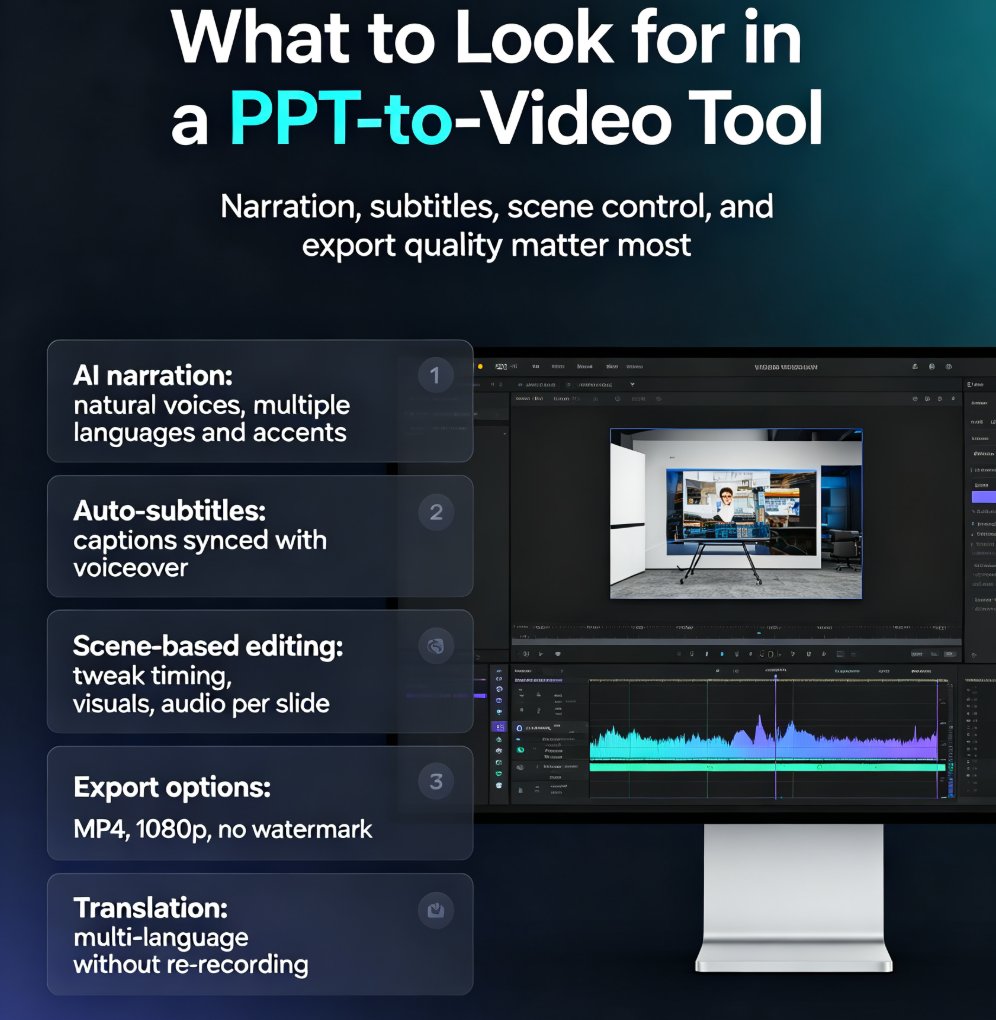
A silent slide deck is still a document. Add narration to turn it into a real video course. Zendeck's PPT-to-Video feature lets you record or generate voiceover that syncs to your slides — no studio, no editing software, no 3 a.m. render. If you stumble on a sentence, re-record just that slide, not the whole video.
Step 5: Export to video
Once your narration is locked, export the whole thing as a video. You now have a shareable, trackable training asset that lives in your LMS or on your learning portal. For a deeper walkthrough, check out how to create interactive training modules with Zendeck's PPT-to-Video feature.
Step 6: Review with the compliance owner
Before publishing, have the compliance owner review both the script and the final video. This isn't a formality — it's your risk control. They'll catch the nuance that got flattened in translation, and they'll flag anything that's already outdated.
04 Common Mistakes to Avoid (and How to Fix Them)
Based on what actually goes wrong in real compliance video projects, here's a cheat sheet you can pin to your wall:
| Mistake | Why it hurts | The fix |
|---|---|---|
| Turning the entire manual into one video | Overwhelms working memory; retention collapses | Split into short modules by topic or audience |
| Reading the policy word for word | Formal language loses the audience | Rewrite in plain language, keep the meaning |
| Leaving out examples | Rules stay abstract; no behavior change | Add a scenario, a decision point, and a common mistake |
| Skipping review | Risk of inaccuracy or outdated policy | Compliance owner reviews script and final video |
| Forgetting to update | Training becomes stale and legally risky | Set a review cadence; rebuild modules when policy changes |
The pattern is consistent: the failures aren't about video production quality. They're about content structure and review discipline. Get those right and the video does the heavy lifting.
05 How to Measure Whether Your Compliance Video Course Worked
A video course is only worth the behavior it changes. Here's what to track:
Completion rate — but look deeper than "finished." Check where people drop off. If a specific module has a high abandonment rate, it's probably too long or too confusing.
Quiz scores — add a short knowledge check at the end of each module. Compare scores before and after you switched from the manual to video. You'll typically see the difference quickly.
Incident and question data — the real signal. Are employees asking fewer basic policy questions? Are compliance incidents in that area trending down? That's the outcome metric that matters to your risk team.
Feedback — ask employees one question: "Would you rather rewatch this video or reread the policy?" The answer tells you everything about engagement.
06 The Tools That Make This Feasible (Without a Production Team)
You don't need a video studio or an instructional designer on retainer. The modern stack is: a good AI presentation tool + a document-to-video pipeline.
Zendeck fits squarely in that pipeline. You import your rewritten outline, generate a consistent deck, add narration, and export to video — all in one place. If you're curious about where this is heading, the trend of AI-generated video decks replacing traditional corporate training is already reshaping how L&D teams operate.
The practical upside: a compliance module that used to take a week of PowerPoint work, recording, and editing now takes an afternoon. That's not hype — that's the difference between a tool that generates slides and one that finishes the job. For teams that want to go further, the PPT-to-Video category has more workflows and examples.
07 Your Compliance Video Course Checklist
Before you hit publish, run through this:
- [ ] Manual chunked into 5-10 minute modules
- [ ] Each module rewritten in plain language
- [ ] At least one realistic scenario per module
- [ ] A "common mistake" example included
- [ ] Deck uses your brand kit for consistency
- [ ] Narration recorded and synced to slides
- [ ] Compliance owner reviewed script and final video
- [ ] Video exported and uploaded to your LMS
- [ ] Review date set for policy updates
FAQ
Q: How long should each compliance video module be? A: Aim for 5-10 minutes per module. Short enough to hold attention, long enough to cover one rule properly. If a topic needs more time, split it into two modules.
Q: Do I need professional recording equipment for narration? A: No. A decent microphone and a quiet room are enough for most internal training. Tools like Zendeck's PPT-to-Video let you add narration directly to slides, so you can re-record a section without redoing the whole video.
Q: Can I update a compliance video when the policy changes? A: Yes — and you should. Keep the source deck editable, and when policy changes, update the affected slides and re-export. Don't leave outdated training live; it's a liability.
Q: What if my compliance manual is 80 pages? A: Chunk it aggressively. Group related policies into modules, and prioritize the ones with the highest risk or most frequent violations. You don't need to cover every page — you need to cover every behavior that matters.
Q: Who should review the final video before publishing? A: The compliance owner or legal counsel. They'll catch inaccuracies and nuance issues that a training team might miss. Make review a mandatory step, not an optional one.