Tags:smart layout

16 articles

5 Smart Layout Tricks to Upgrade Your Presentation Design Instantly

Courseware Design 2026-09-22 2453

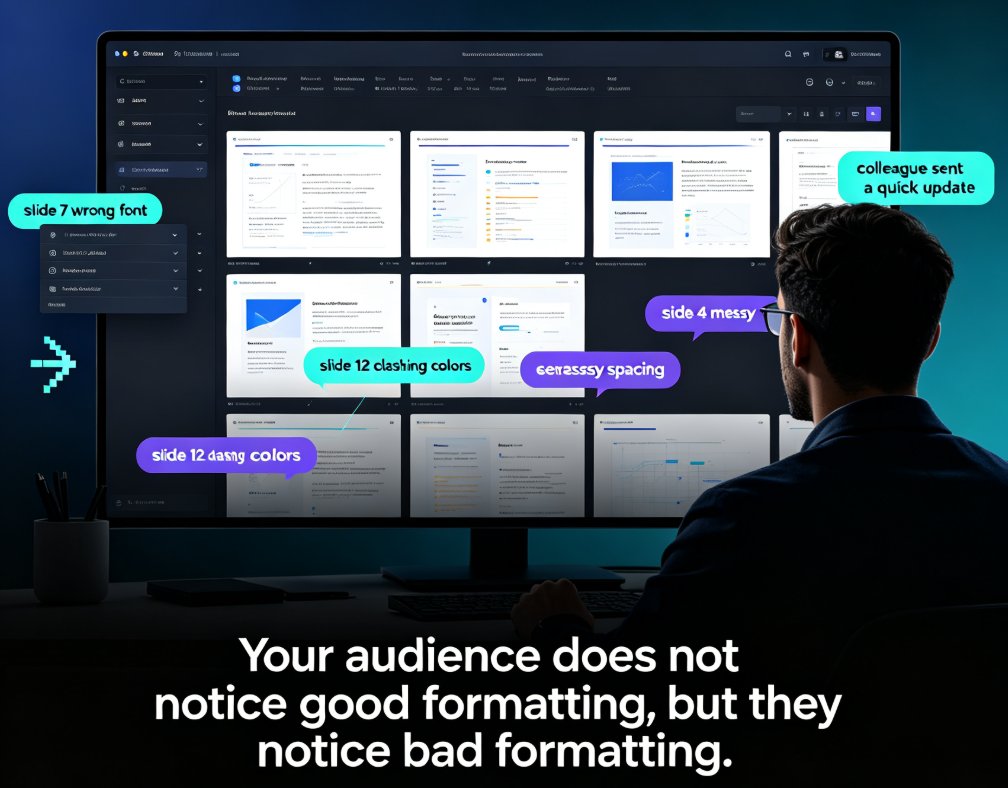
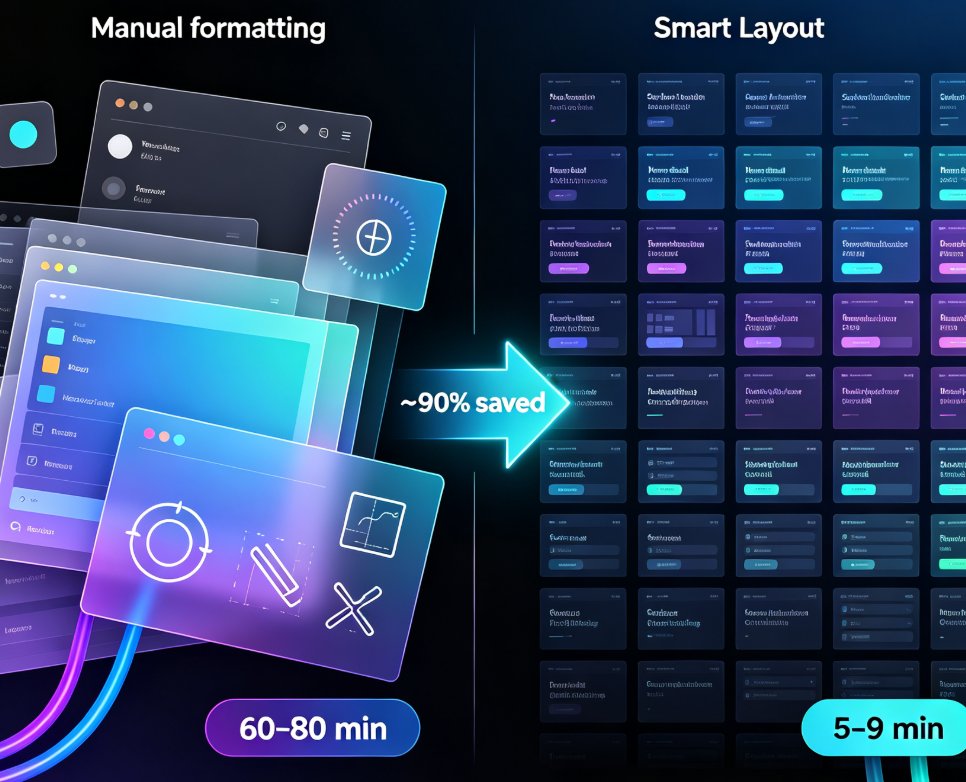
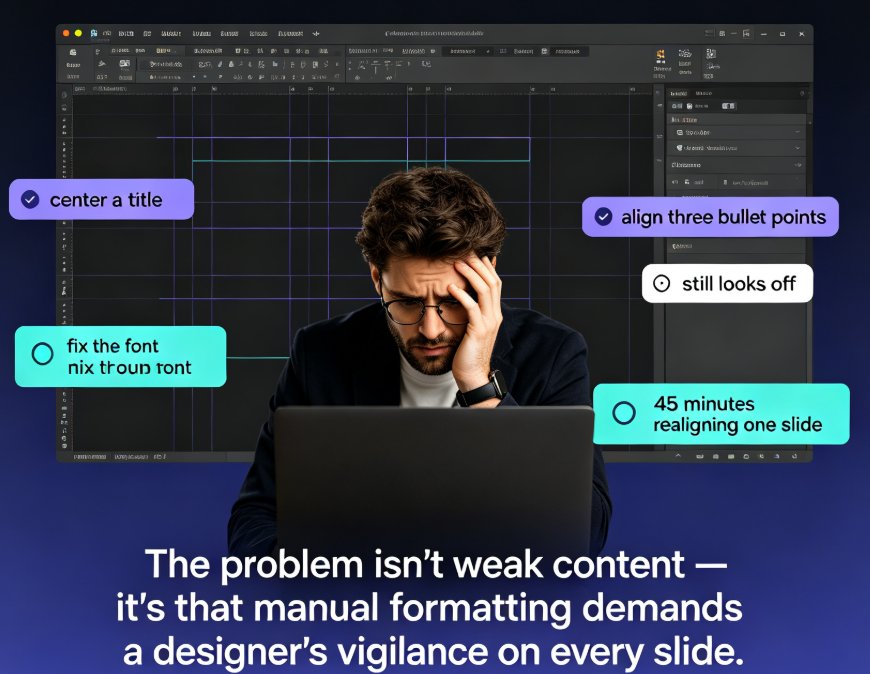
Messing with text boxes for hours gets you nowhere. These 5 smart layout tricks will instantly upgrade your presentation design — no design skills needed. See how consistent typography, a limited color palette, disciplined alignment, and a clear content hierarchy transform messy slides into professional decks. Then discover how Zendeck's smart layout and one-click reskin features automate all of it: unify fonts and colors, fix spacing, and refresh an entire deck in a single click. Includes a practical comparison of manual formatting versus AI-driven layout, with time-saving estimates for educators, trainers, and busy team leads. You'll also learn which formatting habits to drop and the honest caveats worth knowing before you reskin a 60-slide course and send it to your manager.

From Excel to Visual Story: Data Slides Made Easy with Zendeck

Courseware Design 2026-09-20 1580

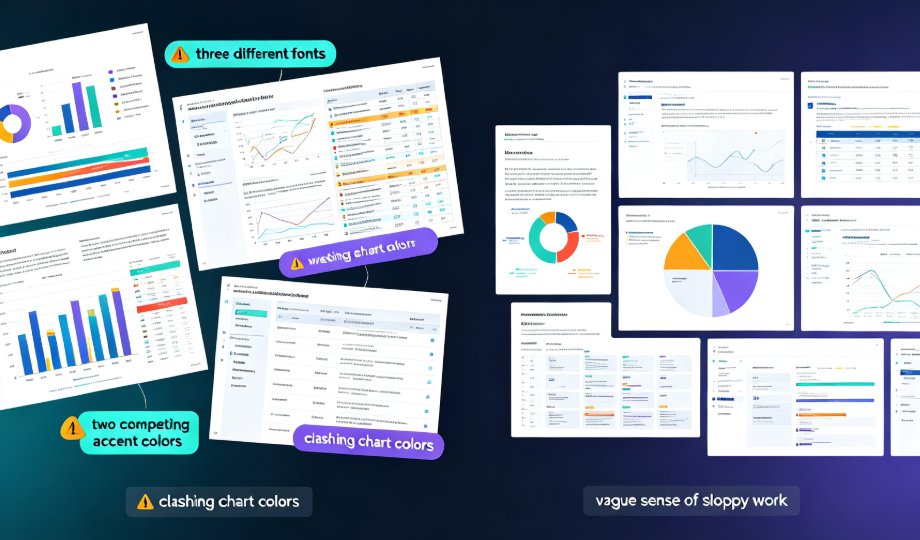
Turning raw spreadsheet numbers into persuasive Excel-to-PPT data slides doesn't require a design degree. Zendeck's chart library, smart layout, and asset insertion tools turn the full data-to-deck pipeline — cleaning, chart selection, layout, context, and delivery — into a fast, foolproof workflow. This guide walks through every stage: how to clean a dataset so the story can breathe, which chart matches which relationship (and when to avoid pie charts), why one message per slide beats a wall of charts, and how to layer annotations, icons, and interactive elements without clutter. You'll also see how static slides grow into narrated micro-courses for training and async meetings. Includes chart selection tables, time-saving benchmarks, and field-tested habits for analysts, educators, and teams building data slides for meetings, reports, or courseware.

One-Click Reskin: How Zendeck Unifies Fonts, Colors & Layout

Courseware Design 2026-09-14 714

Inconsistent fonts, clashing colors, and misaligned layouts are the #1 reason professional decks look amateur — and the fix is faster than you think. Zendeck's one-click reskin auto-unifies typography, brand colors, and smart slide layouts across an entire presentation in seconds. This guide breaks down how the reskin engine works, why the Brand Kit lets you save multiple brand profiles and apply a different look per deck, and where teams actually save up to 70% of their formatting time. You'll get a step-by-step workflow, a scenario-by-scenario breakdown of when reskin pays off most, and a full-stack comparison of reskin, asset libraries, and templates. If you've ever inherited a messy deck or struggled to keep courseware on-brand, this is the tool you've been missing.

Stop Manual Formatting: Zendeck Smart Layout One-Click Reskin

Courseware Design 2026-08-27 940

Stop wasting hours on manual formatting. Zendeck's smart layout one-click reskin automatically unifies fonts, colors, and spacing across your entire deck in seconds. Built for teachers, trainers, HR teams, and content operators, this AI-powered feature turns messy, inconsistent slides into professional courseware without any design skills. In this guide, we break down how smart layout works, compare it to manual formatting with real time-cost numbers, and share five habits that make your decks look consistently polished. If you've ever spent a night fixing font sizes and alignment, this is the workflow change you've been waiting for. Whether you're building weekly course updates, merging multi-author decks, or enforcing brand compliance, Zendeck makes professional-looking presentations the default — not the exception. Stop formatting. Start teaching.

Smart Layout: How One-Click Design Systems Kill Manual Formatting

Courseware Design 2026-08-24 1150

Smart layout is replacing manual formatting as the industry standard for presentations. One-click design systems automatically unify fonts, colors, and spacing, cutting formatting time by roughly 90% and letting non-designers produce polished decks without touching a font menu. Zendeck's one-click reskin is a concrete example of this trend: paste in an outline, and the system generates a structured, visually consistent deck in minutes. This article explains how smart layout works under the hood, why manual formatting is dying, and what it means for educators, trainers, and teams who want brand-consistent courseware without a design department. If you're still formatting slides by hand, you're paying a tax you don't need to pay.

One-Click Design Consistency: How Zendeck's Smart Layout Unifies Decks

Presentation Skills 2026-08-19 1201

Struggling with decks that look like three different teams built them? Zendeck's smart layout unifies fonts, colors, and alignment in one click, turning messy presentations into polished, professional decks. This guide explains how one-click design consistency saves hours of manual fixing, protects your brand's credibility, and makes every slide look like a single designer created it — even when five people touched the content. You'll get a practical walkthrough of the smart layout feature, an honest comparison of manual vs. automated design fixes, and the common mistakes to avoid so your decks stay clean. Whether you're an educator, trainer, HR manager, or content operator, Zendeck's smart layout removes the design skill barrier and delivers consistent, on-brand presentations every time. If you've ever wasted an afternoon aligning boxes and matching hex codes, this is the workflow upgrade you've been waiting for.