
Tags:Zendeck reskin

4 articles

One-Click Reskin: How Zendeck Unifies Fonts, Colors & Layout

Courseware Design 2026-09-14 714

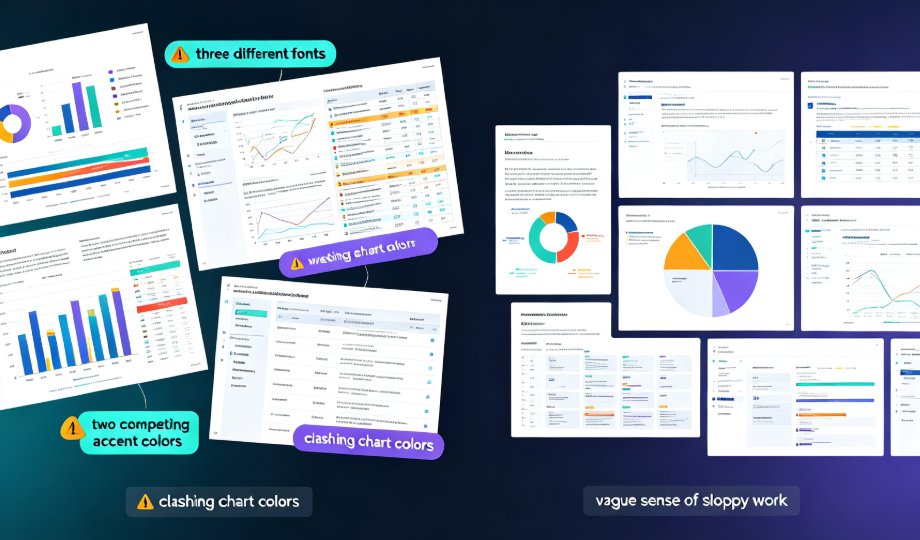
Inconsistent fonts, clashing colors, and misaligned layouts are the #1 reason professional decks look amateur — and the fix is faster than you think. Zendeck's one-click reskin auto-unifies typography, brand colors, and smart slide layouts across an entire presentation in seconds. This guide breaks down how the reskin engine works, why the Brand Kit lets you save multiple brand profiles and apply a different look per deck, and where teams actually save up to 70% of their formatting time. You'll get a step-by-step workflow, a scenario-by-scenario breakdown of when reskin pays off most, and a full-stack comparison of reskin, asset libraries, and templates. If you've ever inherited a messy deck or struggled to keep courseware on-brand, this is the tool you've been missing.
Keep Your Brand Consistent: One-Click Reskin for Every Presentation

AI Courseware 2026-08-26 2404

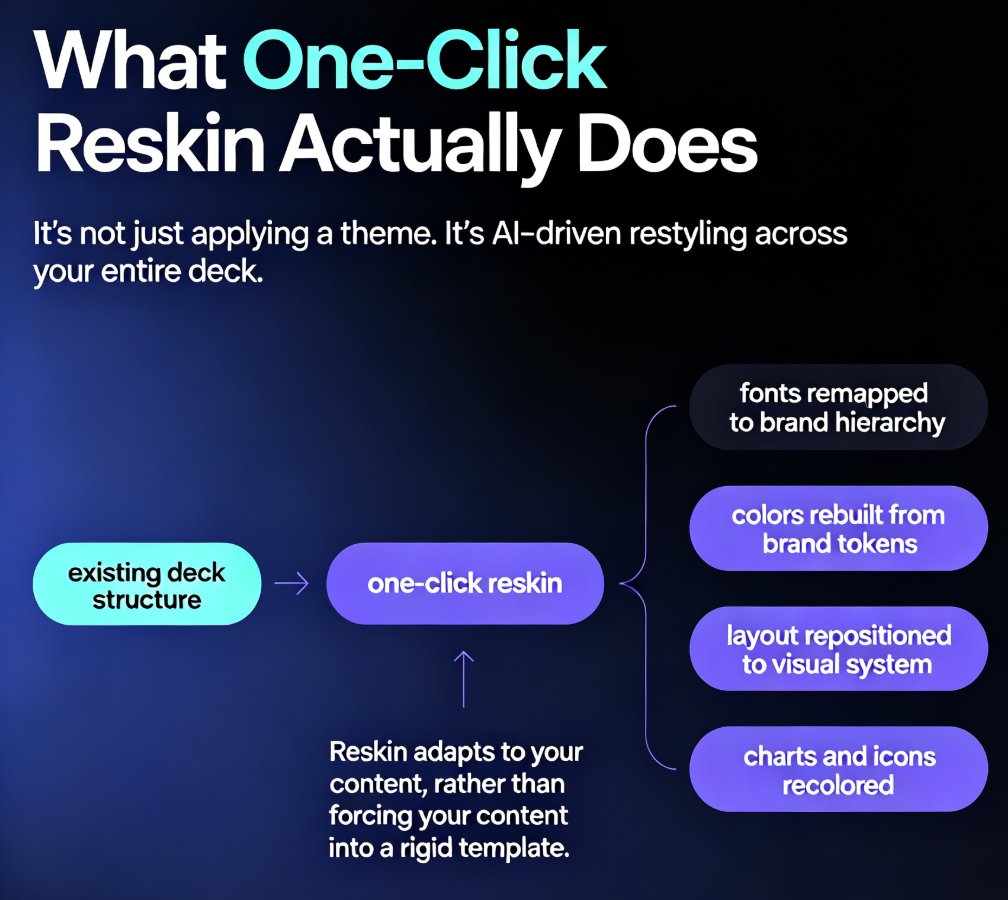
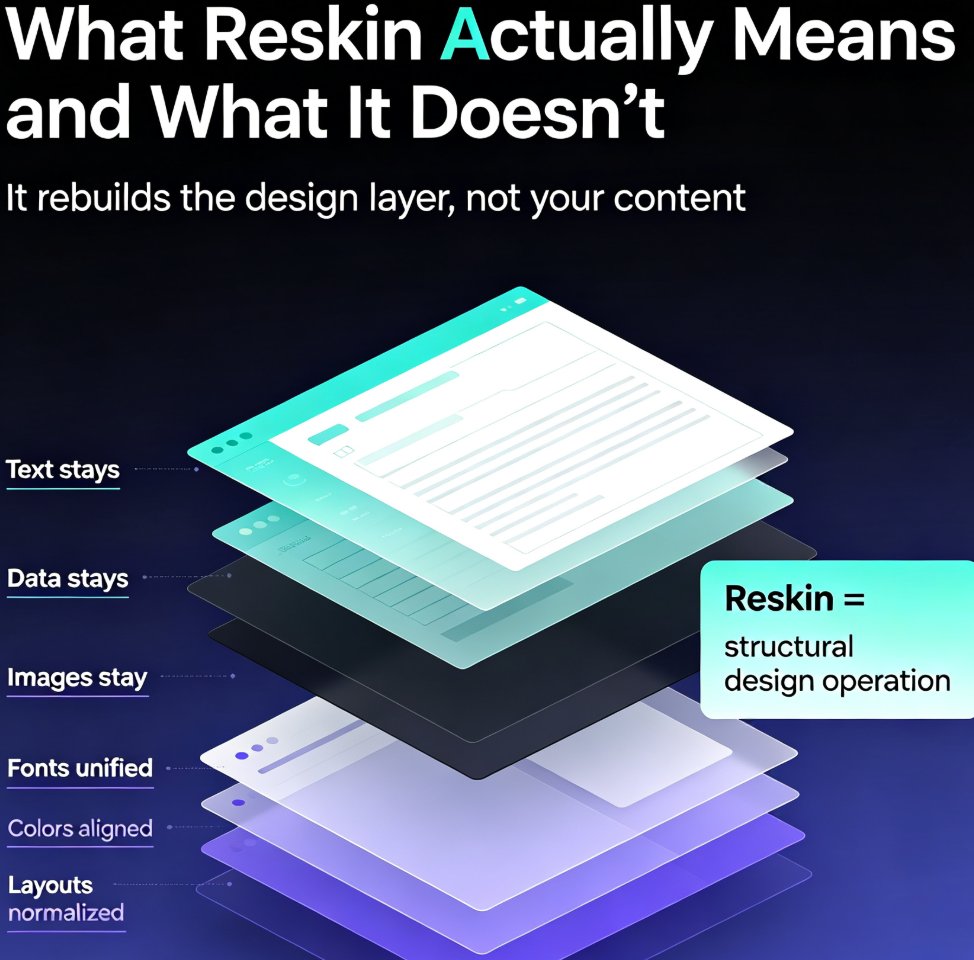
One-click reskin in Zendeck automatically unifies fonts, colors, and layout across every presentation, so your brand stays consistent without manual design work. Learn how AI-powered reskin eliminates the pain of restyling decks by hand — and why marketing, HR, and training teams are adopting it as their default workflow. This guide covers what reskin actually does, how it compares to manual restyling, step-by-step usage, and how to pair it with brand kits and smart templates for zero-effort brand governance. We also break down the hidden costs of inconsistent branding, the time savings you can expect, and the common mistakes to avoid when rolling out reskin across your team. If you've ever shipped a deck with mismatched colors or outdated logos, this is the fix you've been looking for — no design degree required.

Smart Layout Reskin: Unify Fonts, Colors, and Layouts with Zendeck

PPT Tutorial 2026-08-21 2552

Struggling with inconsistent fonts, colors, and layouts across your presentations? Zendeck's smart layout reskin unifies your entire deck's design in one click. Learn how to apply consistent branding instantly, save hours of manual formatting, and ensure every slide looks professionally on-brand. This guide covers the step-by-step reskin process, real time-savings data, and best practices for teams that need brand consistency at scale. Whether you're preparing a 10-slide pitch or a 50-slide training deck, Zendeck's reskin feature eliminates the tedious work of per-slide formatting. Discover why teams using AI-powered reskin tools cut deck production time by over 50%, and how you can set up brand kits to make every future presentation automatically consistent. Stop fixing slides one by one — reskin the whole deck and get back to what matters: your message.

How to Rebrand Legacy PowerPoints with Zendeck's One-Click Reskin

PPT Tutorial 2026-08-12 818

Rebrand legacy PowerPoints with Zendeck's one-click reskin and cut hours of manual reformatting. Learn how to unify fonts, colors, and layout across old PPTX files in minutes. This tutorial walks through uploading legacy decks, applying brand kits, reviewing the reflow, and exporting on-brand presentations. Includes a manual vs. AI reskin comparison, a post-reskin polish checklist, and honest advice on when reskin isn't enough. Zendeck's smart layout engine treats your deck as a system, not a collection of slides, so consistency is guaranteed across every slide. Perfect for marketing teams, trainers, and consultants with a folder of outdated decks. Stop dreading the refresh — reskin it in minutes.