Office Efficiency

Office automation, productivity tools, and workplace efficiency methods.

74 articles

Knowledge Graph for Presentations: The Next Frontier in AI Decks

Office Efficiency 2026-09-23 2062

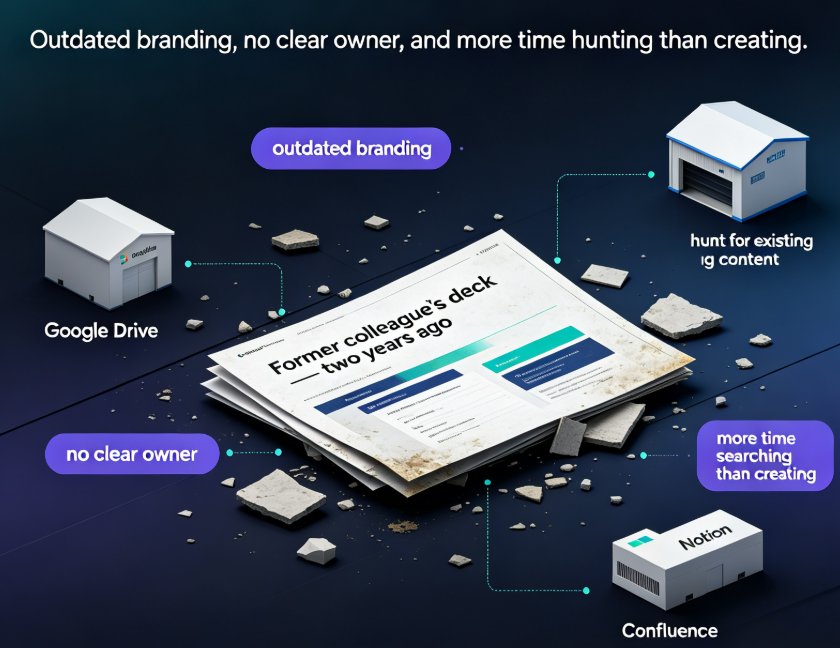
Knowledge graphs are the quiet revolution behind smarter AI presentations. Instead of generating slides from a blank prompt, the next frontier connects your existing content — Google Drive files, Notion pages, Confluence docs — into a single web of meaning your AI can draw from. Zendeck's structured Word import and knowledge connectors align with this shift, helping enterprise teams find, organize, and repurpose the best slides they already own. This guide breaks down what a knowledge graph really is, why content sprawl is killing your deck quality, how the presentation workflow changes from zero-to-one to find-and-compose, and what Zendeck's 2026 roadmap means for your team. If you build corporate decks, training material, or investor updates, this is the trend you can't afford to miss.
Collaborative Presentations: Real-Time Editing & Sharing in Zendeck

Office Efficiency 2026-09-22 2561

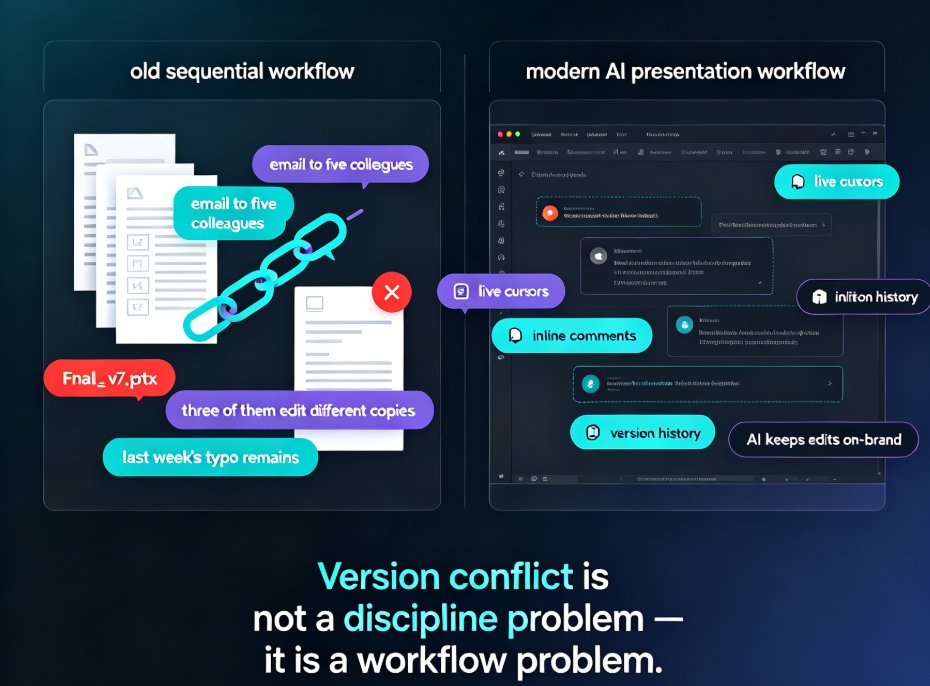
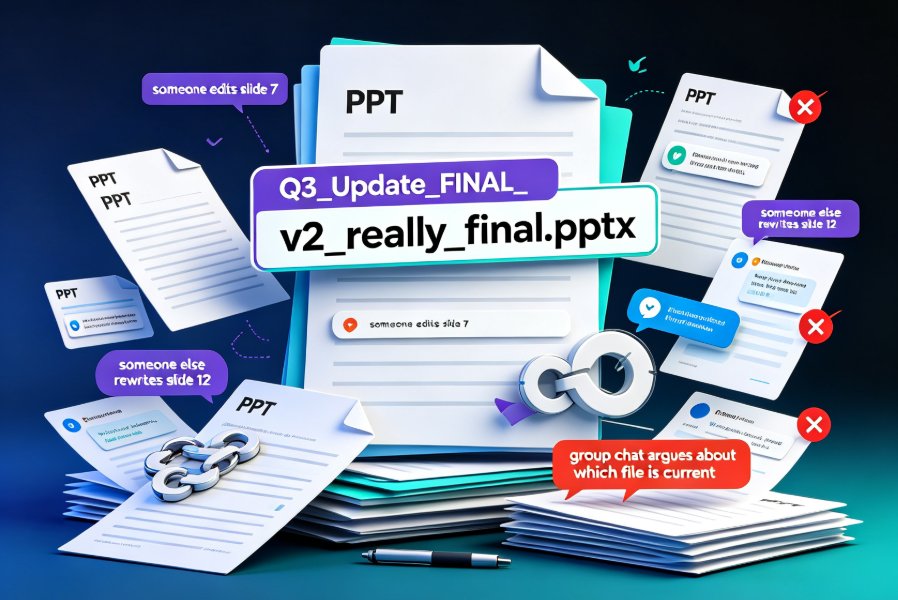
Team presentation collaboration gets messy fast. Zendeck turns scattered files and endless email threads into one cloud-based workspace where your whole team edits, comments, and shares decks in real time. Version history means you never lose work, inline comments keep feedback tied to specific slides, and link-based permissions let you control who views or edits — no more emailing 'final_v2_actually_final.pptx' across the office. Whether you're prepping a quarterly review with five stakeholders or a training deck with three instructors, this guide walks you through a practical collaboration workflow, common pitfalls, and how smart templates keep design consistent when many hands touch the same file. You'll learn to assign clear ownership, run feedback cycles inside the deck instead of across ten email threads, and roll back to any earlier draft the moment something goes wrong. The result: a faster, saner, more organized way for teams to build presentations together.

How to Collaborate on Slides in Real Time Without Version Conflicts

Office Efficiency 2026-09-21 2876

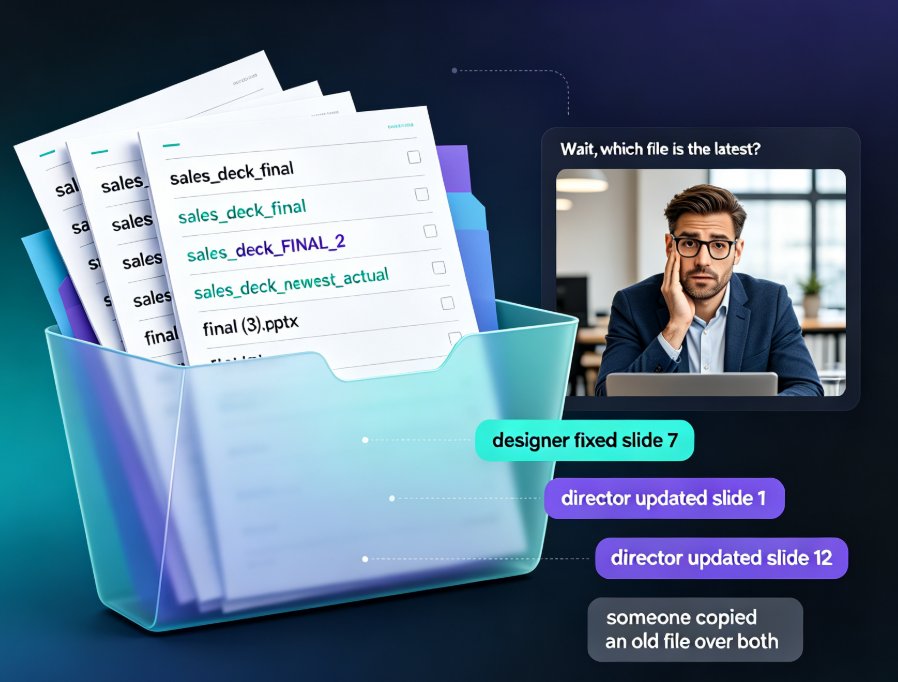
Real-time slide collaboration ends the version chaos that slows every team deck. Zendeck's cloud-based online editing with link sharing lets your whole team work on one master presentation at once — no more email ping-pong, "FINAL_v3" files, or overwritten slides. Version history quietly tracks every change and lets anyone restore a previous edit in one click, so nothing gets lost. You'll also find a practical workflow for HR, training, and content teams: import a Word outline, co-edit the deck together, keep branding consistent with smart templates, then export to a narrated micro-course. If you're tired of asking "which file is the latest?", this is the guide for you. Here's how to kill version conflicts for good and get your evenings back.

Word Outline to PPT: Convert Without Redoing Formatting

Office Efficiency 2026-09-21 2753

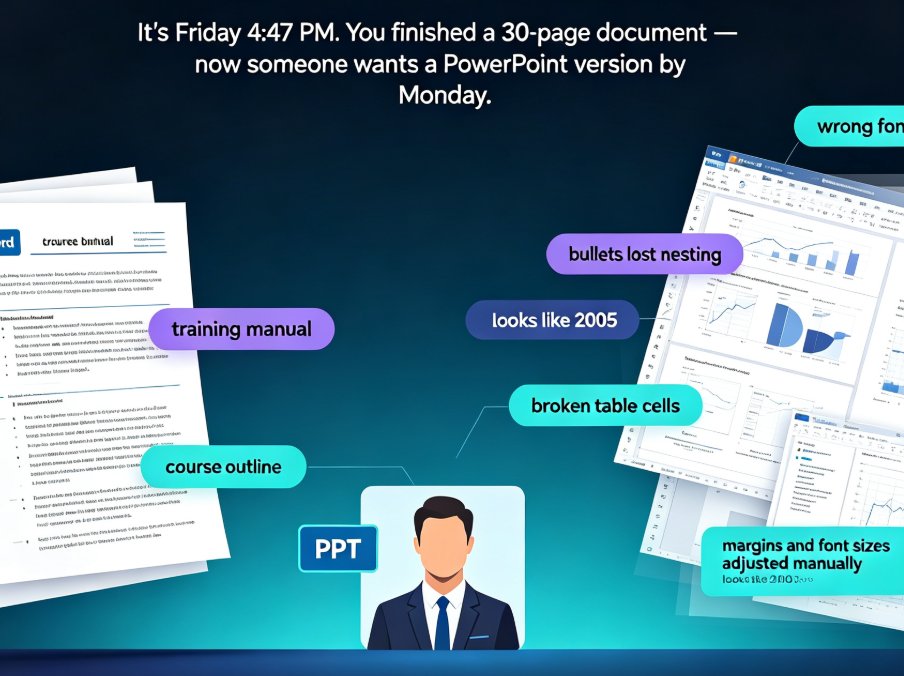
Tired of watching your Word outline lose every heading, bullet, and style the moment you import it into PowerPoint? You're not alone. Converting a Word outline to a polished PPT used to mean hours of manual rework — copying text, re-mapping headings, fixing broken bullets, and re-sizing tables. Zendeck's outline-to-PPT feature changes that. It maps your Heading 1s to slide titles, condenses paragraphs into scannable bullets, and preserves tables, images, and structure — automatically. This guide walks through the exact conversion workflow, shows you what formatting actually carries over, and breaks down the time you can reclaim on every deck. If you're an educator, trainer, or team lead who needs a clean presentation without design skills — or the hours to spare — here's how to turn your existing document into a polished deck in minutes.

How AI Presentation Tools Enable Real-Time Team Collaboration

Office Efficiency 2026-09-20 3142

Real-time team collaboration is now a must-have in AI presentation tools, and Zendeck delivers it without the coordination chaos. This guide breaks down how live co-editing, shared asset libraries, and AI-driven brand governance replace email chains and version conflicts, so your whole team builds consistent decks in one workspace. Drawing on insights from Pitch, Beautiful.ai, Canva, and Google Slides, we compare what actually works and where Zendeck stands out — smart layout, centralized templates, and on-brand suggestions that keep every slide feeling like one team made it. If your team is tired of merging PowerPoint files and redoing slides after the boss changes fonts, this article gives you a practical five-step workflow, a feature comparison table, and a score-based chart to help you choose. Ship professional presentations faster.

Deck Approvals Made Easy: Zendeck Sharing for Team Sign-Off

Office Efficiency 2026-09-20 2003

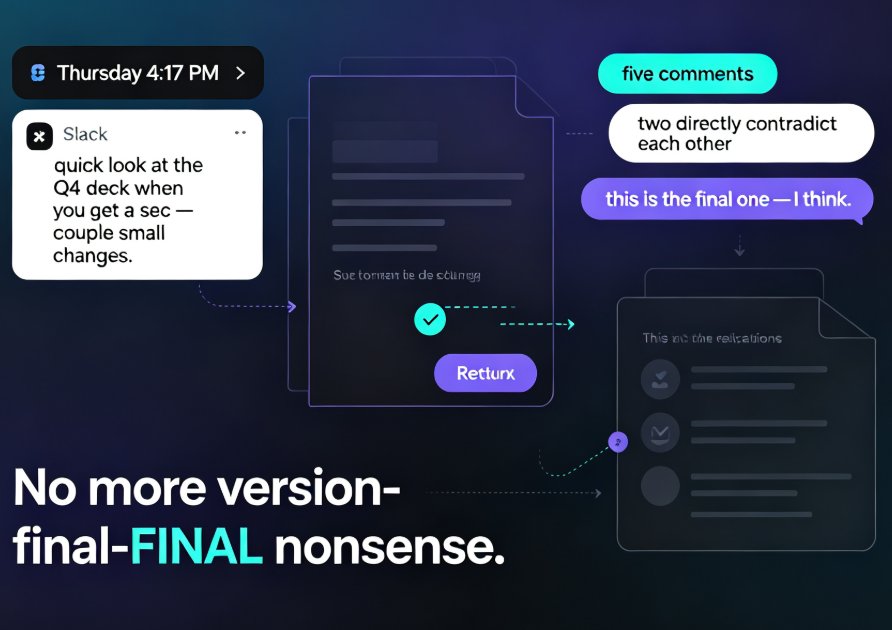
Deck approvals are the hidden time-drain in most teams — a quick "can you review this?" email can spiral into five days of file ping-pong, lost comments, and three different versions of "the latest one." Zendeck sharing turns that chaos into a single, structured sign-off loop: one link, role-based permissions, threaded comments, and a clear path from draft to final approval. This guide walks through Zendeck's online editing and collaboration features step by step — how to share a deck, set who can comment versus edit, steer feedback with mentions, and track changes as reviewers chime in. You'll get a manual-vs-Zendeck timeline comparison and a sign-off workflow your stakeholders will actually follow. If your presentations keep getting stuck in review limbo, this is the playbook for closing decks in hours instead of days.