
Tags:link sharing

3 articles

Zendeck Collaboration Features for Group Courseware Projects

Office Efficiency 2026-11-02 3518

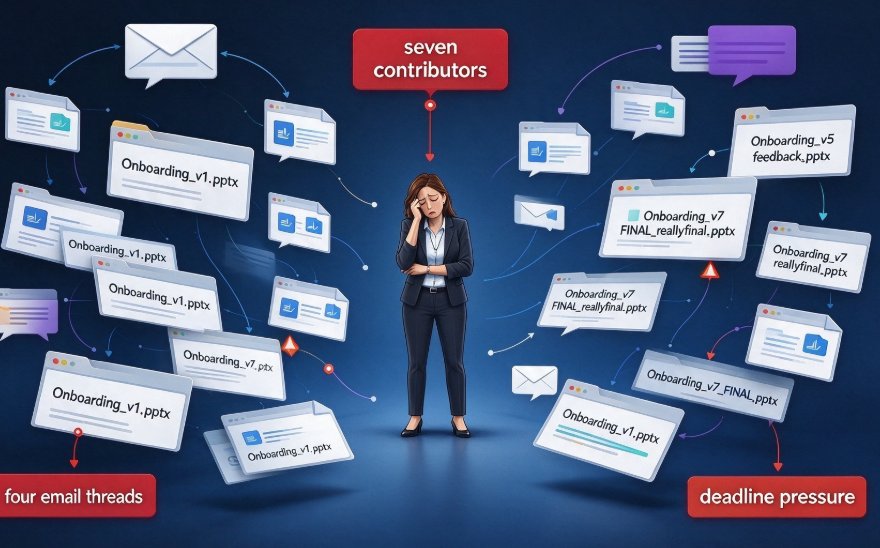
Stop emailing PPT drafts back and forth. Zendeck's collaboration features for group courseware projects let HR and training teams edit the same deck in real time, track every version, and share one secure link — no file chaos, no design drift. If your team has lost an afternoon to “final_v3_FINAL”, this guide shows how real-time editing, version control, and link sharing keep multiple contributors aligned and on-brand. We walk through the five classic failure modes of team courseware, the exact five-step workflow that replaces the two-week email marathon, and how Smart Layout plus brand kit settings make six contributors look like one designer. You'll also get a side-by-side comparison of traditional versus collaborative production, a look at how version history makes rollback painless, and clear answers on role-based permissions for compliance reviewers and remote SMEs. Written for training leads, L&D managers, and anyone who owns a deck with more than one author.
Real-Time Co-Editing: How Remote Teams Finalize Decks Faster

Office Efficiency 2026-09-17 1230

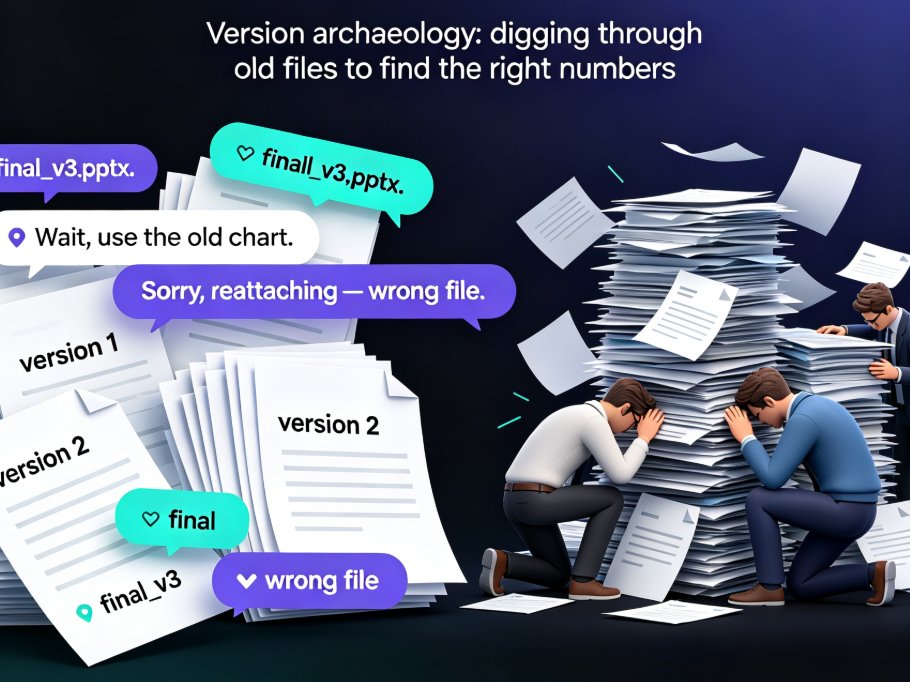
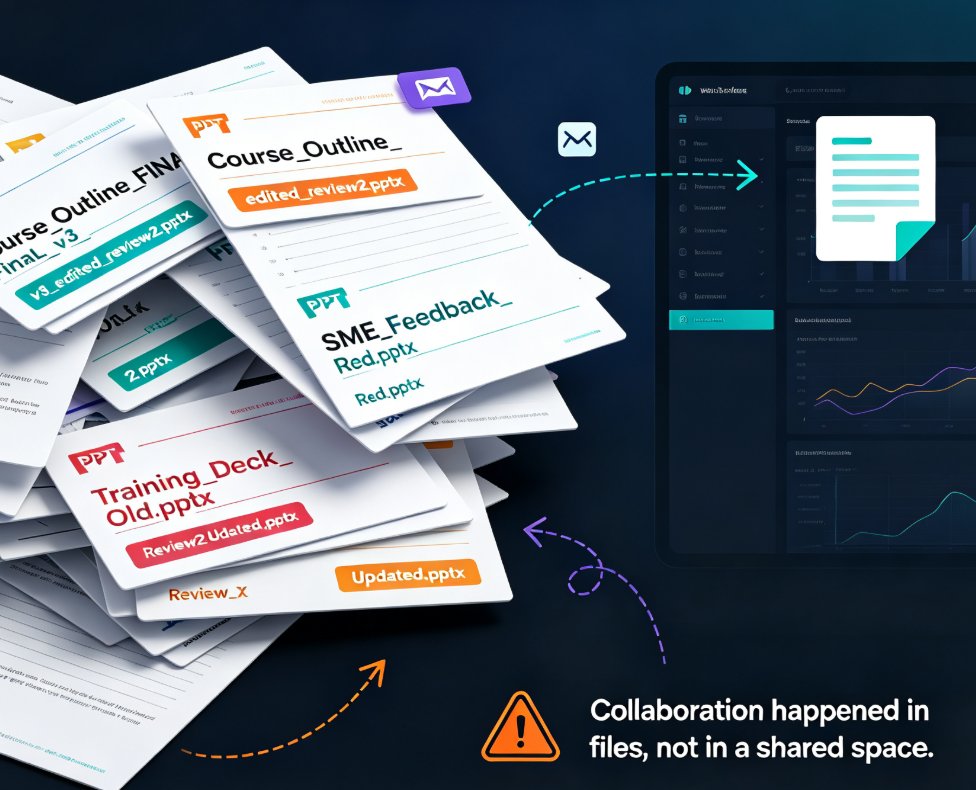
Real-time co-editing cuts deck review cycles from days to hours for remote teams. Instead of emailing PPT files back and forth, Zendeck gives you one live version your whole team can edit, comment on, and share — with threaded feedback tied to specific slides and role-based link sharing for stakeholders. This guide breaks down why version history alone isn't enough, how co-editing collapses the review loop, and a practical review workflow you can adopt today. If you're tired of "final_v3" emails and conflicting feedback scattered across threads, here's how Zendeck's collaboration features help distributed teams finalize presentations faster and with far less coordination overhead.

Real-Time Deck Collaboration: Zendeck for Distributed Teaching Teams

Office Efficiency 2026-08-27 2599

Real-time deck collaboration with Zendeck removes version chaos for distributed teaching teams. Learn how live co-editing, link sharing, and automatic version history let remote curriculum teams build and refine decks together — without email threads, merge conflicts, or "which version is this" debates. This guide covers the workflow that actually works for teams spread across time zones, from starting with a shared outline to resolving async feedback on specific slides. If your team spends more time reconciling files than creating content, this is the fix. Includes a practical five-step workflow, a comparison of file-based vs. link-based collaboration, and answers to common questions about multi-editor decks, external reviewer access, and version restoration.

▲