Real-Time Co-Editing: How Remote Teams Finalize Decks Faster
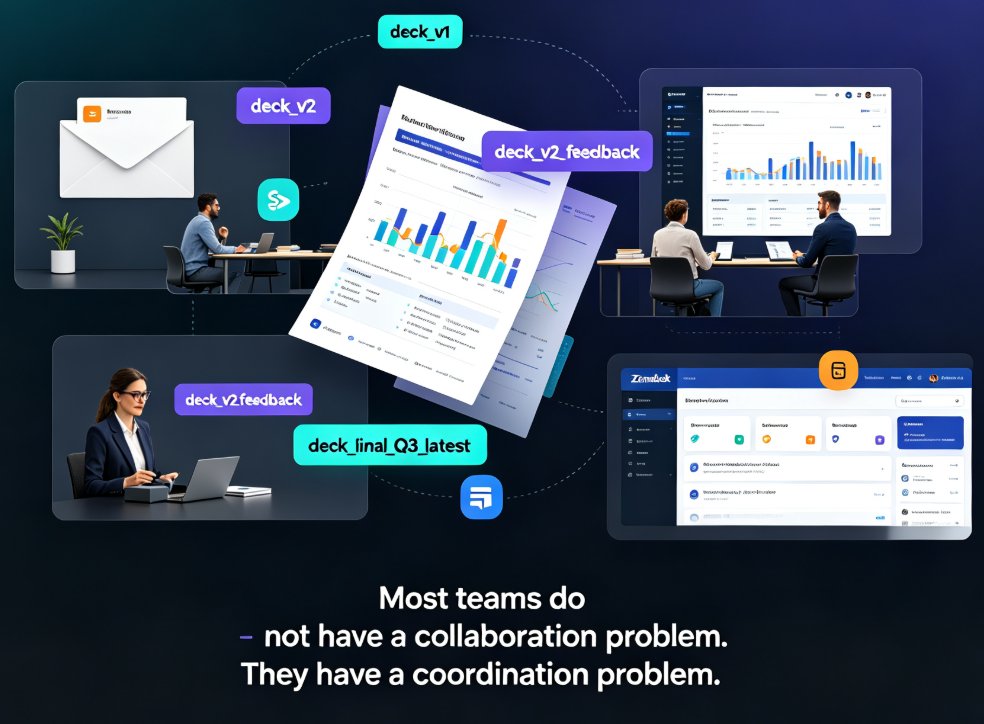
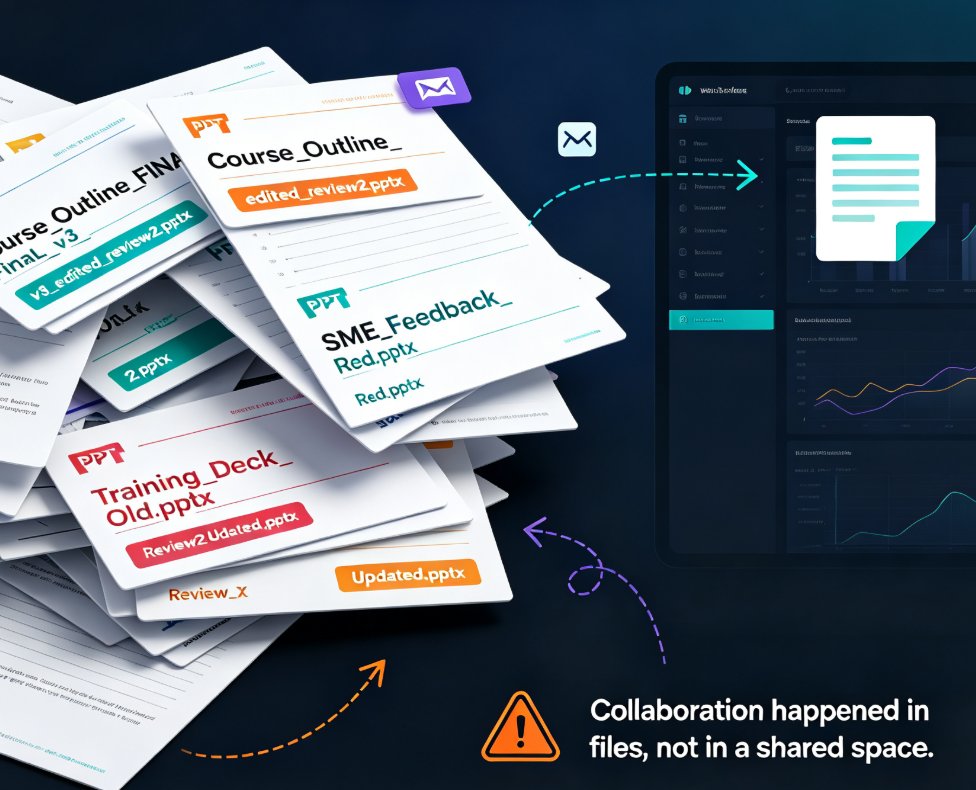
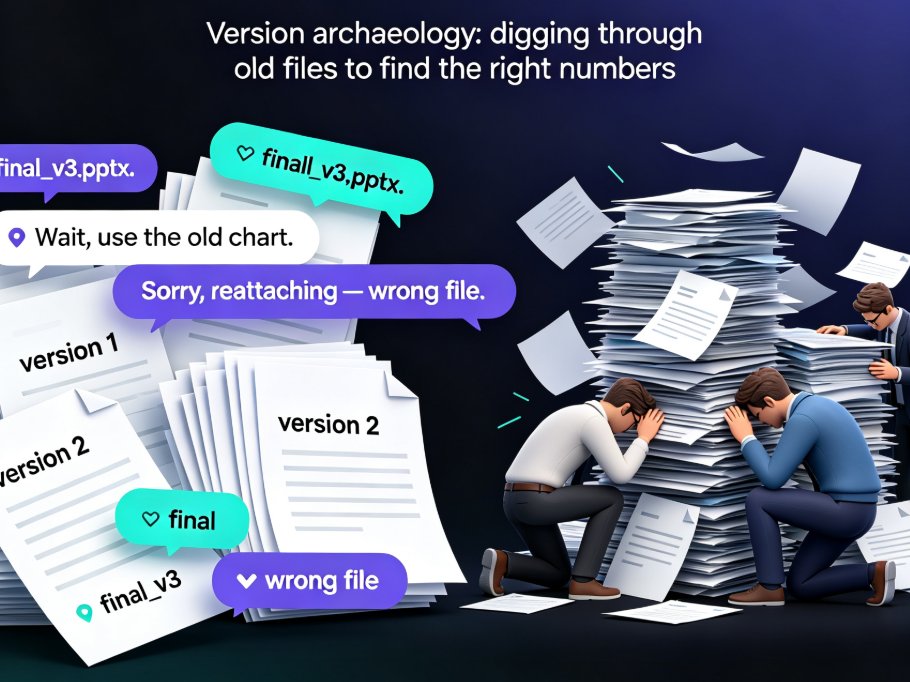
Let's be honest: the worst part of a team deck isn't the design and it isn't the content. It's the email chain. "Final_v3.pptx." "Wait, use the old chart." "Sorry, reattaching — wrong file." If you've ever worked in a remote or hybrid team, you know exactly what I mean. A presentation that should take a day to lock down stretches into a week of what I call version archaeology — digging through old files to figure out which one actually has the right numbers.
The fix isn't a better naming convention. It's real-time co-editing.
01 / Why version history alone won't save your review cycle
Most collaboration tools pitch version history as the answer to this chaos. Recover an old file, compare changes, roll back to Tuesday's version. That's genuinely useful — but it's a post-mortem tool, not a workflow. Version history tells you what went wrong after the confusion already happened. It does nothing to stop the confusion in the first place.
The real bottleneck for distributed teams is the review loop. Someone edits, exports, emails, waits, collects feedback, reconciles conflicting notes, then does it all again. And every round multiplies by the number of reviewers. With five reviewers, one pass means five separate reply threads, plus the inevitable "let's just get on a call" reconciliation meeting.
The solution is to collapse that loop. When everyone works on a single live version, feedback lands in the same place, changes appear instantly, and the reconciliation step shrinks down to a comment thread.
Real-time co-editing doesn't add version control on top of the old workflow — it removes the need for most of it.
That's the shift most "collaboration" articles miss. They treat co-editing as a nice-to-have feature, when it's actually the mechanism that eliminates the coordination tax your team pays on every single deck.
02 / What real-time co-editing actually changes
Let's be precise, because "real-time co-editing" gets thrown around loosely. Here's what it means in practice:
- Multiple editors working in the same deck at the same time, watching changes appear live instead of waiting for an updated file.
- Change visibility — you can see who adjusted what, without export/re-import gymnastics.
- One shared, live state — nobody is ever working from a stale copy.
For a distributed team, this turns a deck from a file into a living document. The kind of collaboration you already expect from a shared text doc, but applied to a structured presentation with layout, graphics, and a visual hierarchy.
And here's the part that matters for teams that do more than pitch decks. If you also turn presentations into micro-courses, training videos, or narrated slide decks, a live deck feeds everything downstream — slides, speaker notes, even the narration track. One edit propagates everywhere, instead of forcing you to re-sync a dozen output files.
Teams pairing live co-editing with AI-powered generation — everything from template picking to fully automated builds — get an extra lever, because design decisions no longer need to be negotiated manually, slide by slide.
03 / Comments that read like a conversation, not a scattergun
Editing is only half the battle. The other half is feedback, and this is where most remote teams bleed time.
Email feedback on a deck looks like this: "On slide 4, the third bullet, can we reword it? Also, did we update the Q3 numbers?" Vague references, no context, and a thread that quietly dies while everyone waits for someone to clarify which bullet they meant.
Comments attached to a specific slide change the game. A reviewer clicks on the slide, drops a note, and the owner sees it in context. Replies stay threaded. Resolved comments leave a clean trail of decisions you can audit later.
When feedback is tied to a specific slide, the review conversation stops being a guessing game and starts being a decision log.
This is especially valuable for trainers and educators building courseware. Subject-matter experts can flag a stat, a learning objective, or a quiz item directly on the slide where it lives — no more "the slide after the one with the blue chart" messages. If you want more ideas on tightening these workflows, our piece on hidden features of AI presentation tools that boost team productivity covers some adjacent tricks.
04 / Link-based sharing: the end of the attachment era
The third piece of the puzzle is how you share the deck. Instead of "please find attached," you send a link. One link, always pointing at the current version.
The pain this removes is quiet but constant: stakeholders accumulate stale copies on their desktops, and someone on your team becomes the unofficial "latest version" librarian, answering the same question three times a day — "is this the current one?"
The solution is role-based link sharing. Core team gets edit access. Reviewers get comment rights. Outside stakeholders get view-only. Everyone looks at the same live artifact, and you stop maintaining a version spreadsheet.
The outcome, as collaboration-tool research consistently shows, is that decisions get made faster because context, discussions, and history live in one place instead of being scattered across messages and attachments. Fewer delays, less duplication, and nobody sitting on an outdated file wondering if the chart on slide 6 was changed.
05 / What the coordination tax actually costs
Let's put a typical scenario in numbers. Imagine a five-person team reviewing a 20-slide deck over three rounds of feedback.
| Metric (typical 3-round review) | Email + version churn | Real-time co-editing |
|---|---|---|
| Versions created | 5-7 ("final_v2", "final_v3"...) | 1 live version |
| Emails / messages sent | 12+ | 2-3 (a link + a reminder) |
| Review hours per round | ~8 | ~1.5 |
| Conflicting-feedback incidents | Frequent | Rare — threads resolve inline |
| "Wait, which file?" moments | Nearly every round | Close to zero |
Here's the same story as a quick visual:
The biggest time sink in a deck review isn't design or writing — it's coordination. Co-editing removes most of it.
And these are conservative numbers. The longer the deck and the larger the team, the more the coordination tax compounds. For an org chart deck or a quarterly training update, the gap is even wider.
06 / A review workflow that actually scales
You don't need a heavy process to make co-editing work. Here's a rhythm you can steal and adapt this week:
- Share the link early. Edit rights for the core team, comment rights for reviewers, view-only for stakeholders.
- Assign slide ownership. Splitting sections across owners prevents two people from wrestling over the same slide at the same moment.
- Use comment threads for feedback. Resolve them as you accept changes, and you've built your changelog for free.
- Save the final reconciliation for a live pass. A 20-minute shared session beats a three-day email thread every time.
- Archive the approved version. Nobody should be rebuilding it from memory next quarter.
One piece of advice, friend to friend: resist the urge to copy feedback into a separate document "so nothing gets lost." It will get lost — the separate document is exactly how things get lost. Keep the feedback on the deck. The thread is your record.
For more habits that keep remote work moving, you'll find plenty of office-efficiency workflows worth stealing.
07 / Where co-editing still needs a little discipline
Real-time editing isn't magic. Two people editing the same slide at the same moment can still step on each other's toes. A few guardrails keep the live document from turning into chaos:
- Agree on section ownership before you start, not mid-review.
- Prefer commenting over editing when a change is just a suggestion.
- Do major structural reshuffles in a draft, then invite reviewers back to the stabilized version.
None of this is bureaucracy — it's just enough structure to let the real-time workflow do its job. The whole point is less coordination, and a few shared rules are what make that possible.
Putting it together
The takeaway is simple: for remote teams, the fastest path to a finalized deck isn't a stricter naming convention or a more disciplined email subject line. It's collapsing the loop — one live version, threaded comments, and a single shared link.
That's exactly what real-time co-editing in Zendeck gives you: a deck your whole team can edit together, a comment trail that reads like a decision log, and link sharing with permission controls that keep outside stakeholders in the loop without letting them break things. If your team is still stuck in version archaeology, this is the single highest-leverage change you can make to your presentation workflow this year.
FAQ
Q: How does real-time co-editing work in Zendeck?
A: Multiple team members work on the same deck in a shared online workspace at the same time. Changes appear live, so everyone operates from one current version instead of exchanging files by email.
Q: Can multiple people edit the same deck simultaneously?
A: Yes. Zendeck supports concurrent editing with change tracking that shows who adjusted what. For very active sections, it helps to assign slide owners so edits don't collide.
Q: How do comment threads speed up remote team reviews?
A: Reviewers attach feedback directly to a specific slide or element, replies stay threaded, and resolved comments keep a clean decision log. The review reads like a conversation rather than scattered email replies.
Q: Is link sharing safe for external stakeholders?
A: Zendeck lets you set permissions by role — full edit for the core team, comment-only for reviewers, view-only for stakeholders. Sharing a link doesn't mean giving away editing rights.
Q: Does co-editing keep version history?
A: Yes. Even with a single live version, you can track changes and revert when needed. The practical point is you'll rarely need to, because the live deck removes most version confusion before it starts.