AI Decks in 2026: From Template Picking to Fully Automated Generation
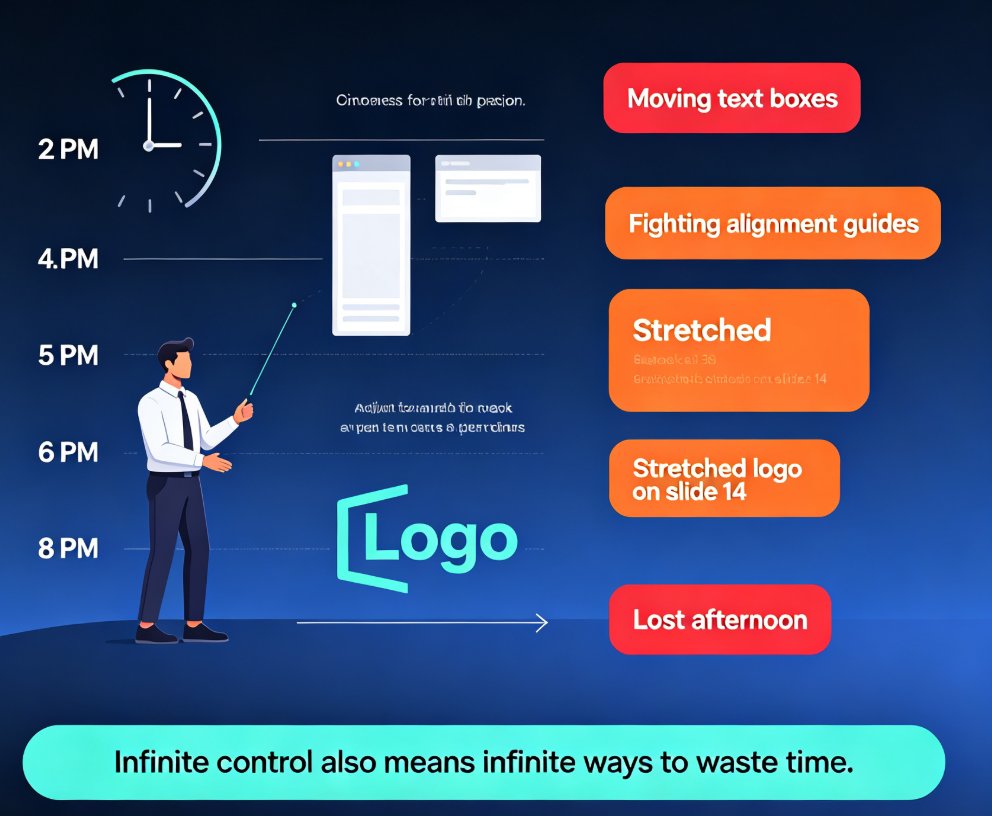
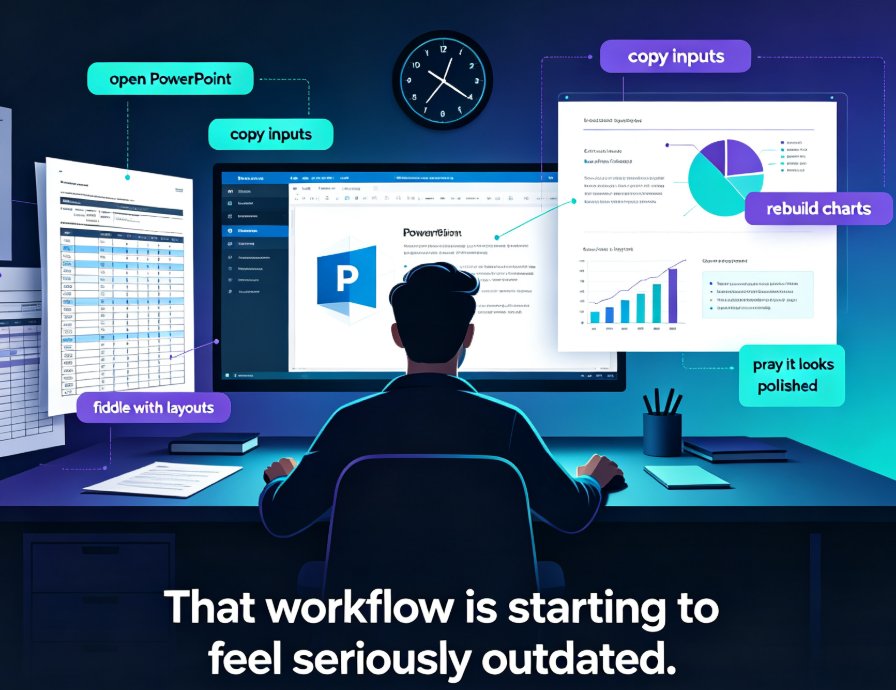
Let's be honest: for years, "making a presentation" meant one thing — staring at a template gallery and hoping something looked right. You'd click through 200 options, pick the least ugly one, then spend the next hour fighting font sizes and misaligned shapes. Sound familiar?
That era is ending. In 2026, the conversation around AI presentation tools has shifted from "which template should I use?" to "how little input can I give and still get a great deck?" The tools that used to help you design are now generating the whole thing — structure, narrative, visuals, even speaker notes. And that changes your job in ways most people haven't fully processed yet.
01. The Quiet Shift: Templates Were Never the Destination
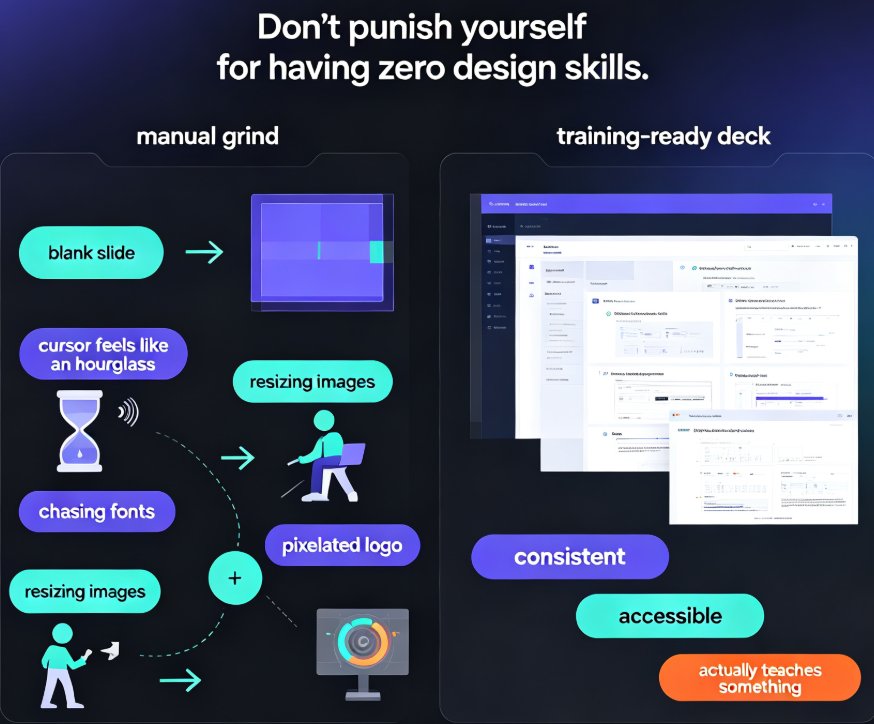
Templates were always a workaround. They existed because starting from a blank canvas is terrifying, and because most of us don't have design training. But a template is just a container — it doesn't know what you're trying to say, who you're saying it to, or why it matters.
The first wave of AI presentation tools simply made template picking smarter. Instead of scrolling manually, an algorithm suggested a layout based on your content length or topic. Helpful, sure. But it still left you with the hard part: deciding what goes on each slide, in what order, and how to make it persuasive.
The second wave changed the game. Tools began reading your actual content — the outline, the notes, the raw material — and making structural decisions for you. This is the shift from design aid to content generator, and it's the single biggest change in presentation software since PowerPoint shipped.
The real breakthrough isn't better templates. It's tools that stop asking you to choose and start making the choices themselves — so you can focus on the argument, not the formatting.
This is exactly what we're seeing across the industry. As we covered in our breakdown of why AI deck generation is replacing traditional PPT, the value proposition has flipped: it's no longer about making slides faster, but about making the thinking visible faster.
02. What "Fully Automated Generation" Actually Means in 2026
Let's be precise about what "automated generation" means, because there's a lot of hype floating around. In 2026, it's not about typing "make me a deck about sales" and getting something usable. It's about giving the tool a real outline — your actual structure, your talking points, your messy notes — and having it return a presentation that's already:
- Structured with a logical flow
- Styled consistently with your brand
- Filled with appropriate visuals and charts
- Accompanied by speaker notes or even narration
The input-to-output ratio has changed dramatically. A few years ago, a 20-slide deck might take you half a day. Now, with the right tool, that same deck can go from outline to finished in minutes — and the bottleneck is no longer design skill, it's how clearly you can articulate what you want.
This is the "agentic" turn. As our deep dive on AI presentation agents in 2026 explains, the newest tools don't just respond to a single prompt — they work through a task the way a human assistant would: understanding the goal, breaking it into steps, making intermediate decisions, and iterating until the output is solid.
Here's a quick comparison of how the workflow has changed:
| Task | Template Era (2015-2020) | Smart Layout Era (2021-2024) | Agentic Generation (2025-2026) |
|---|---|---|---|
| Starting point | Blank slide, template gallery | Rough outline, auto-layout | Outline or notes, AI structures everything |
| Slide structure | You decide slide by slide | AI suggests structure | AI builds the full narrative arc |
| Visuals | You insert images/icons manually | AI suggests assets from library | AI selects and places assets automatically |
| Brand consistency | Manual, error-prone | Semi-automatic via brand kits | Enforced by default across the deck |
| Speaker notes | You write them | AI drafts basic notes | AI generates detailed notes + narration |
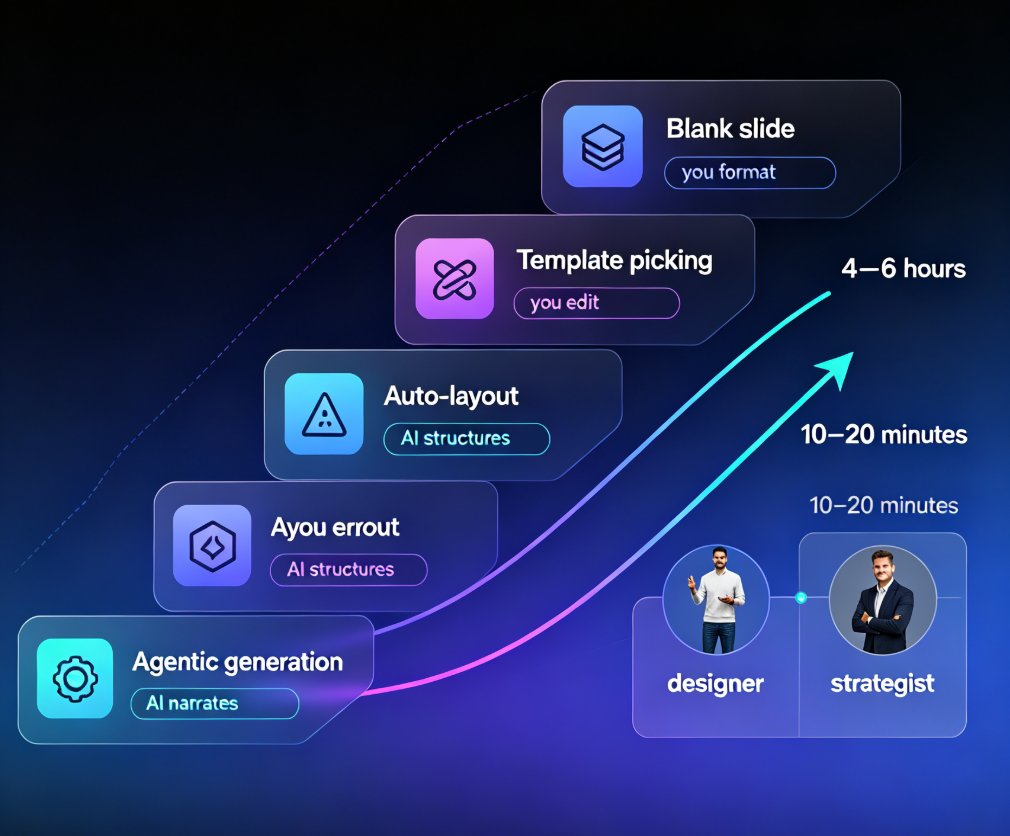
| Time for a 20-slide deck | 4-6 hours | 1-2 hours | 10-20 minutes |
| Your main job | Formatting | Editing | Strategizing |
The last row is the one that matters. Your role has shifted from designer to strategist — and that's not a small change, it's a promotion.
To visualize the trajectory, here's how automation levels have climbed across the four eras of AI deck tools:
03. From Designer to Strategist: Your New Job Description
If the tool handles structure, styling, and visuals, what's left for you? More than you think — and it's the part that actually moves the needle.
Think about what makes a great presentation. It's not the gradient on the title slide. It's the clarity of the argument, the sequencing of ideas, the moments where you slow down and let a point land. Those are strategic decisions, and no AI can make them for you — at least not yet.
What automation does is free up the hours you used to spend on mechanical work. Instead of nudging a text box three pixels to the left, you're asking better questions: Is this the right opening? Does the third section actually support the thesis? What will the audience push back on?
This is the deeper trend we've been tracking: AI slide generation is shifting from design to strategy. The tools are getting better at the "how," which means you get to spend your energy on the "what" and the "why."
The best presenters in 2026 aren't the ones with the fanciest slides. They're the ones using the time savings to sharpen their thinking — and it shows in the room.
For teams, this has a practical ripple effect. When everyone can produce a decent deck in 20 minutes, the bar shifts. The differentiator becomes content quality, not design polish. That's good news if you have strong ideas and bad news if you were coasting on pretty slides.
04. Where the Human Still Wins: Judgment, Story, and Trust
Let's not get carried away. There are things automated generation still doesn't do well, and pretending otherwise sets you up for mediocre decks.
First, judgment. An AI can structure your content, but it doesn't know your audience the way you do. It doesn't know that the VP of Finance hates jargon, or that the client team needs extra context on slide four. That contextual knowledge is yours, and it's irreplaceable.
Second, story. A great deck has a narrative arc — tension, release, a moment of insight. AI can assemble the pieces, but the emotional logic has to come from you. This is why the best workflow is collaborative: you provide the strategic direction, the tool handles the execution.
Third, trust. If you're presenting to a room of experts, they'll smell generic AI-generated content from a mile away. The decks that land are the ones that feel specific — real examples, real numbers, real stakes. Automation should give you room to add that specificity, not replace it.
This is also where transparency matters. As we discussed in our piece on AI transparency in presentations, audiences are increasingly aware of AI-generated content, and they reward honesty about it. Use the tool to build the skeleton, then make it undeniably yours.
The winning formula in 2026: let the AI do the heavy lifting on structure and design, then spend your saved time on the specific, human details that make a deck memorable.
05. What This Means for Teams, Trainers, and Content Ops
If you're an educator, trainer, or content operator, this shift is especially relevant. You're not just making one deck — you're making dozens, often on tight deadlines, and often for audiences with different needs.
For trainers, automated generation means you can turn a course outline into a full micro-course in a fraction of the time. The structure, the visuals, even the narration — all handled. Your job becomes refining the content and making sure the learning objectives are met, not wrestling with slide masters.
For content teams, it means brand consistency stops being a manual chore. When the tool enforces your brand kit by default, every deck looks like it came from the same team — because it did. We've written about how AI asset libraries are revolutionizing brand consistency, and it's exactly this dynamic: the system carries the design standards so humans don't have to.
For anyone managing a pipeline of presentations, the workflow becomes: outline → generate → review → refine → ship. The review step is where you add value. The generation step is where you save time.
This is where tools like Zendeck fit. Zendeck's AI Agent takes your outline — whether it's a Word document, Markdown, or a quick prompt — and generates a structured, on-brand deck in minutes. Then you can reskin it, add narration, or turn it into a video micro-course without starting over. It's the difference between a tool that helps you design and a tool that helps you produce.
If you want to see how the full pipeline works, from prompt to finished deck, our guide on AI prompt to deck with Zendeck walks through the exact steps.
06. FAQ
Q: Is fully automated deck generation actually good enough for professional use?
A: For most business, education, and training contexts, yes — provided you feed the tool a solid outline and review the output. The generated deck gives you structure, styling, and visuals, but you should always add your own examples, data, and voice before presenting.
Q: What's the difference between template-based tools and agentic generation?
A: Template-based tools give you a container and ask you to fill it. Agentic generation reads your content, makes structural decisions, and builds the deck end-to-end — structure, visuals, and notes — with minimal input from you. It's the difference between choosing a frame and having someone frame the picture for you.
Q: Will AI replace the need for presentation skills?
A: No — it raises the bar. When everyone can produce a decent deck quickly, the differentiator becomes the quality of your thinking, your storytelling, and your ability to read the room. Those skills matter more, not less.
Q: How do I keep my brand consistent when using AI generation?
A: Use a tool with brand kit support. Zendeck, for example, lets you set your fonts, colors, and logo once, and every generated deck follows those rules automatically. You can also reskin an existing deck in one click if you need to match a new brand.
Q: What should I prepare before using an AI deck generator?
A: A clear outline. The better your input — even rough notes or a Word document — the better the output. You don't need polished prose; you need the key points, the order they should appear, and any specific data or examples you want included.