Why AI Deck Generation Is Replacing Traditional PPT in 2026
You know that Sunday-night feeling. The one where you're staring at a blank PowerPoint, cycling through template after template, and somehow it's 11 PM and you've produced three slides. That feeling is exactly why AI deck generation is becoming the default workflow in 2026 — not because designers disappeared, but because the job stopped being about design and started being about thinking.
For years, "making a deck" meant wrestling with layout. You'd copy text into a slide, fight with bullet points, hunt for an icon that doesn't look like clip art, and pray the fonts didn't break when you shared the file. Then AI tools showed up and promised to fix it — and for a while, they mostly gave you prettier templates. That's changing fast.
The real shift in 2026 isn't better templates. It's that the entire content-to-slide pipeline is now automated, and the person building the deck no longer needs to touch a single layout control. That's a workflow change, not a feature update, and it's why traditional PPT workflows are quietly being retired.
01. The Sunday-Night Slide Problem That Won't Die
Let's be honest about what traditional PowerPoint actually costs you. Every deck you build manually carries a hidden tax: the time you spend on layout, alignment, font pairing, and color matching is time you didn't spend on the actual message. For a typical 20-slide business deck, that's easily three to five hours of pure mechanical work — work that adds zero insight to your content.
The pain is worse for educators and trainers. You're not just making slides; you're making courseware that needs to be consistent across a whole module, reusable for different cohorts, and clear enough that a student can follow it at 8 AM. Doing that by hand, deck after deck, is exhausting. And the result is often a mess of mismatched fonts and inconsistent spacing that undermines your credibility.
The solution that's winning in 2026 is simple: stop building slides, and start writing outlines. When you hand a well-structured outline to an AI deck generator, the tool handles layout, hierarchy, and visual consistency for you. The outcome is a deck that looks professionally designed in minutes — not hours — and that you can actually revise without breaking the design.
This is exactly the workflow Zendeck was built around. You paste a Word outline or Markdown, and the engine generates a structured, visually consistent deck. No design skills required. 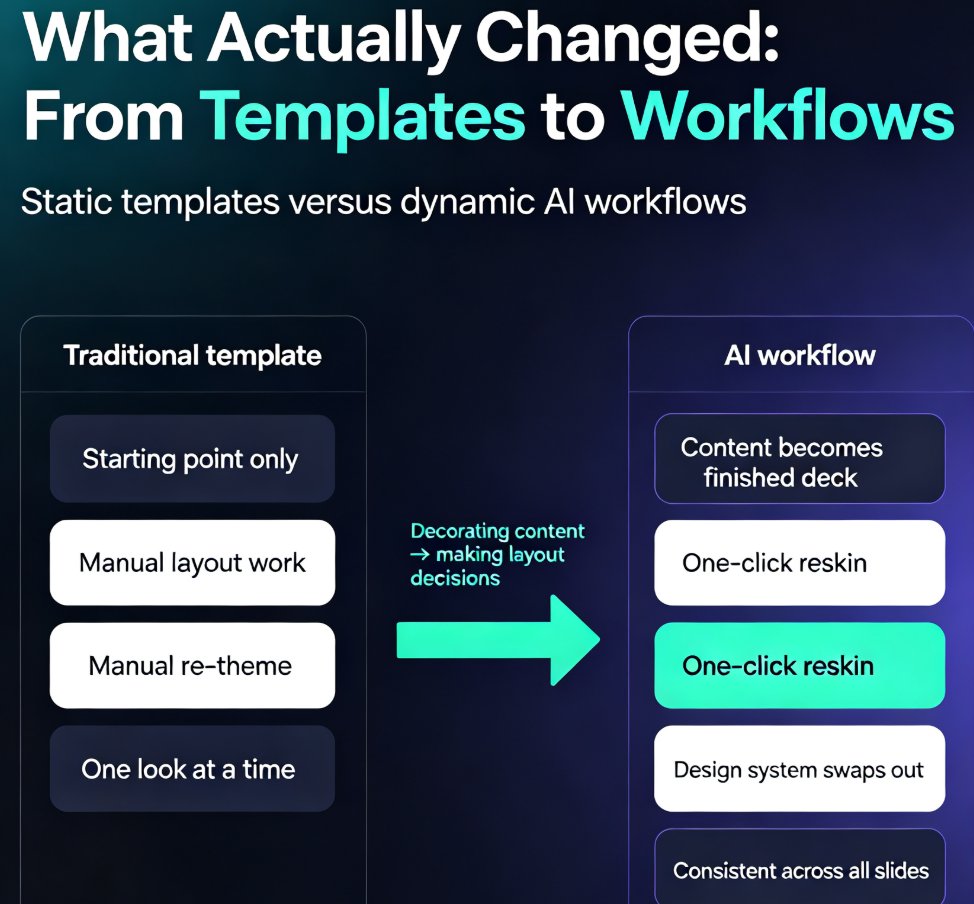
02. What Actually Changed: From Templates to Workflows
Here's the part that confuses people. Template libraries have existed for decades. PowerPoint has thousands of them. Canva has millions. So why is 2026 different?
Because templates are static, and workflows are dynamic. A template gives you a starting point; you still do all the work. An AI workflow takes your content and produces a finished deck, then lets you change the entire look with one click. That's a fundamentally different relationship with the tool.
Think about what happens when your boss asks for "a slightly different color scheme" on a deck you spent four hours building. With traditional PPT, that's a manual re-theme — every slide, every text box, every chart. With an AI deck tool, it's a one-click reskin. The content stays put; the design system swaps out.
The measurable difference is production time: what took a full workday now takes under an hour, and the revision cycle shrinks from hours to minutes. That's not a marginal improvement; it's a category change in how teams allocate their time.
This is the same argument behind the broader move to AI-driven design automation and smart layouts. The tool isn't just decorating your content — it's making layout decisions for you, and it's making them consistently.
03. Outline-to-Slide: The Workflow That Killed the Blank Slide
Let's get specific about the workflow that's replacing traditional PPT. It has three steps, and none of them involve dragging a text box.
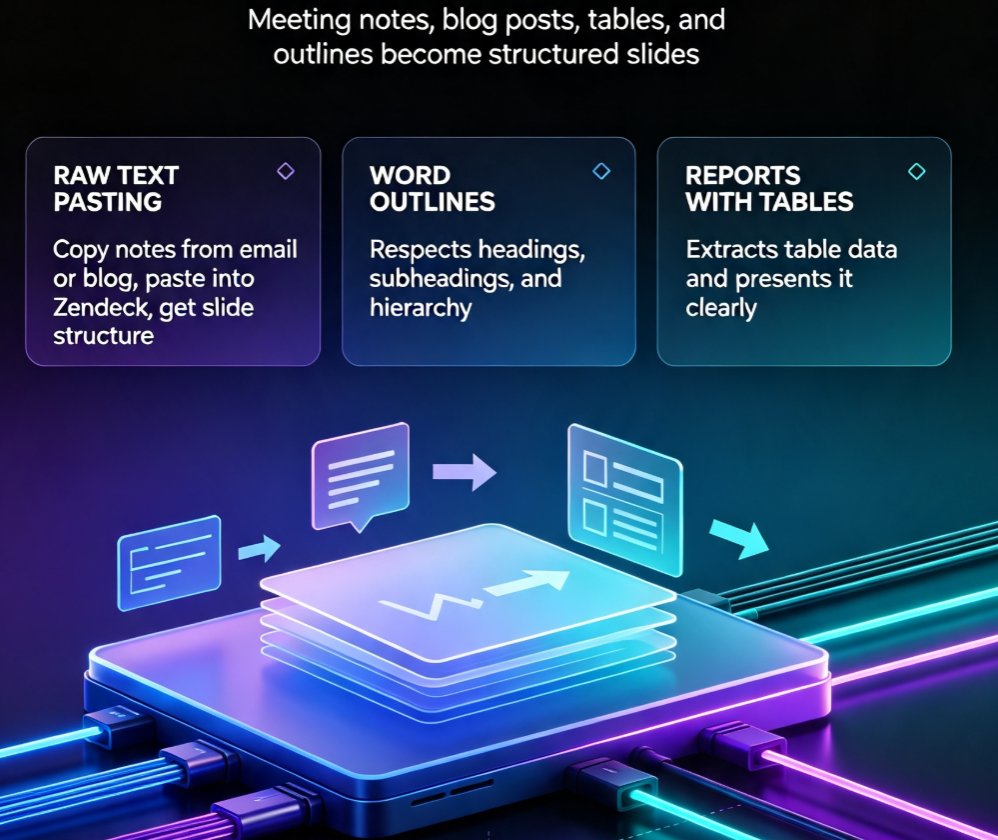
Step one: write the outline. You already have the content in your head, in a Word doc, or in meeting notes. The AI doesn't need you to reformat it; it just needs structure — headings, subheadings, and the key points you want to make.
Step two: generate. The AI reads your outline, understands the hierarchy, and produces a deck where each section becomes slides, each key point becomes a slide element, and the visual style stays consistent throughout.
Step three: refine. You review, tweak the wording, maybe swap a chart, and — if you need it — turn the whole thing into a narrated video.
That's it. No layout decisions. No font anxiety. No "which of these 47 blue colors is the right one."
This outline-to-slide approach is why AI prompt-to-deck tools are gaining traction with teams that previously swore by PowerPoint. The tool isn't competing on template variety; it's competing on removing the entire mechanical layer of deck building.
For educators, this workflow is a game changer. You can take your existing course notes, run them through the generator, and get a consistent set of courseware slides — then update them for next semester without rebuilding anything. The AI presentation templates for trainers in Zendeck's library are built exactly for this: consistent, on-brand, and adaptable.
04. Why Templates Alone Aren't Enough Anymore
Here's the uncomfortable truth about template-based design: templates give you a frame, but they don't give you a system. You still have to fit your content into the frame, and when your content doesn't fit — which is most of the time — you start improvising. That's how decks end up with one slide that's overcrowded and another that's 90% empty.
AI deck generation solves this by treating layout as a consequence of content, not the other way around. The tool analyzes your outline, decides what belongs on each slide, and adjusts the layout to fit. It's the difference between buying a suit off the rack and having one tailored to your measurements.
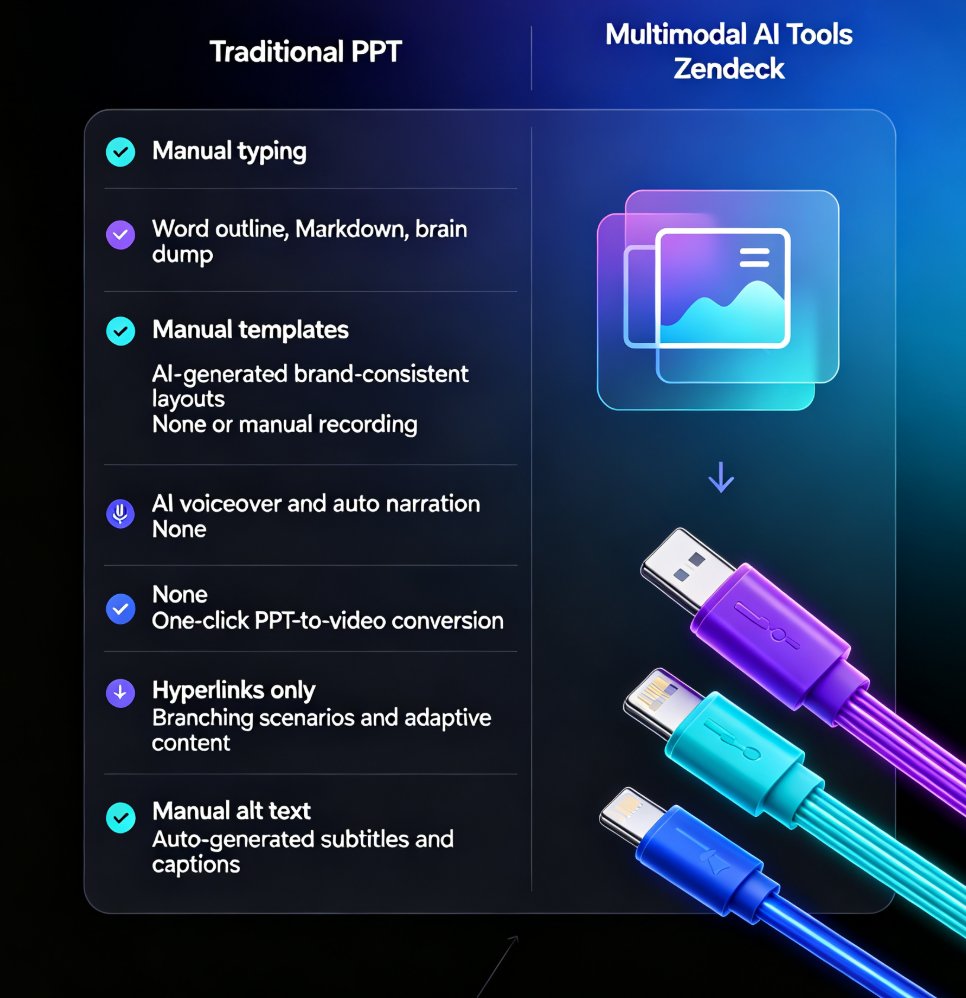
| Aspect | Traditional PPT Workflow | AI Deck Generation (2026) |
|---|---|---|
| Starting point | Blank slide or static template | Word outline, Markdown, or a prompt |
| Design consistency | Manual; drifts off-brand easily | Automated via brand kits and smart layouts |
| Production time | 3–5 hours for a 20-slide deck | Under 30 minutes for the same deck |
| Revision cycle | Manual re-layout per change | One-click reskin and reflow |
| Skill required | Design + layout expertise | Writing a clear outline |
| Output formats | Static slides | Slides, video, speaker notes, subtitles |
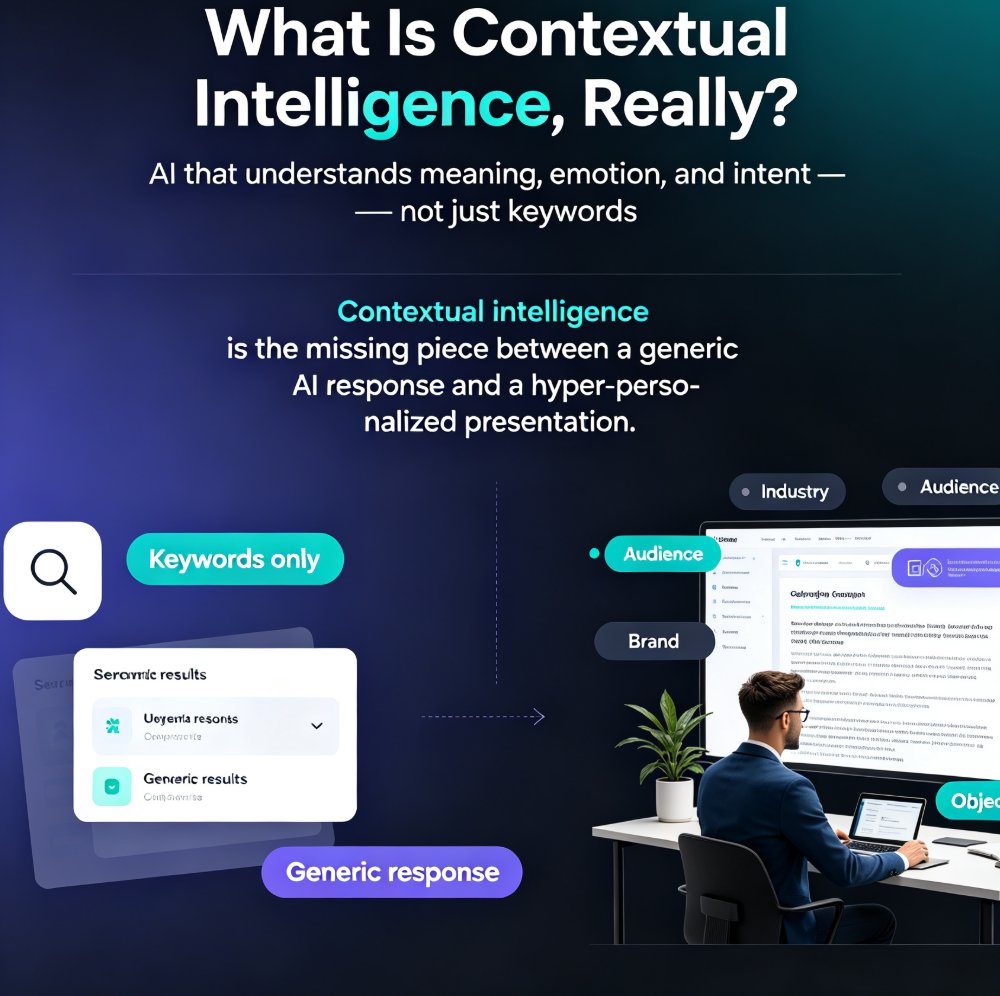
The table above isn't hypothetical — it's the difference between the old way and the new way. And the gap is widening as AI tools get better at understanding context. We're already seeing AI deck tools move beyond templates into context-aware design, where the tool adapts to your industry, your audience, and your tone.
The practical takeaway: if your team is still starting every deck from a blank slide, you're paying a tax that AI deck generation has already eliminated. The question isn't whether to switch; it's how quickly you can retrain your workflow.
05. What This Means for Professionals and Educators
Let's make this concrete. Three scenarios, three outcomes.
Scenario one: the consultant. You've got a 40-page findings document and a client presentation due tomorrow. Traditional approach: you'd spend the evening turning findings into slides, losing half the nuance in the process. AI approach: you paste the document outline, generate a 25-slide deck, and spend your evening refining the narrative instead of aligning bullet points.
Scenario two: the HR trainer. You run the same onboarding deck for every new hire cohort, but you need to update it quarterly with new policies. Traditional approach: you open the old deck and manually edit every affected slide, hoping you don't miss one. AI approach: you update the source outline, regenerate, and the deck rebuilds itself with consistent formatting.
Scenario three: the university lecturer. You teach three sections of the same course, and each section needs slightly different examples. Traditional approach: three versions of the deck, three times the maintenance. AI approach: one outline, three generated variants, all on-brand.
In all three cases, the pattern is the same: the person's time shifts from mechanical layout work to substantive content thinking. That's the real ROI of AI deck generation, and it's why the trend is accelerating.
This is also why the shift from design to strategy is the defining theme of 2026. When the tool handles design, your job becomes strategy — what to say, to whom, and in what order. That's a promotion, not a demotion.
06. How to Adopt AI Deck Generation Without Losing Quality
If you're sold on the idea but worried about quality, you're right to be cautious. Early AI decks had a reputation for looking generic — same layouts, same color palettes, same stock-photo energy. But the tools have matured, and so has the workflow around them.
Here's what actually works, based on teams that have made the switch:
Start with structure, not style. The quality of your output is directly proportional to the quality of your outline. Spend ten minutes structuring your content before you generate. The AI can't fix a muddled argument, but it will faithfully reproduce one.
Lock your brand early. If your organization has brand guidelines, set them up in the tool once. This is where Zendeck's custom brand kit pays off — your AI-generated decks will match your existing collateral, which is the #1 concern teams have about AI design.
Review with intent. AI gets you 90% of the way there. The last 10% — the nuance, the specific example, the joke that lands — is yours. Budget your time for that review instead of for layout.
Use the full pipeline. The real efficiency gain comes when you don't stop at slides. Turn your deck into a narrated video for asynchronous learners, generate speaker notes for yourself, and reuse the asset library for charts and icons. Zendeck's PPT-to-video workflow is a good example of where this is heading.
One honest warning: not every AI deck tool is equal. Some are template engines with an AI sticker on top. The ones that matter in 2026 are the ones that understand content — that read your outline, respect your brand, and produce something you'd be proud to present. That's the bar.
07. FAQ
Q: What is AI deck generation and how is it different from using PPT templates?
A: AI deck generation takes your content — a Word outline, Markdown, or a prompt — and automatically produces a structured, visually consistent slide deck. Templates give you a static starting point that you still have to fill and format manually. AI generation handles layout, hierarchy, and design for you, so you can revise the whole deck's look with one click.
Q: Can AI deck generation really replace traditional PowerPoint for professional use?
A: For most professional workflows, yes. The exception is highly custom, design-led presentations where you need pixel-level control. For everything else — business decks, training courseware, pitch decks, lecture slides — AI generation produces results that are more consistent and faster to produce than manual PPT work.
Q: How does Zendeck's outline-to-slide workflow work?
A: You paste a Word outline or Markdown into Zendeck, and the engine generates a structured deck with consistent fonts, colors, and layouts. You can then reskin the entire deck with one click, add charts and icons from the asset library, or turn the slides into a narrated video. No design skills required.
Q: Will AI-generated decks look generic or off-brand?
A: Only if you don't set up your brand first. Zendeck's custom brand kit lets you define your colors, fonts, and logo once, and every generated deck follows those rules. That's how teams keep AI-generated decks looking like they came from the same design team as everything else.
Q: Is AI deck generation worth it for educators and trainers?
A: Absolutely. Educators benefit the most because they produce recurring courseware that needs to stay consistent and up to date. You can update a source outline, regenerate the deck, and have updated courseware in minutes — instead of manually editing every slide.