AI-Driven Design Automation: The 2026 Shift to Smart Layouts
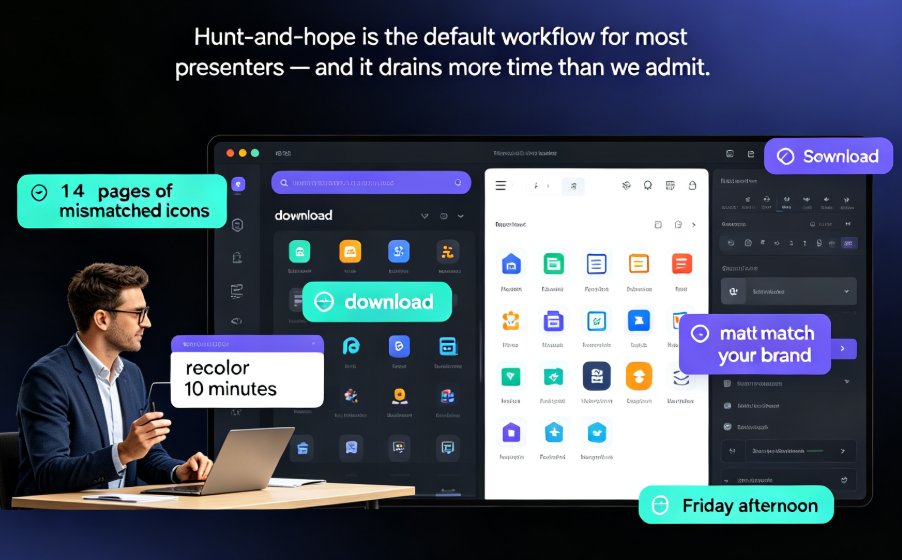
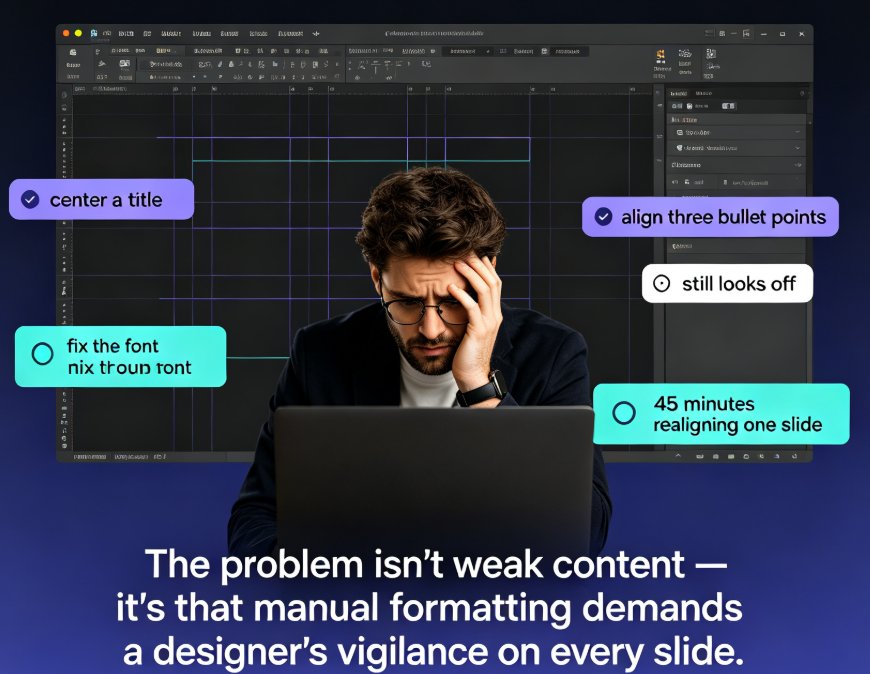
Let's be honest: how many hours did you lose last month to nudging a text box three pixels to the left? If you've ever built a deck from scratch — aligning shapes, wrestling with font sizes, praying the logo doesn't look stretched — you know the real cost of "just formatting" a presentation. It's not minutes. It's hours. And it's the reason most of us dread slide work.
Here's the 2026 shift: AI-driven design automation is quietly killing that whole category of work. Smart layouts now handle the formatting, the alignment, the brand consistency — so you can spend your energy on the story, not the spacing. For educators, trainers, HR teams, and content operators who've never had design skills, this isn't a convenience. It's the difference between shipping a deck on Friday and shipping it by Tuesday.
01. The Formatting Trap: Why Manual Design Eats Your Week
You don't need to be a designer to feel this. You just need to have spent a Tuesday afternoon resizing a chart so it fits next to a bullet list.
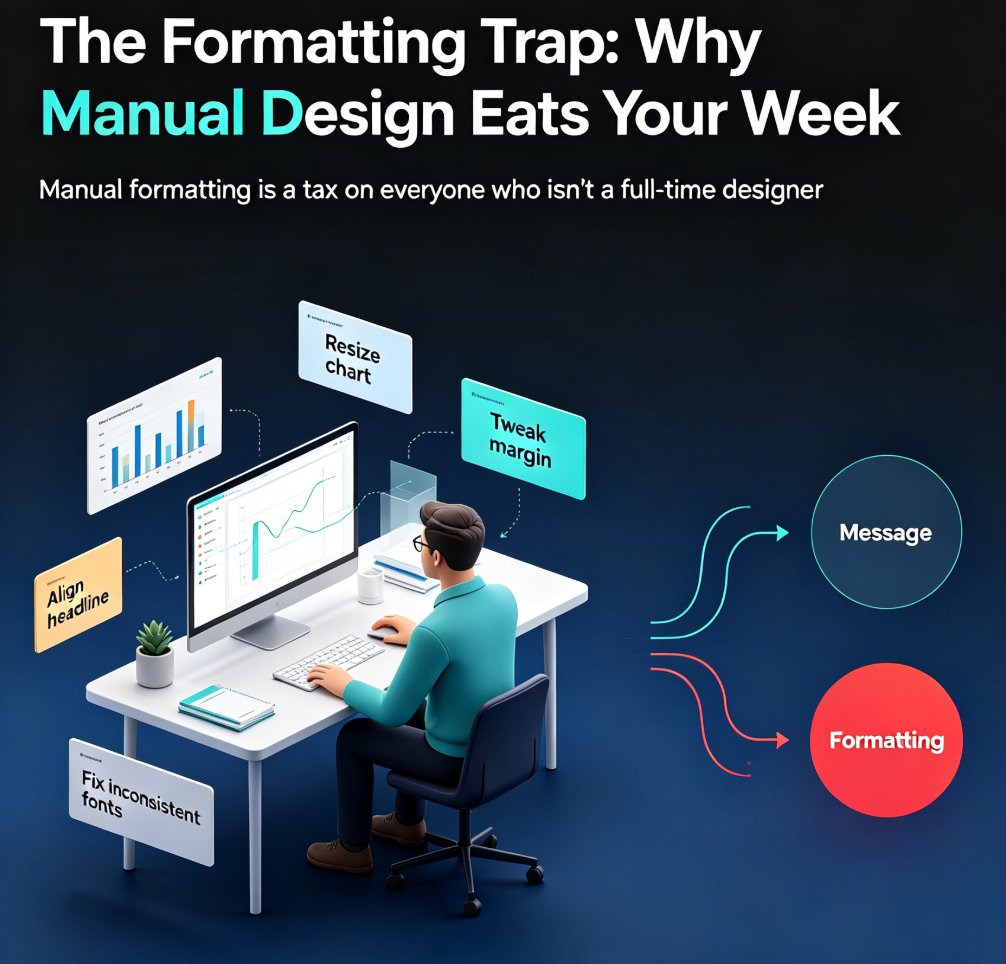
The problem isn't that you can't design. The problem is that manual formatting is a tax on everyone who isn't a full-time designer — and even designers pay it. Every time you drag a shape, tweak a margin, or re-align a headline after a text edit, you're spending cognitive energy that should go into your message.
For educators and trainers, this tax is brutal. You're not building one deck; you're building a semester's worth of courseware, each with its own structure, its own data, its own tone. Do that manually and you've lost days. Do it with smart layouts and the formatting happens while you're still thinking about the content.
The deeper issue is that manual design punishes iteration. The moment a stakeholder says "can we move this section earlier?" you're not just reordering slides — you're redoing the formatting on every slide that changed. That's why so many decks go out with inconsistent fonts and misaligned elements: not because people don't care, but because fixing them costs more time than anyone has.
This is the pain point that 2026's design automation trend is built to solve. And it's worth understanding exactly what changed under the hood, because "AI design" means very different things depending on the tool.
02. What AI-Driven Design Automation Actually Does
Let's define the term properly, because "AI design" gets thrown around loosely. AI-driven design automation means the tool makes design decisions for you — not just suggests them. It interprets your content, decides what goes on which slide, picks the layout, applies your brand, and adjusts everything when you edit.
The 2026 shift is that this is no longer a "nice extra." It's the default. As one industry analysis puts it, "the formatting, layout, and brand consistency are now handled automatically. Your time goes into the analysis and storytelling" (Presentations.ai, 2026).
Three things changed to make this possible:
-
Intent interpretation. Modern AI reads your input — a prompt, a Word outline, a pasted strategy doc — and figures out what kind of presentation you actually need. A document about quarterly results gets organized differently than one about a product launch. The AI isn't just formatting your words; it's building a framework around them.
-
Adaptive layouts. Instead of forcing content into rigid placeholders, the layout reorganizes itself around your content. Add a long paragraph? The slide reflows. Swap in a bigger chart? Everything adjusts. Nothing breaks.
-
Conversational editing. You describe what you want changed and the AI makes the change across the relevant slides — no hunting through menus.
This is exactly where Zendeck's smart layout engine comes in. Paste in a Word outline or Markdown, and the engine generates a structured, visually consistent deck in seconds. One-click reskin then unifies fonts, colors, and layout across every slide — so brand consistency stops being a final manual step and becomes a default.
03. Smart Layouts: From Rigid Templates to Adaptive Design
Here's the key difference between a template and a smart layout. A template is a cage: your content has to fit it. A smart layout is a system: it fits your content.
Traditional templates break the moment your content doesn't match the placeholder. Three bullet points instead of five? The slide looks empty. A 200-word case study where the template expected 50? Everything overflows. So you spend an hour fighting the template — which is exactly what you were trying to avoid.
Smart layouts solve this by treating design as a set of rules, not a fixed canvas. The AI evaluates your content — length, hierarchy, data density — and chooses the layout that fits. This is why the 2026 trend is "adaptive" rather than "template-driven." The deck reorganizes itself around your actual content instead of breaking when it doesn't fit.
For non-designers, this is the unlock. You don't need to know that a data-heavy slide needs a different grid than a narrative slide. The tool knows. And when you edit — add a slide, cut a section, merge two points — the layout reflows automatically, keeping everything aligned and readable.
This is also where AI-powered design suggestions come into play: the tool doesn't just react to your content; it proactively suggests better ways to present it.
04. The Data Behind the Shift: Time Saved, Quality Gained
The numbers back up the hype. According to Matik's 2026 guide to automating presentations, teams that adopt AI presentation tools regularly reclaim up to 70% of the time typically lost to manual slide design and formatting (Matik.io, 2026). That's not a marginal improvement; that's a workflow change.
Let's put that in concrete terms. A typical 20-slide deck that takes a non-designer 8.5 hours to format manually — layout, brand alignment, template selection, revisions — drops to roughly 2.5 hours with AI-driven automation. The chart below breaks down where those hours go.
The pattern is consistent: the more repetitive the task, the more the AI saves you. Brand consistency — the task people usually skip or botch — shows the biggest gap, because it's pure mechanical repetition. And that's exactly the kind of work that should never require a human.
| Task | Manual (hours) | AI-assisted (hours) | Time saved |
|---|---|---|---|
| Layout & alignment | 3.0 | 0.9 | 70% |
| Brand consistency | 2.0 | 0.5 | 75% |
| Template selection | 1.5 | 0.4 | 73% |
| Revisions & reflow | 2.0 | 0.7 | 65% |
| Total (20-slide deck) | 8.5 | 2.5 | ~71% |
05. What This Means for Non-Designers
Here's the part that matters most. For years, "professional-looking" was code for "you need a designer." If you were an educator, a trainer, or an HR lead without design skills, your decks looked like it — no matter how good your content was.
AI-driven design automation changes that equation. Professional design is no longer a skill barrier; it's a default setting. You bring the expertise, the tool brings the polish.
This is the real 2026 story: not that AI makes prettier slides, but that it removes the design bottleneck from the content pipeline. When anyone can produce a brand-consistent, well-structured deck, the competitive advantage shifts from "who can format well" to "who has the better ideas." That's a shift worth paying attention to — and it's why AI slide generation is moving from design to strategy.
For courseware designers specifically, this changes the job description. Instead of spending hours on layout, you spend them on pedagogy: structuring learning objectives, sequencing content, designing assessments. The design automation handles the visual layer; you handle the learning layer.
Zendeck's smart layout engine is built exactly for this — turning non-designers into confident deck builders, one click at a time.
06. How to Get Started with Smart Layout Automation
If you're sold on the idea but not sure where to start, here's a practical path that works whether you're building a training deck, a pitch, or a semester of courseware:
-
Start from your existing content. Don't open a blank slide. Paste in a Word outline, a strategy doc, or even a brain dump. The AI organizes it for you — no more staring at an empty canvas.
-
Let the tool pick the layout on the first pass. Trust the adaptive layout engine. You can always adjust later, but starting from a smart layout beats starting from zero. Zendeck's AI deck template selection handles this for you.
-
Apply your brand once. Set up a brand kit and let every slide inherit it. No more manual logo placement or font hunting.
-
Edit by conversation, not by clicking. Describe the change you want — "make this section more visual" — and let the AI apply it across the deck.
-
Review the story, not the spacing. Use the time you saved to sharpen your message. That's the whole point of automation.
One honest caveat: AI design automation won't fix bad content. Garbage in, garbage out — the tool will just make your garbage look very clean. If your slides still feel messy after automation, the problem is usually the content structure, not the design. Here's how to fix that.
FAQ
Q: What is AI-driven design automation? A: It's when the tool makes design decisions for you — interpreting your content, choosing layouts, applying brand identity, and adjusting everything when you edit. Instead of dragging shapes and aligning text boxes, you paste or describe your content and the AI handles the formatting automatically.
Q: How do smart layouts differ from traditional templates? A: A template is a fixed canvas your content has to fit; a smart layout is a rule-based system that fits your content. When you add a long paragraph or swap in a bigger chart, the layout reflows automatically instead of breaking.
Q: Can AI design automation really save 70% of my time? A: According to Matik's 2026 guide, teams that adopt AI presentation tools regularly reclaim up to 70% of time lost to manual slide design and formatting. In practice, a 20-slide deck that takes 8.5 hours to format manually drops to about 2.5 hours with AI assistance.
Q: Do I need design skills to use smart layout tools? A: No — that's the whole point. AI-driven design automation makes professional design a default setting rather than a skill barrier. You bring the expertise and content; the tool brings the layout, alignment, and brand consistency.
Q: How does Zendeck's smart layout engine work? A: You paste in a Word outline or Markdown, and the engine generates a structured, visually consistent deck in seconds. One-click reskin then unifies fonts, colors, and layout across every slide, and the asset library supplies icons, charts, and illustrations.