How AI Asset Libraries Are Revolutionizing Corporate Brand Consistency
How AI Asset Libraries Are Revolutionizing Corporate Brand Consistency
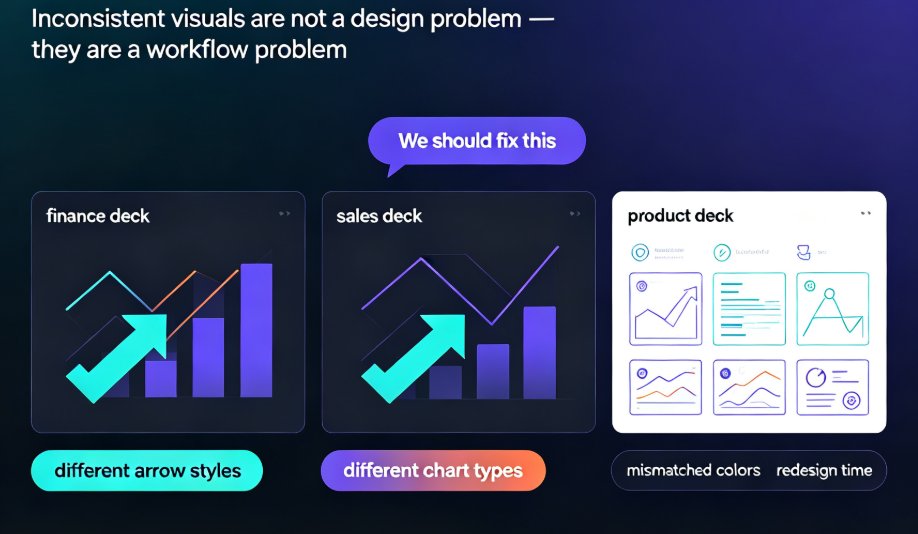
Not long ago, managing brand assets meant a mess of shared drives, Dropbox links, and email attachments. Every team had its own “system,” and finding the right file felt like a treasure hunt. You’d spend 20 minutes hunting for the latest logo, only to discover the file you grabbed was last year’s outdated version. And when you finally built a deck, someone in marketing would flag the wrong shade of blue. Sound familiar?
Today’s brands can’t afford that kind of chaos, when speed, consistency, and control are everything. The modern AI-powered asset library changes all that. These organized, searchable hubs do more than store files; they connect people, processes, and brand content in one place—and they enforce brand rules automatically.
In this article, I’ll walk you through how AI asset libraries are revolutionizing corporate brand consistency, why they’re becoming essential for teams of any size, and how Zendeck makes it painfully easy to stay on-brand.
01. The Cost of Chaos: Why Manual Asset Management Fails Teams
Let’s be real—manual asset management is a recipe for inconsistency. When you’re juggling shared drives, local folders, and email attachments, here’s what happens:
- Version confusion: Someone uses the old logo, another uses the new one. The deck that goes to the client has a mix of both.
- Time wasted: According to a study by Frontify, teams spend up to 30% of their time searching for assets. That’s a full day and a half per week.
- Brand erosion: Every off-brand slide, every mismatched font, slowly chips away at your brand’s credibility. Inconsistent branding can reduce revenue by up to 23% (according to research by Lucidpress).
The pain point is clear: manual processes create friction, frustration, and brand damage. The solution is a centralized system that eliminates guesswork.
02. How AI Asset Libraries Automate Brand Enforcement
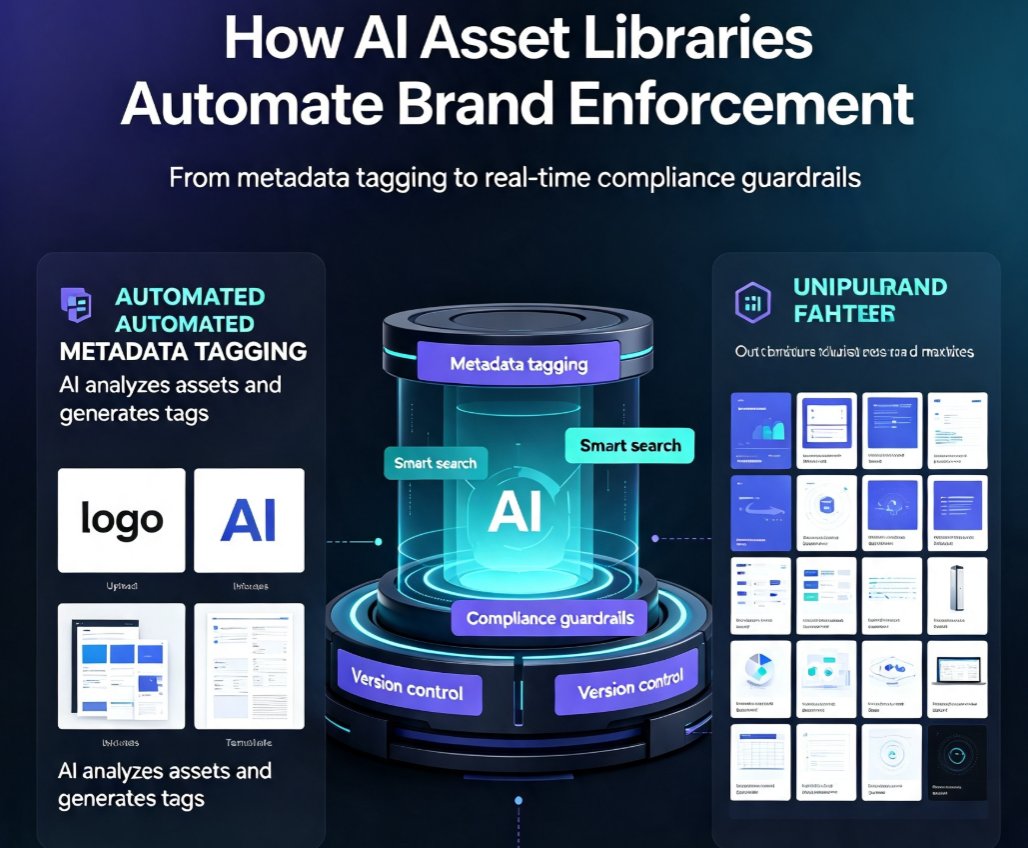
AI asset libraries are not just a fancy folder—they’re intelligent systems that understand your brand. Here’s how they work:
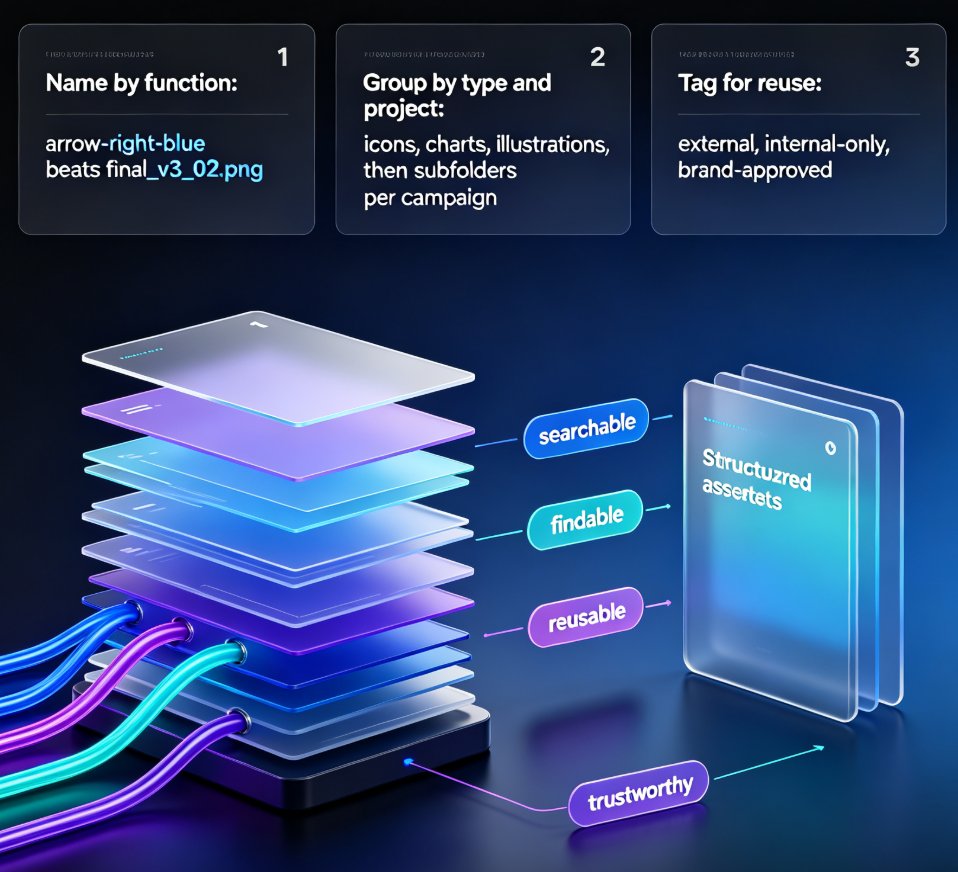
- Automated metadata tagging: AI analyzes every asset—logos, fonts, images, templates—and generates tags, descriptions, and categories automatically. No more manual file naming or folder sorting.
- Smart search: Type “hero banner 2026” and the AI finds the exact asset, even if it was uploaded with a different name.
- Compliance guardrails: When someone uploads a modified logo or uses a wrong color, the AI flags it immediately. Guardrails powered by automation can catch inconsistencies in real time—flagging off-brand content before it circulates.
- Version control: The system retains only the approved version, so outdated assets are hidden or archived.
The outcome? Your team spends less time searching and correcting, and more time creating content that actually moves the needle.
03. The Anatomy of a Modern AI Asset Library: Metadata, Guardrails, and Workflows
Let’s break down the key components that make an AI asset library so effective. I’ll use a comparison table to show the difference between traditional and AI-powered approaches.
| Feature | Traditional Asset Library | AI Asset Library (e.g., Zendeck) |
|---|---|---|
| Metadata | Manual tagging, error-prone, inconsistent | AI auto-generates tags, descriptions, and categories based on content recognition |
| Search | File name or folder browsing | Semantic search, even by description or concept |
| Brand Enforcement | Manual review by a brand manager | Automated guardrails: flags off-brand colors, fonts, logos in real-time |
| Workflow | Email approvals, version chaos | AI-driven workflow: auto-assigns tasks, alerts on compliance issues |
| Duplicates | You find them yourself | AI detects and merges duplicates automatically |
| Integration | Standalone, manual export | Embedded in content creation tools (e.g., presentation platforms) |
When structure and intelligence combine, consistency stops being a constraint and becomes a catalyst. Teams move faster, stay aligned, and spend less time fixing and more time innovating.
04. Real-World Impact: From Inconsistency to On-Brand Every Time
Let’s look at a concrete scenario. A marketing team of 15 people creates 50 presentations per month. With manual asset management, they’d spend about 150 hours per month on asset searching, fixing colors, and checking compliance. That’s nearly 4 weeks of wasted time.
After implementing an AI asset library like Zendeck: - Search time drops by 80% (AI finds assets instantly). - Brand compliance reaches 99% (AI guardrails catch errors before they go live). - Presentation creation time is cut by 50% (templates and brand kits are pre-loaded).
The result? A single source of truth that every team member can trust, and a brand that looks consistent across every slide, every channel, every audience.
05. Zendeck: Your AI-Powered Brand Asset Library for Presentations
Now, let’s talk about how Zendeck brings this to life specifically for presentations. If you’re a team that creates decks daily—trainers, educators, HR, content operators—Zendeck is built for you.
Step 1: Set up your brand kit. Upload your logo, choose your brand colors, and pick your fonts. Zendeck’s AI auto-generates a brand kit that locks these elements. (Learn more in our guide on How to Set Up and Use Brand Kits in Zendeck.)
Step 2: Import content. You can upload a Word outline, paste markdown, or even import a PDF. Zendeck’s AI instantly converts your raw text into a structured presentation with on-brand styling. (See Import PDFs, Reports, and Raw Text into Zendeck.)
Step 3: Apply a template. Browse Zendeck’s 500+ template library, and with one click, your entire deck reskins to match your brand. (Check out Navigate Zendeck's 500+ Template Library.)
Step 4: Collaborate and enforce. Teams can co-edit in real-time, and AI guardrails ensure no one accidentally uses an off-brand element. (See How Teams Can Co-Edit AI Presentations.)
Step 5: Export or convert to video. Export your deck to PPTX, PDF, or even turn it into a narrated video. (Learn about Zendeck's PPT-to-Video tool.)
Zendeck’s approach ensures that every presentation you create is on-brand, without requiring design skills. It’s like having a brand manager in your computer, but without the meetings.
06. FAQ
What is an AI asset library?
An AI asset library is a centralized digital hub that uses artificial intelligence to automatically tag, organize, and enforce brand guidelines on assets like logos, fonts, colors, and templates. It replaces manual folder systems with intelligent search, metadata generation, and automated compliance checks.
How does AI enforce brand consistency in presentations?
AI-powered asset libraries lock brand elements—colors, fonts, layouts—into templates and workflows. When a team member creates a presentation, the system automatically validates content against brand rules, flags off-brand assets, and suggests corrections, ensuring every slide aligns with corporate identity.
Can AI asset libraries work with existing tools like PowerPoint?
Yes, modern AI asset libraries integrate with popular presentation tools. Zendeck, for example, allows you to import Word outlines or raw text and instantly generate on-brand slides. The brand kit is embedded in the platform, so no manual checking is needed.
What are the key benefits of using an AI asset library for brand consistency?
Key benefits include: reduced time spent on manual asset management, elimination of brand inconsistencies, faster content creation, automated compliance, improved team collaboration, and a single source of truth for all brand assets.
How does Zendeck help maintain brand consistency?
Zendeck provides a centralized asset library where you can upload brand kits (logos, colors, fonts) and apply them to any presentation with one click. AI-powered guardrails automatically enforce brand rules, and the template library offers 500+ on-brand designs. Teams can collaborate in real-time and export presentations that are always consistent.