Tags:asset library

11 articles

How to Standardize Icons and Charts Across Your Team's Decks

Courseware Design 2026-09-17 2133

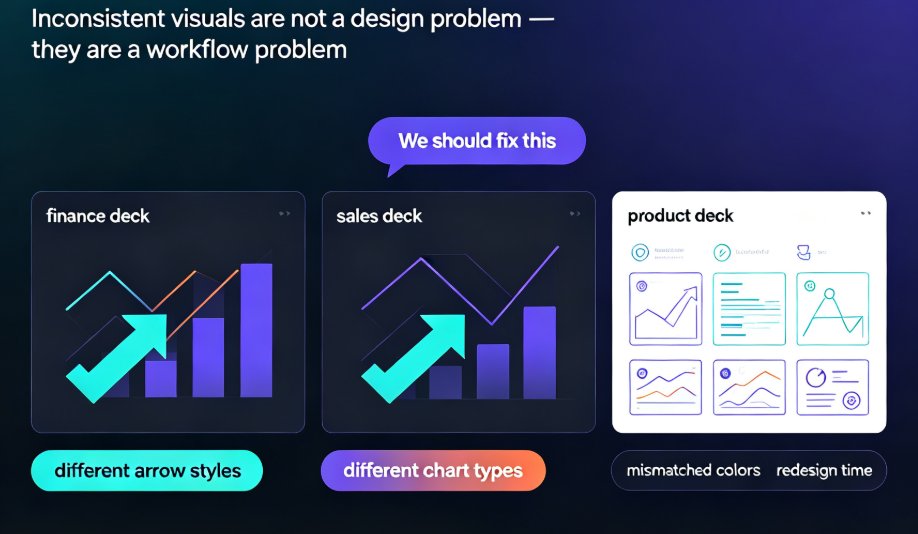
Learn how to standardize icons, charts, and visuals across all your team's presentations with Zendeck's asset library. This guide shows you the exact workflow to enforce brand consistency, cut redesign time, and keep every deck on-message—even when five people are designing at once. No more mismatched icon sets or off-brand charts. We'll cover how to set up a shared asset library, choose the right icon system, and make charts that match your brand. Plus, we'll share team-wide governance tips that make compliance effortless. If your team struggles with inconsistent decks, this is the fix.
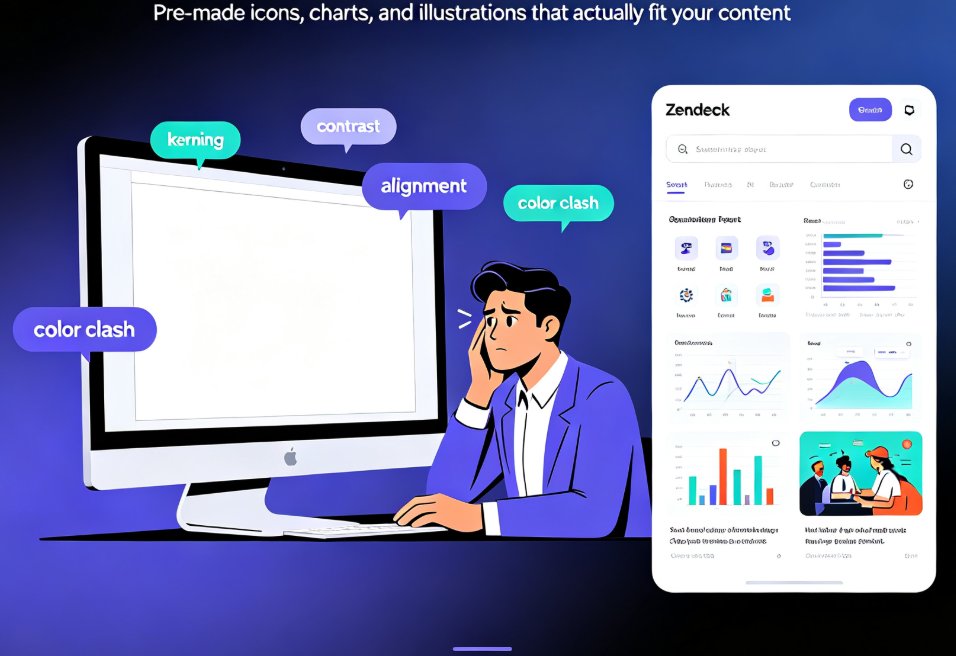
Use Zendeck's Asset Library to Elevate Courseware Design

Courseware Design 2026-09-03 1342

Zendeck's asset library gives educators instant access to professional icons, charts, and illustrations that plug directly into the AI courseware workflow. This practical guide shows teachers how to search efficiently, choose the right visual for each lesson, and build polished decks in minutes — no design skills required. Learn the search tips that save time, the chart selection framework for data-heavy lessons, and the common mistakes that undermine even a great asset library. Whether you're teaching biology, economics, or corporate training, Zendeck's curated assets keep your slides consistent, accessible, and genuinely engaging. Stop wasting time on generic clip art and start building courseware that students actually remember. This is the guide you wish you'd had before your last all-nighter of deck building.

5 Ways Zendeck's Asset Library Improves Slides for Non-Designers

Courseware Design 2026-09-01 1398

The Zendeck asset library gives non-designers ready-made icons, charts, and illustrations that instantly upgrade slide quality. You no longer need design training to build polished, professional presentations. This guide breaks down five concrete ways the library saves time, enforces visual consistency, and turns blank slides into decks you're proud to share. From matching brand colors in one click to embedding data-driven charts without touching Excel, each tip walks through a real use case. Learn how educators, trainers, and HR teams are using Zendeck's asset library to produce courseware and pitch decks that look agency-made — even if your last design project was a kindergarten art class.

Zendeck Asset Library: Find Icons & Illustrations in Seconds

Courseware Design 2026-08-27 648

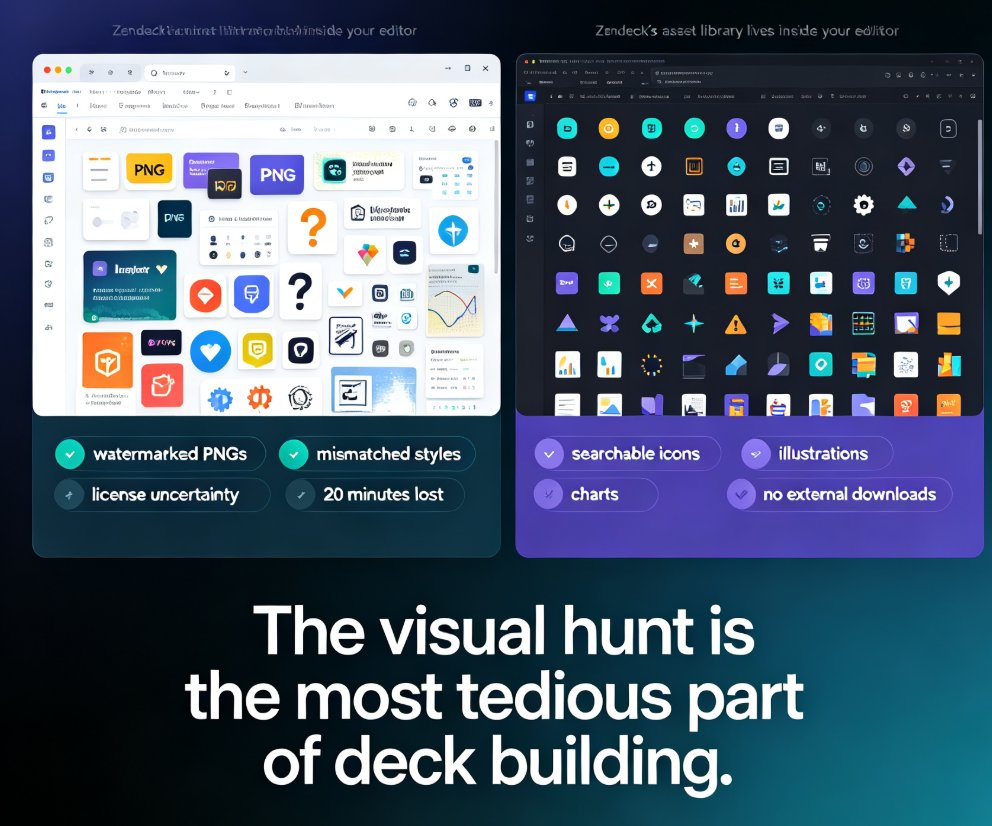
Zendeck's asset library puts searchable icons, charts, and illustrations right inside your editor, cutting visual-hunting time from 20 minutes to under 3 minutes per task. This guide walks through the search workflow, style filters, and customization options, and explains why a curated in-platform library beats external downloads for consistency. You'll also see the time-saving math, best practices for mixing icons with illustrations, and answers to common questions about licensing and custom uploads. If you're tired of tab-hopping between free icon sites and mismatched visual styles, Zendeck's built-in library is the fix.

Zendeck Asset Library: Find the Perfect Icon in Seconds, Not Hours

Courseware Design 2026-08-27 998

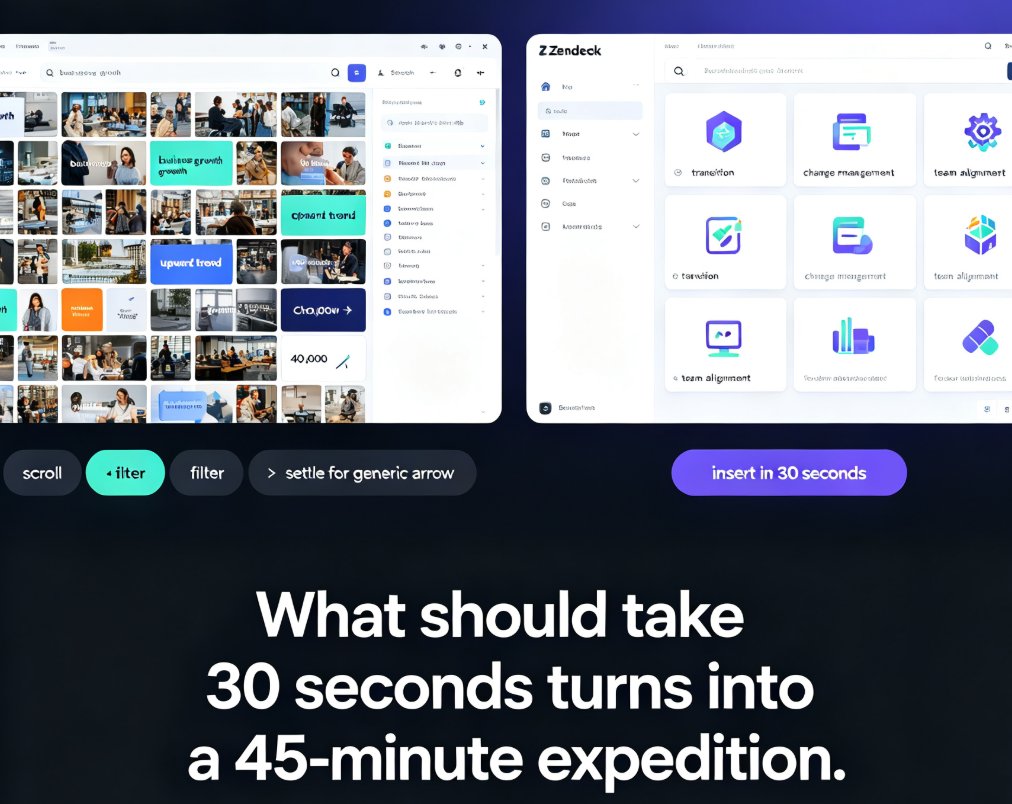
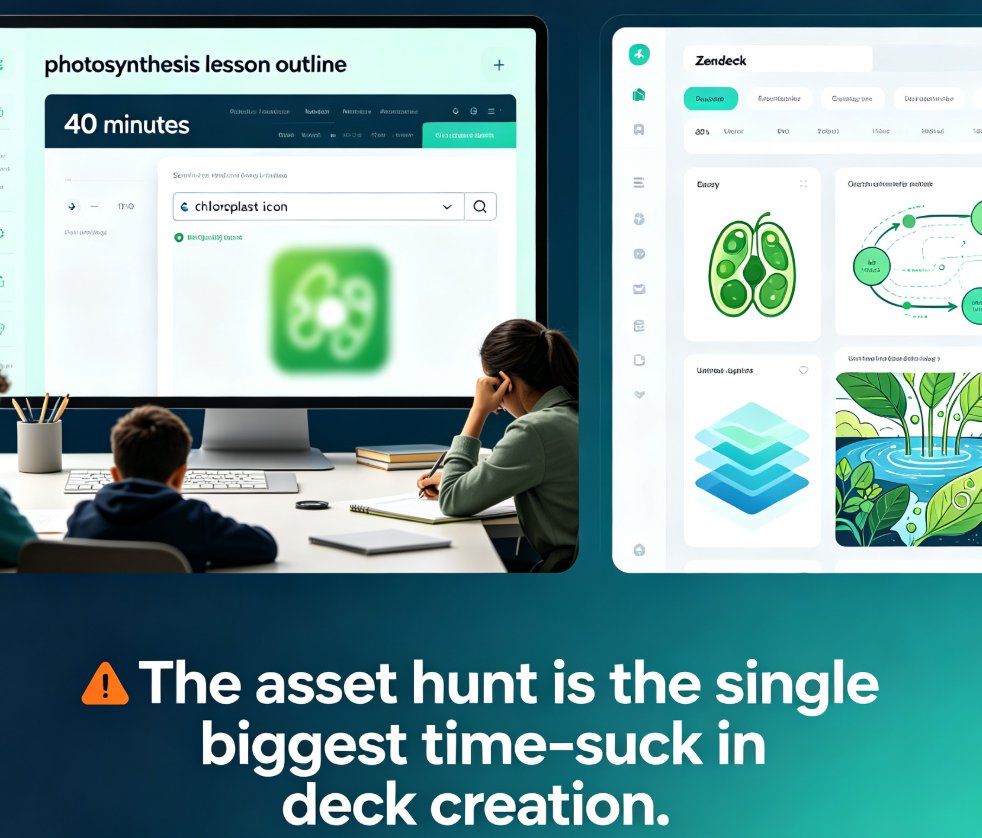
Stop wasting hours hunting for the perfect icon. Zendeck's asset library uses smart search and AI-powered categorization to surface the right icons, charts, and illustrations in seconds. This guide breaks down how the library works, why it beats traditional stock sites, and the exact workflow that cuts asset hunting from 40 minutes to under a minute. You'll learn the power moves that keep your creative momentum, how to combine the curated library with AI generation for edge cases, and why consistent visual assets matter for brand quality. If you build decks, courseware, or training materials, this is the time-saver you've been missing. Read on to see how Zendeck turns visual search from a daily frustration into a 40-second task.

Build a Reusable Asset Library: Icons, Charts & Illustrations in Zendeck

Courseware Design 2026-08-25 3651

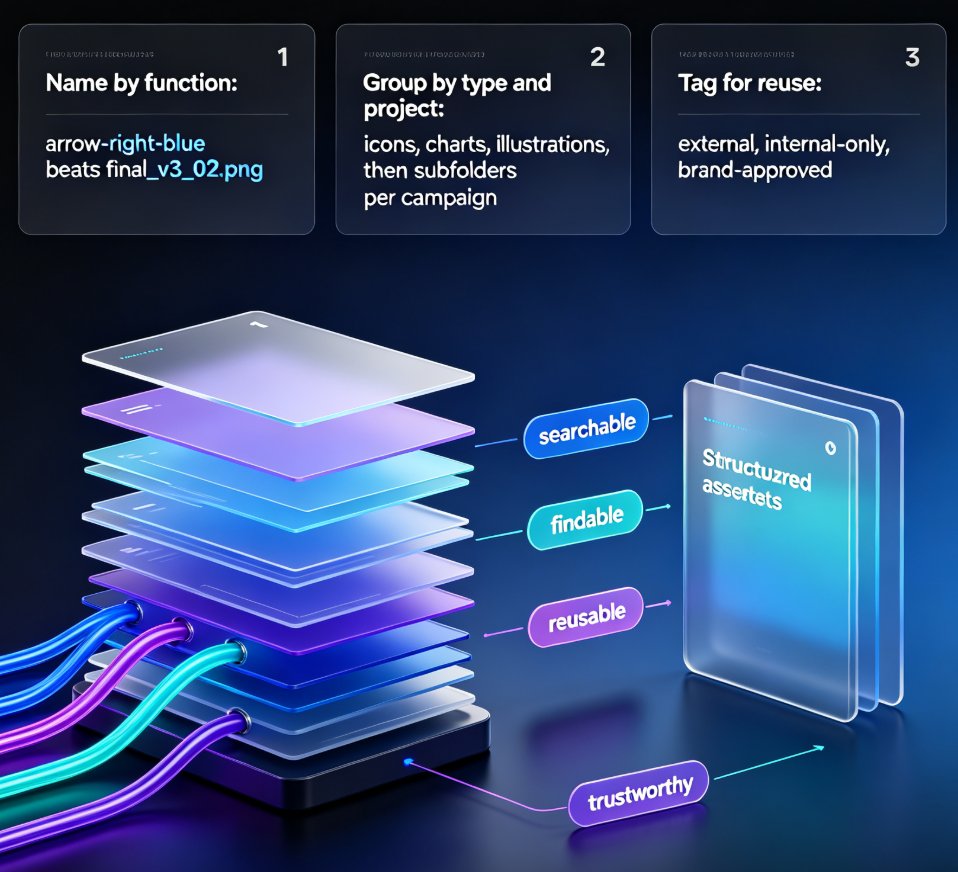
Building a reusable asset library in Zendeck is the fastest way to cut deck production time and keep every presentation on-brand. This guide shows content operators and designers how to organize icons, charts, and illustrations into a single searchable library, set up team sharing with brand governance, and build consistent decks in hours instead of days. Learn what belongs in your library, how to name and tag assets for reuse, and how Zendeck's asset library integrates with deck generation, brand kits, and interactive charts. We also cover the 30-minute quick-start, common organization mistakes, and answers to the questions teams ask most. Stop re-creating visuals from scratch — start pulling from a library that works for you.