Too Many Icons, No Design Eye? Zendeck's Asset Library Chooses for You
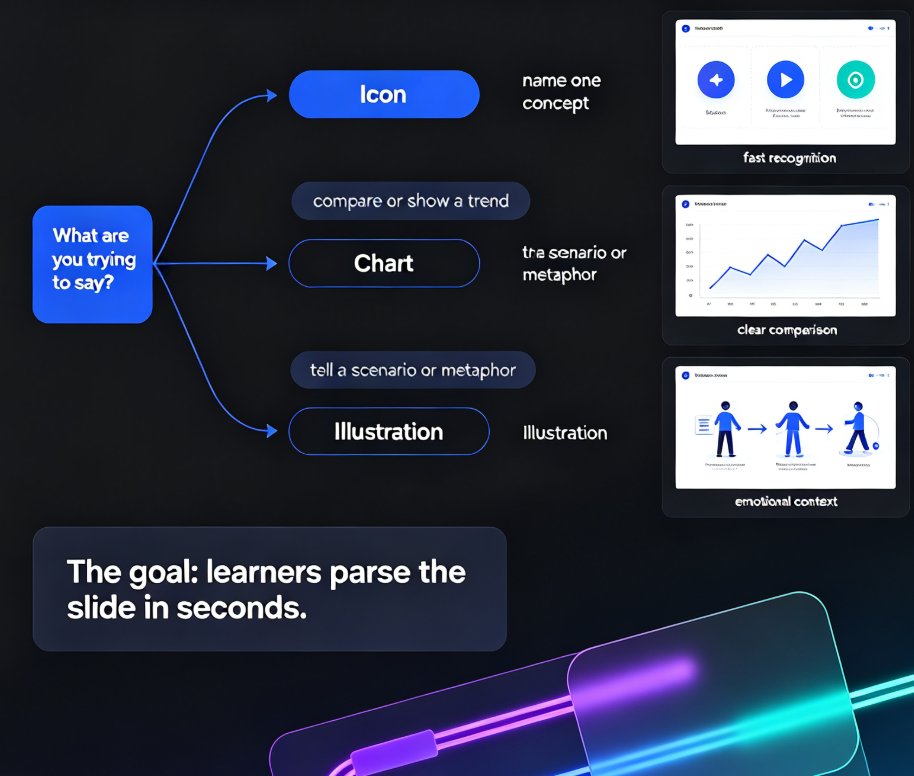
Even with thousands of free icons at your fingertips, picking the right visual for a slide takes time, confidence, and a design eye most of us don't have. Zendeck's asset library changes that: instead of dumping 2,000 search results on you, it reads the slide's content and your brand kit, then suggests the icons, charts, and illustrations that actually fit. The result: decks that look professionally designed — without you becoming a designer or sinking twenty minutes per slide into stock sites. This guide covers why traditional asset search fails, what makes an asset library genuinely useful (tagging, metadata, AI enrichment), how Zendeck's context-aware suggestions close the gap, and how educators, trainers, and content teams can apply it right away. If you've ever stared at a magnifying-glass icon for ten minutes, this article is for you.