Courseware Design

Layout, color, fonts, formatting, and visual design principles.

74 articles

Asset Library Essentials: How to Source Icons, Charts, and Illustrations Without Leaving Zendeck

Courseware Design 2026-09-22 1245

Zendeck's integrated asset library puts icons, charts, and illustrations at your fingertips—no more hunting across free stock sites. In this guide, learn how to source professional visuals directly inside the editor, keep your brand consistent, and cut design time dramatically. Perfect for educators, course creators, and anyone building AI-powered presentations. Discover the exact workflow to enrich your slides without ever leaving the platform.
5 Smart Layout Tricks to Upgrade Your Presentation Design Instantly

Courseware Design 2026-09-22 2453

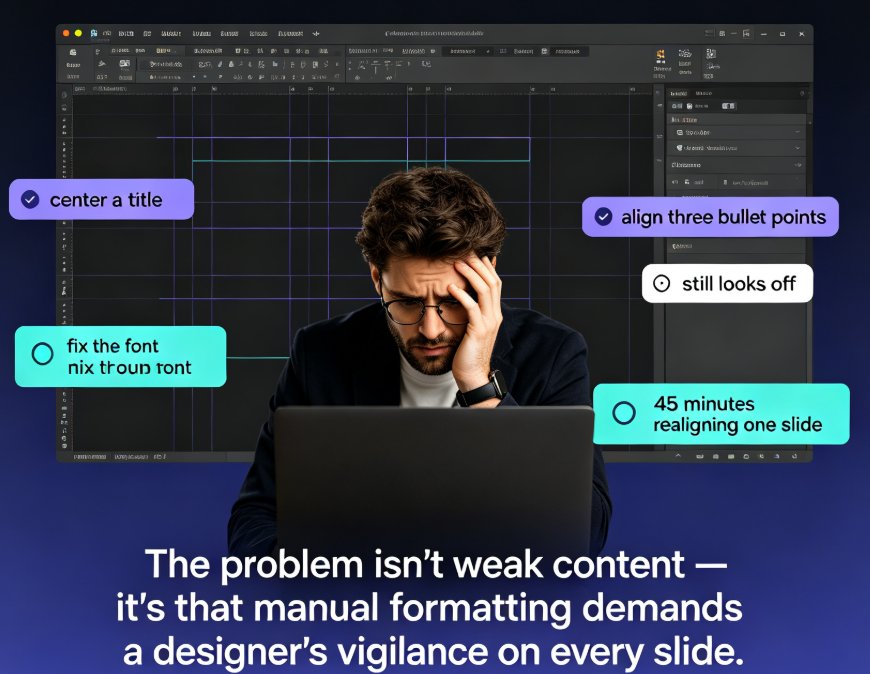
Messing with text boxes for hours gets you nowhere. These 5 smart layout tricks will instantly upgrade your presentation design — no design skills needed. See how consistent typography, a limited color palette, disciplined alignment, and a clear content hierarchy transform messy slides into professional decks. Then discover how Zendeck's smart layout and one-click reskin features automate all of it: unify fonts and colors, fix spacing, and refresh an entire deck in a single click. Includes a practical comparison of manual formatting versus AI-driven layout, with time-saving estimates for educators, trainers, and busy team leads. You'll also learn which formatting habits to drop and the honest caveats worth knowing before you reskin a 60-slide course and send it to your manager.

Find the Perfect Icon in Seconds: Zendeck Asset Library Search Guide

Courseware Design 2026-09-21 3497

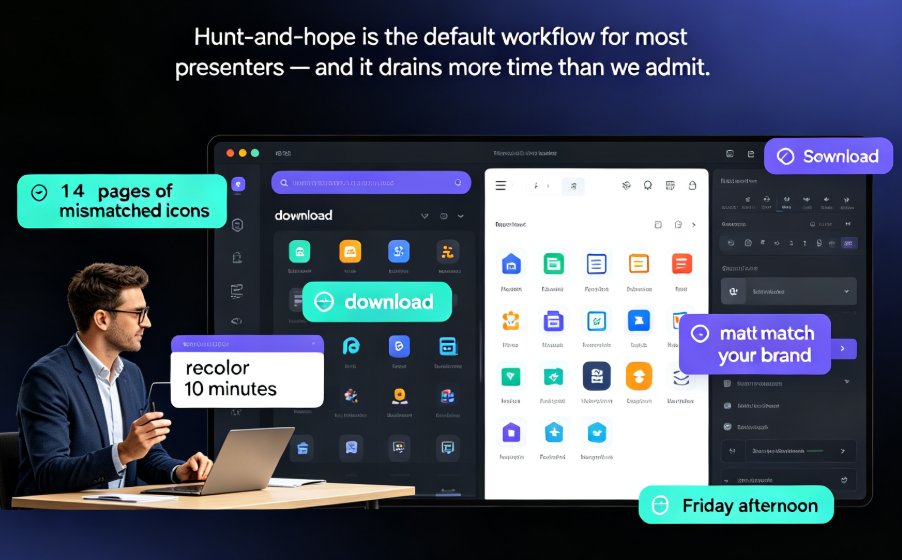
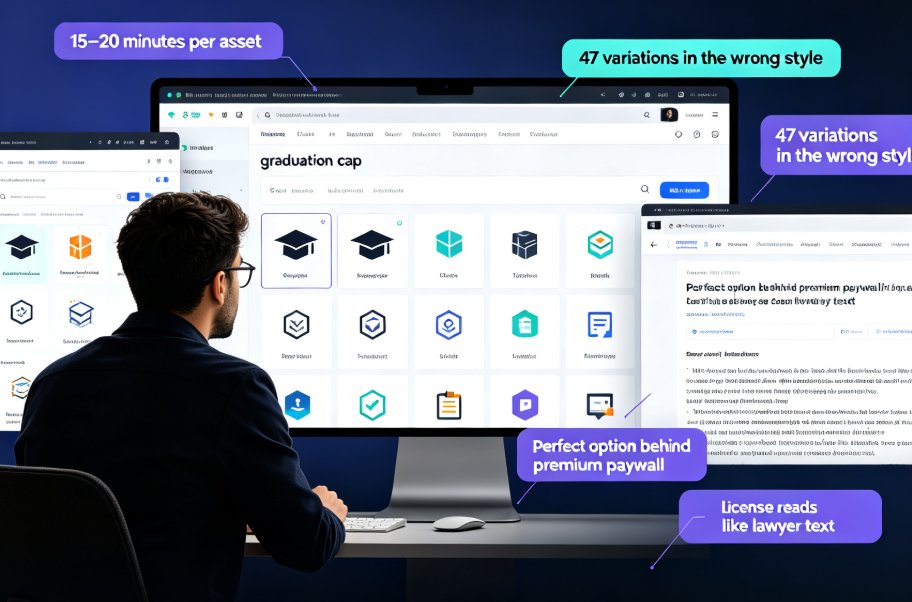
Finding the perfect icon should take seconds, not 20 minutes of scrolling. This guide shows how Zendeck's built-in asset library with smart search filters lets you locate, drop, and customise professional icons and illustrations in under three minutes — cutting asset hunt time by 80%. We cover the real licensing risks of free icon sites, practical keyword and filter tips, and why consistent, on-brand visuals make courseware and client decks stand out. The best part? No more juggling six browser tabs or accepting icons that clash with your palette. Whether you're building a micro-course, a corporate training deck, or a client pitch, this walkthrough turns asset hunting into a two-minute task. Built for teachers, trainers, and marketers who don't have a design degree, Zendeck's library removes the friction from creating professional-looking courseware.

Why Your AI-Designed Slides Look Generic and How Zendeck Fixes It

Courseware Design 2026-09-21 3994

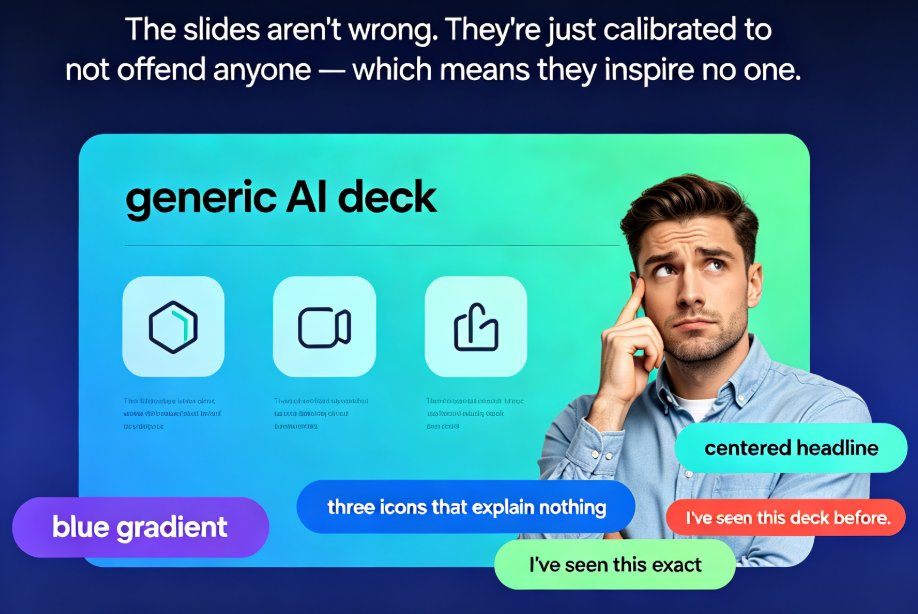
Dreading another generic AI deck? This guide explains why AI-designed slides look templated and how Zendeck fixes it with brand kits, smart layouts, and premium templates. AI presentation tools default to safe, neutral output because they're optimized for 'acceptable to everyone' — so decks end up looking borrowed, not authored. The fix is a framework-first workflow plus brand-aware execution. Learn why the tool isn't broken but the input often is, and how Zendeck's smart layout engine reads your content hierarchy, applies custom brand kits automatically, and picks contextual templates so every deck looks uniquely yours. Includes a side-by-side comparison, a time-saving de-generic blueprint, and an FAQ covering brand consistency and template customization. If generic AI slides are costing you hours of redo and audience trust, this guide shows exactly where to intervene.

From Excel to Visual Story: Data Slides Made Easy with Zendeck

Courseware Design 2026-09-20 1580

Turning raw spreadsheet numbers into persuasive Excel-to-PPT data slides doesn't require a design degree. Zendeck's chart library, smart layout, and asset insertion tools turn the full data-to-deck pipeline — cleaning, chart selection, layout, context, and delivery — into a fast, foolproof workflow. This guide walks through every stage: how to clean a dataset so the story can breathe, which chart matches which relationship (and when to avoid pie charts), why one message per slide beats a wall of charts, and how to layer annotations, icons, and interactive elements without clutter. You'll also see how static slides grow into narrated micro-courses for training and async meetings. Includes chart selection tables, time-saving benchmarks, and field-tested habits for analysts, educators, and teams building data slides for meetings, reports, or courseware.

How to Standardize Icons and Charts Across Your Team's Decks

Courseware Design 2026-09-17 2133

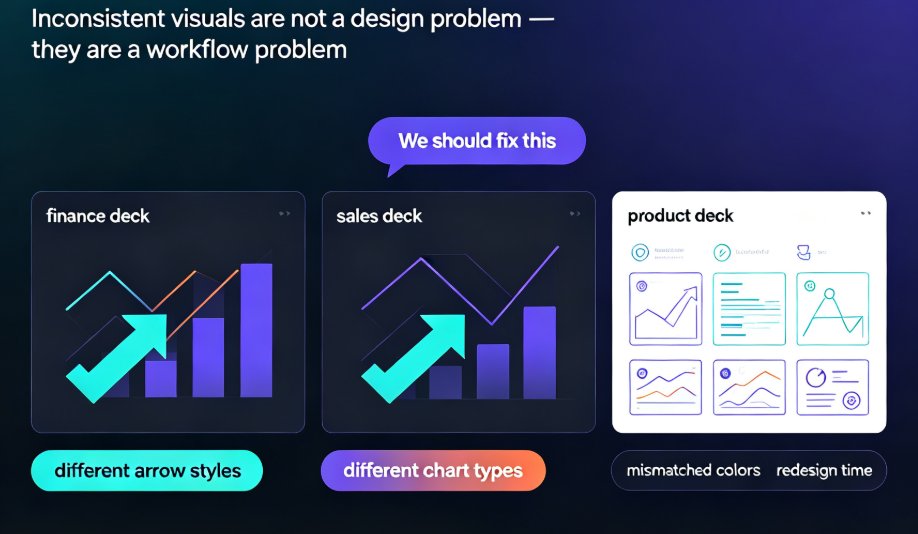
Learn how to standardize icons, charts, and visuals across all your team's presentations with Zendeck's asset library. This guide shows you the exact workflow to enforce brand consistency, cut redesign time, and keep every deck on-message—even when five people are designing at once. No more mismatched icon sets or off-brand charts. We'll cover how to set up a shared asset library, choose the right icon system, and make charts that match your brand. Plus, we'll share team-wide governance tips that make compliance effortless. If your team struggles with inconsistent decks, this is the fix.