Template Overload? Zendeck's Curated Library Picks Your Perfect Deck Look
Let's be real for a second: how much time did you waste last week scrolling through template galleries? You open a presentation tool, see 500 options, and suddenly you're judging slide decks by their cover art instead of actually building your content. It's called template overload, and it's silently eating your productivity.
I've been in this game long enough to see the shift. Fifteen years ago, we were designing slides pixel by pixel. Today, we have AI tools that can generate a full courseware deck from a simple outline. But here's the irony: the easier it gets to create slides, the harder it gets to choose the right look. That's where a curated template library changes everything.
This article isn't about adding more templates to your life. It's about subtraction. We'll look at why scenario-based templates are outperforming generic options, how Zendeck's curated library picks the right design for your audience, and how you can apply this to create consistent, professional decks without the decision fatigue.
I. Why Template Overload Is Real
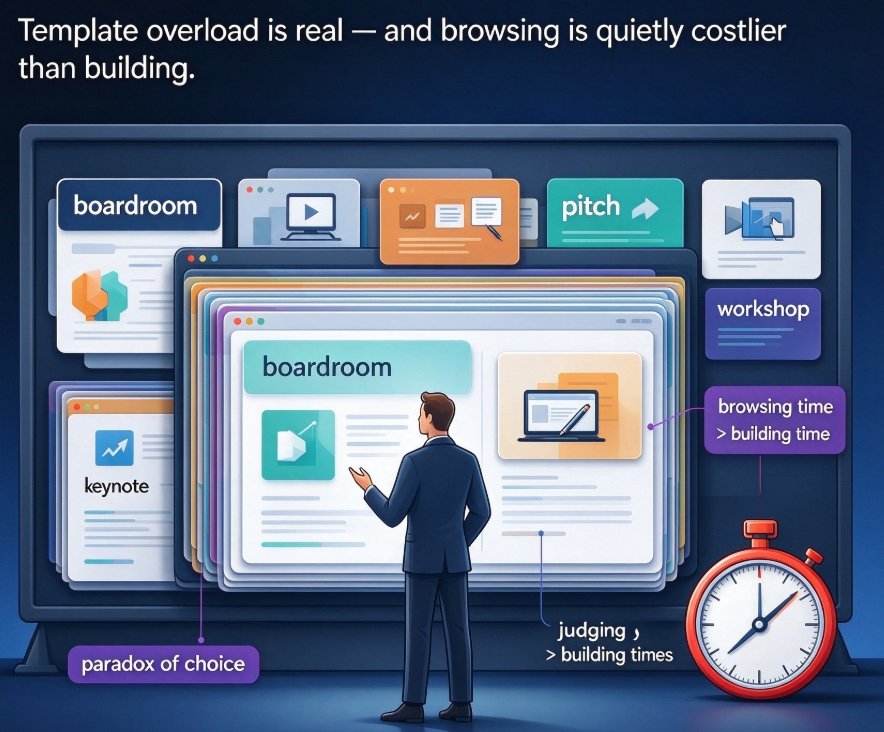
Every educator and business professional knows the feeling. You open a design tool, and you're confronted with hundreds of options. Boardroom decks, pitch decks, lesson plans, workshops, keynotes — the list goes on. The paradox of choice kicks in, and you spend more time browsing than building.
Decision fatigue in template selection is a real productivity killer, often consuming more time than the actual content creation.
Think about your last course or training session. Did you start with the content, or did you start with the design? If you're like most people, you started with the design. You picked a template first, then tried to fit your content into it. That's backward. The template should serve the content, not the other way around.
A study on instructional design from Open edX emphasizes starting with your audience analysis before any design work. Their templates help educators map out who their learners are, what they need, and how content should be structured. Yet most template libraries ignore this foundational step. They present you with beautiful options that have no connection to your actual audience.
The fix isn't more templates — it's smarter template selection.
II. Scenario-Based Templates Beat Generic Options Every Time
In 2026, the presentation industry is moving away from generic templates. My analysis of current tools shows a clear trend: contextual templates that adapt to your specific scenario are winning. A boardroom presentation needs different visual hierarchy than a university lecture. A product pitch needs different emphasis than a staff training session.
This is where Zendeck's approach stands out. Instead of throwing 500 templates at you, Zendeck's AI analyzes your content and matches it with scenario-based designs. Import a Word outline for a course module, and the system understands the structure. It knows whether you're delivering a lecture, facilitating a workshop, or presenting quarterly results.
Scenario-based templates reduce decision time by up to 70% because they align with the context of your content.
The outcome is simple: you spend less time choosing, more time creating, and the final deck looks like it was designed for your specific audience. Not just a template with your logo slapped on it, but a true visual match.
III. How Zendeck's Curated Library Works
Zendeck's template library isn't just a collection of pretty designs. It's a curated system built around understanding your audience. Here's how the process works in practice.
First, you upload your content. It can be a Word document, Markdown file, or plain text. Zendeck's AI parses the structure, identifies the key sections, and understands the flow of your argument.
Second, the AI suggests a template based on the content type. Teaching a new concept? It might suggest a pedagogical layout with clear learning objectives. Pitching a project? It picks a persuasive structure with strong visual metaphors.
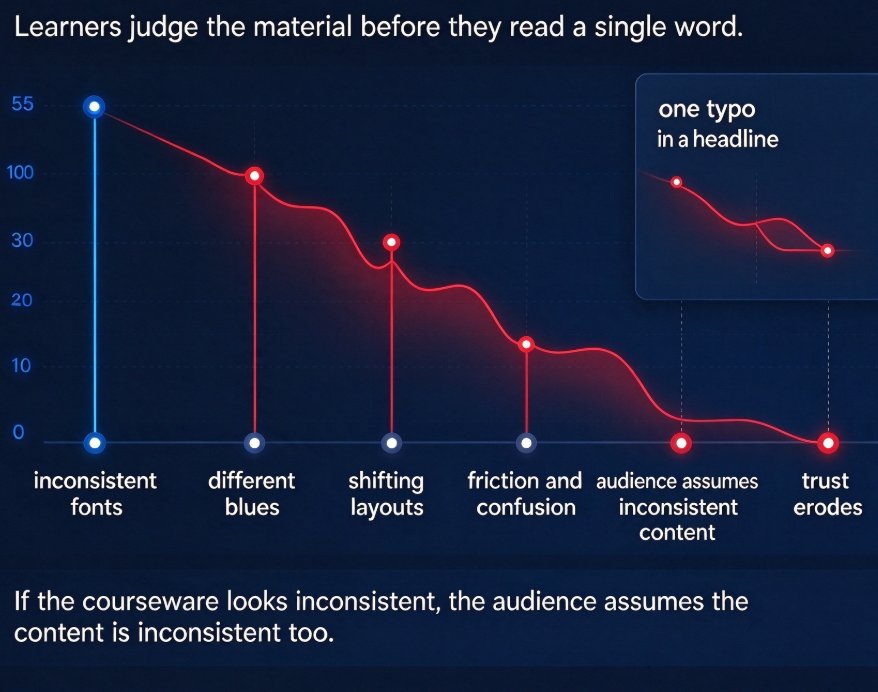
The real power lies in Zendeck's smart layout system, which unifies fonts, colors, and spacing across every slide.
You can also apply a custom brand kit. Upload your logo and colors, and any template adapts to your identity. This is crucial for corporate trainers who need to maintain brand consistency across multiple departments. Your HR team, sales team, and product team can all use the same template family, but with their own content.
IV. The Data Behind Template Choice
Let's look at what happens when you compare a generic template approach with a curated, scenario-based approach. The differences aren't just about aesthetics — they show up in measurable outcomes.
| Factor | Generic Template Library | Zendeck Curated Scenario-Based Library |
|---|---|---|
| Decision time | 20-30 minutes browsing | Under 2 minutes with AI suggestion |
| Audience alignment | General, requires manual adaptation | Context-aware, matches audience type |
| Brand consistency | Requires manual font and color changes | Auto-applies via custom brand kit |
| Content structure | Flexible but vague hierarchy | Clear hierarchy based on content analysis |
| Reuse across courses | Low, each deck looks different | High, consistent family of designs |
| User design skill needed | Moderate to high | Minimal, AI handles layout |
The data is clear: curated templates don't just look better — they save time and improve alignment with your audience.
Here's a visual breakdown of the time savings you can expect:
That's not just a convenience — it's a competitive edge when you're producing multiple courses or client-facing decks every week.
V. Applying Template Strategy to Real Scenarios
Let's put this into practice with three real scenarios I see constantly.
Scenario One: The University Instructor
Dr. Miller teaches a postgraduate course on economics. Every semester, she builds a new module. Without a template strategy, she'd spend hours recoloring slides and reorganizing diagrams. With Zendeck, she picks a courseware template that matches her teaching style. Her deck automatically uses the university's brand kit, includes clear learning objectives per slide, and adds accessible alt text for all images. She focuses on content, not layout.
Scenario Two: The Corporate Trainer
A large retail company trains 5,000 employees each quarter. The training team uses Zendeck templates to ensure every regional trainer produces the same quality deck. They import the training outline, select the template family, and the AI applies the brand kit. The result: consistent branding, consistent messaging, and significantly less production time.
Scenario Three: The Startup Founder
A founder needs a pitch deck by Friday. No design background. Instead of hiring a freelancer, they use an AI pitch deck generator. Zendeck analyzes the business plan outline and suggests a persuasive template structure. The founder adds their content, and the deck is ready in a couple of hours.
In every case, the common thread is this: the tool did the heavy lifting, and the user stayed in control of the message.
If you're building your own toolkit, our guide on AI Deck Template Selection dives deeper into how Zendeck picks the right look for your content. And if you're worried about brand consistency, check out 5 Ways to Create a Custom Brand Kit in Zendeck for Consistent Decks.
VI. Beyond Templates: The Full Design Ecosystem
Choosing a template is only the first step. The real workflow power comes from what you do after the template is applied.
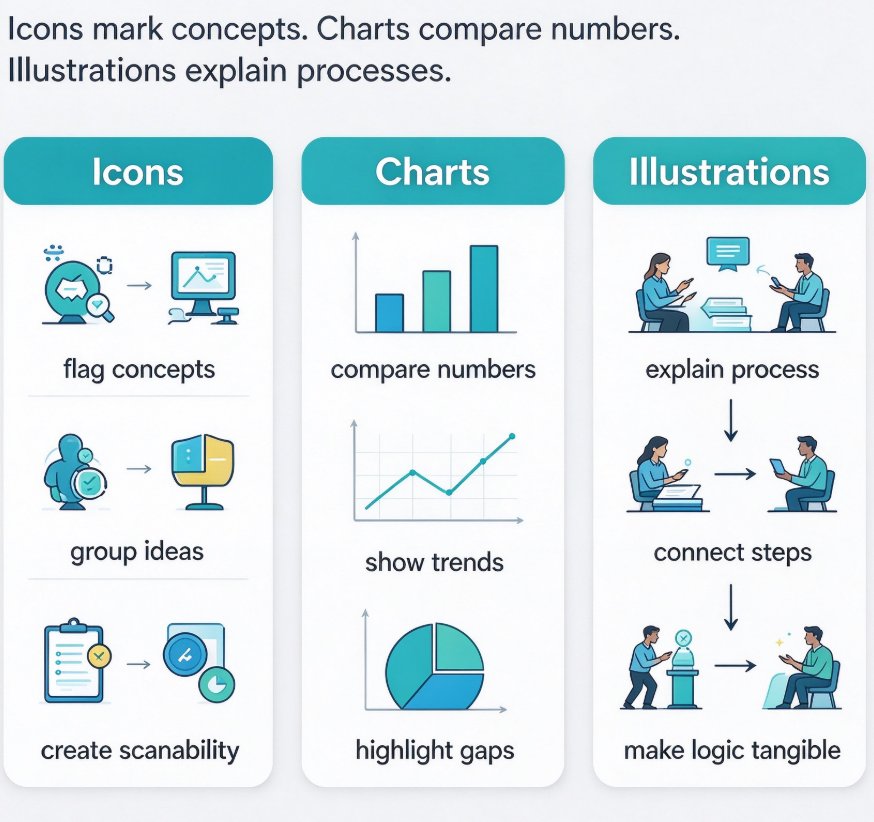
For educators, the ability to add interactive quizzes, polls, and charts is game-changing. Templates provide the skeleton, and Zendeck's asset library fills it with icons, charts, and illustrations that are on-brand. The integration between template selection and asset management means your decks look cohesive, not patchwork.
I've written before about how AI asset libraries are revolutionizing brand consistency. The same principle applies to template libraries. Once you find a template family that works, you stop searching. You start creating.
Let's also talk about longevity. A curated template library that stays current with design trends is worth its weight in gold. Our piece on 2026 Template Library Trends shows that contextual templates are the future. Generic libraries are dying because they don't solve the real problem: helping you communicate better with a specific audience.
VII. Getting Started Without Feeling Overwhelmed
If you're staring at your current slide deck and feeling that familiar pang of dissatisfaction, here's what to do.
Start small. Pick one upcoming presentation or course, and commit to using a curated template. Don't try to redesign your whole library in one sitting. The goal is to see how much easier it feels.
Upload your content to Zendeck. Let the AI suggest a template. Apply your brand kit. Then, after one or two slides, adjust if needed. You'll notice something almost immediately: the decisions shift from "what should this look like" to "what should I say." That's the shift that matters.
Your courseware, your pitch, your training — they deserve better than a template that almost fits. Zendeck's curated library ensures they get the right look every time.
FAQ
How does Zendeck decide which template to suggest for my deck?
Zendeck analyzes your content type, audience context, and industry. When you upload a Word outline or paste Markdown, the platform's AI evaluates your content structure and matches it with a scenario-based template that fits, whether it's a teacher training, product pitch, or university lecture. You can override the suggestion, but most users find the curated pick saves them significant time.
Can I use Zendeck templates while keeping my company's brand identity?
Yes. Zendeck supports custom brand kits. You can upload your logo, fonts, and brand colors, and every template automatically adapts to them. That means you get the layout benefits of a curated template without sacrificing brand consistency across all your decks.
Are Zendeck templates suitable for educational course design?
Absolutely. The template library includes dedicated courseware templates with clear content hierarchy, alignment-friendly layouts, and support for multiple content types like quizzes, charts, and interactive elements. These follow instructional design principles such as constructive alignment, so your slides map to learning outcomes.
What if I have existing slides that don't match a template?
Zendeck's one-click reskin feature modernizes your old slides. It unifies fonts, colors, and layout based on the template you choose, so you can update legacy courseware or business decks without rebuilding from scratch.
Can templates help me create video-based micro-courses?
Yes. Zendeck turns static slides into narrated micro-courses. Templates with strong visual structure and clear messaging work best for this, and Zendeck's PPT-to-video feature automatically adds narration and subtitles, making content accessible to more learners.