Turn Old PowerPoints into Interactive Micro-Courses with Zendeck
Introduction
You know that feeling: you open an old PowerPoint from a training session two years ago, and it's still full of solid content—but it's static, linear, and honestly, a little boring. Your learners are scrolling through slide after slide, and you can almost hear their attention fading. The fix isn't to throw the content away. It's to turn those old PowerPoints into interactive micro-courses that people actually want to complete.
In this guide, I'll walk you through the exact process of converting legacy decks into engaging, self-paced learning modules. We'll cover why it's worth the effort, the step-by-step workflow, and the tools—like Zendeck—that make the whole thing painless. By the end, you'll have a repeatable method to breathe new life into your existing training material.
I. Why Bother Converting Old PowerPoints?
Let's be real: static PowerPoints have a place, but they're not great for modern learners. Here's what happens when you leave a deck as-is:
- Low engagement: Learners passively read or listen; there's no interaction.
- Poor retention: Without activities, most people forget the content within days.
- No flexibility: Everyone gets the same linear experience, regardless of their needs.
Interactive micro-courses flip that. They're short (5–10 minutes), self-paced, and include elements like quizzes, branching scenarios, and clickable triggers. The result? Higher completion rates, better knowledge retention, and happier learners.
Here's a quick comparison:
| Aspect | Static PowerPoint | Interactive Micro-Course |
|---|---|---|
| Learner interaction | None (just view) | Click, drag, choose, respond |
| Pacing | Fixed, linear | Self-paced, adaptive |
| Engagement | Low | High (gamified, scenario-based) |
| Retention | Poor | Improved (active learning) |
| Production time | Already done | Moderate (but reusable) |
| Analytics | None | Trackable (completion, quiz scores) |
The bottom line: converting your old decks into interactive micro-courses is one of the highest-ROI moves you can make for your training library. You're not starting from scratch—you're upgrading what you already have.
II. The Step-by-Step Process to Convert
Ready to get your hands dirty? Here's a proven workflow that works whether you're a solo trainer or part of an L&D team.
Step 1: Audit Your Existing Content
Before you touch a single slide, go through your deck and ask:
- Is the content still accurate and relevant?
- Which slides are information-dense and need breaking up?
- Where can you add an interaction (a quiz, a scenario, a clickable reveal)?
You don't need to convert every slide. Focus on the 20% of content that delivers 80% of the learning value. That's your micro-course core.
Step 2: Choose the Right Tool
You could build everything in PowerPoint with triggers and animations—but that's tedious and fragile. Instead, use a tool designed for this. Zendeck is a great choice because it lets you import your existing PPTX or outline and then add interactivity, narration, and even turn the whole thing into a video micro-course. (More on that in a moment.)
Step 3: Import and Structure
With Zendeck, you can upload your PowerPoint file directly. The AI will parse the content and suggest a logical flow. You can then reorganize slides, split dense ones, and add section headers. This is where you turn a 40-slide monster into a tight 8-slide micro-course.
Step 4: Add Interactivity
This is the fun part. Here are a few techniques you can use, regardless of the tool:
- Triggers and pop-ups: Make a button or object open a hidden explanation. In PowerPoint, you'd use animations and triggers; in Zendeck, you can add interactive elements with a click.
- Branching scenarios: Let learners choose their path. For example, a customer-service training might ask, "What do you do first?" and branch based on the answer.
- Quizzes and knowledge checks: Insert a quick multiple-choice question after each key concept.
Step 5: Add Audio and Narration
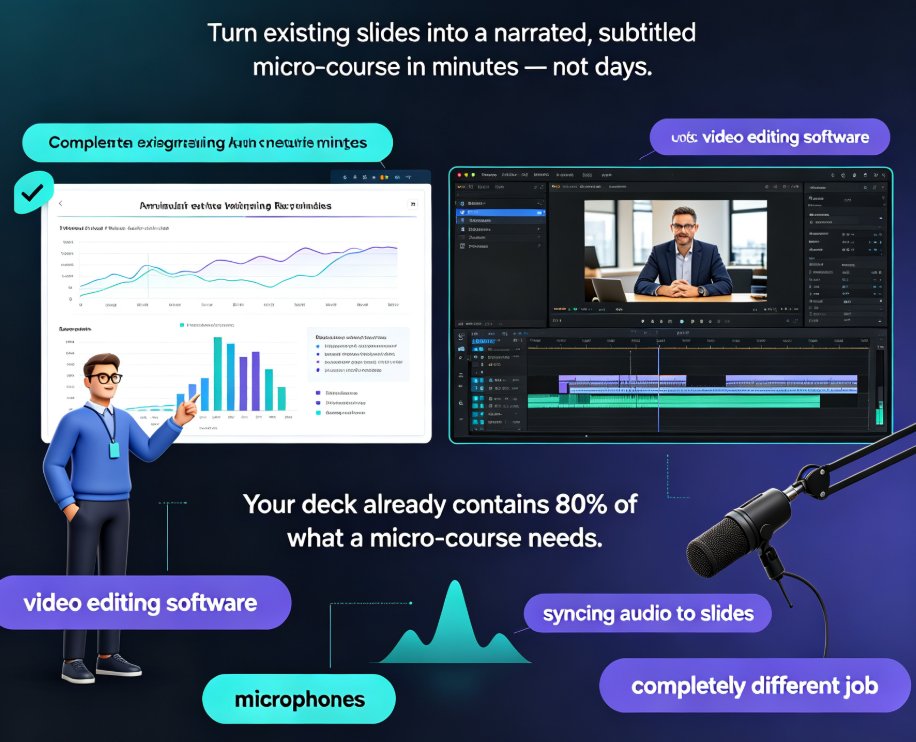
Audio can transform a dry deck into a guided experience. You can record your own voice or use AI-generated narration. In Zendeck, you can even convert the entire slide deck into a narrated video—which is perfect for micro-learning. Just upload your script or let the AI generate one from your slide content.
Step 6: Test and Iterate
Treat your first conversion as a pilot. Run it with a small group, gather feedback, and refine. Look at completion rates and quiz scores. If learners drop off at a specific slide, review that slide and simplify or add more interactivity. Small adjustments based on real feedback can dramatically boost retention and satisfaction.
III. Best Practices for Interactivity
You don't need to go overboard—just enough to keep learners engaged. Here are some tried-and-true practices:
- Keep it micro: Aim for 5–10 minutes per course. If your content is longer, break it into multiple micro-courses.
- Use triggers wisely: Don't hide critical information behind a click. Use pop-ups for extra context, not core content.
- Add branching scenarios: These are perfect for soft-skills training (sales, customer service, leadership). They let learners practice decisions in a safe environment.
- Include visuals and multimedia: A diagram, a short video clip, or an infographic can explain what words can't.
- Make it accessible: Ensure your interactive elements work with screen readers and keyboard navigation. (Check out our guide on accessible AI presentations for more.)
If you're new to branching, you might find our article on branching scenarios in AI presentations helpful. And for a broader look at why interactivity matters, see interactive AI presentations: the new standard for audience engagement.
IV. Tools and Features to Look For
When you're shopping for a conversion tool, here's what matters:
- Import options: Can it handle PPTX, PDF, or Markdown? Zendeck supports all three.
- Interactivity: Can you add quizzes, branching, and clickable elements without coding?
- Multimedia: Can you add audio, video, and narration?
- Export: Can you export to SCORM, video, or share via link?
- AI assistance: Does it help you restructure content, generate scripts, or suggest designs?
Zendeck checks all these boxes. Its PPT-to-video feature is especially powerful: you can turn a static deck into a narrated micro-course in minutes. If you're curious, here's a deeper dive into creating interactive training modules with Zendeck's PPT-to-video feature. And if you're starting from scratch, this step-by-step guide to creating a micro-course will help.
For a complete workflow from outline to video, check out from outline to video: a complete workflow for creating micro-courses with AI. You might also want to explore our PPT-to-video category for more resources.
V. Measuring Success and Iterating
Once your interactive micro-course is live, don't just set it and forget it. Use the analytics to see:
- Completion rates: Are learners finishing the course?
- Quiz scores: Are they actually learning?
- Time spent: Are they rushing through or taking their time?
- Drop-off points: Which slides lose people?
Use this data to iterate. Maybe a branching scenario is confusing, or a quiz is too hard. Adjust and re-publish. The goal isn't a perfect first version—it's a course that improves with every cycle.
Remember, you can always revisit your content and add more interactivity later. The key is to start somewhere and keep refining based on real learner behavior.
FAQ
Q: What is a micro-course? A: A micro-course is a short, focused learning module that typically takes 5–10 minutes to complete. It's designed for just-in-time learning and high engagement, often including interactive elements like quizzes and scenarios.
Q: How long does it take to convert a PowerPoint into a micro-course? A: With a tool like Zendeck, you can convert a simple deck in under an hour. More complex courses with branching and custom interactions might take a few hours. The key is to start with a clear outline and use AI to handle the heavy lifting.
Q: Can I add quizzes and branching to my converted course? A: Yes. Zendeck allows you to add interactive elements like quizzes, clickable triggers, and branching scenarios directly to your slides. You can also export to SCORM for your LMS if needed.
Q: Do I need design skills to use Zendeck for conversion? A: No. Zendeck's AI handles layout, design, and even suggests interactivity. You focus on the content; the tool makes it look professional.
Q: How do I measure the success of my interactive micro-course? A: Look at completion rates, quiz scores, and learner feedback. Use Zendeck's analytics (or your LMS) to track engagement and identify drop-off points, then iterate based on that data.
That's it. You now have a clear path to turn your old PowerPoints into interactive micro-courses that your learners will actually enjoy. The tools are there, the process is proven, and the payoff is real. So dig out those dusty decks and give them a second life.