Tags:AI presentation tools

48 articles

How to Visualize Complex Data with Zendeck's Charts & Icons

Courseware Design 2026-11-03 3005

Drowning in data? You're not alone. Every week, thousands of trainers and educators struggle to turn raw numbers into slides that actually communicate. This guide shows you how Zendeck's chart and icon integration turns complex datasets into intuitive visuals — no design skills required. You'll learn the science behind visual data (why audiences retain 65% more when numbers become pictures), how to pick the right chart type for your audience, and a step-by-step workflow that takes you from an Excel export to a polished, on-brand slide in minutes. Plus, we'll cover the icon-hierarchy tricks that top consultants use to guide attention, and how Zendeck's asset library makes this repeatable across your entire courseware. Let's be real: your audience doesn't want to read your spreadsheet. Here's how to make sure they never have to.
How to Choose a Winning Template for Investor Pitches with Zendeck

Presentation Skills 2026-10-30 3599

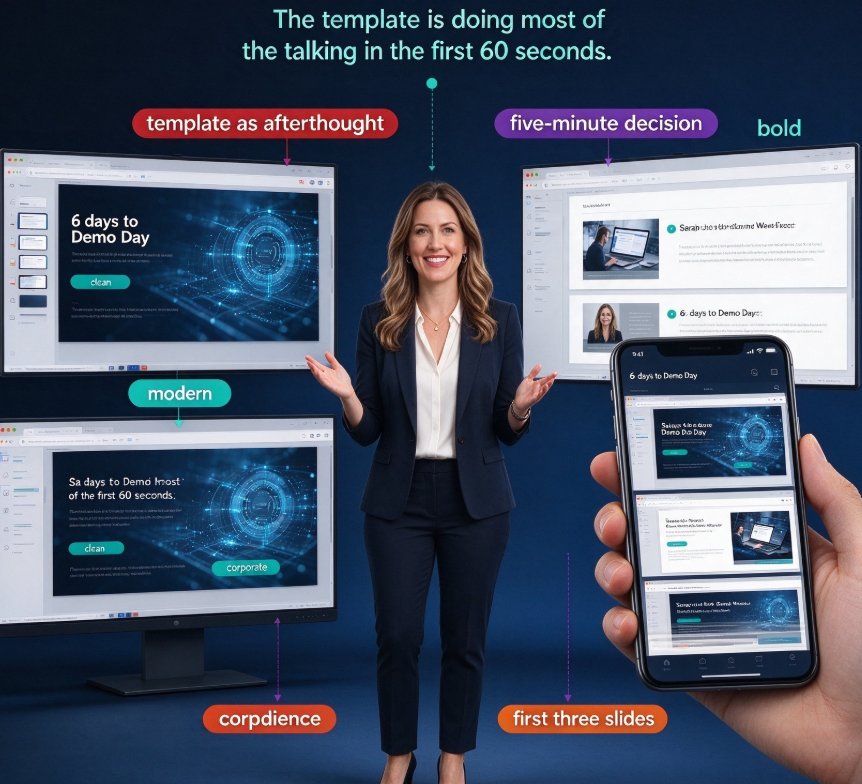
Choosing the right investor pitch deck template with Zendeck can be the difference between getting read, remembered, and funded — or ghosted. This guide shows you how to select a winning template for investor pitches from Zendeck's library. You'll learn the anatomy of investor-ready decks, a six-point evaluation checklist, a step-by-step selection process, and common template mistakes that kill fundraising decks. Covering market opportunity charts, brand consistency, slide economy, and the ten-feet rule, this is a practical roadmap for founders at any stage who want a pitch deck that converts attention into funding. Zendeck's smart layout, context-aware template suggestions, and one-click reskinning make the decision fast and effective — so you can spend your energy on the pitch itself, not the visual design.

Turn Word Outlines into Polished Decks with Zendeck's AI Import

AI Courseware 2026-10-30 1518

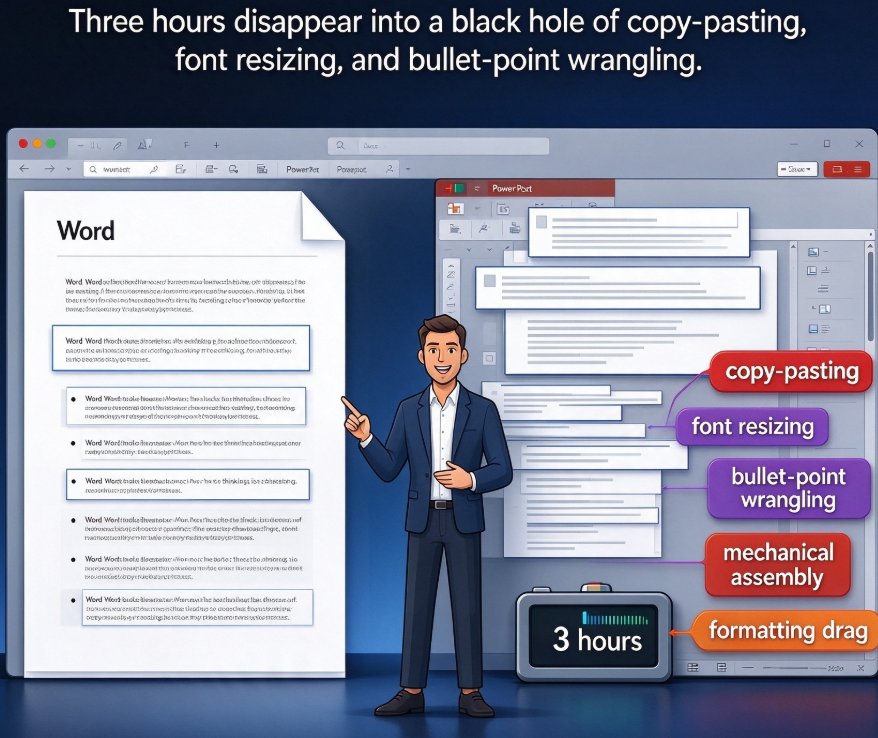
Turn Word outlines into polished presentations with Zendeck's AI import. Upload a Word, Markdown, or TXT file and the AI segments it into structured slides with consistent design — so you never touch a design tool again. Perfect for educators, trainers, and busy professionals who write content in Word but lack time for layout work. This practical guide walks through the five-step workflow: outline preparation, document import, template choice, AI generation, and final export. You'll also see a realistic comparison of manual vs. AI-driven deck building, common mistakes to avoid, and answers to frequently asked questions about Word-to-PPT conversion. Go from a rough draft to a presentation-ready deck in about 30 minutes, instead of a three-hour formatting marathon.

AI Slide Deck Generators Compared: Zendeck vs Gamma vs Beautiful.ai for Business

AI Courseware 2026-10-26 2956

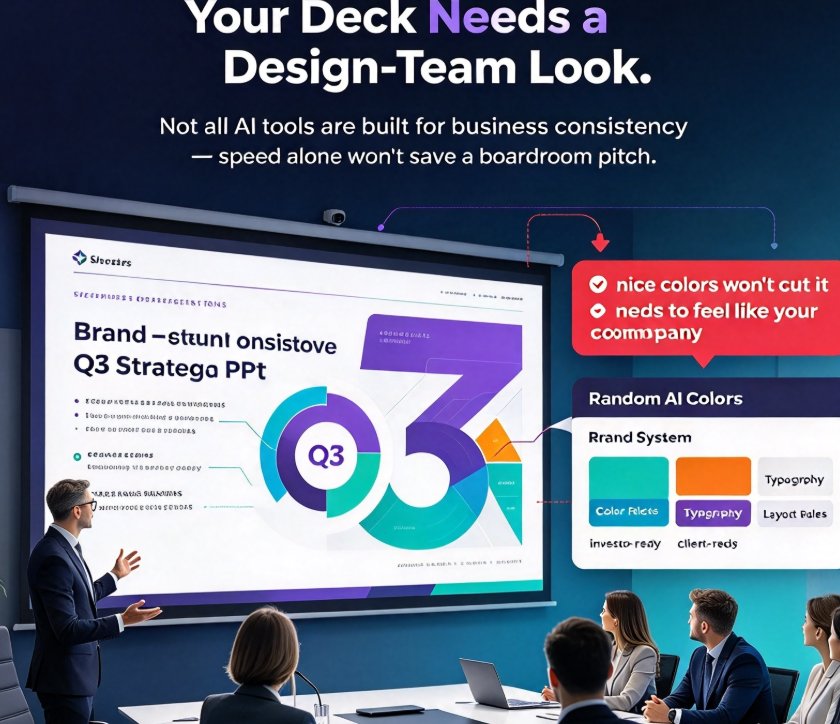
We compare Zendeck, Gamma, and Beautiful.ai for business users. If you need consistent branding, flexible import, and collaborative editing, Zendeck's template library and smart layout steal the show—while Gamma and Beautiful.ai shine in other areas. This detailed comparison helps you choose the right AI slide deck generator for your team's workflow, with practical insights and a decision framework.

AI Presentation Collaboration in 2026: Secure Sharing, Co-Editing Trends

Office Efficiency 2026-10-20 2959

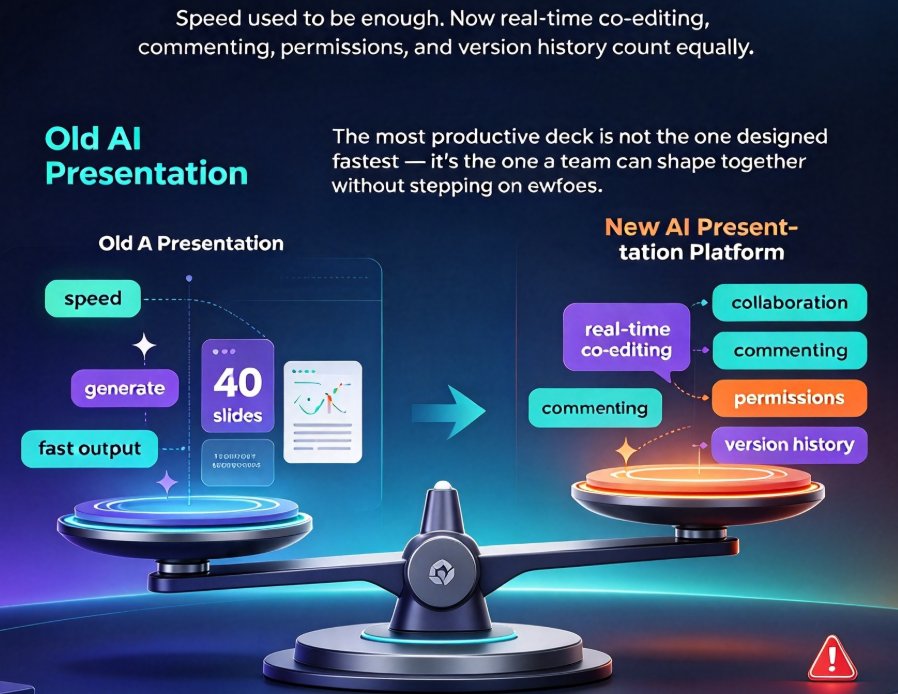
Collaboration is the new battleground for AI presentation tools in 2026. Remote work and online classrooms have made real-time co-editing, granular permissions, and secure link sharing essential—not optional. Zendeck combines AI deck generation with robust version control and password-protected sharing, giving corporate teams and educators a safer alternative to generic tools. This guide breaks down the features that matter and how Zendeck helps you collaborate without compromising control.

AI Deck Generator Data Privacy: What Schools & Enterprises Need in 2026

AI Courseware 2026-10-20 3205

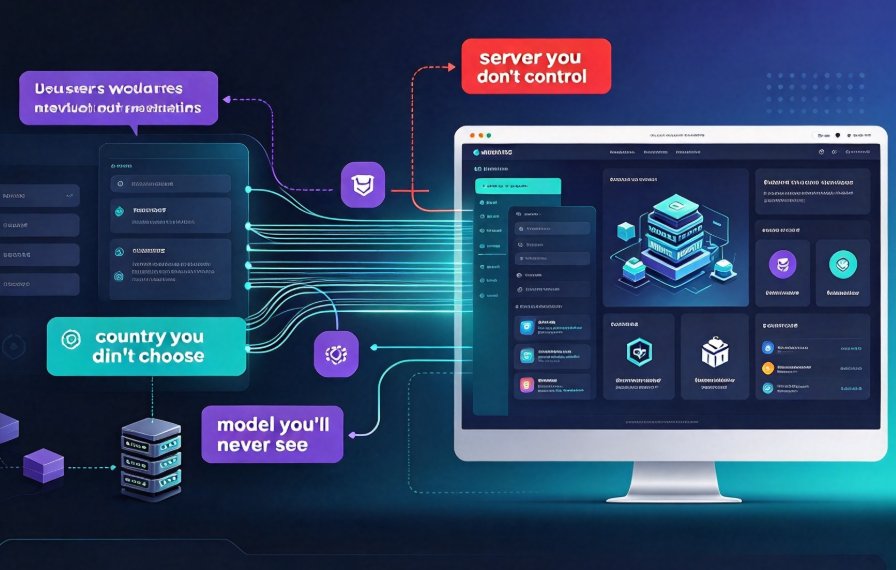
Data privacy has become the top deal-breaker when choosing an AI deck generator in 2026. Who sees your confidential slides? Can you meet GDPR, HIPAA, or FERPA requirements? This guide breaks down the security tiers of AI presentation tools, the hidden risks of LLM subprocessors, and why Zendeck's private deployment option gives schools and enterprises total control over their content. Learn how to audit a tool like a procurement pro, protect student and client data, and pick a generator that won't train on your IP. No scare tactics—just a clear path to compliant, secure presentations.

▲