Tags:team collaboration

15 articles

Collaborative Presentations: Real-Time Editing & Sharing in Zendeck

Office Efficiency 2026-09-22 2561

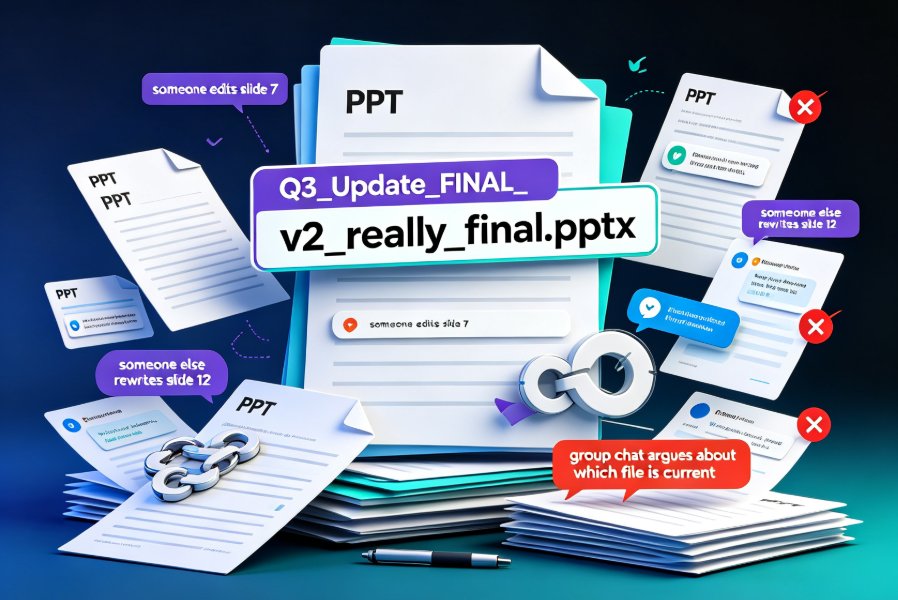
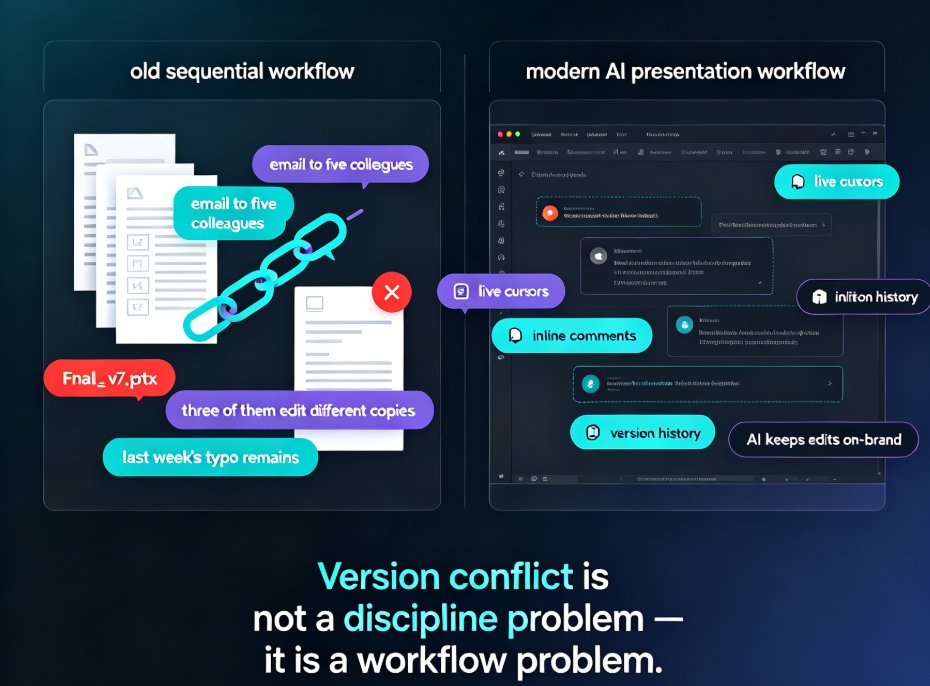
Team presentation collaboration gets messy fast. Zendeck turns scattered files and endless email threads into one cloud-based workspace where your whole team edits, comments, and shares decks in real time. Version history means you never lose work, inline comments keep feedback tied to specific slides, and link-based permissions let you control who views or edits — no more emailing 'final_v2_actually_final.pptx' across the office. Whether you're prepping a quarterly review with five stakeholders or a training deck with three instructors, this guide walks you through a practical collaboration workflow, common pitfalls, and how smart templates keep design consistent when many hands touch the same file. You'll learn to assign clear ownership, run feedback cycles inside the deck instead of across ten email threads, and roll back to any earlier draft the moment something goes wrong. The result: a faster, saner, more organized way for teams to build presentations together.
How AI Presentation Tools Enable Real-Time Team Collaboration

Office Efficiency 2026-09-20 3142

Real-time team collaboration is now a must-have in AI presentation tools, and Zendeck delivers it without the coordination chaos. This guide breaks down how live co-editing, shared asset libraries, and AI-driven brand governance replace email chains and version conflicts, so your whole team builds consistent decks in one workspace. Drawing on insights from Pitch, Beautiful.ai, Canva, and Google Slides, we compare what actually works and where Zendeck stands out — smart layout, centralized templates, and on-brand suggestions that keep every slide feeling like one team made it. If your team is tired of merging PowerPoint files and redoing slides after the boss changes fonts, this article gives you a practical five-step workflow, a feature comparison table, and a score-based chart to help you choose. Ship professional presentations faster.

How to Keep Team Decks On-Brand with Zendeck Template Library

AI Courseware 2026-09-04 2781

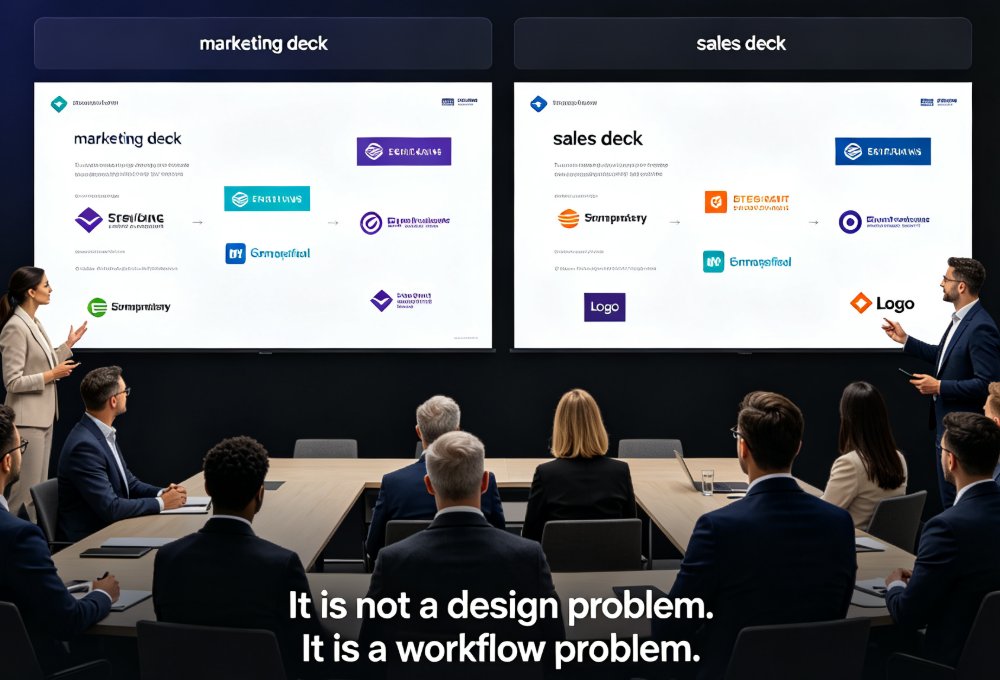
Struggling with inconsistent team decks? Zendeck's template library and one-click smart reskin make brand consistency effortless. Learn how marketing, HR, and operations teams can produce on-brand presentations without design skills. This guide covers why static templates fail, how smart templates lock down brand elements, and how one-click reskin lets you rebrand legacy decks in minutes instead of weeks. You'll get a practical brand governance workflow, real-world scenarios for marketing, HR, and ops teams, and best practices for keeping every deck on-brand long-term. If your organization has ever dealt with the 'everyone's deck looks different' problem — different fonts, clashing colors, stretched logos — this is the playbook you need to fix it for good.

Team Deck Version Chaos? Zendeck's Shared Library & Comments Keep Everyone Aligned

Office Efficiency 2026-08-28 3894

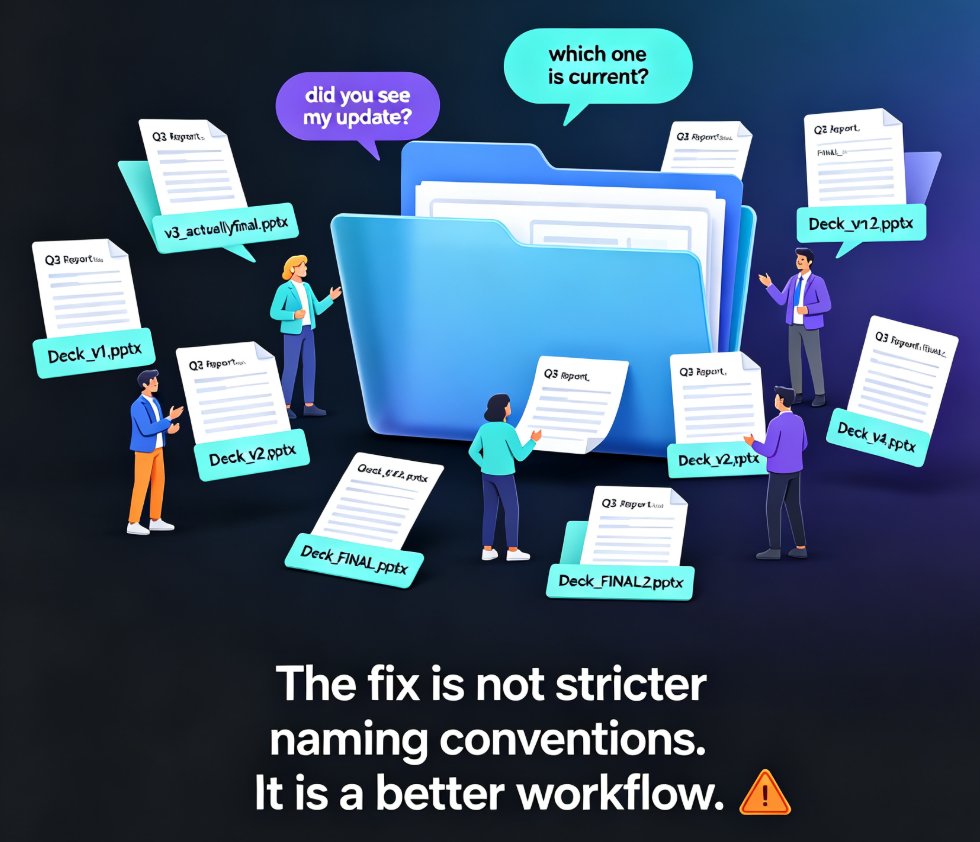
Dead files, duplicate decks, feedback lost in email threads — team presentation work is drowning in version chaos. Zendeck's shared library and comment-based revisions create a single source of truth so your team stops hunting for assets and redoing slides. Learn how to streamline your deck workflow and keep every stakeholder aligned, from training departments to agency teams.

Zendeck vs Gamma: Which AI Presentation Tool Suits Your Team?

AI Courseware 2026-08-28 897

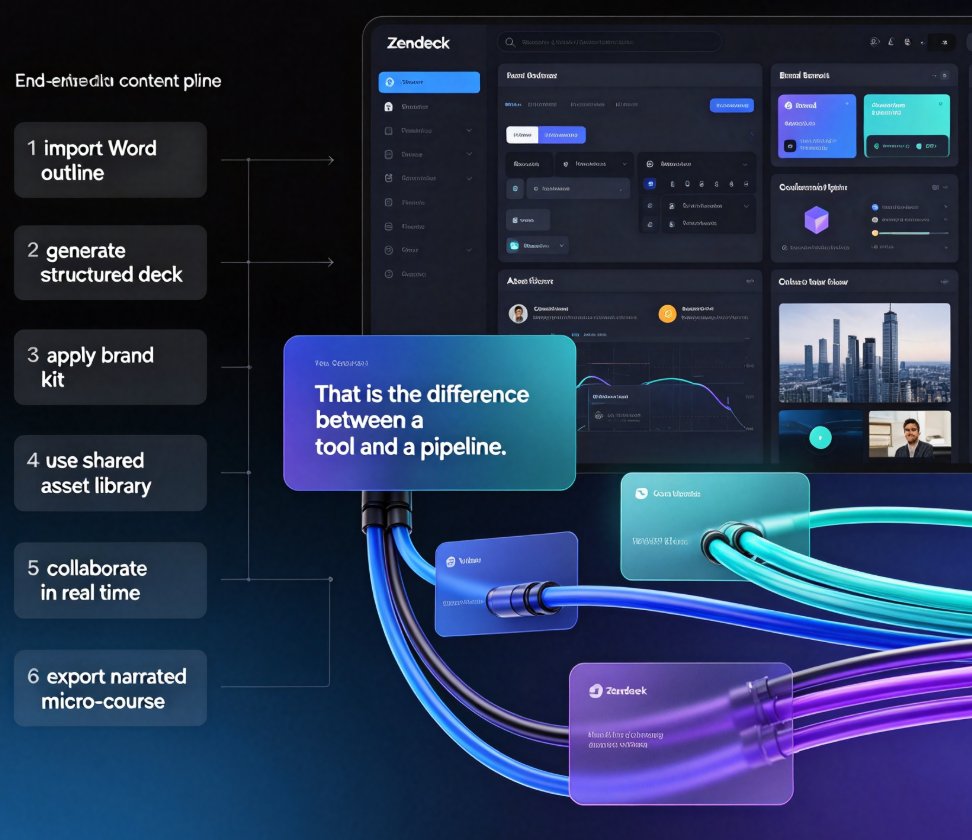
Choosing between Zendeck and Gamma for AI presentation tools? This honest head-to-head compares AI deck generation, template libraries, brand consistency, real-time collaboration, asset management, and the one feature that changes everything: PPT-to-video conversion. Gamma is excellent for quick, modern decks generated from text prompts — a solid choice for internal updates and pitch drafts. Zendeck goes further, importing Word and Markdown outlines, enforcing brand kits through one-click reskin, building a reusable asset library of icons, charts, and illustrations, and converting finished slides into narrated micro-courses for training and sales teams. We break down who each tool truly serves — quick deck designers versus all-in-one content producers — so you can match the platform to your team's workflow, content pipeline, and output goals. Read the full comparison, then decide with confidence.

Team Slide Collaboration Chaos? Zendeck Real-Time Editing and History

Office Efficiency 2026-08-27 3260

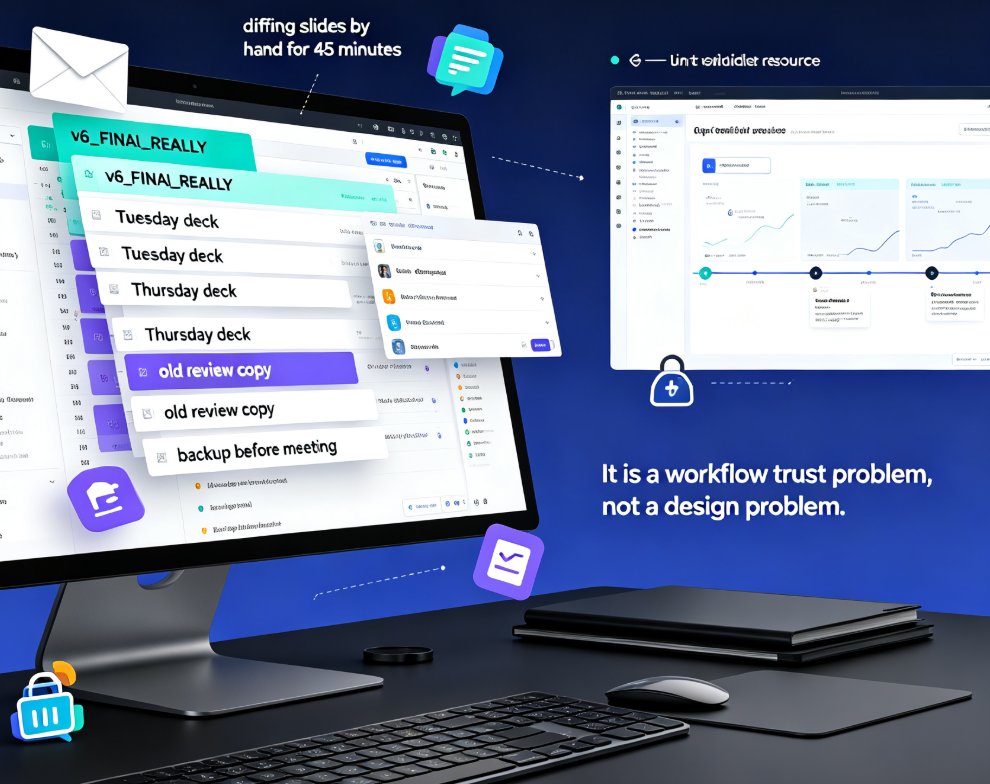
Team slide collaboration often turns into version chaos — duplicate files, lost edits, and endless email threads. Zendeck's real-time editing and history tracking give your team one source of truth, so everyone co-edits the same deck without stepping on each other's work. This guide breaks down why version conflicts happen, what real-time collaboration actually changes, and how version history gives your team the confidence to experiment. You'll get a practical workflow for educators, trainers, and HR teams, plus a side-by-side comparison of traditional vs. real-time collaboration, workflow tips that actually stick, and answers to the most common questions about co-editing and rollback. If you're tired of asking 'which file is the latest?' — this is the read for you.