How AI Presentation Tools Enable Real-Time Team Collaboration
How AI Presentation Tools Enable Real-Time Team Collaboration
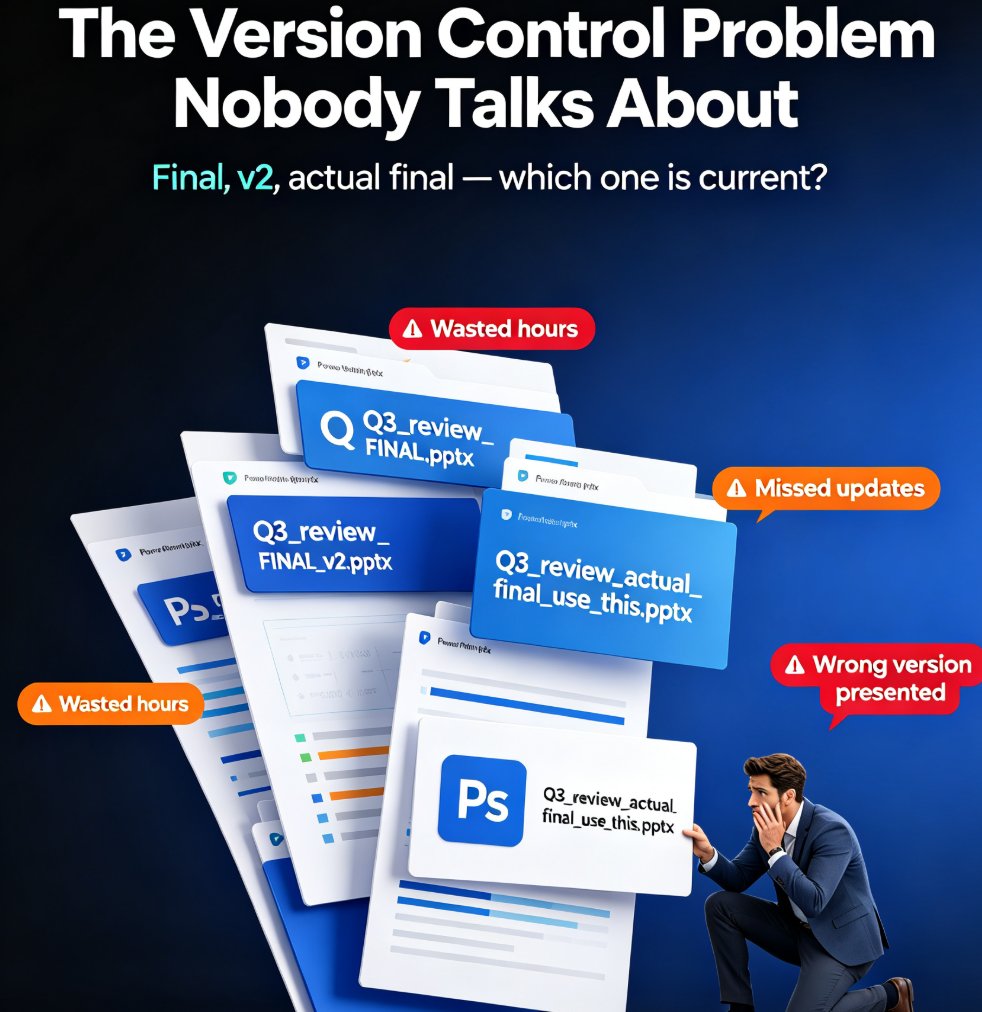
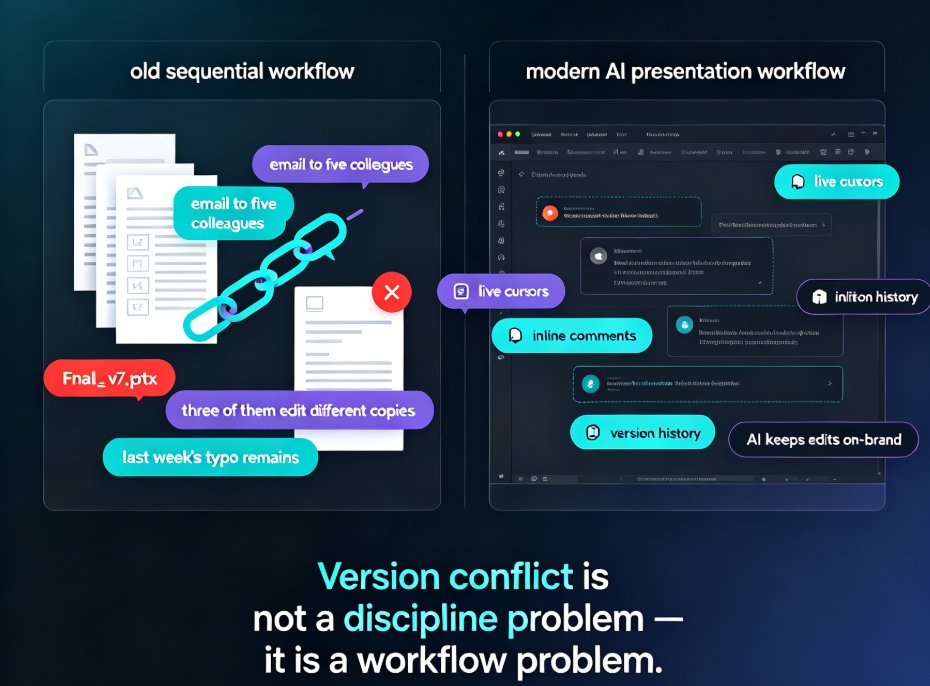
Let's be honest: the old way of building a team deck is painful. Someone exports Final_v7.pptx, emails it to five colleagues, three of them edit different copies, and the version you present still has last week's typo. It isn't a discipline problem — it's a workflow problem. Version conflict is not a discipline problem; it is a workflow problem.
That's exactly the gap that modern AI presentation tools are solving. Platforms like Pitch, Beautiful.ai, Canva, and Google Slides have turned deck-building from a sequential hand-off into a real-time, shared experience: live cursors, inline comments, version history, and — most importantly — AI that keeps every edit on-brand while the team works at the same time.
In this guide, we'll break down what real-time team collaboration actually looks like in AI presentation tools, which features move the needle, and how to set up a workflow your team will actually stick with.
01 Why the Sequential Workflow Keeps Breaking
The classic rhythm goes like this: the lead sets the outline, a specialist drafts slides, a designer restyles them, and the manager reviews — then it all loops back for another round. Each hand-off is a spot where information gets lost.
The costs are measurable even before you think about software:
- Three to five email threads per deck just to collect edits.
- Styling inconsistencies that take a designer a whole morning to fix.
- Review comments that arrive after the deck is done and force a rushed re-do.
The teams that win are not the ones with the best designers — they are the ones that remove the friction between brainstorming and the final click. Real-time collaboration does exactly that by compressing the loop.
02 What Real-Time Co-Editing Actually Changes
Pitch describes its collaboration as a Google Docs-like experience: multiple people editing at once, with each person's cursor and actions visible in real time, plus built-in commenting, task assignment, and version history. The entire workflow — from brainstorming to final approval — happens in one place.
What does that feel like in practice? You get a deck open on a shared link. A colleague drops a comment on slide 4 while you're rewriting the headline on slide 2. The reviewer approves without a single email. Edits are recorded automatically, so nobody ever worries about overwriting someone else's work.
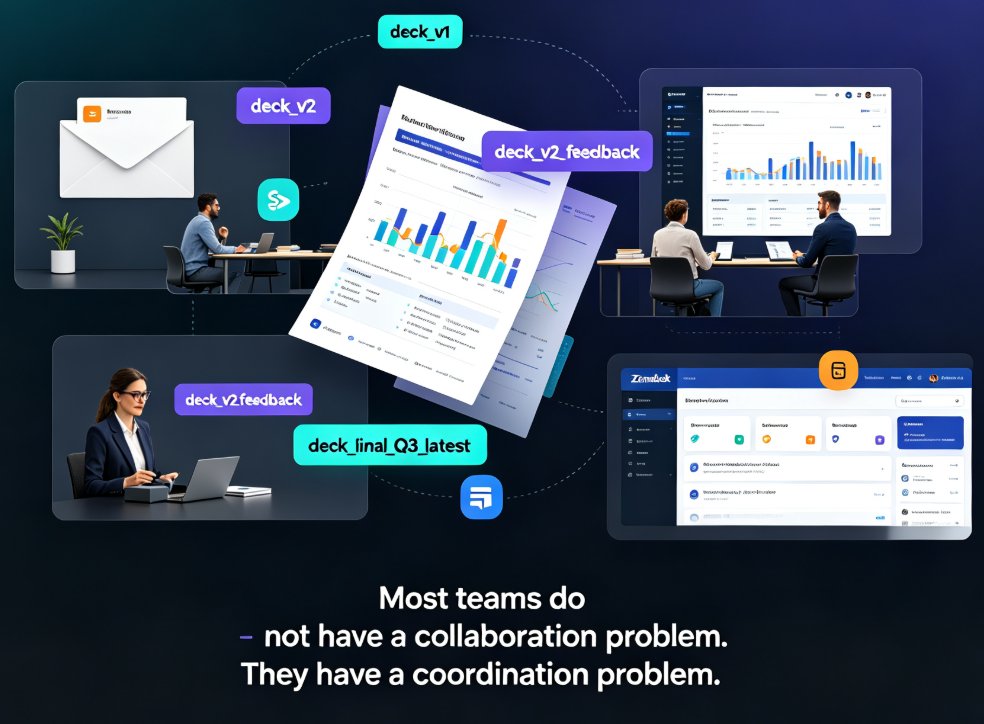
This matters because the real bottleneck in team presentations isn't typing — it's coordination. Real-time co-editing removes the coordination tax, letting the best idea win instead of the latest email sender.
03 Brand Governance: The Feature That Kills the Lost-Fonts Complaint
Real-time editing solves version chaos, but it can also multiply styling chaos — now five people can change colors at once. That's where brand governance comes in. Beautiful.ai, for instance, lets admins lock in company logos, brand colors, and fonts, and build standardized themes and template libraries. Every slide the team produces is on-brand by default.
The practical payoff is huge. No more emails asking to make the header blue like the last deck. No more designer babysitting font sizes before the quarterly review. AI presentation tools bake brand rules into the file, so consistency stops being someone's afterthought and becomes the default state of the document.
For a deep dive into how intelligent templates enforce this across an organization, check out our post on zero-design brand governance with smart templates.
04 Shared Asset Libraries and Version Control
A second pillar of team collaboration is the shared asset library. Beautiful.ai's approach — a searchable central slide library where teams share, reuse, and tag high-quality slides — turns every project's best work into reusable building blocks. Instead of recreating the Q3 overview chart from scratch, you pull it from the library in one click.
Combine that with version control, and you have what collaboration tools were always missing: a single source of truth. Old versions are archived, not lost; reviewers compare changes; and restore is always an option. The anxiety of worrying about breaking the deck disappears.
We covered how these shared visual systems scale consistency across whole orgs in how AI asset libraries are revolutionizing corporate brand consistency.
05 AI Suggestions That Work Inside the Collaboration Loop
Here's where AI separates the new tools from a plain shared editor. Pitch's AI suggests slide layouts and content ideas contextually while you edit, helping teams push past creative blocks inside the same canvas. Beautiful.ai rescans content to recommend better layouts, and Zendeck's smart-layout engine restyles a whole deck to keep fonts, colors, and spacing uniform — even when six people touched six different slides.
The net effect: AI handles the design mechanics, so humans argue about ideas, not kerning. When AI handles layout, humans can argue about ideas — not kerning. That's the collaboration shift that matters in 2026.
For practical ways this plays out, read 5 ways Zendeck smart layout cuts presentation design time or explore more features that boost team productivity.
06 Side-by-Side: Where the Tools Stand
Below is a quick comparison of how leading platforms approach team collaboration, based on their publicly documented feature sets. Scores are an editorial composite of real-time co-editing, brand controls, asset library depth, version history, and AI assistance.
Collaboration Feature Comparison
| Feature | Google Slides | Canva | Pitch | Beautiful.ai | Zendeck |
|---|---|---|---|---|---|
| Real-time co-editing | ✅ | ✅ | ✅ (cursor-level) | ✅ | ✅ |
| Inline comments & tasks | Basic comments | ✅ | ✅ + task assignment | ✅ | ✅ |
| Brand-governed templates | ❌ | Team workspaces | ✅ | ✅ (lock logos/fonts) | ✅ Brand Kit |
| Shared asset / slide library | ❌ native | ✅ templates | Limited | ✅ central library | ✅ Asset library |
| AI design assistant | Gemini basics | Magic Design | Contextual suggestions | Re-scans content | Smart layout & reskin |
| Version history & restore | ✅ | ✅ | ✅ | ✅ | ✅ |
| PPT-to-video output | ❌ | ❌ | ❌ | ❌ | ✅ |
Composite Collaboration Score (0–5)
Reading the table and chart together, the pattern is clear: the best team tools are no longer just editors — they are governance systems that keep everyone aligned while letting people work in parallel. Zendeck differentiates itself on the output side too, turning the final deck into a narrated micro-course via PPT-to-video, which we've covered in more depth within our office efficiency collection.
07 A Practical 5-Step Workflow to Ship Your Next Team Deck
If you want results this week, here's a simple playbook:
- Lock the brand first. Set your logo, colors, and fonts into a brand kit or template theme before anyone edits.
- Put the outline in one place. Upload a Word outline or Markdown so the AI builds the first pass — this gives everyone a shared starting point rather than a blank canvas.
- Co-edit live. Use comments and tasks for feedback instead of emails; keep task assignment visible so nobody drops the ball.
- Reuse, don't rebuild. Pull approved charts and icons from the shared asset library; tag good slides so future projects start ahead.
- Run a smart-layout pass at the end. Normalize any styling drift after six people touched the file, then review versions before release.
One honest tip from our team: don't try to adopt all five at once. Pick steps 1 and 3 first; they deliver the biggest drop in friction per hour of setup.
FAQ
What exactly does real-time co-editing in an AI presentation tool do?
It lets multiple teammates edit the same deck at once, with live cursors, inline comments, and task assignment. Instead of emailing Final_v7.pptx back and forth, everyone works in one shared canvas and changes appear instantly — like Google Docs, but built for slides.
How do AI presentation tools prevent version conflicts?
They keep a single source of truth and log every change in version history. Reviewers can compare, restore, or approve edits without overwriting anyone's work. Brand templates also lock styles, so visual conflicts like mismatched fonts never enter the file in the first place.
Can brand consistency really be enforced automatically across a team?
Yes. Enterprise tools like Beautiful.ai and Zendeck let admins lock logos, colors, and fonts into standardized themes and template libraries. Any slide a teammate creates is automatically on-brand — no manual pass to fix the header blue is required.
Do AI presentation tools replace the need for a designer?
Not exactly. They remove repetitive design grunt work by handling layout, reskin, and style consistency, while humans focus on content. You still benefit from a designer's art direction, but you stop depending on one person to export every final PPT.
How does Zendeck fit into a real-time team workflow?
Zendeck combines a shared asset library, brand kit templates, and smart layout so teams co-edit while AI keeps formatting consistent. It also converts finished decks into narrated micro-courses, making review, sharing, and distribution part of the same flow.