Deck Approvals Made Easy: Zendeck Sharing for Team Sign-Off
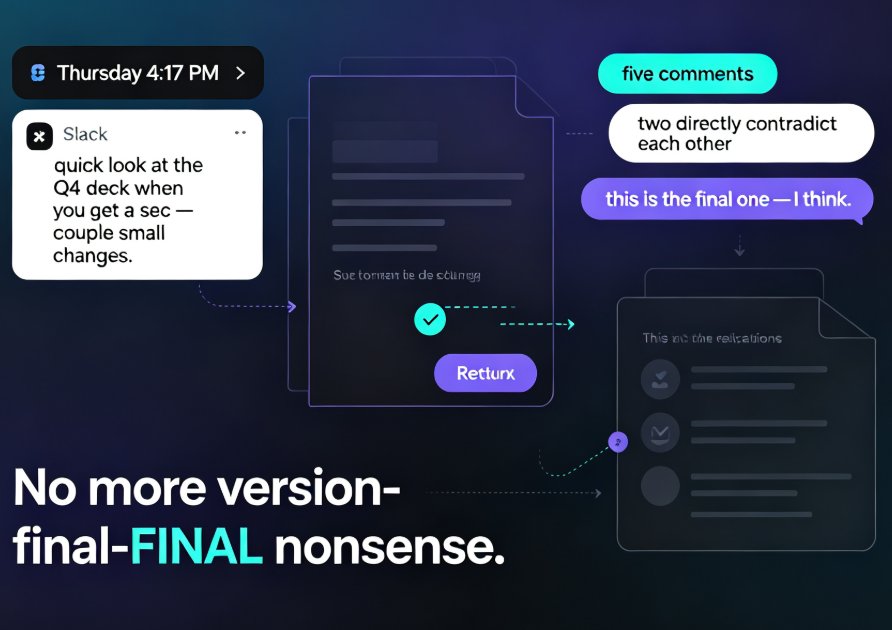
Here's a scene you've lived a hundred times. Thursday, 4:17 PM, and a Slack ping arrives from a stakeholder: "quick look at the Q4 deck when you get a sec — couple small changes." You send the file. Three days later, a revised version comes back with five comments, two of which directly contradict each other, plus a note that says "this is the final one — I think."
Deck approval is the least glamorous and most expensive loop in corporate life. Building slides, picking layouts, aligning text — that all got automated years ago. The validation stage, where decks actually get approved or rejected, is still running on email threads and shared drives. That's the gap this guide closes.
Here's what we're going to do: walk through a sign-off workflow using Zendeck's sharing and collaboration features — how to share a deck cleanly, how to collect feedback that doesn't get lost, and how to move a deck from draft to a final, unmissable "approved." No more version-final-FINAL nonsense. By the end, you'll have a review loop your stakeholders will actually follow.
01 The Approval Bottleneck Is Quietly Eating Your Week
Let's put a number on it. A mid-sized marketing or training deck typically passes through 3–4 reviewers. In a manual file-and-email loop, each round trip costs at least a day — waiting on someone to open the attachment, digest it, type comments, and remember to hit reply. Most teams we see run two or three rounds of that. That's your week, gone.
A few truths from that chart are worth slowing down for:
- Time isn't the only cost. Every email round trip adds context loss — comments arrive out of order, decisions get orphaned, and "who approved what" becomes a matter of faith.
- The real bottleneck is coordination, not production. Building a deck with an AI tool takes minutes. Getting three humans to agree on it takes days.
A structured review loop cuts deck sign-off from days to hours — and it does that without asking anyone to change how they think, only how they share.
The fix isn't faster feedback. It's a single place where the deck, the comments, and the approval state all live together.
02 Share Once, Stop the Email Ping-Pong
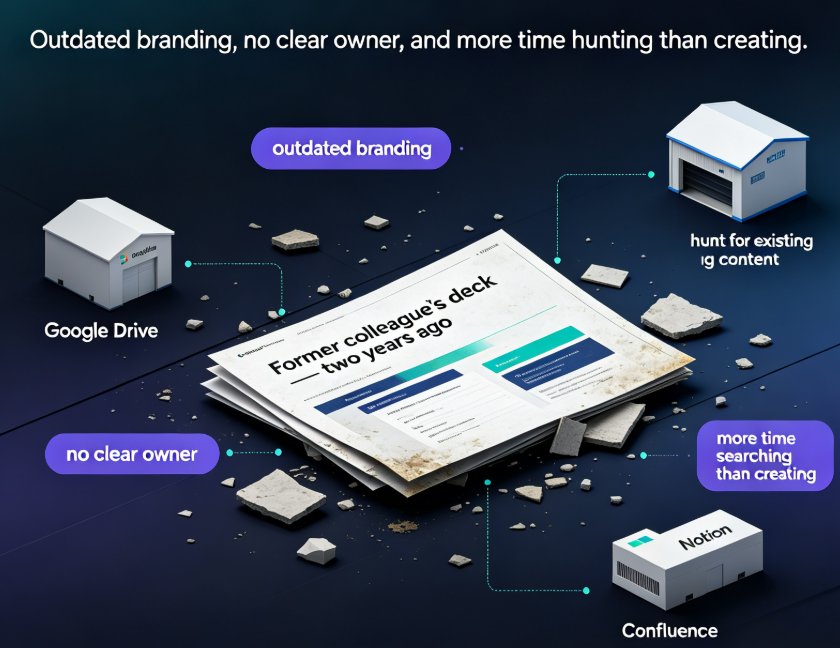
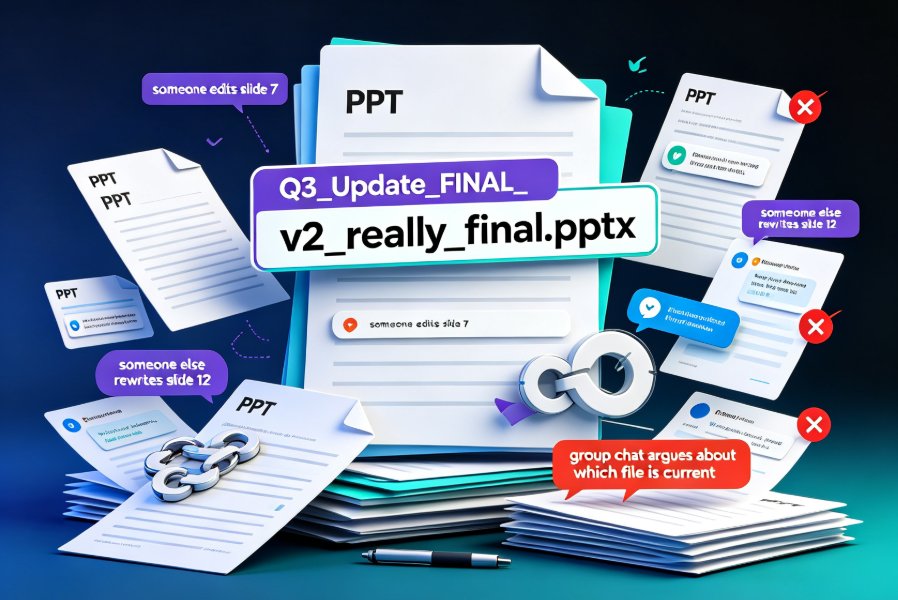
The first failure point in most approval loops is distribution. You email a file, someone saves it to a shared drive, someone else downloads an older copy, and suddenly there are three "correct" versions floating around.
Zendeck removes that entire class of problem by turning the deck into a living link. Here's the setup:
- Open the deck you're about to review and hit share. You get a link, not an attachment.
- Set permissions per person or per link — some reviewers get full edit rights, some get comment-only, some get view-only. A stakeholder who only needs to eyeball the final draft shouldn't be able to accidentally delete a section.
- Send one link. Everyone reviews the same version, in the same place, live.
The outcome: no duplicate files, no "which one is current," no reply-all chains describing edits nobody can see. When you update the deck, the same link reflects the change instantly — reviewers never have to re-download.
If your review loop isn't tamed yet, the 5 hidden features of AI presentation tools for team productivity are worth a read — link sharing is just one of several quietly powerful moves.
03 Comments That Don't Get Lost in Threads
Getting the deck in front of people is half the battle. The other half is getting their feedback into a form you can actually act on.
The classic pattern: a reviewer opens a deck, types twelve observations into an email, and by the time it lands, nobody knows which slide "the third one" refers to. Commenting in-place, anchored to specific slides, removes that ambiguity entirely.
In Zendeck, reviewers comment directly on the slide they mean. That means:
- Drop a comment on a specific slide, so "slide 7, kicker text" becomes an actual pointer instead of a guessing game.
- Mention teammates with @mentions, pulling the right person in without CC-ing the known universe.
- Resolve threads as changes land, so the deck builds a visible audit trail — what was flagged, who fixed it, when it closed.
There's a quiet benefit that's easy to miss: the comment thread becomes the change log. When a stakeholder asks "did we address the pricing feedback?" six weeks later, you don't excavate inboxes. You scroll the thread, see it resolved, and move on.
When comments live where the content lives, the deck itself becomes the single source of truth — and review cycles stop duplicating work.
04 The Sign-Off Workflow: From Draft to Final "Yes"
Let's make this concrete. The table below maps the whole approval journey — the old way versus the Zendeck way — so you can see exactly where the hours disappear.
| Stage | The old way | Zendeck way |
|---|---|---|
| Share the draft | Email attachment; "latest version" chaos | One link with role-based permissions |
| Collect feedback | Reply-all threads; comments lost in inboxes | In-place threaded comments with @mentions |
| Resolve changes | Manual note-taking; double edits | Resolve threads; visible audit trail |
| Approve | "Looks good" buried in an email | Explicit approval state on the deck |
| Finish | Three versions; file-renaming archaeology | Export the final once; archive cleanly |
Now run that in practice. A draft lands on Monday. You share the link with the right permissions, and stakeholders review asynchronously — by Tuesday morning there are eleven comments on six slides. You and a co-editor work through them in two passes, resolving threads in real time. By Tuesday afternoon, the approving stakeholder opens the same link, confirms nothing's broken, and signs off. That deck went from draft to approved in roughly 24 hours of calendar time, not a week.
For teams that also need slides to stay on-brand through review, locking down your brand kit removes one more round trip — reviewers stop commenting on fonts because the deck never drifted from the template in the first place.
05 Why the Validation Stage Is Where Decks Actually Get Good
It's worth stepping back. Most of the conversation about AI presentation tools focuses on generation — deck from a prompt, slides from an outline, auto-layouts. That's genuinely fast, and it's a big part of the office efficiency story. But here's the catch: a fast draft is worthless if the approval loop strangles it.
The review stage is where decks get real. It's where a generic PowerPoint becomes a researched, argued, stakeholder-approved artifact. The teams that win are the ones who treat that stage as a workflow, not a waiting game.
That's the value Zendeck's sharing and collaboration features bring: not just faster slide creation, but a faster decision cycle. Your design tool gets you to the draft; the sharing loop gets you to the yes.
A few closing habits that make the loop stick:
- Set permissions before you send the link, not after someone has already edited the wrong thing.
- Nudge reviewers to comment on slides, not in chat. One polite prod usually breaks the email habit.
- Close threads as you fix things. An open thread reads as unresolved work; a closed thread reads as progress.
FAQ
Q: How do I share a Zendeck deck with my team for approval? A: Open the deck, hit the share button, and copy the link. Set who can view, comment, or edit, then send the single link. Everyone reviews the same live version — no attachments, no duplicate files.
Q: Can multiple people edit and comment on the same deck at the same time? A: Yes. Zendeck supports real-time collaboration, so co-authors can review, comment on, and polish the deck together — especially useful when several contributors are refining one presentation.
Q: How do I control who can edit versus who can only comment? A: When you share the link, pick the permission level per person or per link: view-only, comment-only, or full edit. Stakeholders can weigh in without touching the actual slides.
Q: What's the fastest path from draft to final sign-off in Zendeck? A: Share the link with comment permissions, direct reviewers to comment on specific slides, resolve threads as changes land, and use the explicit approval state to signal "done." Teams typically compress the loop from days to hours.
Q: Does Zendeck track the review history of a deck? A: Yes. Resolved comment threads build an audit trail of what was flagged, who fixed it, and when it closed — so "what did we decide?" is answerable from the deck itself, not an inbox hunt.