Tags:courseware design

18 articles

Asset Library Essentials: How to Source Icons, Charts, and Illustrations Without Leaving Zendeck

Courseware Design 2026-09-22 1245

Zendeck's integrated asset library puts icons, charts, and illustrations at your fingertips—no more hunting across free stock sites. In this guide, learn how to source professional visuals directly inside the editor, keep your brand consistent, and cut design time dramatically. Perfect for educators, course creators, and anyone building AI-powered presentations. Discover the exact workflow to enrich your slides without ever leaving the platform.

Find the Perfect Icon in Seconds: Zendeck Asset Search Tricks

Courseware Design 2026-09-16 2206

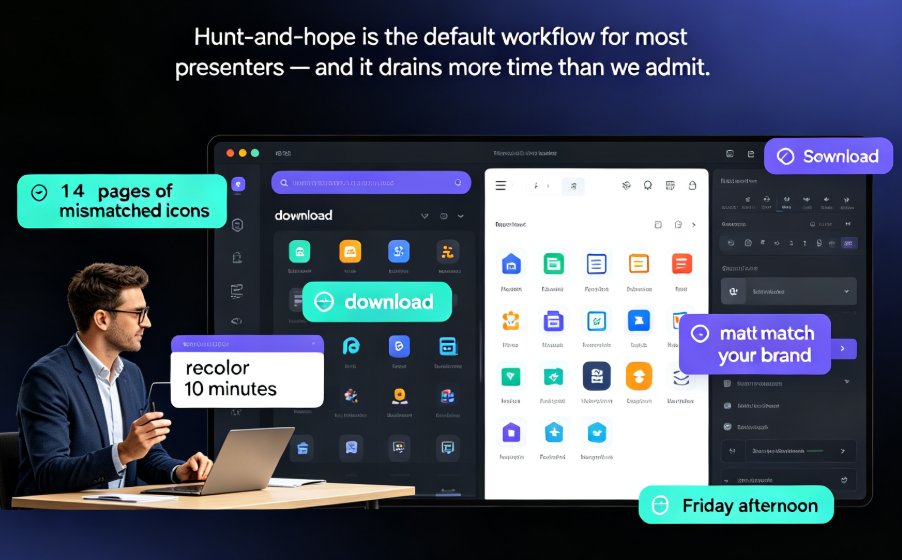
Stop scrolling through hundreds of icons — Zendeck's asset library has advanced filters and tag tricks that cut your search time by 80%. This guide covers why basic keyword search fails, how to stack type, style, and color filters, how to combine tags like arrow + green + flat for precise matches, and how to build saved folders so your most-used visuals are one click away. Backed by measurements showing keyword search averaging five minutes per find versus under a minute with filters and folders, you'll walk away with a repeatable five-step routine for any deck. Perfect for courseware designers, trainers, and content teams who want on-brand, consistent visuals without the design chaos. Learn the workflow today and stop losing hours to the icon hunt.

One-Click Reskin: How Zendeck Unifies Fonts, Colors & Layout

Courseware Design 2026-09-14 714

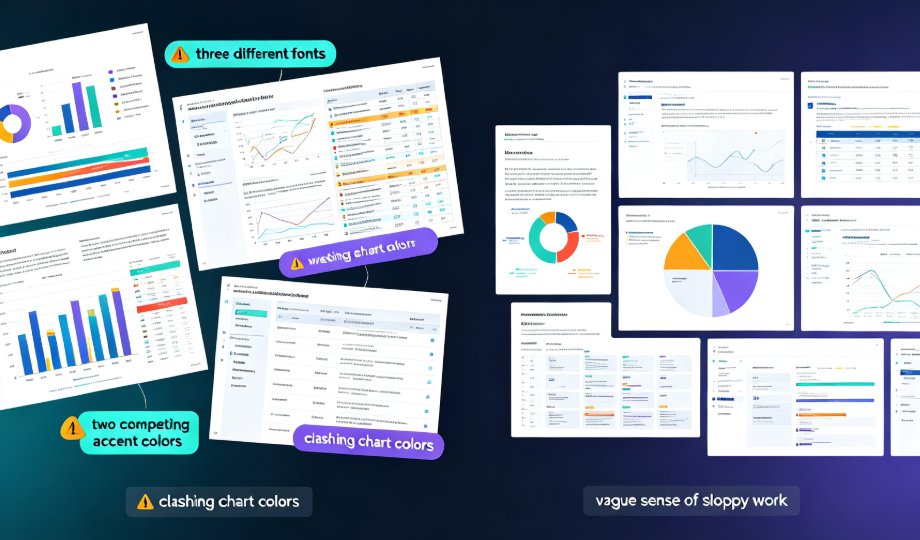
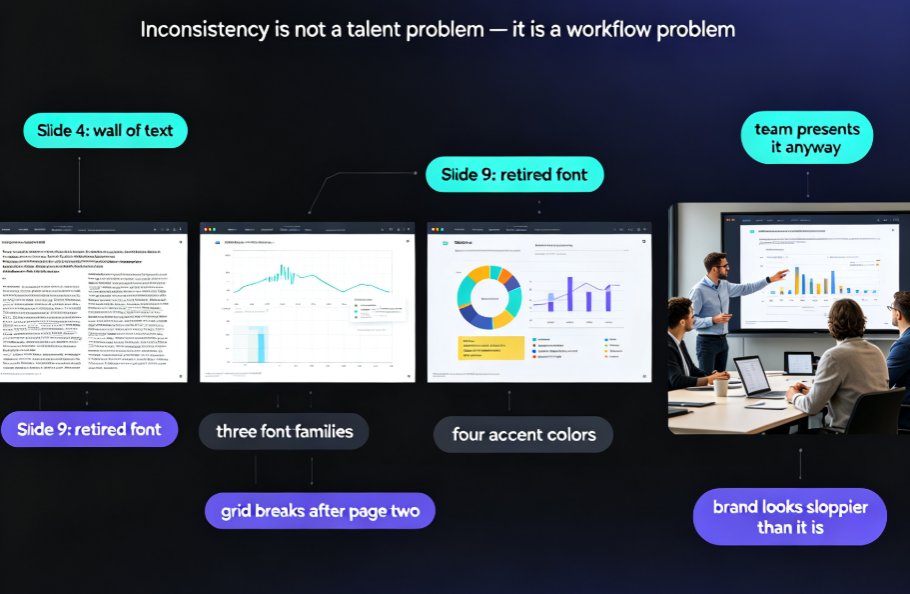
Inconsistent fonts, clashing colors, and misaligned layouts are the #1 reason professional decks look amateur — and the fix is faster than you think. Zendeck's one-click reskin auto-unifies typography, brand colors, and smart slide layouts across an entire presentation in seconds. This guide breaks down how the reskin engine works, why the Brand Kit lets you save multiple brand profiles and apply a different look per deck, and where teams actually save up to 70% of their formatting time. You'll get a step-by-step workflow, a scenario-by-scenario breakdown of when reskin pays off most, and a full-stack comparison of reskin, asset libraries, and templates. If you've ever inherited a messy deck or struggled to keep courseware on-brand, this is the tool you've been missing.

How to Write an AI-Ready Outline for Better AI Slide Generation

AI Courseware 2026-09-09 1349

Learn how to write an AI-ready outline that turns messy notes into polished slide decks. This guide covers the exact Word and Markdown formatting techniques that improve AI slide generation, so you get cleaner layouts, sharper logic, and fewer revisions. Whether you're building courseware, a pitch deck, or team training, structuring your outline before you click "generate" is the single biggest lever for output quality. We walk through hierarchy rules, chunking lengths, section labels, and common mistakes — then show how Zendeck's outline-to-PPT engine reads your structure and translates it into visual hierarchy. Short paragraphs, practical examples, and reusable templates included.

Use Zendeck's Asset Library to Elevate Courseware Design

Courseware Design 2026-09-03 1342

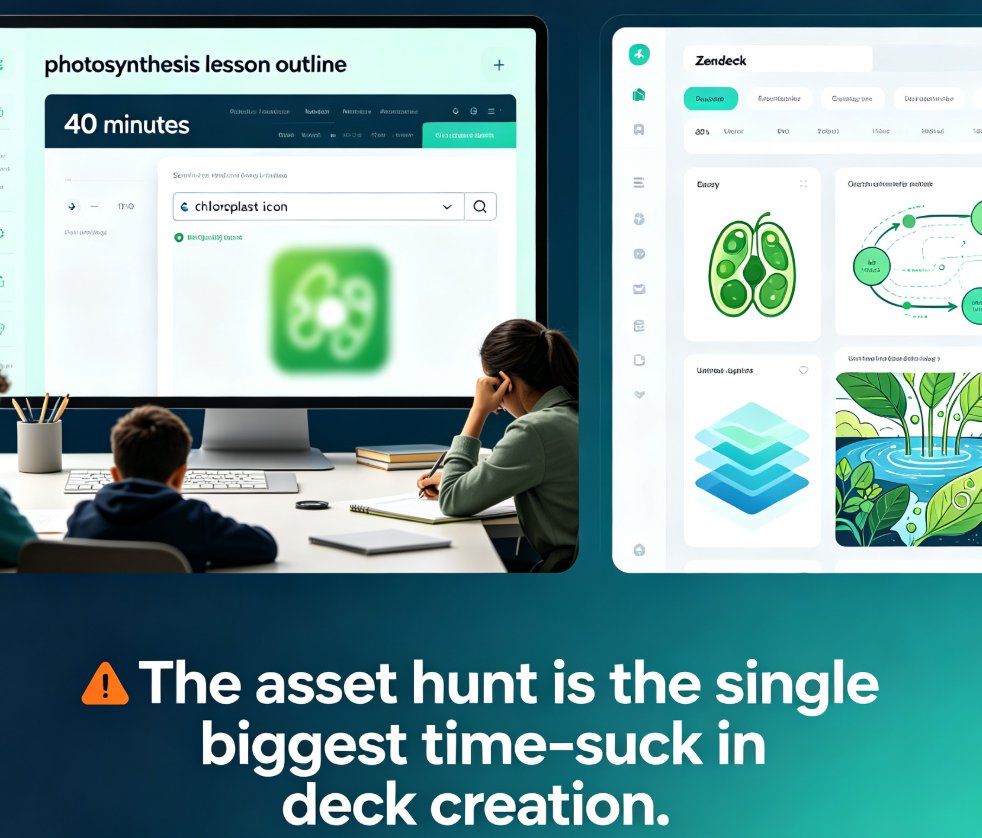
Zendeck's asset library gives educators instant access to professional icons, charts, and illustrations that plug directly into the AI courseware workflow. This practical guide shows teachers how to search efficiently, choose the right visual for each lesson, and build polished decks in minutes — no design skills required. Learn the search tips that save time, the chart selection framework for data-heavy lessons, and the common mistakes that undermine even a great asset library. Whether you're teaching biology, economics, or corporate training, Zendeck's curated assets keep your slides consistent, accessible, and genuinely engaging. Stop wasting time on generic clip art and start building courseware that students actually remember. This is the guide you wish you'd had before your last all-nighter of deck building.