Tags:courseware design

23 articles

How to Choose the Right Template from Zendeck's Library for Your Deck

Courseware Design 2026-08-26 1822

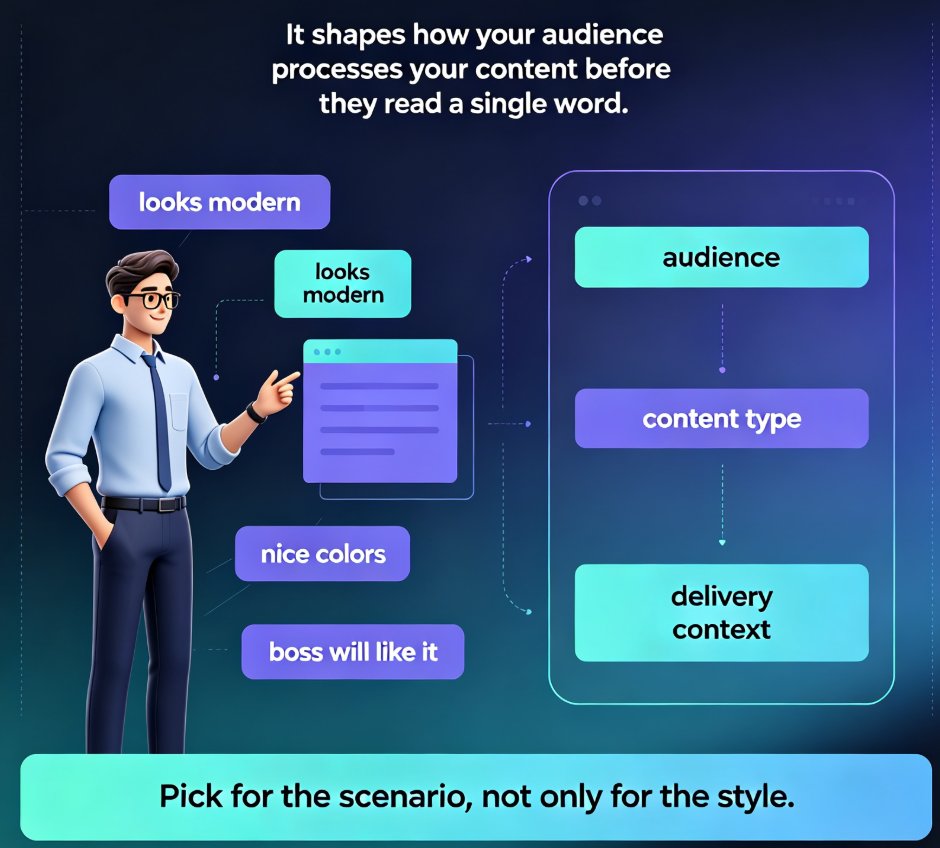
Choosing the right template from Zendeck's library is the difference between a deck that lands and one that gets skimmed. This guide gives you a scenario-based framework for matching templates to lectures, training, and boardroom pitches — so you stop picking by looks and start picking by fit. Learn how Zendeck's library organizes templates by use case, which design factors matter most for each audience, and a five-point checklist to validate any template before you commit. You'll also see how Zendeck's AI shortlists templates based on your content structure, and when it's smart to break the rules. If you've ever wasted an afternoon reworking a template that felt wrong, this is the fix.
Smart Layout Automation: How AI Design Kills Manual Formatting

Courseware Design 2026-08-25 1206

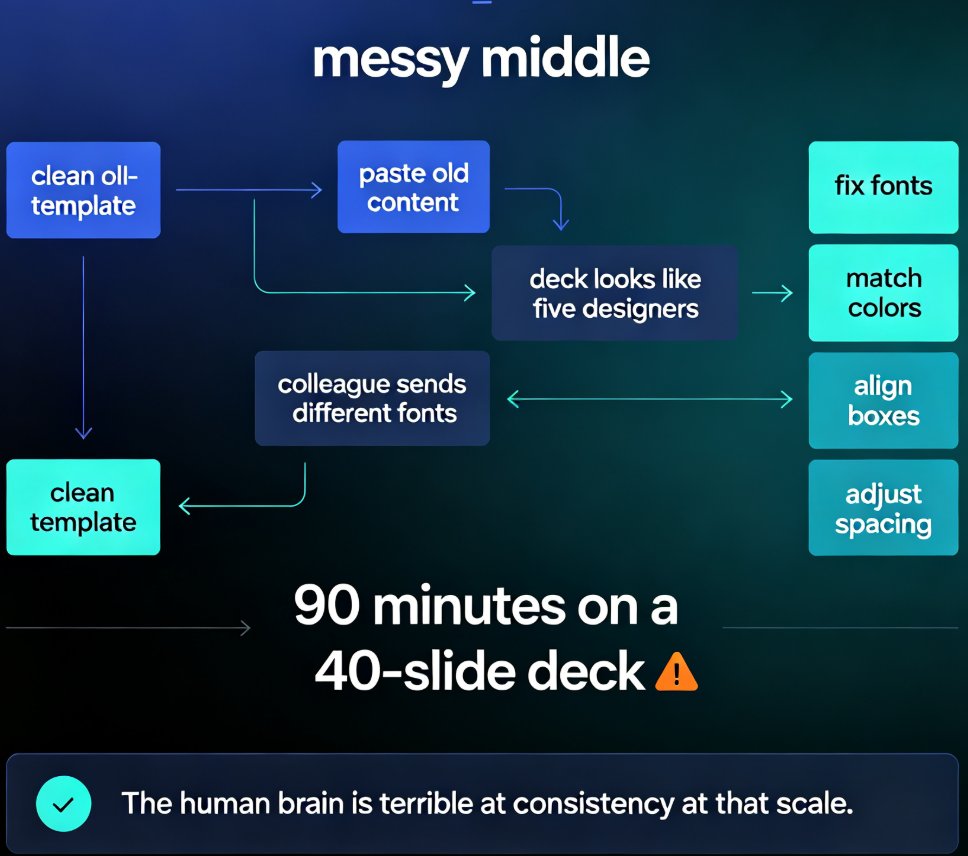
Manual formatting is dying. Smart layout automation — powered by AI design systems — now unifies fonts, colors, and spacing across an entire deck in a single click, turning 90-minute formatting marathons into a two-minute job. This guide breaks down how AI design rules replace the tedious work of aligning text boxes and matching brand colors, and why tools like Zendeck are democratizing professional-grade design for educators, trainers, and content teams. You'll learn what smart layout actually does under the hood, how one-click reskin rebuilds a messy deck into a consistent visual system, and which teams save the most time. If you've ever spent an evening nudging slides into alignment, this is the workflow that kills manual formatting for good.

How to Build a Custom Branded Template in 5 Steps with Zendeck

Courseware Design 2026-08-18 929

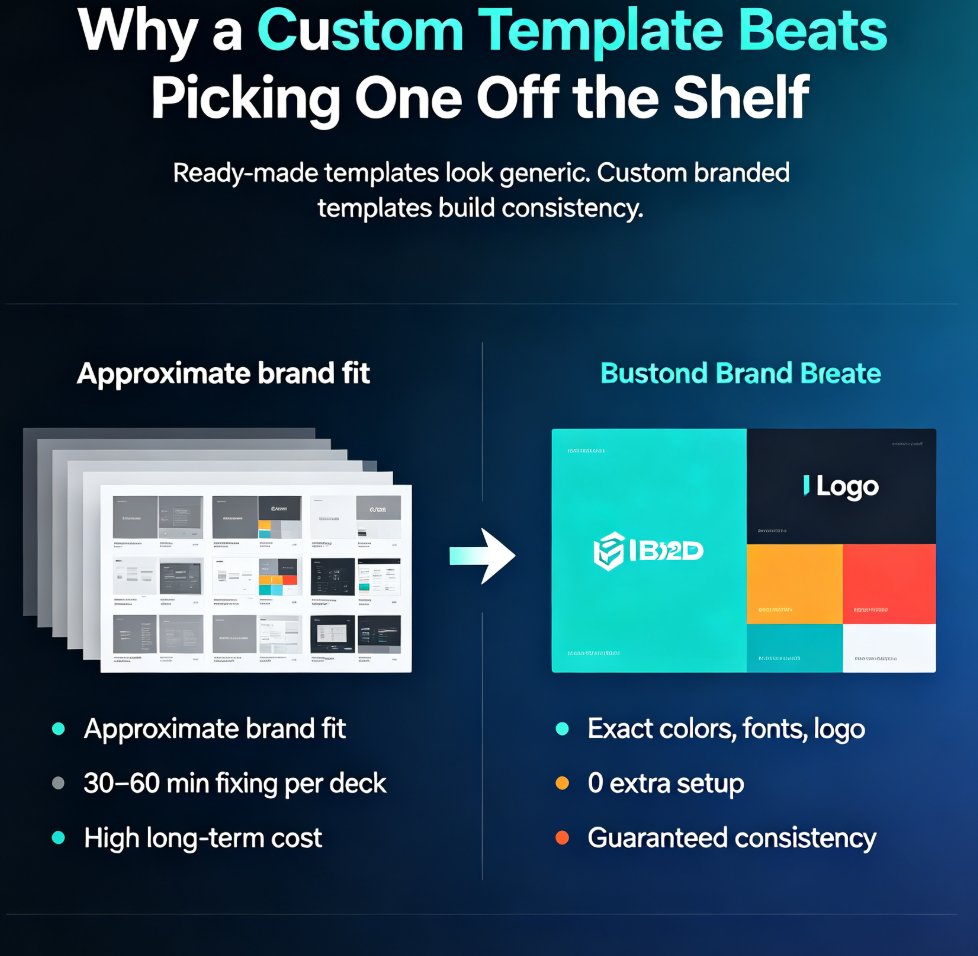
Building a custom branded template in Zendeck takes five steps and zero design skills. This tutorial shows you how to define your brand foundation, set up master layouts, build reusable components, wire everything into a brand kit, and save a reusable template that keeps every deck on-brand automatically. Stop fixing colors and fonts in every presentation — build a template once and let it do the work forever. Perfect for educators, trainers, HR teams, and content operators who need consistent, professional decks without the formatting grind. Includes a ready-made vs. custom template comparison, the five-step workflow, common mistakes to avoid, and answers to the most frequent questions about branded templates in Zendeck. By the end, you'll have a reusable system that cuts deck creation time dramatically.

Preview Before You Commit: Picking the Perfect Template with Zendeck

Courseware Design 2026-08-18 1646

Picking the wrong template is the #1 time-waster in AI deck creation. This guide shows you how to preview and filter Zendeck's template library by style, color, and industry before you generate — so you commit to the right look the first time. Learn what to look for when previewing templates, how to narrow hundreds of options to a shortlist in under a minute, and the three template-picking mistakes that cost trainers and educators hours of redesign time. With Zendeck's preview and filtering tools, you can go from 'hundreds of templates' to 'this one works' in minutes — and spend your time on content, not cleanup. Includes a practical decision framework for when to commit and when to keep browsing.

Navigate Zendeck's 500+ Template Library: Find the Perfect Slide Design Fast

Courseware Design 2026-08-06 1968

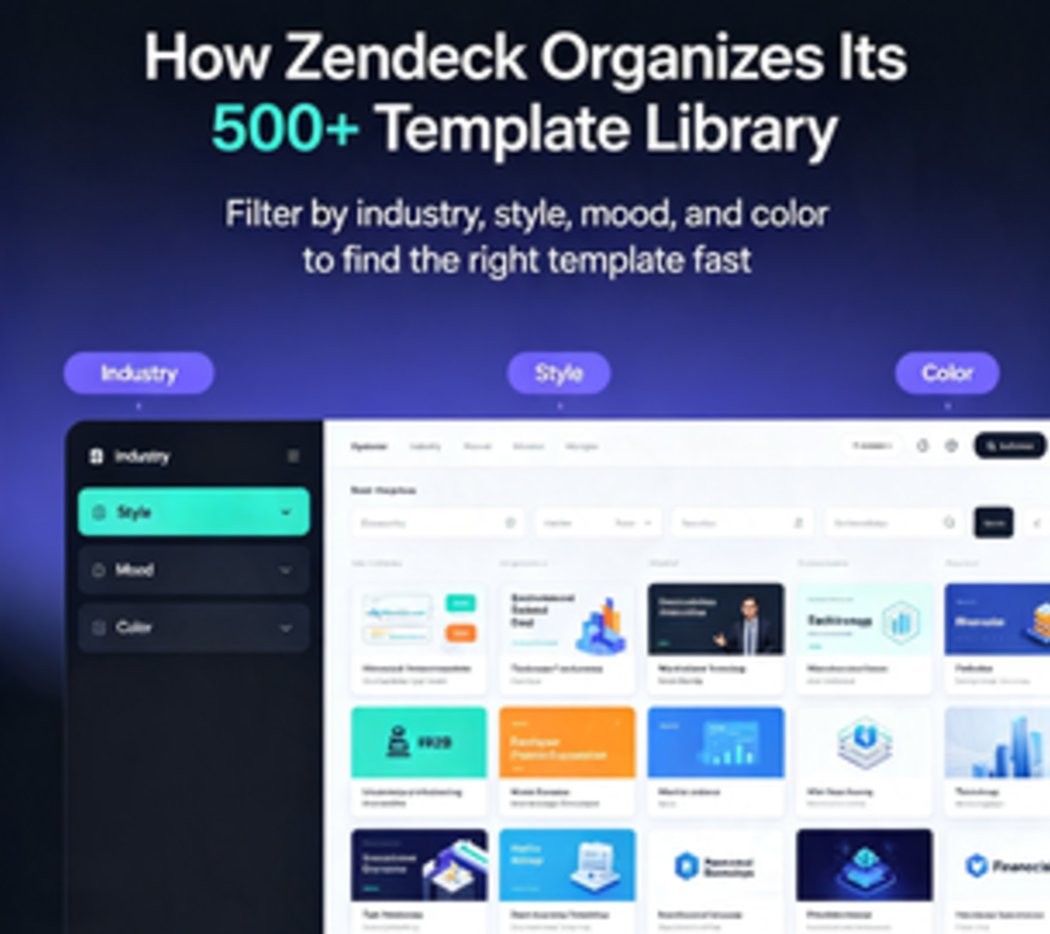
Stop wasting time scrolling through generic slide decks. Zendeck's template library organizes 500+ professionally designed slides by industry, style, and mood. Learn how to use smart filters, one-click reskin, and saved favorites to land the perfect template in under 30 seconds. Real-world search strategies inside.

▲