Tags:smart layout automation

4 articles

AI Slides 2026: Why Contextual Intelligence Beats Raw Generation

AI Courseware 2026-09-23 3827

In 2026, AI presentation tools are shifting from raw generation to contextual intelligence, and Zendeck leads this shift by reading content structure, audience, and brand before building slides. With 83% of consumers expecting dramatically better experiences, speed alone no longer wins. This guide explains why context-aware design beats template-picking, how the 2023-2026 evolution reshaped workflows, and what it means for educators, trainers, and teams who create decks weekly. Learn which tool approaches deliver real contextual judgment, how smart layouts and brand kits cut editing time, and how to choose the right AI slide platform for courses, pitches, and training. The next competitive battleground for AI slides is understanding, not just generating.
Context-Aware Slide Generation: The 2026 AI Presentation Standard

AI Courseware 2026-08-26 805

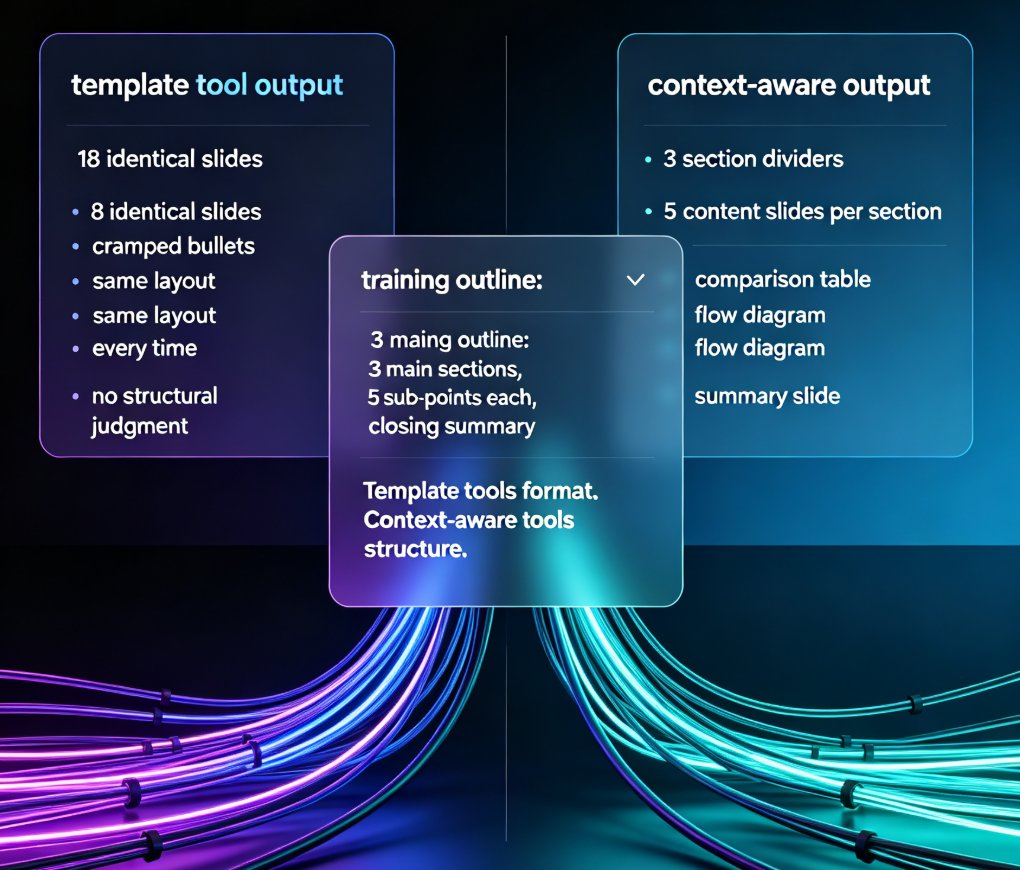
Context-aware slide generation is the new 2026 standard in AI presentation tools — and Zendeck leads the shift. Template-based AI tools format your content; context-aware tools structure it, reading your outline's hierarchy, audience, and purpose to build decks that actually persuade. This article breaks down what context-aware generation means, why template-only tools fail, and how Zendeck turns raw Word or Markdown outlines into audience-ready decks in minutes — with smart layouts, one-click reskinning, and consistent branding. You'll also see a comparison of template-based vs. context-aware workflows, practical time-savings, and what this trend means for trainers, educators, and teams in 2026. If your AI presentation tool can't understand your content, it's just a faster way to make mediocre slides. Here's how to do it right.

Smart Layout Automation: How AI Design Kills Manual Formatting

Courseware Design 2026-08-25 1206

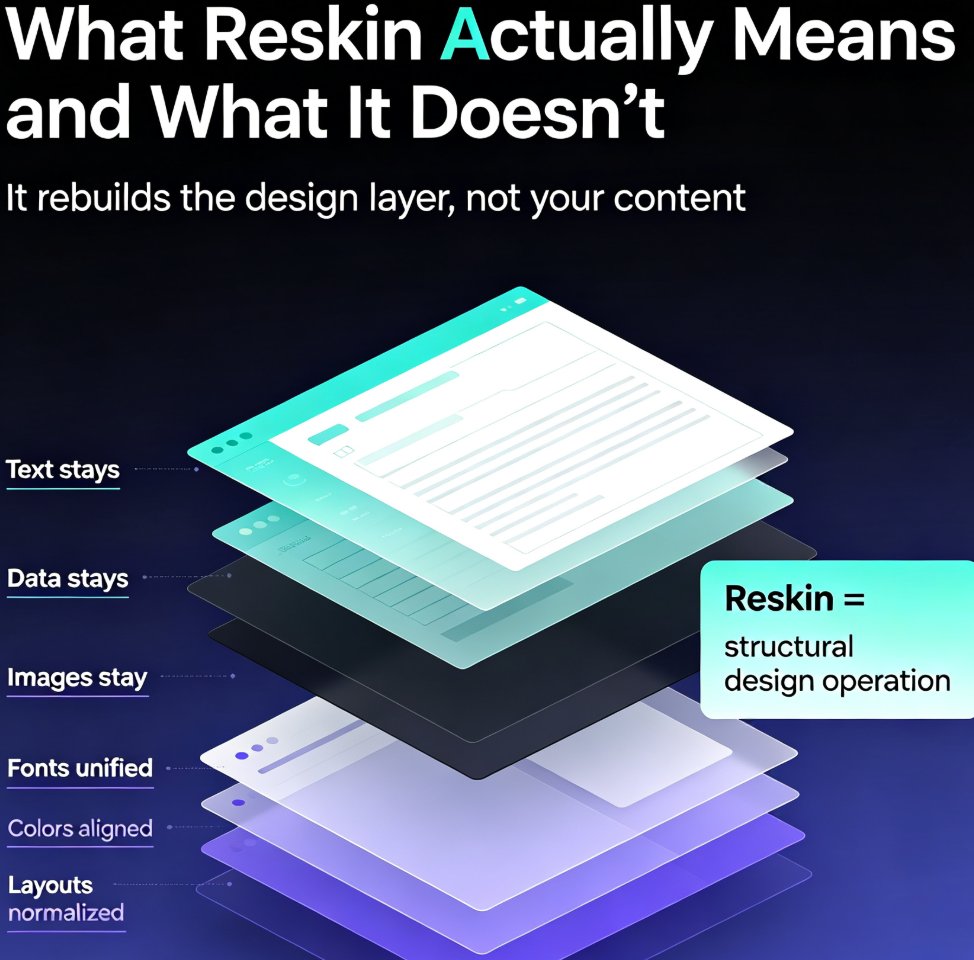
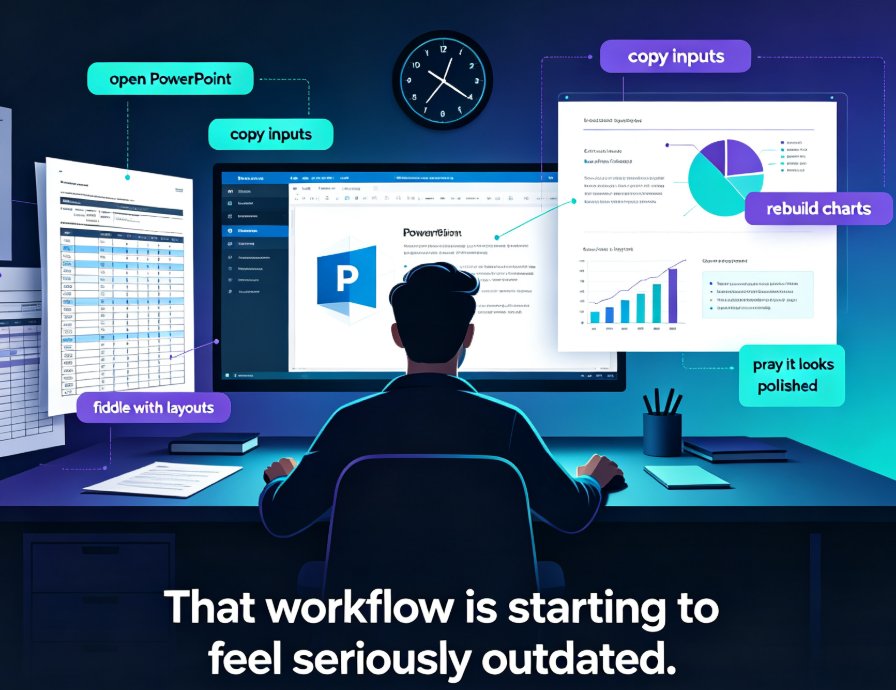
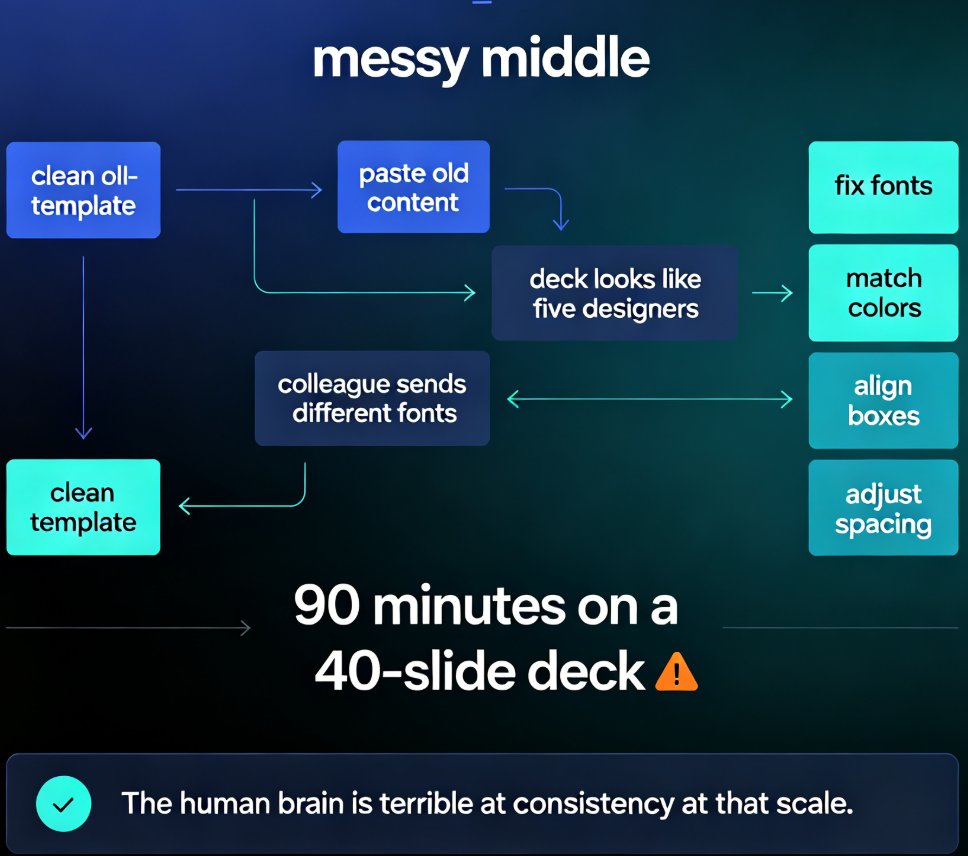
Manual formatting is dying. Smart layout automation — powered by AI design systems — now unifies fonts, colors, and spacing across an entire deck in a single click, turning 90-minute formatting marathons into a two-minute job. This guide breaks down how AI design rules replace the tedious work of aligning text boxes and matching brand colors, and why tools like Zendeck are democratizing professional-grade design for educators, trainers, and content teams. You'll learn what smart layout actually does under the hood, how one-click reskin rebuilds a messy deck into a consistent visual system, and which teams save the most time. If you've ever spent an evening nudging slides into alignment, this is the workflow that kills manual formatting for good.

Smart Layout Reskin: Unify Fonts, Colors, and Layouts with Zendeck

PPT Tutorial 2026-08-21 2552

Struggling with inconsistent fonts, colors, and layouts across your presentations? Zendeck's smart layout reskin unifies your entire deck's design in one click. Learn how to apply consistent branding instantly, save hours of manual formatting, and ensure every slide looks professionally on-brand. This guide covers the step-by-step reskin process, real time-savings data, and best practices for teams that need brand consistency at scale. Whether you're preparing a 10-slide pitch or a 50-slide training deck, Zendeck's reskin feature eliminates the tedious work of per-slide formatting. Discover why teams using AI-powered reskin tools cut deck production time by over 50%, and how you can set up brand kits to make every future presentation automatically consistent. Stop fixing slides one by one — reskin the whole deck and get back to what matters: your message.