Academic Presentations Made Easy: Zendeck AI for Research Papers
Academic Presentations Made Easy: Zendeck AI for Research Papers
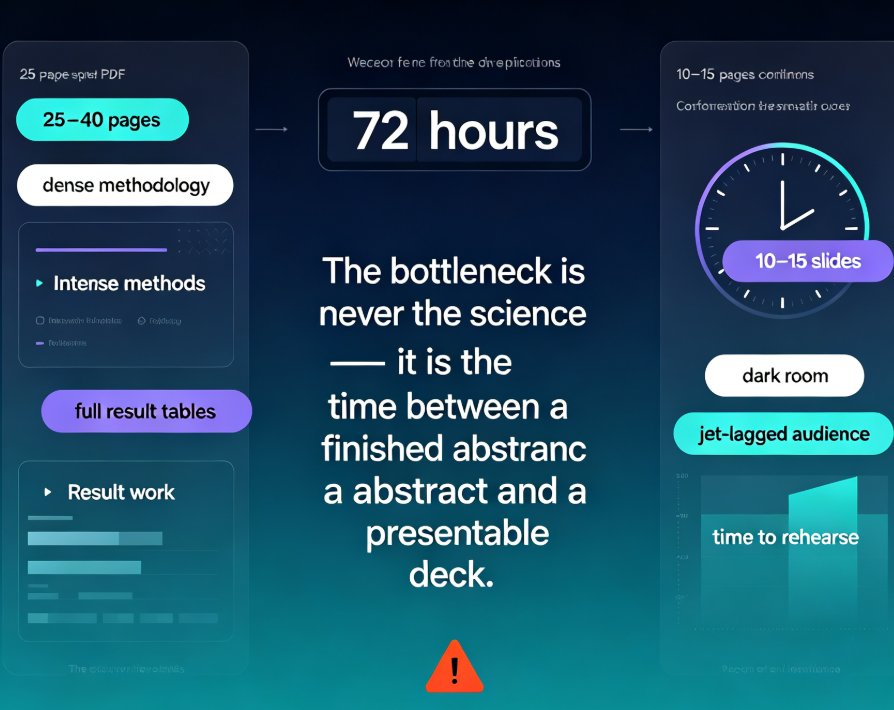
Let's be real: you didn't go into academia to become a slide designer. You went into it to answer hard questions, run rigorous analyses, and push your field forward. Then conference season hits, and you're stuck at 11 p.m. resizing a figure of a Western blot so it doesn't look like a smudge on slide 14. Sound familiar?
The problem isn't your research. It's the hours you burn turning dense, evidence-heavy papers into something a roomful of tired colleagues can actually follow. A typical research paper runs 6,000 to 8,000 words with 40-plus figures, tables, and citations. Manual slide creation from that mountain takes two to four hours on a good day.
Let's look at how AI changes that math.
01 Why Research Papers Are So Hard to Present
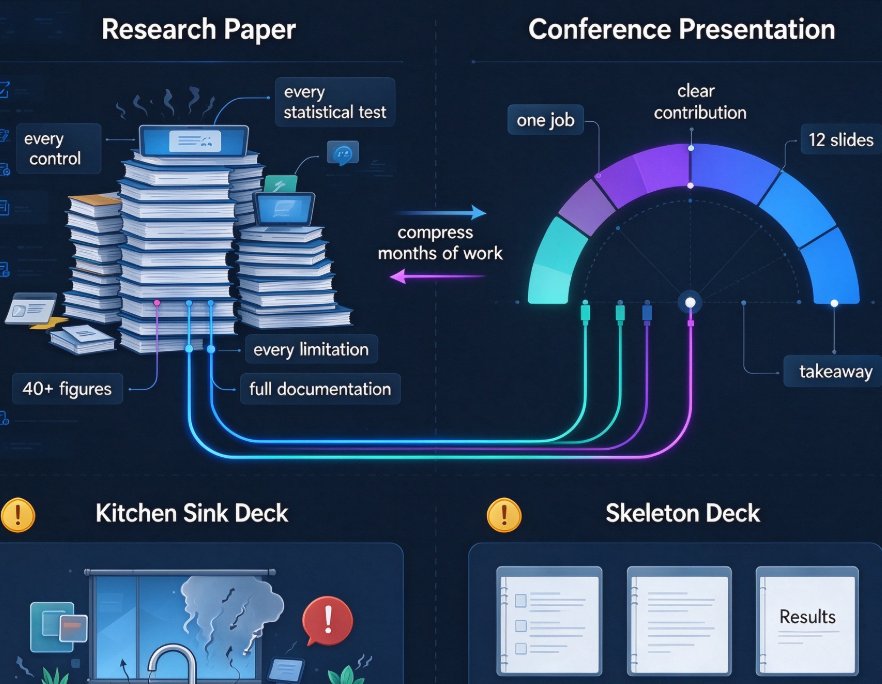
A paper and a presentation serve completely different jobs. A paper documents everything — every control, every statistical test, every limitation. A presentation has one job: make your contribution impossible to miss.
That's the core tension. You've spent months ensuring your work is airtight, and now you're asked to compress it into 12 slides. Academics typically fall into two traps:
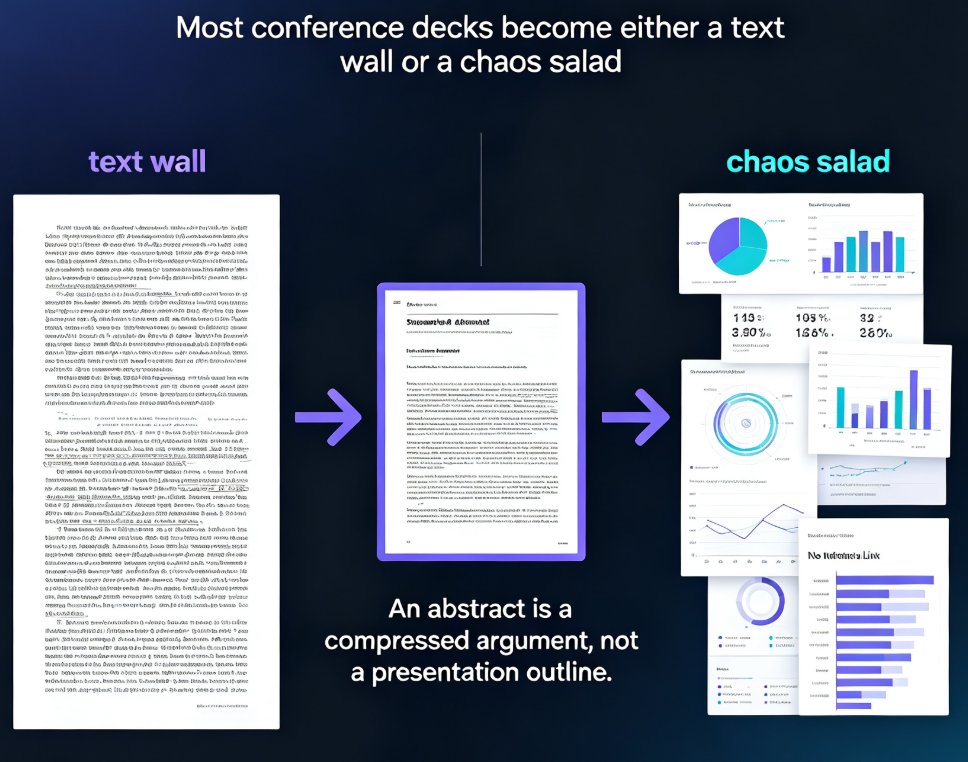
- The Kitchen Sink Deck: Every finding, every sub-analysis, every related work reference. Your audience leaves with a headache, not a takeaway.
- The Skeleton Deck: Six slides, four of which say "Results" with a single unlabeled graph. You might as well just read the abstract aloud.
Neither works. What works is building a narrative arc that connects your research question to your contribution — and that's where AI-assisted workflows shine. Tools like Zendeck AI are designed to turn a paper's dense structure into a presentation that actually leads somewhere.
02 The AI Advantage: What Zendeck Actually Does Differently
Here's the realistic workflow when you use Zendeck for an academic deck:
- Paste your outline or upload a Word document. Zendeck reads your headers and key points, then generates a structured slide sequence.
- The AI picks a contextual template. Instead of forcing your clinical trial into a generic "corporate blue" deck, it matches the layout to your content type.
- Smart layout unifies the design. Fonts, colors, and spacing are normalized across all slides in one click. No more orphaned slides with mismatched formatting.
- You refine figures, citations, and captions. The asset library gives you icons, charts, and diagram tools to polish your visuals.
- Export as editable PPTX or continue in Google Slides. You never lose the ability to fine-tune.
The result? What used to take three hours takes roughly twenty minutes. The table below breaks down the time difference.
| Task | Manual Process | With Zendeck AI | Time Saved |
|---|---|---|---|
| Outline to storyboard | 45–60 min | 5 min | ~85% |
| Template and design decisions | 30–45 min | 2 min | ~90% |
| Placing figures and adjusting layouts | 40–60 min | 8 min | ~80% |
| Formatting citations and captions | 20–30 min | 5 min | ~70% |
| Total | 2.5–3.5 hours | 20–30 minutes | ~80% |
That's the headline number: researchers save up to 80% of their slide-building time with an AI-first workflow like Zendeck, and they spend those hours back on the actual research.
03 A Chart That Speaks in Hours
Let's visualize that savings.
The blue bars are the manual grind — outline, design, figure placement, citations. The light bars are Zendeck. The gap is the hours you get back.
04 Building the Academic Narrative: A Step-by-Step Guide
AI doesn't remove your judgment — it removes the busywork. Here's how to turn a paper into a defense-ready deck.
Step 1: Lead with the Research Question
Start by framing the problem, the gap, and why this work matters. Your committee or conference audience needs context before they care about your method. Zendeck's outline generation helps you pull these threads from your Word document and arrange them into a logical flow.
Step 2: Present Method and Results with the Right Emphasis
Give your study design, sample, and analysis the space they deserve. Don't cram 10 figures into one slide. The AI's layout engine breaks content across slides so each result gets a clear visual anchor. When you need to build a chart from raw data, the asset library's interactive chart tools let you create clean visuals without exporting to a separate tool.
Step 3: Create a Discussion-Ready Deck
Connect your results to implications, limitations, and future work — and prepare for the tough questions. A good defense deck anticipates what the committee will poke at. Structure your final slides to address those concerns head-on. And if your audience allows interaction, drop in a live poll or quiz using Zendeck's interactive elements — a nice change of pace from the usual Q&A monologue.
05 The "Hidden Features" That Matter for Academics
There are a few Zendeck capabilities that you'll only discover once you start using it regularly. These are the details that separate an okay deck from a polished one.
- One-click reskin for formatting emergencies. Remember that department template you discovered an hour before the seminar? Zendeck's AI reskin unifies fonts and colors instantly, so you never present with mismatched styles again.
- Brand kit support. Set your lab or university colors once, and every future deck has them automatically. No more hunting for the official Pantone value.
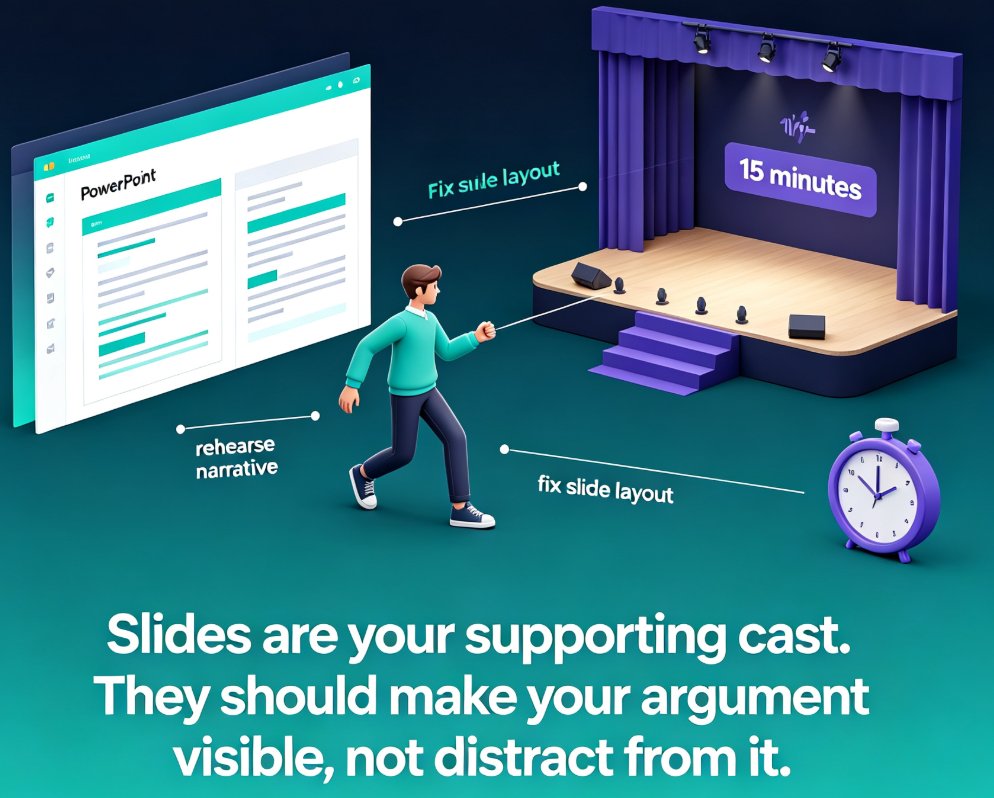
- Speaker notes and rehearsal tools. A presentation is half content, half delivery. Generate clean speaker notes that follow your narrative, and rehearse without fumbling.
- Collaboration without version chaos. When co-authors are involved, shared online editing means you're all looking at the same file. Link-sharing and secure collaboration beat "FINAL_v3_REAL.pptx" by a mile.
These aren't just productivity gimmicks. For a lab that produces five conference submissions a year, features like brand kits and auto-reskin cut cumulative design time by days — not hours.
06 Beyond the Conference: AI-Generated Video Decks
What if the conference is virtual? Or what if your thesis advisor wants a recording for the rest of the committee? Zendeck's PPT-to-video feature turns your static slides into a narrated micro-course or presentation.
You add narration (or an AI voice), and Zendeck generates subtitles automatically — making the resulting video accessible to viewers with hearing impairments. This is a practical win for academic contexts where recordings get circulated beyond the original audience.
The takeaway: your academic deck doesn't have to be a one-time artifact. With a few clicks, it becomes a durable, shareable video.
07 Trends to Watch in 2026: How Academic Presenting Is Changing
If you're already using AI to build your papers, this next shift won't surprise you. Presentation tools are moving from "template pickers" to fully automated, context-aware generation. In 2026, we'll see:
- Agentic workflows that take a rough outline and generate a complete, polished deck without manual step-by-step design.
- Deep personalization — tools that remember your lab's style and preferences across projects.
- Data visualization embedded directly into the generation flow, so you don't switch between analysis tools and presentation tools.
These trends aren't futuristic speculation; they're already appearing across the major platforms. Zendeck's 2026 roadmap is firmly in this direction, especially around memory-rich personalization and agentic course creation.
FAQ
Q: How long does it take to convert a research paper into a presentation with Zendeck AI?
Once you paste your outline or upload a Word file, Zendeck generates a full deck in under two minutes. That's roughly 80% faster than building slides manually, which typically takes two to four hours for a dense academic paper.
Q: Can Zendeck handle complex data like figures, tables, and citations?
Yes. Zendeck's asset library includes charts and illustration tools, and you can refine tables, captions, and references after generation. You still export an editable PPTX, so you can polish every figure for journal-level accuracy.
Q: Is Zendeck suitable for thesis defense presentations?
Absolutely. Zendeck's AI generates an academic narrative that connects your research question, method, results, and implications — exactly what defense committees expect. Add interactive elements like polls to make your defense more engaging.
Q: Will my slides look like everyone else's AI-generated deck?
No. Zendeck supports custom brand kits and one-click reskin, so you can apply your university's colors, logo, and fonts. With contextual template selection, the AI picks a layout that fits your field — from clinical research to theoretical physics.
Q: Does Zendeck export to formats compatible with academic conferences?
Yes, you can export an editable PPTX, which works with PowerPoint and Google Slides. You can also turn your deck into a narrated video for virtual conferences or flipped classroom sessions.