Tags:brand consistency

75 articles

Reskin Your Deck with Zendeck's Smart Layout in One Click

PPT Tutorial 2026-11-05 2273

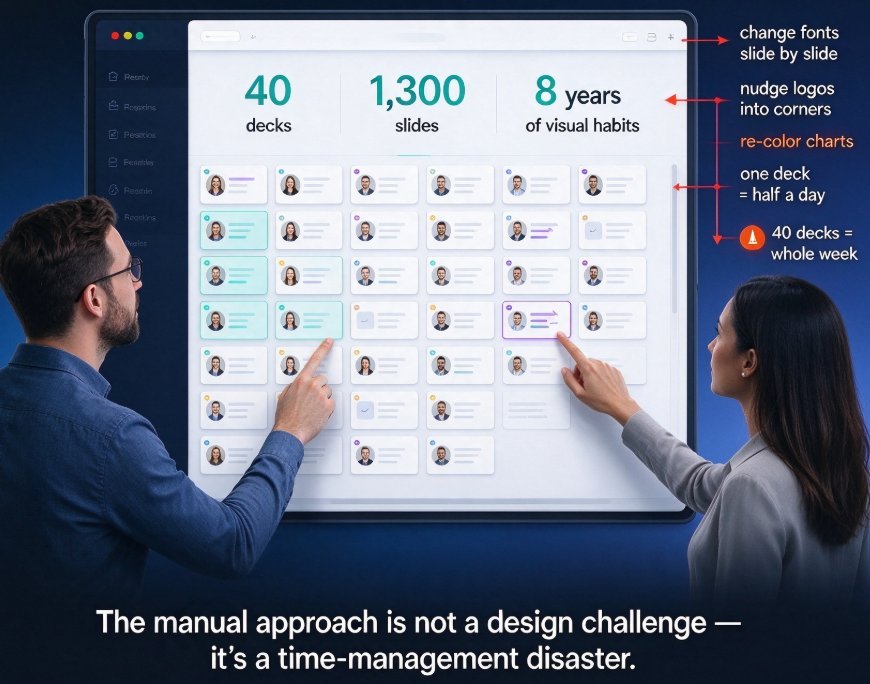
Stop fighting with fonts and alignment. Zendeck's Smart Layout lets you reskin an entire deck—fonts, colors, and layout—in one click. Whether you're fixing an inherited deck or enforcing brand consistency, our tutorial walks you through the process step by step. Learn when to reskin vs. redesign, see time savings, and get practical tips from an experienced editor. No design skills? No problem. Zendeck's one-click reskin is the fastest way to make your presentations look professional and persuasive.
Stop the FINAL_final Spiral: Zendeck Shared Components Fix Team Deck Chaos

Office Efficiency 2026-11-04 1112

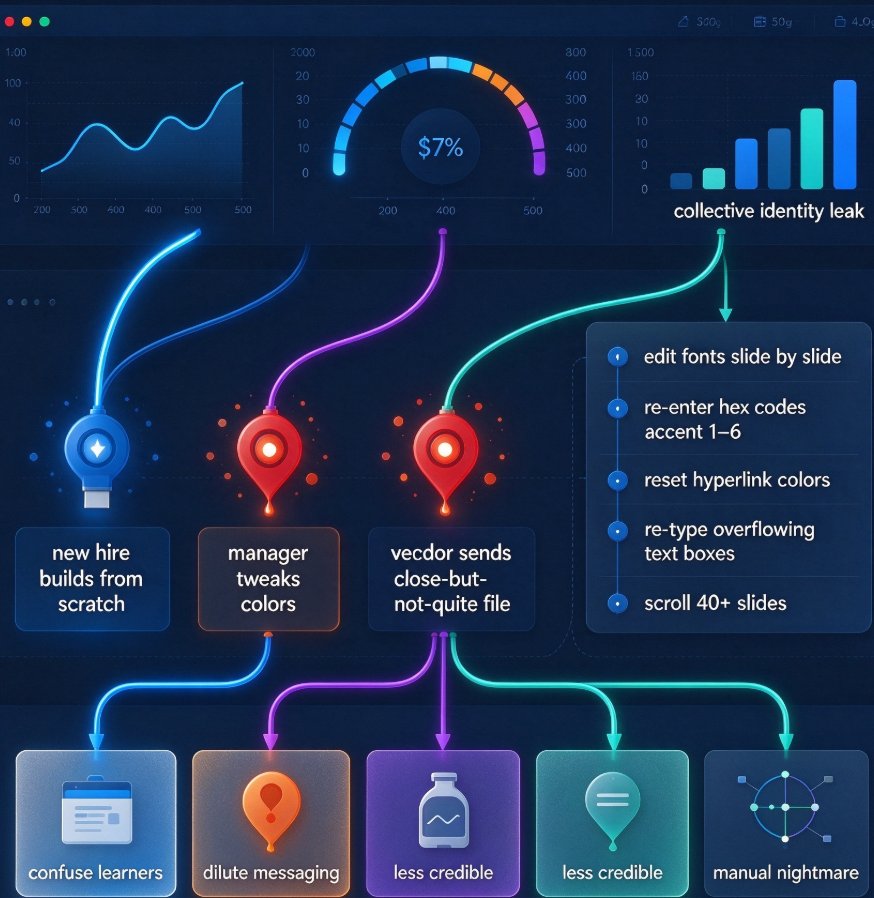
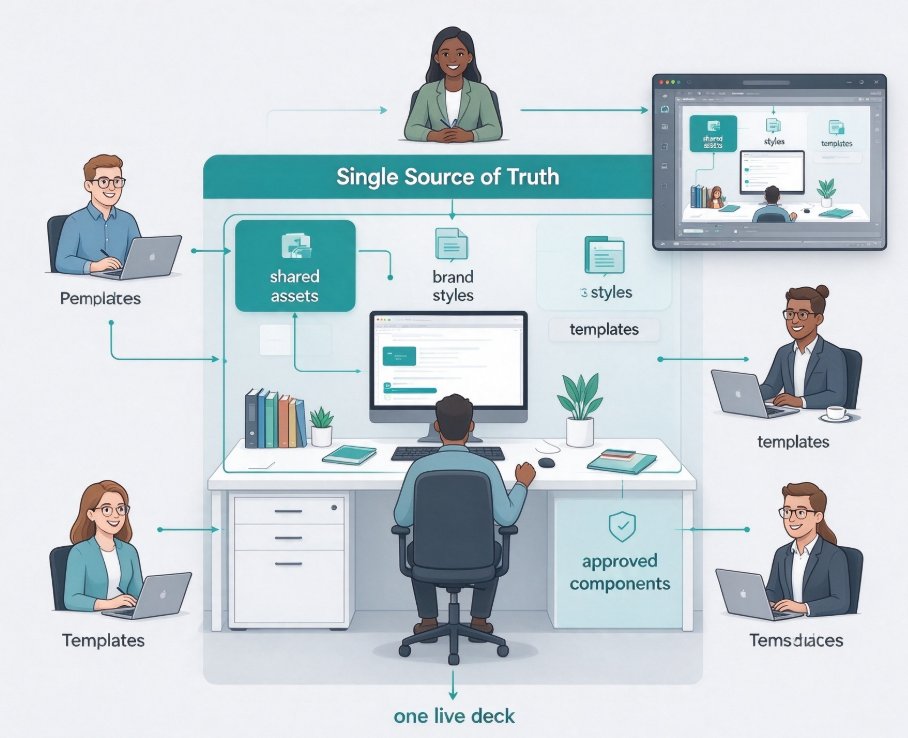
Team deck version chaos — the FINAL_final spiral — wastes hours when multiple people build presentations together. This guide shows how Zendeck's shared components create a single source of truth, killing duplicate files, formatting drift, and stale data. You'll get a repeatable workflow with short QC checkpoints, plus practical steps to lock down a brand kit, use approved templates, and run one-click reskins. Whether you're in HR, content operations, or education, this is the fix for endless file transfers and inconsistent team decks.

How to Keep Brand Consistency Across Decks with Zendeck

PPT Tutorial 2026-11-03 1107

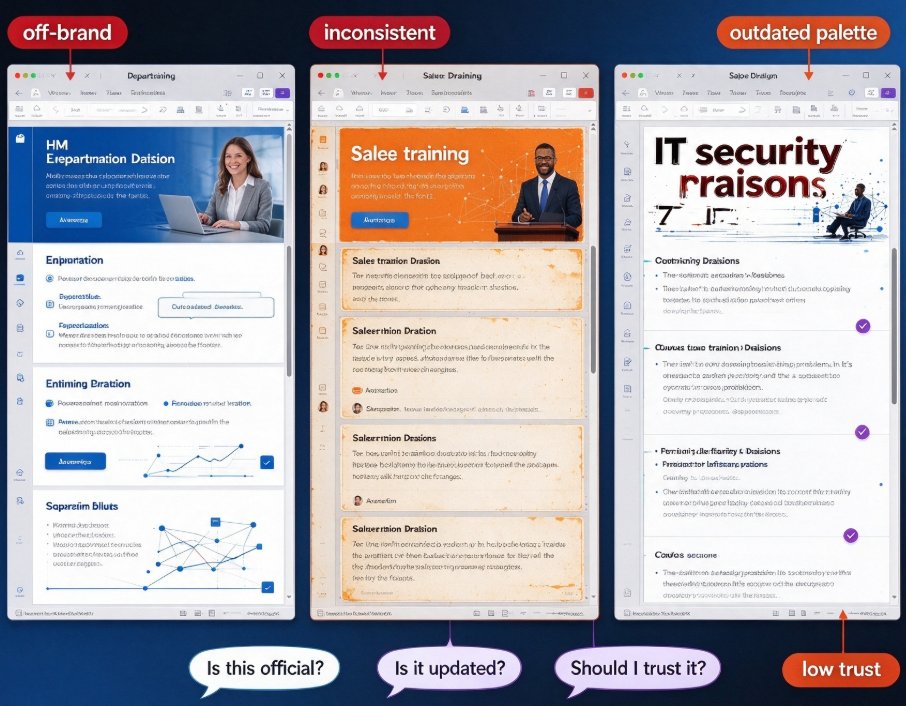
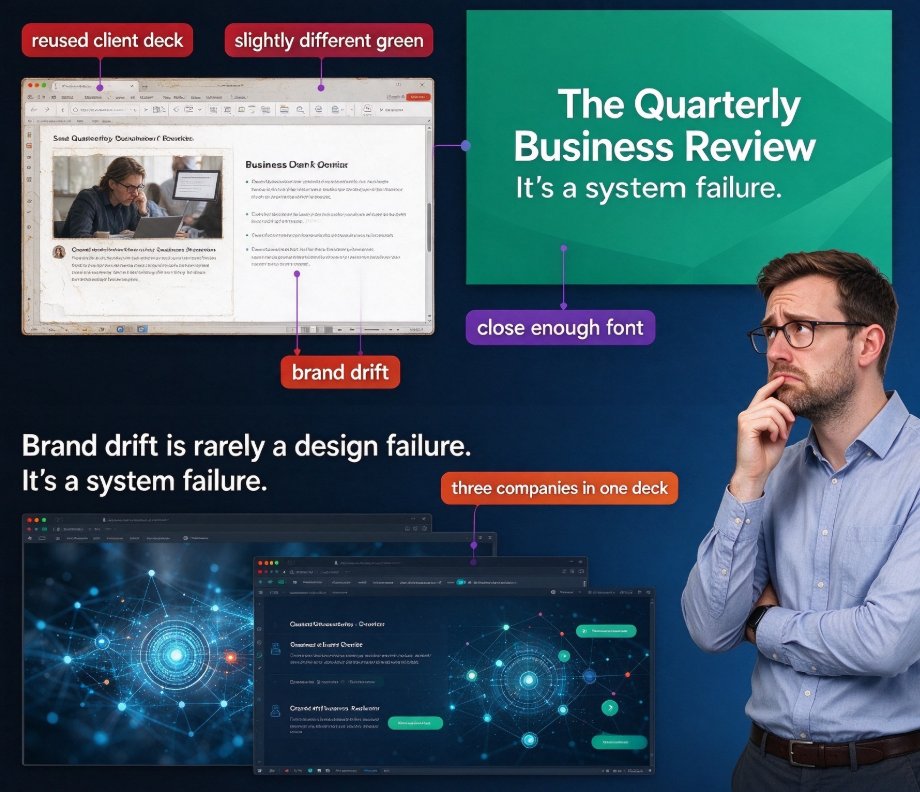
Brand consistency across decks is harder than it looks — especially when your brand rules live in a PDF nobody reads at 5 p.m. on deadline day. Zendeck's template library makes it the default: every deck starts from a pre-approved, on-brand template, and the one-click reskin feature instantly upgrades any legacy or off-brand deck. This guide shows how Zendeck enforces color palettes, typography hierarchy, and logo placement across every slide, why system-level enforcement beats human discipline, and the exact workflow (brand kit setup, mandatory template starts, and a 5-minute consistency audit) that keeps your whole team on-brand without a single designer. If you've ever shipped a deck with the 'close enough' font, this article is for you. It's practical, scenario-based, and designed for marketing teams, educators, and content ops.

One-Click Reskin: How Zendeck Rebrands Your Entire Deck Library

Courseware Design 2026-10-30 1351

Want to rebrand your entire presentation library without redesigning every slide? Zendeck's one-click reskin instantly unifies fonts, colors, and layouts across every deck in your library. In this article, we break down how smart layout automation saves marketing and brand teams hours of manual work, keeps your visual identity consistent, and lets you focus on content — not formatting. See exactly how the reskin workflow works, what it takes to prepare your brand kit, and why more teams are swapping manual redesign for automated rebranding.

Brand-Consistent Training Decks: Zendeck's Template and Asset Library Explained

Office Efficiency 2026-10-29 2816

Brand-consistent training decks don't require a design team — Zendeck's template and asset libraries make it possible in minutes. This guide explains how HR and L&D teams can unify colors, fonts, icons, and charts across every onboarding course, compliance deck, and product training. You'll learn the difference between a template library and an asset library, a practical five-step workflow for building on-brand training materials, and why consistent visuals measurably boost learner trust while slashing production time. Drawing on proven template-strategy principles, the article shows how to eliminate the blank-slide trap and enforce brand governance without friction. If your organization produces training content across departments, this is the framework you've been missing.

One-Click Reskinning: How Zendeck Makes PPT Branding Effortless

Courseware Design 2026-10-28 3488

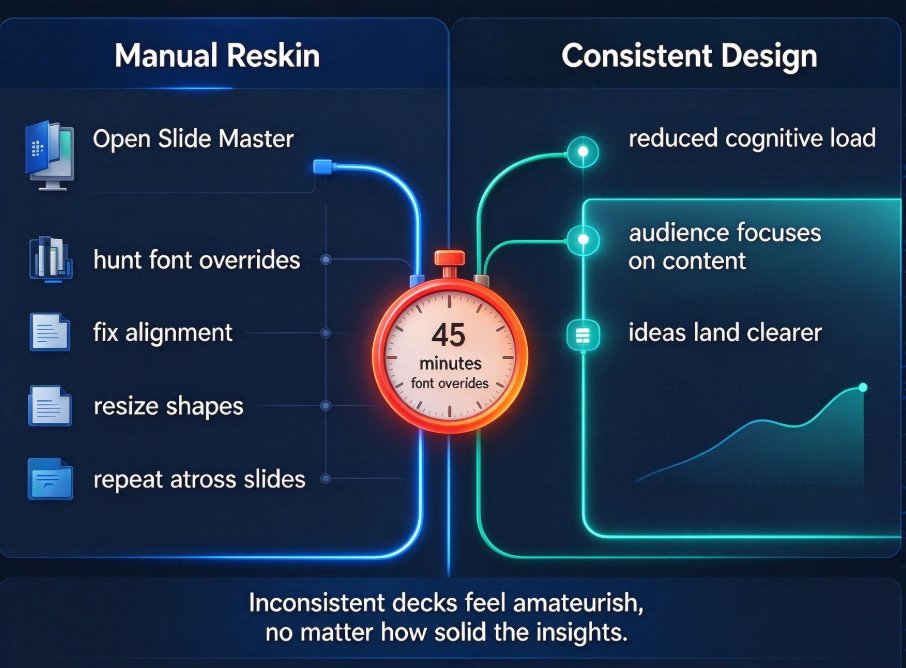
Struggling with inconsistent brand identity across team-shared decks? Zendeck's one-click reskin unifies fonts, colors, and layout across an entire presentation in about a minute. This guide for corporate trainers and HR professionals explains why decks go off-brand, compares the manual 2–3 hour restyle against AI-powered reskinning, and walks through a 60-second workflow. Learn how a shared brand kit, smart-layout engine, and lossless formatting keep your training materials credible and on-message — no designer required. Includes a time-comparison chart, step-by-step walkthrough, and the most common brand-consistency mistakes to avoid.

▲