Stop the FINAL_final Spiral: Zendeck Shared Components Fix Team Deck Chaos
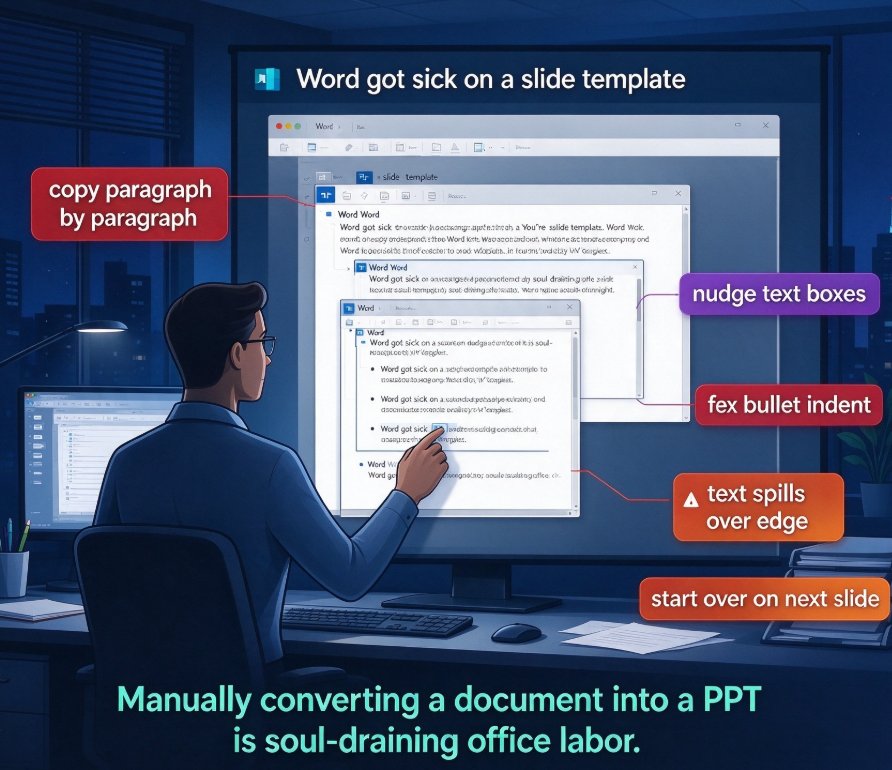
If every shared drive looks like a small graveyard of FINAL_v3.pptx, FINAL_FINAL_v7.pptx, and actually_use_this_one.pptx, you already know the problem. Building a deck with a team isn't just about design — it's a battle against version chaos that quietly eats your hours and your patience.
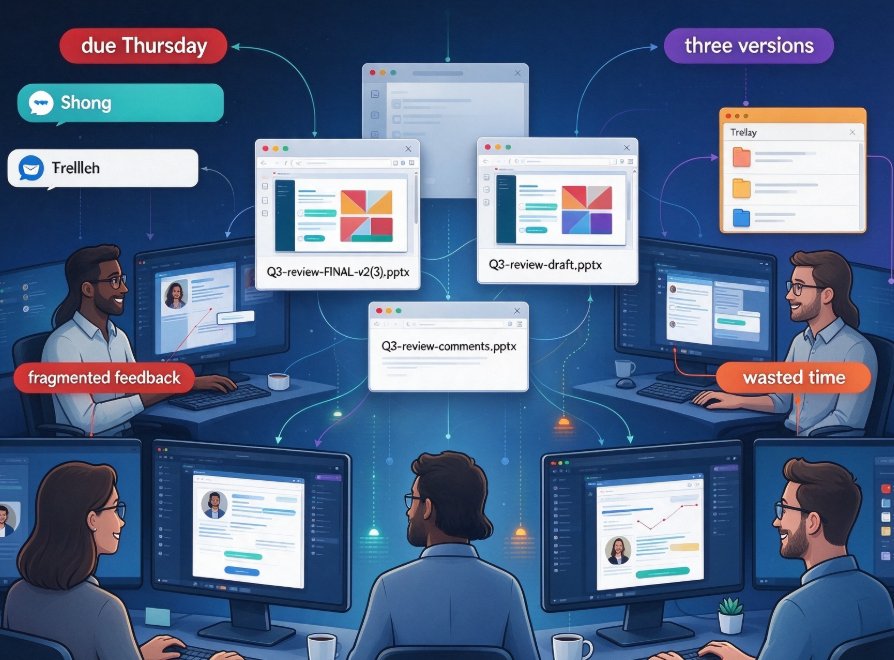
Let's be real: nobody plans a messy collaboration. It happens because several people contribute at once, edits pile up, files get emailed around, and somewhere between "please add the Q3 numbers" and "can we align the colors," the deck stops belonging to anyone.
The good news? The fix doesn't require discipline bootcamps or a dedicated project manager. A single source of truth — shared components — ends the version spiral at its root. And the sooner you set it up, the sooner your team stops asking "which file is the real one?"
The version spiral isn't a tech problem or a people problem. It's a system problem. Once you give your team one shared place for assets, styles, and templates, the chaos stops being inevitable.
01 Why Team Decks Descend into Version Chaos
Here's the pattern I keep seeing across teams that build decks collaboratively — HR preparing a quarterly town hall, a content ops group producing a client report, or a training team assembling a new course. It always starts with good intentions and ends with chaos.
Dozens of slides, multiple contributors, multiple rounds of edits. That's the formula the Macabacus team uses to explain why pitch books go sideways, and it applies far beyond investment banking. When three people touch one file in one afternoon, formatting drift is inevitable. One person swaps in a slightly different font. Another copies a chart from an old deck. A third "just fixes the alignment" and accidentally breaks the color scheme.
The result? A deck that looks like it was stitched together by five different companies — because it was.
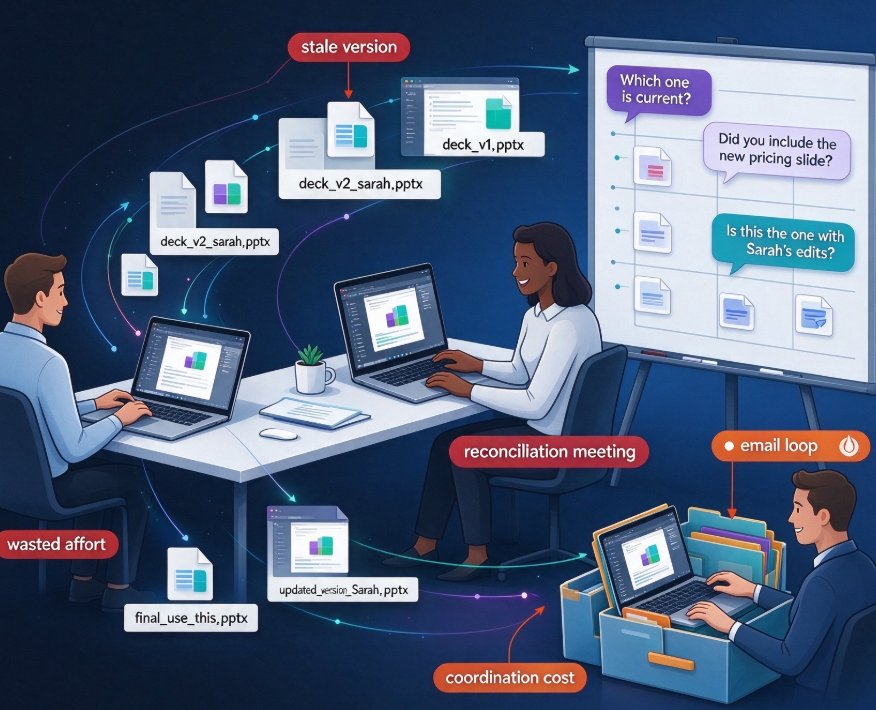
Then someone creates v2, then v3, and eventually the file names stop making sense. The spiral isn't a discipline problem. It's a structural problem: there's no single place where the deck's assets, styles, and data live.
In an education team, the same chaos shows up as outdated courseware. A trainer updates three slides, someone else rebuilds a whole module, and suddenly the shared course folder has two versions — one with the new quiz, one with the old quiz. Which one is in production? Nobody knows, and nobody has time to figure it out.
02 The Real Cost of the FINAL_final Spiral
Let's talk about what this actually costs, because it's more than annoyance.
The Macabacus article puts it in stark terms: manual proofing fails because of scale. When you're deep in the final stretch, most teams do a big, frantic cleanup at the end — often 90 minutes of fixing — to make the deck presentable. The alternative, short checkpoints woven through the turn, takes only 10 minutes mid-turn and 10 minutes pre-send.
Ninety minutes versus twenty. And that's before you count the cost of a wrong version being sent out.
A stale chart, an outdated model, or an off-brand color in the final file can cost far more than a misaligned textbox. If someone sends leadership — or a client — a deck with last quarter's numbers, the trust hit is immediate and hard to repair.
How do you know you're in the spiral? Look for these signs:
- More than one file with "FINAL" in the name sitting in the same folder
- Teammates messaging "which version has the Q3 numbers?"
- Someone re-explaining the brand colors for the third time this week
- You've spent more than 30 minutes hunting for the right chart or icon
Every minute spent hunting, checking, and re-explaining is a minute your team doesn't have. And the bigger your team gets, the more those minutes compound.
03 The Fix: A Single Source of Truth
Here's the mindset shift that ends the spiral: stop treating the deck as the artifact. Treat the shared system as the artifact.
When your team works inside a centralized platform instead of passing files around, the deck stops being a drifting document. It becomes something assembled — live, on-brand, and always current — from components everyone shares.
This is where Zendeck comes in. Zendeck's shared component library acts as a single source of truth for your whole team:
- Asset library — icons, charts, and illustrations live in one place, so nobody pulls a random chart from an old deck.
- Brand kit — colors, fonts, and layouts are locked in, so "fixing alignment" never breaks the brand.
- Template library — every new deck starts from consistent, approved foundations.
- One-click reskin — when standards change, you update the base and the new look pushes across all decks.
| Old workflow | Zendeck shared workflow |
|---|---|
| Files emailed as attachments | One online project with live co-editing |
| Everyone uses their own template | Approved template library |
| Stray fonts and mismatched colors | Locked brand kit |
| Frantic proofing at the end | Short QC checkpoints + one-click reskin |
| Multiple "FINAL" copies | Single source of truth |
The outcome is simple: contributors can't drift from the standard even if they try. Instead of auditing every slide for a stray font, you trust that the shared library keeps everyone aligned.
04 A Repeatable Workflow That Ends the Chaos
Let's make this concrete. Here's a workflow you can set up tomorrow, borrowing the "quick checks early, not hero checks late" logic from the Macabacus piece.
Step 1: Lock down your brand kit. Set your colors, fonts, and layout rules in Zendeck once. If you want a step-by-step, the guide to creating a custom brand kit for consistent decks walks through the whole process.
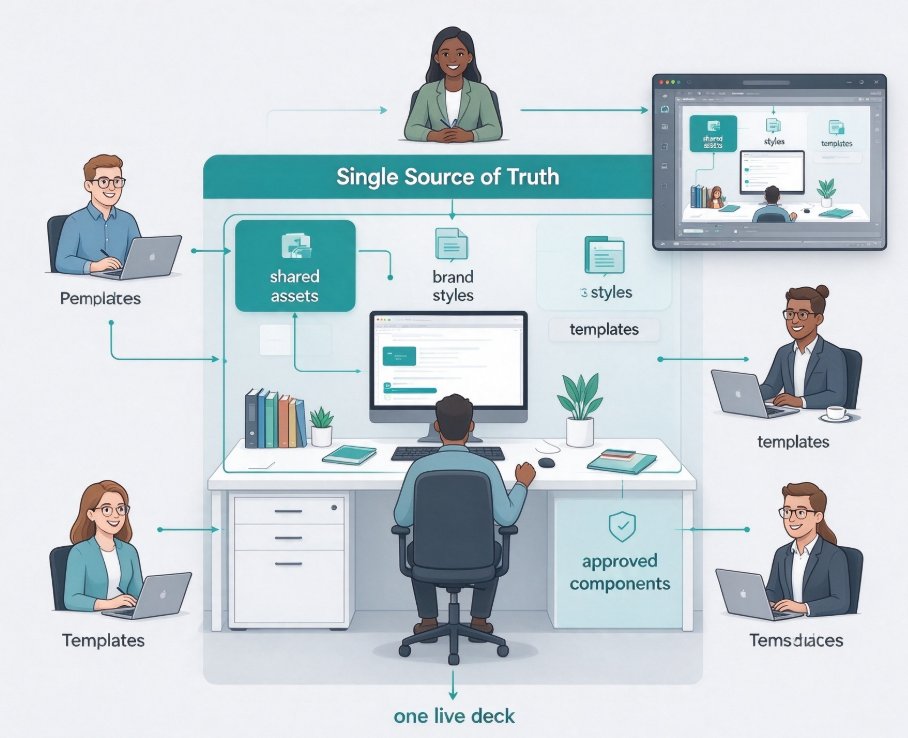
Step 2: Build or pick approved templates. When every teammate starts from the same template, half the version chaos disappears before anyone makes a first edit.
Step 3: Assign roles and shared access. Decide who owns updates and who reviews. Role-based access controls keep "who changed what" clear, and the collaborative side of AI presentation tools — secure sharing and co-editing — means no more emailed attachments.
Step 4: Run short QC checkpoints. Ten minutes mid-turn, ten minutes pre-send. Check the content, confirm the data is current, and verify the branding is intact. With shared libraries behind you, these checkpoints take seconds instead of a frantic hour.
Step 5: Reskin, don't rebuild. If a stakeholder asks for a new look, use Zendeck's smart layout to reskin the whole deck in one click. You'd be surprised how much this cuts total design time.
The key is that the workflow is repeatable. It works for a five-slide update and a fifty-slide deck. The shared system scales with the reality of your timeline — which is exactly what a team workflow should do.
05 What Your Monday Looks Like After
Picture the difference.
Before: you open the shared drive, stare at six files named Q3_update_REAL_FINAL_2.pptx, and wonder which one has the current numbers. You open two of them, spot differences, and message a teammate. Fifteen minutes later you still aren't sure.
After: you open one project in Zendeck, see the latest version clearly, and trust that it's on-brand, because every element came from the shared library. AI asset libraries exist precisely for this — they make brand consistency automatic rather than aspirational.
You don't need more discipline. You need a better system. Start with your next team deck and let the shared components do the heavy lifting. Once this workflow is in place, that "which file is real?" question stops being part of your day.
FAQ
Q: Why do team presentations keep spiraling into "FINAL_final" versions?
A: Because multiple contributors, multiple rounds of edits, and no central home for assets create a structural problem — not a discipline problem. When files are emailed around and styles aren't locked, drift is inevitable, and someone always creates "just one more" version.
Q: What are shared components in Zendeck and how do they prevent version chaos?
A: Shared components are the assets, templates, and brand elements your team uses to build decks, all living in one centralized library. Because everyone draws from the same sources, you eliminate duplicates, formatting drift, and stale data — exactly what causes version chaos.
Q: Can Zendeck enforce brand consistency when many people contribute to one deck?
A: Yes. A locked brand kit and approved templates mean contributors can't accidentally introduce stray fonts, off-brand colors, or mismatched layouts. One-click reskin also lets you update the whole deck when standards change.
Q: Is it too late to fix a deck that's already mid-edit?
A: No. You can import your working materials into Zendeck, apply the brand kit and smart reskin, and pull charts from the shared asset library. Within minutes the deck realigns, so the team stops juggling conflicting versions.