Remote Team Collaboration: How Zendeck Makes Deck Projects Frictionless
Remote Team Collaboration: How Zendeck Makes Deck Projects Frictionless
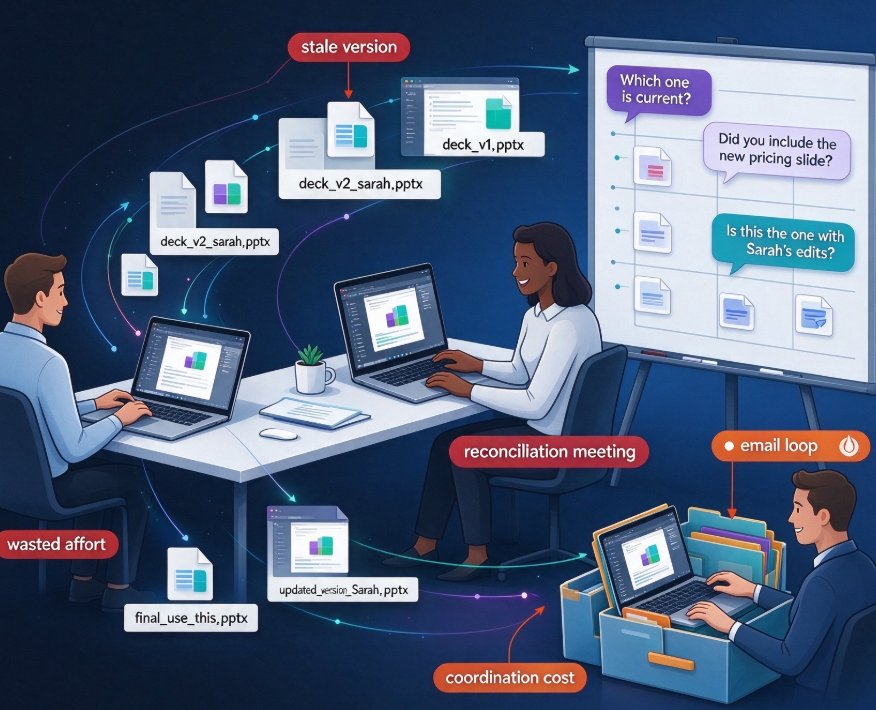
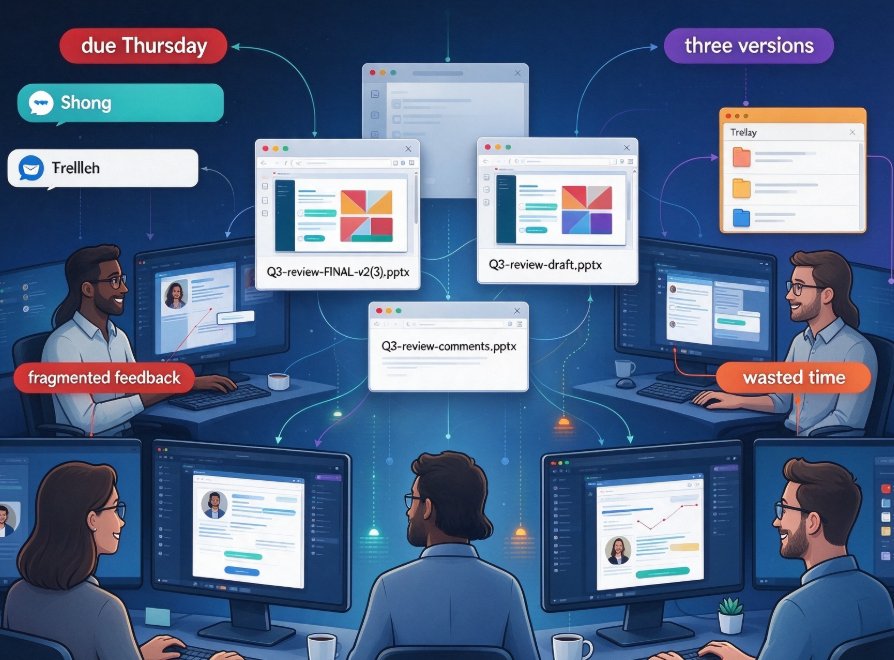
Let's be real: your team is remote (or hybrid), the Q3 review deck is due Thursday, and right now three people are editing three different files named Q3-review-FINAL-v2(3).pptx. You're not alone — this is the reality of presentation work for most distributed teams. And honestly, it's a mess.
The good news? Collaboration doesn't have to live outside your presentation tool. When co-editing, commenting, and sharing are built directly into the deck workflow, you stop wrestling with versions and start building better slides. That's exactly what Zendeck's sharing features are designed to do.
I. Let's Be Honest About How Remote Teams Actually Make Decks
I've watched teams try every combination: Google Slides for speed, PowerPoint for polish, Slack for feedback, Trello for tracking. The end result is almost always the same — a Frankenstein deck stitched together from half-remembered comments and that one file someone emailed on Tuesday.
The core problem isn't the tooling. It's that the presentation workflow is still fragmented across too many apps. The outline lives in one place, the draft in another, the feedback in a third, and the final polish in a fourth. Every handoff is a chance to lose context, and every context loss costs you time.
Zendeck solves this by making the deck itself the workspace. When you upload a Word outline or paste Markdown, Zendeck generates your initial slides — and then your team can jump in, co-edit in real time, drop comments directly on specific slides, and share a single link that always points to the latest version. One tool, one version, one truth.
The result is a shorter path to done. Instead of "can we sync up after the standup to go through the deck?" your teammates just open the link, see the current state, and contribute where they're needed most. That's collaboration that fits the way remote teams actually work.
II. What Generic Cloud Tools Get Wrong About Presentation Work
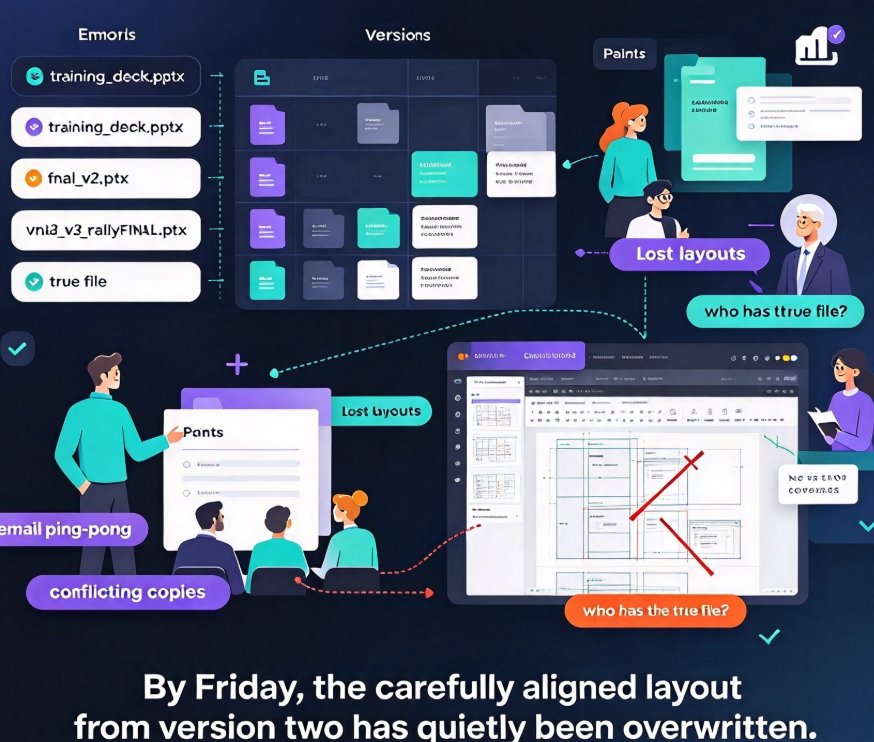
Real-time collaboration in generic cloud docs is great — for documents. But presentations are different. A slide isn't a paragraph; it's a layout, a visual hierarchy, a design decision. When someone "helps" by tweaking a bullet point, they might also break your font hierarchy or push an image off the canvas.
Generic tools also lack the design guardrails that keep a deck coherent. That's where Zendeck's smart layout and one-click reskin come in: even when five people are editing, the visual system stays intact. Fonts, colors, and spacing stay consistent because the layout engine enforces them — not because every editor happens to remember the brand guidelines.
The real value of collaboration isn't 'more people touching the file' — it's more people contributing without breaking the design. When your tool protects the visual structure, you can let more people participate without the fear of a design catastrophe on slide 7.
This design-safety net matters most for teams without a dedicated designer. A content marketer can rewrite a headline, an analyst can swap a chart, and a manager can reorder the agenda — all without undoing each other's layout work. That's the difference between collaboration that helps and collaboration that adds cleanup work.
III. Real-Time Co-Editing: What It Actually Means for Presentations
Real-time co-editing has been a productivity win for document teams for years. Microsoft's own research on real-time collaboration highlights the benefits: improved participation, fewer email back-and-forths, and a single shared document instead of "multiple versions" chaos. Those same benefits apply to decks — arguably even more strongly, since presentations are inherently collaborative artifacts.
Applied to presentations, co-editing means:
- Two people can work on different sections of a deck simultaneously — someone rewrites the strategy narrative while another restyles the data slides.
- Live cursors and presence indicators tell you where teammates are working, so you don't collide on the same slide.
- Edits are saved automatically, so "did you save the latest?" stops being a question.
For a remote team, this is a game changer. You don't need a meeting to work on the deck together — you can work alongside each other asynchronously, then hop on a call when you're ready to discuss.
The bigger win is the elimination of merge friction. In traditional tools, two people editing the same file means conflict headaches. With real-time co-editing, the file “merges” itself continuously. No conflicts, no "who changed the footer?" surprises. Your deck is simply always in sync — which is precisely what AI collaboration trends for 2026 promise for teams that adopt them early.
IV. Feedback Loops That Don't Vanish Into Email Threads
How much feedback does your team lose in email threads, Slack messages, and post-meeting notes? A lot. That's the pain point Zendeck's commenting system attacks head-on.
Instead of scattered feedback, comments are anchored directly to the slide they're about. "Slide 12: can we reorder these three metrics?" lives on slide 12. When someone fixes it, you resolve the comment — and everyone sees the resolution in the same place they see the slide.
Anchored feedback converts 'I said we should change the intro' into a trackable, completable action. That's a subtle shift with a big outcome: fewer misunderstandings, clearer accountability, and a faster path to "done."
There's also a searchability payoff. Because the feedback stays with the deck, it's available later when someone asks "why did we change this section?" Future-you can scroll back, find the original discussion, and understand the rationale without digging through a year of Slack archives.
For teams that do formal review cycles — whether that's a content marketing team approving a pitch deck or a training team reviewing a courseware module — this is the difference between a review that takes a day and one that takes an afternoon. The comment trail becomes the audit trail.
V. Sharing, Permissions, and "Which Version Is Final?" (Answer: Yours)
Sharing a Zendeck deck is one link. No attachments, no "please download this file," no confusion about which file is current. You control access — view-only, comment-only, or full edit — and you can revoke access any time you need to.
Version control is where Zendeck really shines for teams. Because the deck lives in the cloud as a single artifact, there's no FINAL_v2 — every edit is captured, every state is recoverable, and the link you share always reflects the latest approved state.
This matters more than you'd think. A secure sharing workflow that integrates permissions with co-editing is exactly what teams need in an era where "sync the latest version" is the most-used phrase in meeting rooms.
Let's walk through a concrete scenario. Your stakeholder is in London, your content lead is in New York, and your designer is in Singapore. You share one Zendeck link with the stakeholder set to view-only, the content lead set to edit, and the designer set to full access. Everyone works on the same artifact. When the stakeholder asks "can I see the latest?" — the link they already have gives them the answer. No new email, no new export, no confusion.
The outcome is a team that stops managing files and starts managing content. That's when deck production actually speeds up.
VI. From Outline to Final Deck: One Workflow, Zero Chaos
Here's the full picture of what a Zendeck-powered collaboration workflow looks like for a typical remote team:
- Someone pastes a Markdown outline or uploads a Word document into Zendeck.
- Zendeck generates a structured deck with consistent visual styling and a template from the library.
- The team co-edits — refining text, swapping icons from the asset library, adding charts.
- Comments get resolved as changes land; reviewers approve slide by slide.
- The final deck exports or converts to video with narration for the asynchronous audience.
Each step happens in the same tool. The feedback loop is short; the version problem is gone; the design stays consistent because context-aware templates and brand kits do the heavy lifting.
Compare that with the old way: outline in Google Docs, draft in PowerPoint, feedback in Slack, final polish in a third pass, and a recording tool for the video version. That's four context switches and at least three chances to lose information.
If you've ever spent a Friday afternoon re-formatting someone else's bullet points because the original tool mangled the layout, you know exactly why a single-platform workflow is worth trying.
VII. A Quick Comparison: Generic Cloud Tools vs. Zendeck for Deck Collaboration
| Capability | Generic cloud tools | Zendeck |
|---|---|---|
| Real-time co-editing | Yes, but layout breaks easily | Yes, with smart layout design guardrails |
| Comment anchoring | On paragraphs, not on slide elements | Directly on slides, resolvable and trackable |
| Version control | Manual naming or limited history | Single live artifact, always the latest state |
| Design consistency | Depends on every editor's discipline | Enforced by templates and smart layout |
| Word/outline import to deck | Not available | Built-in; generates slides from outline |
| PPT-to-video for async sharing | Not available | Built-in; narrated micro-courses |
If your team's deck workflow currently relies on juggling three tools, this table alone is a good reason to test a single-platform approach. And for a deeper look at how AI-powered sharing and co-editing are reshaping team workflows, check out our breakdown of 2026 collaboration trends.
There's another angle worth mentioning: the same collaboration mechanics that help you build a quarterly review deck also help boost overall team productivity. When your presentation tool stops being a bottleneck, your whole workflow speeds up — not just the slide-making part.
VIII. The 2026 View: Collaboration Is the New Design
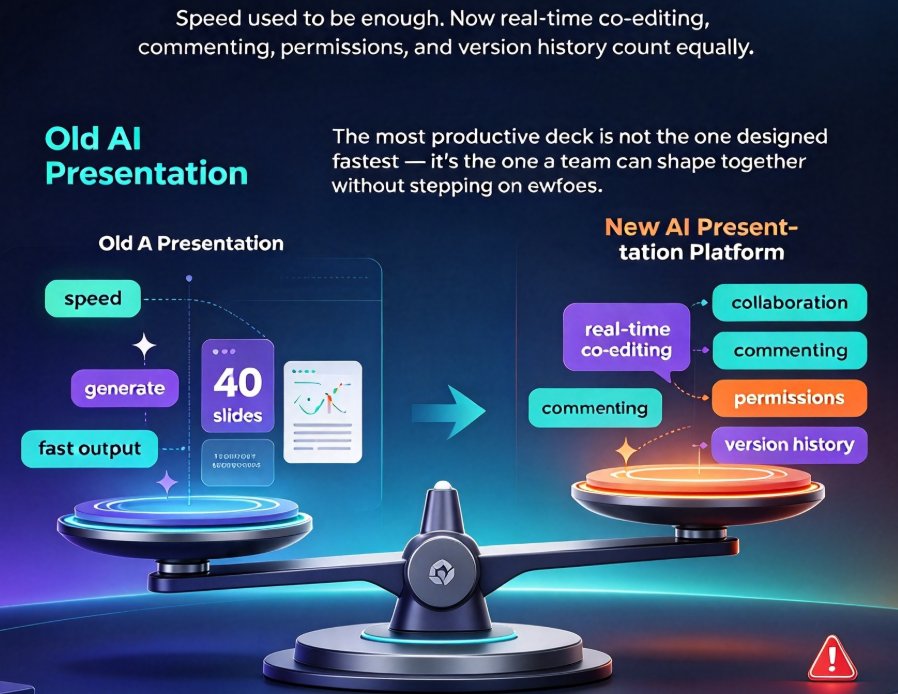
In 2026, the best presentation teams won't win by having the best designer. They'll win by having the tightest loop — the fastest path from outline to feedback to final deck to published video. Collaboration is the new competitive edge in presentations, and AI deck generation is increasingly the backbone of that workflow.
Your presentation tool should be where collaboration happens — not where you go after collaboration happens. That's the shift Zendeck is built around. The deck is the hub; comments, edits, and sharing all orbit it. When that clicks, your team stops losing time to friction and starts spending it on content.
The question isn't whether your remote team can collaborate. It's whether your collaboration happens in the right place. Zendeck's sharing features put the deck at the center, the feedback on the slide, and the version question out of the picture. That's a big upgrade for any team that cares about how they present.
FAQ
How does Zendeck's real-time collaboration differ from Google Slides? Zendeck is built specifically for presentation workflows. Beyond co-editing, it enforces design consistency with smart layout, anchors comments directly to slides, and offers PPT-to-video conversion — so the entire deck project lives in one tool rather than scattered across separate apps.
Can I control who sees or edits my deck when I share a link? Yes. Zendeck lets you set permissions per person (view-only, comment-only, or edit), and you can revoke access at any time. Your shared link always reflects the latest version of your deck, so there's no "which version is final" confusion.
Does Zendeck handle version history for collaborative decks? Zendeck keeps your deck as a single live artifact in the cloud. Every edit is automatically saved, and you can restore earlier states without hunting through files named "final_v3." That eliminates the multi-file version chaos that plagues most remote teams.
My team works asynchronously across time zones — will this still help? Absolutely. Because comments are anchored to slides and edits are saved in real time, teammates in different time zones can contribute, resolve feedback, and move the deck forward without overlapping. When you need a live session, the deck is already in a shareable, up-to-date state.
Can we turn our finished collaborative deck into a video for teammates who missed the meeting? Yes. Zendeck's PPT-to-video feature generates a narrated micro-course from your slides, which is perfect for asynchronous review, onboarding, or training content. It keeps the collaboration loop going even after the deck is done.