AI Presentation Collaboration in 2026: Secure Sharing, Co-Editing Trends
The 2026 Shift: Collaboration Is the New Battleground for AI Presentation Tools
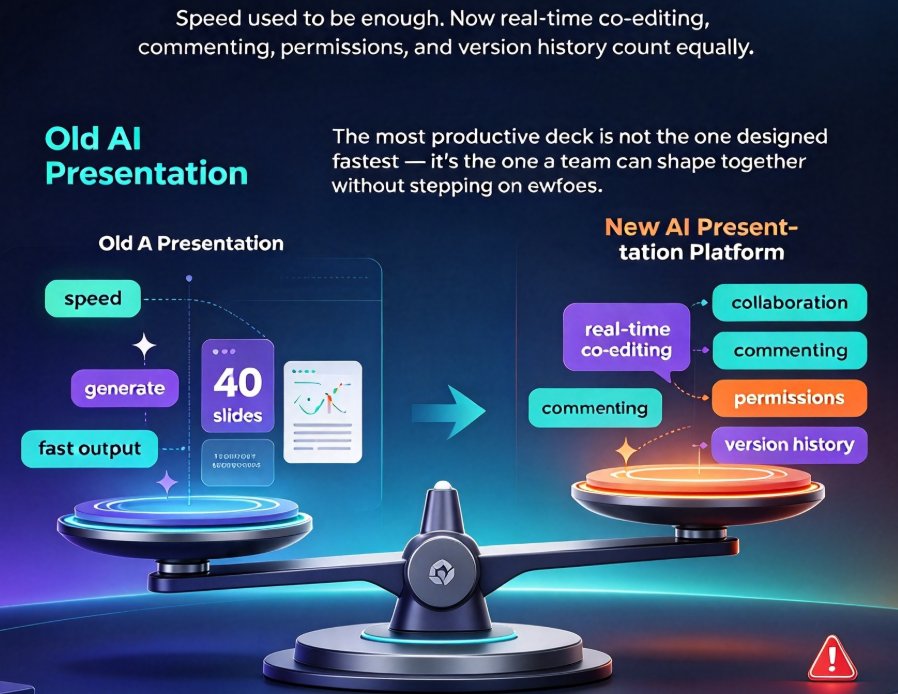
Let's be real — for years, the "AI presentation" conversation was all about one thing: speed. Type a prompt, get forty slides, skip the sleepless night before the board meeting. But in 2026, that's table stakes. The Guideflow Blog, which tested 15 AI-powered presentation tools and ranked them, reported that their evaluation standards have evolved dramatically: AI capabilities, ease of use, and design quality are no longer enough to separate the leaders from the pack. They now weigh collaboration features — real-time co-editing, commenting, permissions, and version history — equally alongside design output.
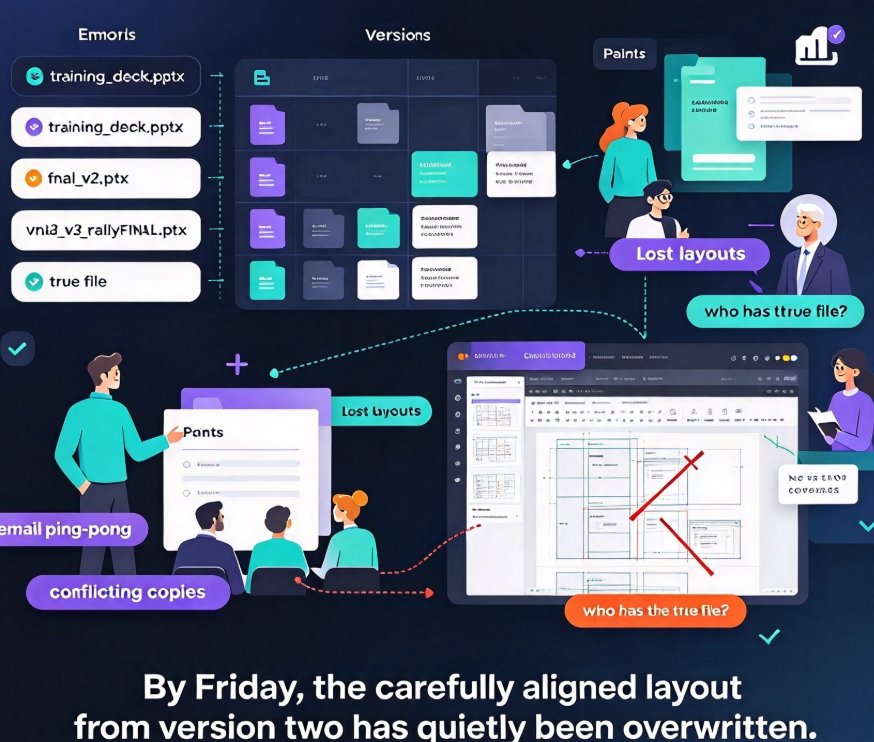
That shift didn't happen in a vacuum. Remote work normalized hybrid teams that span three time zones. Online classrooms moved courseware development from a solo teacher's laptop to a shared departmental Google Drive. A deck is no longer the deliverable; the collaborative process around the deck is. And if you've ever been the person who emailed "FINAL_v7_reallyREVISED.pptx" to four colleagues, you already know why that matters.
The most productive deck is not the one designed fastest — it's the one a team can shape together without stepping on each other's toes.
01 | Why Secure Sharing Replaced File Attachments
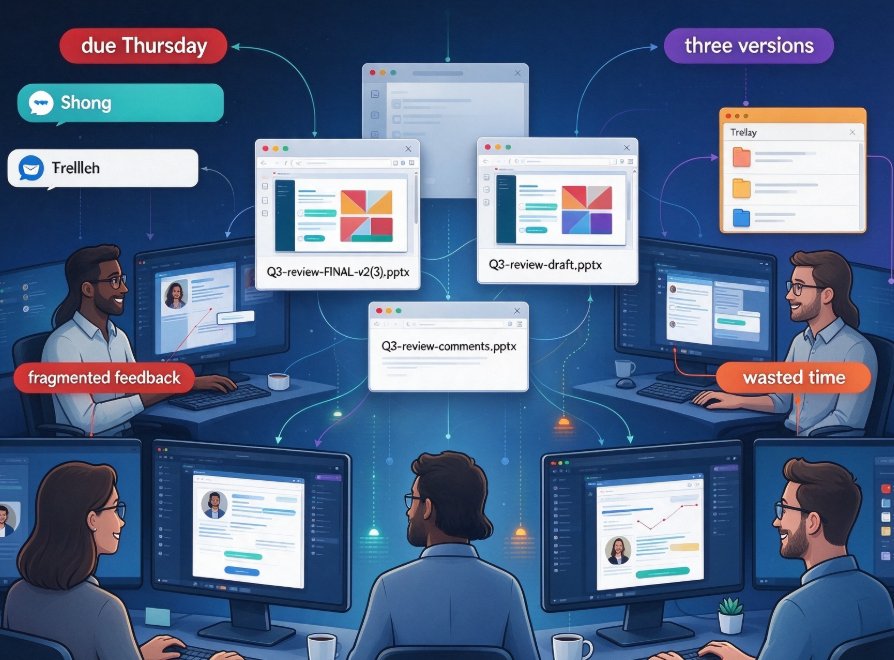
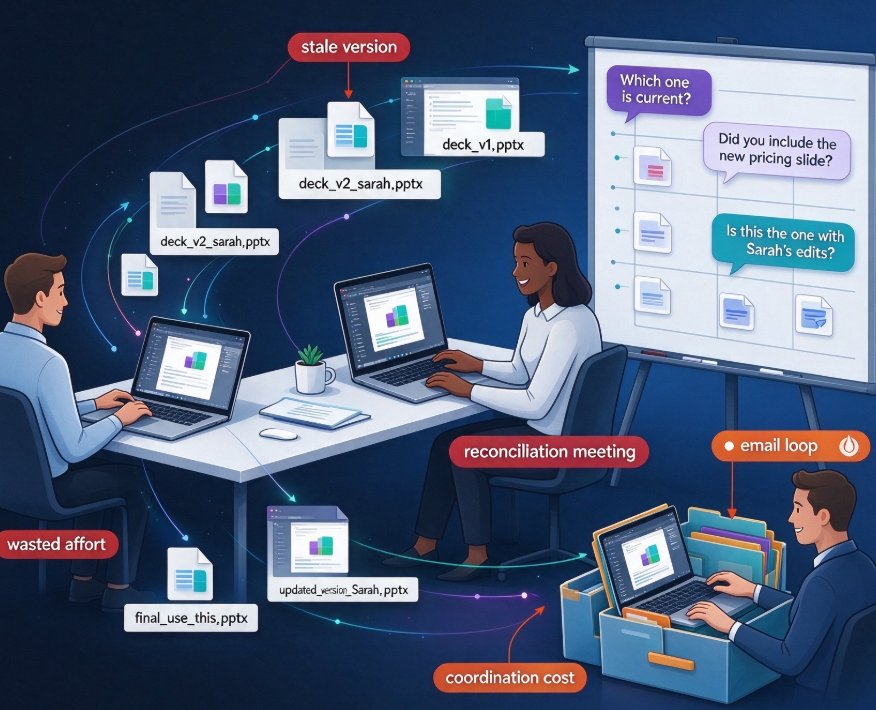
Here is a scenario almost every knowledge worker recognizes. You finish a strategic deck, export it, and attach it to an email. Within hours, three stakeholders edit three different copies. One changes the revenue projections. Another updates the org chart. The third accidentally deletes the appendix. By Thursday, you have four versions of the truth — and the CEO is looking at the one from Tuesday.
That's not hyperbole; it's the everyday reality the NextDocs 2026 evaluation flagged as obsolete. Their assessment of the best AI presentation builders with collaboration features landed on a clear conclusion: AI presentation tools have moved beyond being simple novelties and are now essential productivity tools. The tedious parts of design are automated, which means teams have more time to focus on the content debate — the comments, the revisions, the "actually, can we restructure this whole section?" moments.
Secure sharing solves the versioning nightmare because it replaces the file with a live artifact. Instead of emailing copies, you share a link. Instead of "merging" feedback manually, you comment inline and resolve threads. Instead of hoping everyone has the same software version, you collaborate in a single source of truth.
For organizations handling sensitive data, secure sharing isn't just convenient — it's compliance. Think HR training decks with employee records, or a startup sharing a pre-product-launch roadmap with potential investors. You need to control who sees what, when, and for how long. Email attachments offer none of that control.
02 | Real-Time Co-Editing: The New Baseline for Teamwork
If collaboration is the new battleground, then real-time co-editing is the front line. The Guideflow analysis made an interesting point: "Real-time co-editing is table stakes" — meaning, if your tool doesn't have it, you're already behind. But there's a difference between having the feature and having it work well within an AI-driven workflow.
The real power emerges when AI generation and co-editing combine. Here's the pattern:
- Create iteratively: One team member imports a Word outline; the AI lays out a rough draft deck.
- Refine synchronously: The whole team joins the same link, adjusts messaging, swaps data points, and leaves comments in real time.
- Design consistently: Smart layout automation ensures that wherever someone drops in a new section, the design system adapts — no orphaned shapes, no mismatched fonts.
That last point is where Zendeck's Smart Layout capability shines. Zendeck automatically unifies fonts, colors, and spacing, so while five people edit different slides simultaneously, the deck still looks like it was designed by one senior art director. In a team productivity context, that feature is a quiet hero: it strips away entire categories of design review feedback.
A quick note from experience: if you're worried about team members "ruining" the design with messy edits, set the template as locked by default. Let people freely edit content, but keep the layout guardrails on. That balance keeps the deck polished without micromanaging everyone's slide.
03 | Beyond Templates: The Data on Why Design Governance Matters
Let's talk numbers. Template quantity is not the differentiator it used to be. Canva boasts an enormous library of 250,000+ templates, and Microsoft PowerPoint remains the enterprise standard — but remember, Guideflow noted that PowerPoint's Copilot AI costs an extra $30/user/month on top of your Microsoft 365 subscription. That's a significant line item for a mid-sized team of 50.
For teams, the challenge isn't finding a template; it's maintaining brand consistency across dozens of decks made by people with wildly different design instincts. AI-assisted asset libraries and contextual templates exist precisely because of this. Tools that enforce a brand kit — locking colors, logos, and typography — automatically outperform tools that simply offer a wide selection.
2026 AI-Powered Deck Tools: Feature Comparison
| Tool / Platform | Real-Time Co-Editing | Granular Permissions | Secure Link Sharing | Brand Consistency Control | AI from Outline to Design |
|---|---|---|---|---|---|
| Zendeck | Yes | Yes (customizable roles) | Yes (password protection) | Strong (brand kit enforced) | Yes (Word/Markdown import) |
| Microsoft PowerPoint + Copilot | Yes | Yes | Limited (file-based permissions) | Medium | Partial (Copilot suggestions) |
| Google Slides | Yes | Yes (limited role granularity) | Good (link sharing) | Low | Partial (Gemini in Workspace plan) |
| Gamma | Yes | Yes | Good | Medium | Yes (prompt-first) |
| Canva | Yes | Yes | Good | Strong (Brand Kit) | Partial (Magic Design) |
Zendeck's differentiator is the workflow integration: importing a structured outline to generate a consistent deck, then inviting a team to refine it within the same secure workspace. That's a smooth path from the messy idea stage to a polished, approved final deck.
04 | Security and Permissions: The Non-Negotiables in 2026
Here's the uncomfortable truth about AI-powered courseware and corporate training decks: they're full of proprietary information. Product roadmaps, salary benchmarks, compliance training data, unreleased research findings — all sitting in cloud documents that are one overly broad "Anyone with the link can edit" setting away from disaster.
Secure sharing guards against three main risks:
- Accidental external exposure: A link shared with the wrong Slack channel or forwarded to a vendor by mistake.
- Internal misalignment: Contractors, interns, or new hires with too much editing power accidentally altering important data.
- Lack of a trail: Deleted slides and no way to recover them; no audit trail for compliance.
A good AI presentation platform gives you the controls to handle all three: password-protected links with expiration settings, roles that distinguish viewers from editors, and version history that survives late-night edits. For the enterprise buyer, these controls matter as much as the AI generation quality. For the educator, they mean students can view materials without accidentally mutating the courseware.
05 | Dual Use-Case: Corporate Teams and Online Classrooms
Collaborative AI presentations in 2026 serve two distinct audiences, and the best tools address both.
For Corporate Teams
Think about a quarterly strategy offsite. The deck needs to reflect one message from leadership, but it's built by a cross-functional group: marketing drafts the narrative, finance verifies the numbers, sales contributes the customer quotes. Co-editing lets them converge fast. Security prevents the draft from leaking before the big reveal. Brand controls keep it aligned with the corporate identity.
For Education and Training
When we talk about agentic AI in education, the vision is autonomous course creation workflows — but the day-to-day reality is still collaborative. Educators build courses with TAs, share materials with departments, and distribute versions to different class sections. The same security that protects corporate IP protects student privacy and institutional materials. And with AI-driven course creation, a single deck can be repurposed into accessible micro-courses or narrated video presentations.
Zendeck sits exactly at that intersection: built for non-designers who need professional output, with the workflow depth that teams and school departments require. The ability to generate a presentation from an outline, then manage who can see and edit it, makes the platform fit naturally into both an enterprise IT stack and a university's faculty workflow.
06 | Workflow Value: From Outline Import to a Securely Shared Final Deck
The real story here isn't a single killer feature; it's the cooperative flow. Here's what a streamlined collaboration workflow looks like in Zendeck in 2026:
- Import: Upload a Word outline or paste Markdown (no time wasted on copy-paste formatting).
- Generate: AI produces a structured, consistently designed deck. Zendeck picks contextually relevant templates, so you start with something that looks deliberate, not thrown together.
- Collaborate: Invite the team. Comments fly, edits happen in real time, and the version history keeps you safe.
- Secure: Set permissions. Share links only with the right people, lock the Deck when the design is approved.
- Extend (optional): If it's a training scenario, convert slides to narrated video micro-courses.
That's the value proposition: one platform to author, one platform to refine, one platform to control distribution. No more disjointed tools for writing, designing, and sharing.
If you want to dig deeper into how AI presentation workflows are evolving, check out our breakdown of agentic AI in presentation tools or our deep dive into hidden AI presentation feature boosts for team productivity. Both speak to this exact tension between automation and human collaboration.
The Bottom Line
As we look at 2026, the best AI presentation software isn't just the smartest — it's the most collaborative and the most controlled. The rise of AI-generated content in decks means more iterations, more input, and more people touching the slides. Without robust co-editing, security controls, and design governance, that participation is chaos with a chat window.
The tools that win in 2026 will be trusted enough to be shared, and smart enough to make sharing safe. That's the standard teams should hold their software to. For teams tired of the final_v7.zip game, exploring Zendeck's collaborative workflow is a sensible first step toward a calmer, more connected way of building presentations.
FAQ
Q: What are the most important collaboration features in AI presentation tools for 2026?
A: Real-time co-editing, granular permission controls (view, comment, edit), version history, and secure link sharing with expiration dates or passwords. For hybrid teams and online classrooms, these features prevent the chaos of email attachments and multiple conflicting file versions.
Q: How does Zendeck handle secure sharing for sensitive corporate decks?
A: Zendeck provides link-sharing safeguards including password protection and customizable access permissions. You can control who can view, comment, or edit, and revoke access anytime. That gives startups and enterprises a real advantage when handling proprietary information.
Q: Can educators use Zendeck for collaborative courseware development?
A: Yes. Instructors can invite teaching assistants to co-edit course materials in real time, review changes through version history, and share final decks with students via restricted links. That makes Zendeck a practical fit for both departmental collaboration and classroom distribution.
Q: How does Zendeck compare to Google Slides or Canva for team collaboration?
A: Google Slides and Canva excel in real-time co-editing with generous free tiers. Zendeck differentiates by combining AI-driven design automation—like converting Word outlines into branded decks—with collaboration and secure sharing in one workflow, reducing design rework for non-designers.
Q: What is the biggest collaboration pain point Zendeck solves?
A: The fragmentation of working in one tool for writing, another for design, and a third for sharing. Zendeck streamlines the entire lifecycle—from outline import to AI-generated slides, team feedback, and controlled distribution—so your team stays in one place with a clear audit trail.