Tags:real-time co-editing

12 articles

How AI Presentation Tools Enable Real-Time Team Collaboration

Office Efficiency 2026-09-20 3142

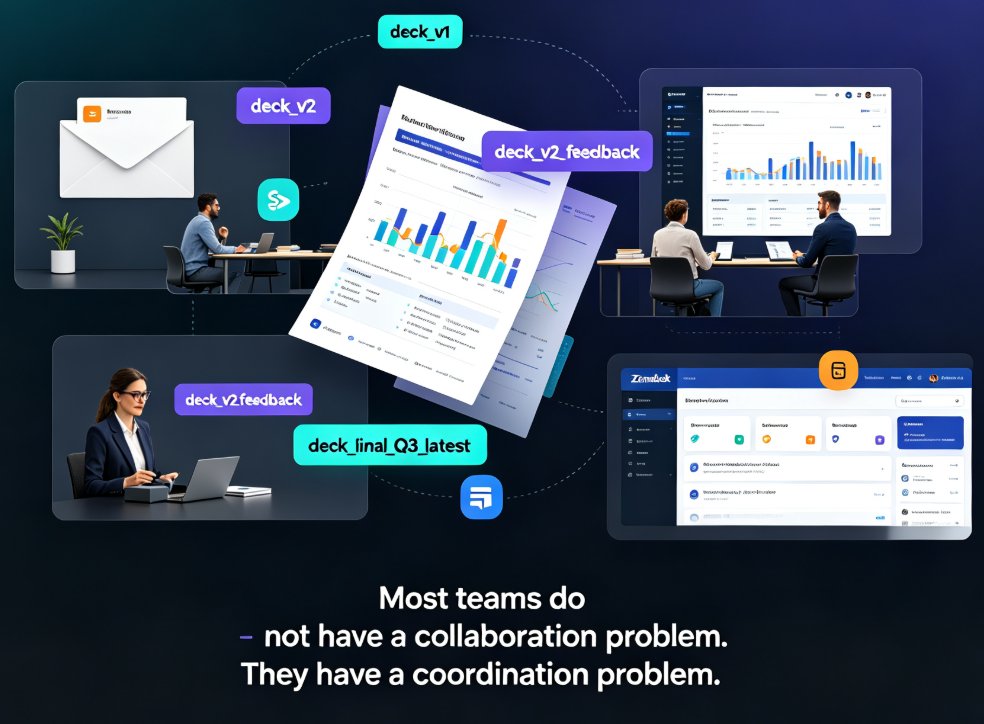
Real-time team collaboration is now a must-have in AI presentation tools, and Zendeck delivers it without the coordination chaos. This guide breaks down how live co-editing, shared asset libraries, and AI-driven brand governance replace email chains and version conflicts, so your whole team builds consistent decks in one workspace. Drawing on insights from Pitch, Beautiful.ai, Canva, and Google Slides, we compare what actually works and where Zendeck stands out — smart layout, centralized templates, and on-brand suggestions that keep every slide feeling like one team made it. If your team is tired of merging PowerPoint files and redoing slides after the boss changes fonts, this article gives you a practical five-step workflow, a feature comparison table, and a score-based chart to help you choose. Ship professional presentations faster.

Real-Time Co-Editing: Zendeck Ends Version Control Nightmares

Office Efficiency 2026-09-10 687

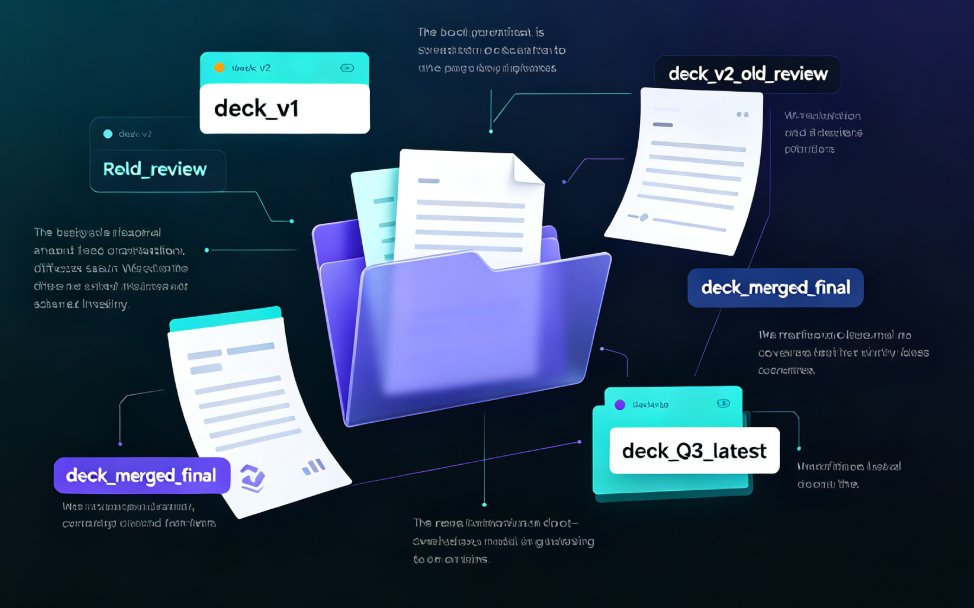
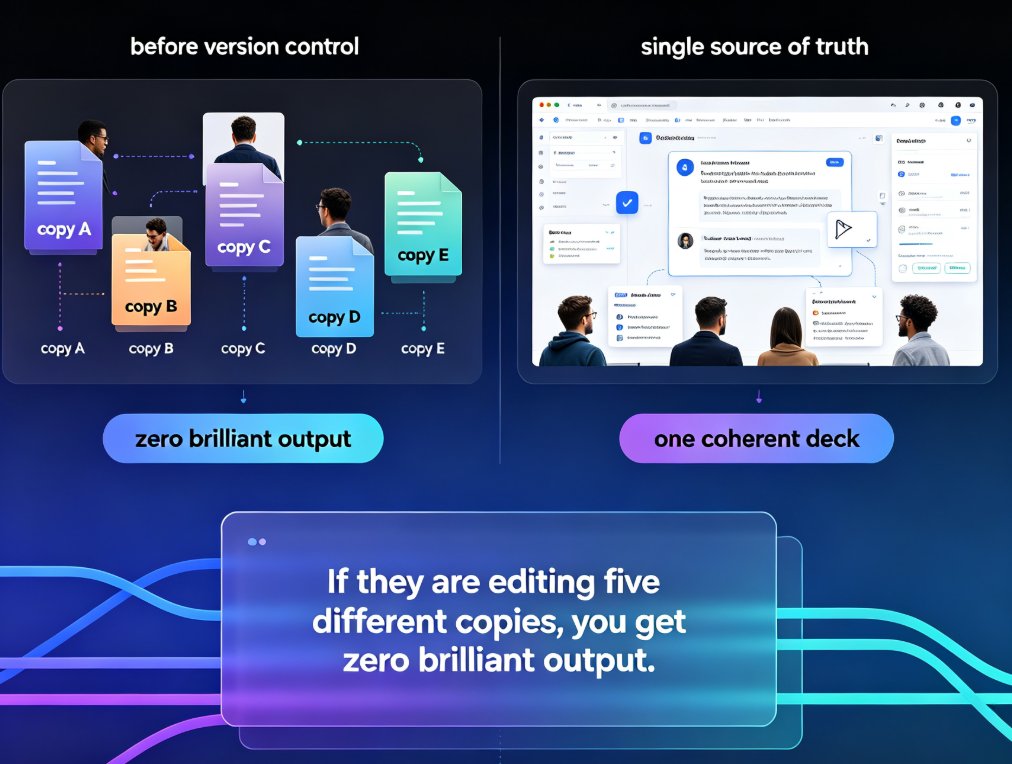
Real-time co-editing and version control are the cure for team presentation chaos. Zendeck lets multiple teammates edit slides simultaneously, auto-saves every change, and keeps a full history so you never lose track of the latest version. Say goodbye to emailing 'final_v3_FINAL(2).pptx' and hello to a single source of truth. This guide explains how Zendeck's collaboration features kill version confusion, why version history is your safety net, and how to adopt best practices for smooth team workflows. If your team struggles with outdated decks or conflicting edits, Zendeck's real-time co-editing is the solution you've been missing.

Real-Time Team Co-Editing: Build Training Decks with Your Team

Office Efficiency 2026-09-09 1220

Real-time team co-editing lets HR, L&D, and training teams build a training deck together without the version chaos of emailed attachments. This guide walks through a live co-editing workflow in Zendeck — one shared link, role-based permissions, and threaded feedback — so authors, reviewers, and stakeholders all work from a single source of truth. Backed by the IDC finding that 38% of employees struggle with internal collaboration, we break down the three roles in a live deck, show a step-by-step co-editing session, compare traditional review with real-time editing, and share the habits that keep a shared deck coherent. If your training rollouts keep dying in email threads, this is the workflow you've been missing.

Real-Time Team Collaboration: Edit and Share PPTs with Zendeck AI

Office Efficiency 2026-09-08 3702

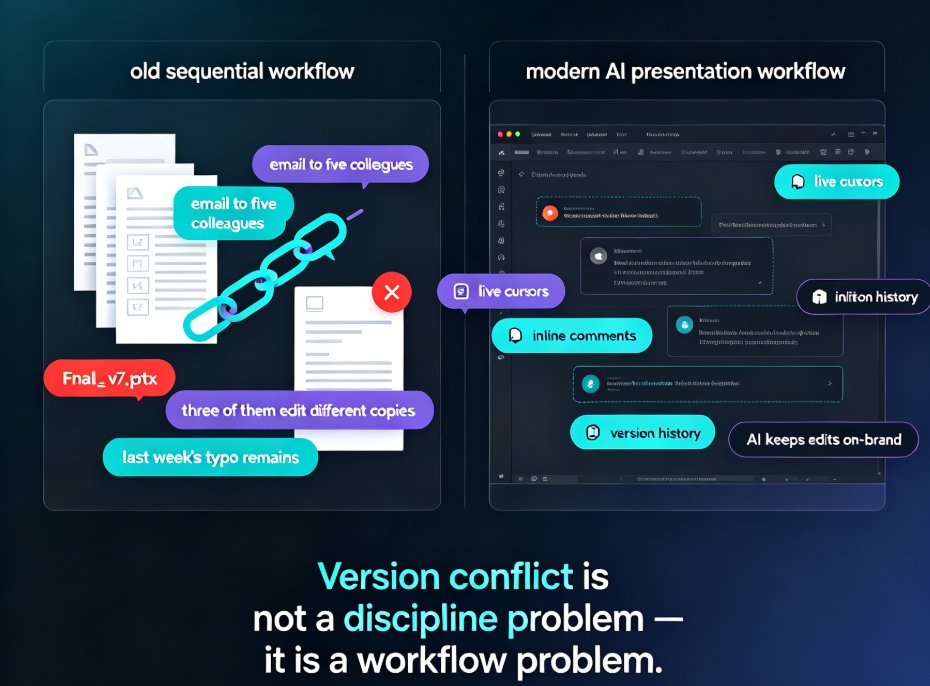
Real-time team collaboration is here: Zendeck AI lets multiple people co-edit PowerPoint decks simultaneously, with built-in version control and password-protected link sharing. This guide walks through how remote teams stop emailing 'final_v2.pptx' files and instead work from one live version — covering the co-editing experience, permission controls, and the design consistency that AI enforces while your team works. We compare Zendeck against offline workflows, share practical tips for smoother review loops, and answer common questions about sharing decks outside your organization. If you're tired of version chaos eating your hours, this is the upgrade your workflow has been waiting for.

Real-Time Deck Collaboration: Zendeck Keeps Remote Teams on One Slide

Office Efficiency 2026-09-04 2123

Real-time deck collaboration is the difference between a deck that ships on time and one that dies in email threads. Zendeck's online co-editing, link sharing, and version control keep remote and hybrid teams aligned on one approved slide deck—no more final_v7_FINAL.pptx chaos. This guide walks through the full collaboration lifecycle: co-editing slides in real time, sharing review links that replace email ping-pong, tracking versions with a single source of truth, and moving from approved deck to live presentation. You'll see how Zendeck's smart layouts and AI-assisted design make team editing faster, and why 2026 remote workflows demand more than just file sharing. If your team builds decks across time zones, this is the workflow you've been missing. Stop chasing files and start shipping decks.

Zendeck Collaboration Features That End Version Chaos in Team Decks

Office Efficiency 2026-09-01 2543

Zendeck's collaboration and sharing tools help teams co-create presentations without version chaos. This guide covers real-time co-editing, link sharing with viewer controls, slide-anchored feedback, and one-click reskinning for brand consistency. Stop emailing files back and forth — set up a team deck workflow that actually works. Learn how educators, trainers, and content teams use Zendeck to keep everyone on the latest version, resolve feedback faster, and turn a shared deck into a polished final deliverable without a designer on call. Includes a practical comparison table and step-by-step best practices for corporate and education teams.