
Tags:real-time co-editing

12 articles

Team Deck Collaboration: How Zendeck Keeps Everyone in Sync

Office Efficiency 2026-08-20 3751

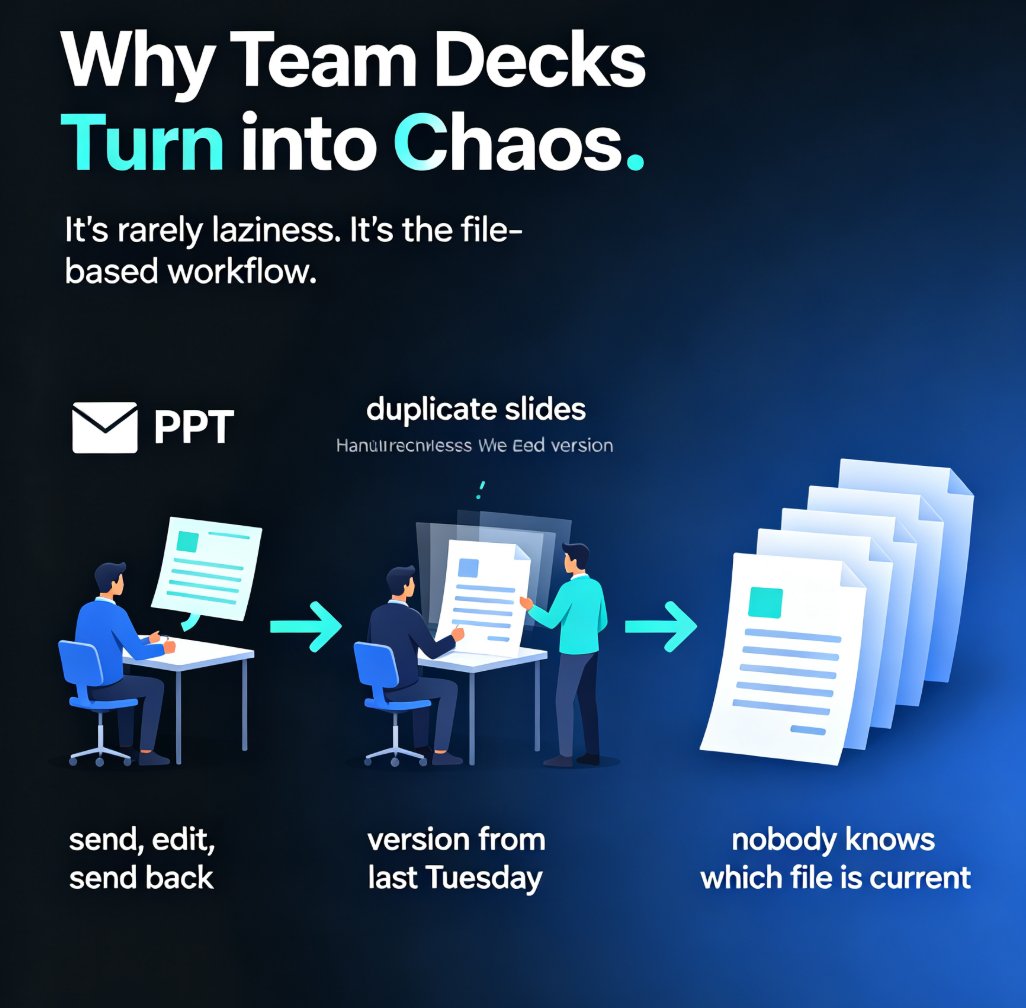
Stop emailing PPT files back and forth. Zendeck's team deck collaboration tools let your whole team edit presentations in real time, share via link, and kill version-control chaos for good. This guide breaks down how online editing, smart permissions, and in-context comments turn a messy multi-owner deck into one clean, always-current file. You'll see exactly how to set up a collaborative workflow, who should own what, and how to bring external clients in without losing control. If you've ever opened a file named 'final_v2_FINAL_3.pptx' and wondered which version was actually current, this is for you. Real-time co-editing is now the baseline for professional teams — here's how Zendeck makes it painless. Whether you're a team lead, an educator, or a content operator, this guide gives you a repeatable process for keeping every stakeholder in sync from first draft to final approval.

Team Slide Collaboration: Edit, Share, and Review Decks in Real Time

Office Efficiency 2026-08-19 2480

Team slide collaboration doesn't have to mean emailing FINAL_v3 back and forth. Zendeck lets your team edit, share, and review presentations in real time — no version chaos, no merging slides, no lost feedback. This guide breaks down how real-time co-editing, link sharing, and in-context comments replace the old email-and-attachment workflow, so your team can finalize decks in hours instead of days. You'll learn how to set permissions, collaborate with external clients, and keep a single source of truth from first draft to final sign-off. If you're tired of hunting for the latest version, this is the workflow you've been missing.

Zendeck Collaboration: Build Decks Together Without Version Chaos

Office Efficiency 2026-08-19 2562

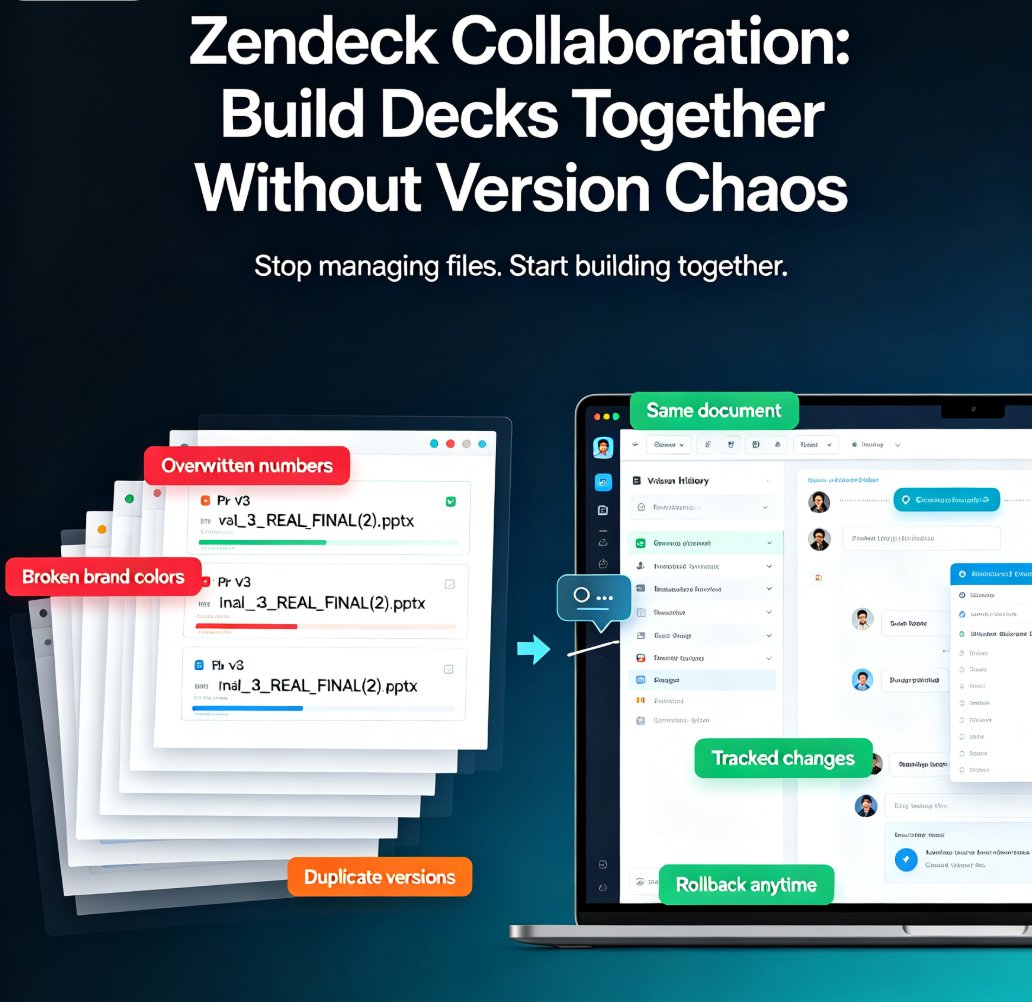
Zendeck collaboration tools end version chaos. Real-time co-editing and automatic version history let your team build decks together without overlapping edits, lost changes, or merge nightmares. This guide breaks down why traditional file sharing fails, how real-time co-editing turns sequential handoffs into parallel workflows, and why automatic version history is your safety net when things go wrong. You'll get actionable tips on assigning slide ownership, using comments for decisions, and setting up brand kits so nobody has to fix anyone's layout. Plus a comparison table showing the difference between email-based sharing and real-time collaboration, and a step-by-step plan for getting your team started in under an hour. If your team ships presentations regularly, this is the workflow upgrade you've been waiting for — no more final_v2 files, no more merge conflicts, just a deck that comes together.

5 Ways Teams Collaborate on AI Decks with Zendeck Shared Projects

Office Efficiency 2026-08-18 3821

Most AI presentation tools are single-player, but real decks are built by teams. Zendeck shared projects let subject-matter experts, reviewers, and presenters build, review, and approve one deck together in real time. This guide covers five practical ways to collaborate on AI decks — from inline comments and version approval to role-based permissions for external clients — so the version you present is the version everyone approved. Stop emailing PPT files and start shipping decks your whole team actually owns.

How to Co-Edit a Deck with Your Team in Real Time Using Zendeck

Office Efficiency 2026-08-18 2487

Zendeck's real-time collaboration features let your team co-edit a presentation together without version conflicts or email ping-pong. This step-by-step guide walks you through setting up sharing, managing edit and comment permissions, and keeping every stakeholder aligned in a single source of truth. Whether you're working with internal teammates or external clients, Zendeck's cloud-based co-editing cuts review cycles dramatically and ensures the latest version is always the one everyone sees. Learn the exact workflow our team uses to go from messy file exchanges to smooth, real-time co-authoring — plus the permission settings that prevent accidental edits and the commenting habits that keep feedback actionable. If you've ever lost a slide to a conflicting version, this tutorial is for you.

Collaborate with External Clients on Zendeck: A Step-by-Step Sharing Guide

Presentation Skills 2026-08-12 2388

Learn how to collaborate with external clients on Zendeck with step-by-step sharing, permissions, version control, and comment threads. Keep your brand standards intact while working seamlessly with stakeholders. This guide covers everything from setting permissions to managing feedback, so you can deliver polished decks without the chaos of email attachments and version conflicts.