
Tags:secure link sharing

2 articles

Real-Time Team Collaboration: Edit and Share PPTs with Zendeck AI

Office Efficiency 2026-09-08 3702

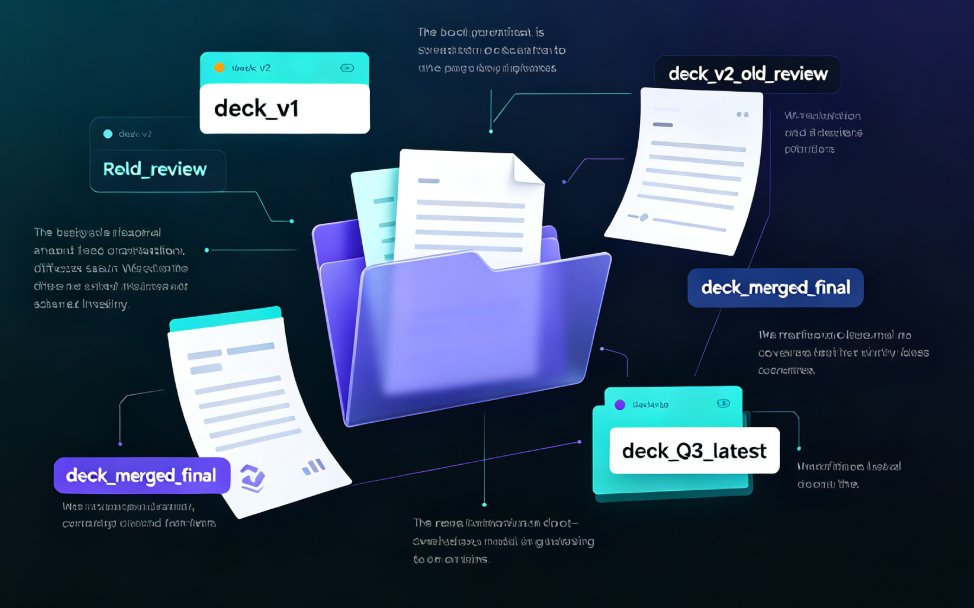
Real-time team collaboration is here: Zendeck AI lets multiple people co-edit PowerPoint decks simultaneously, with built-in version control and password-protected link sharing. This guide walks through how remote teams stop emailing 'final_v2.pptx' files and instead work from one live version — covering the co-editing experience, permission controls, and the design consistency that AI enforces while your team works. We compare Zendeck against offline workflows, share practical tips for smoother review loops, and answer common questions about sharing decks outside your organization. If you're tired of version chaos eating your hours, this is the upgrade your workflow has been waiting for.
How to Collaborate on Presentations in Real Time with Zendeck

Office Efficiency 2026-08-26 3303

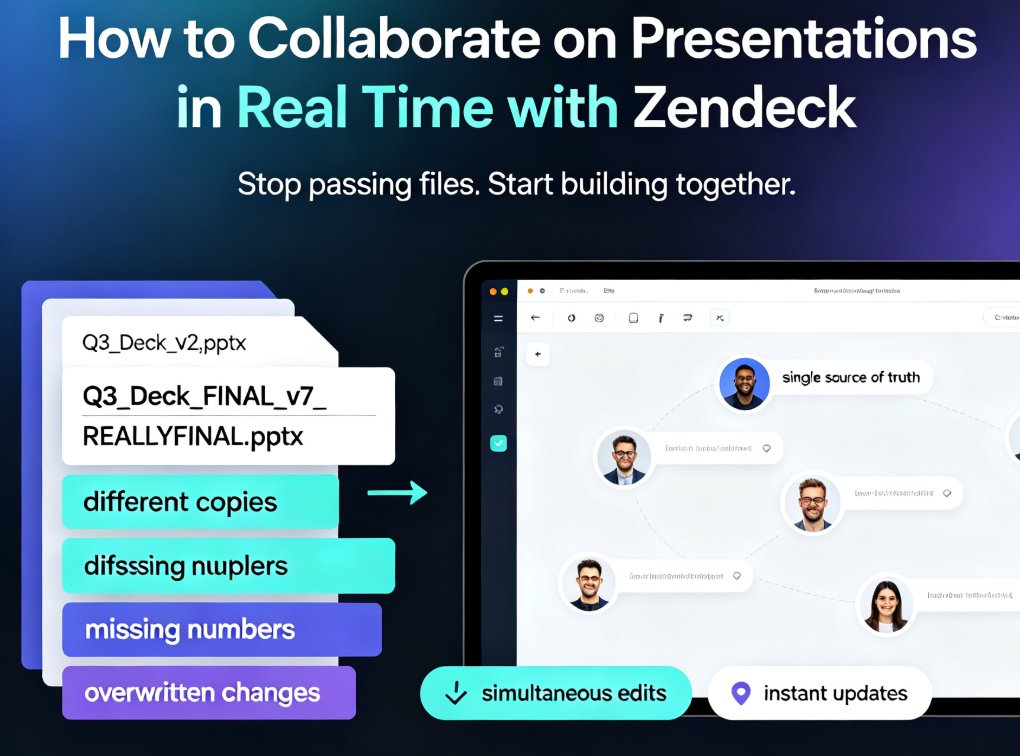
Zendeck's real-time collaboration tools let your team co-edit presentations online, track version history, and share secure links — no more version chaos. This step-by-step guide covers inviting teammates, managing edit and view permissions, restoring past versions, and building a group workflow that keeps every deck organized and on schedule. Whether you're a remote team, an L&D group, or a marketing squad, you'll learn how to turn messy group projects into a single source of truth, cut review cycles, and present with confidence. Real-time co-editing, version control, and secure link sharing are the three pillars that keep group presentations on track — and this guide shows you exactly how to use them in Zendeck.