
Tags:Zendeck version history

2 articles

Team Edited the Same Slide? Recover It Now with Version Control

Office Efficiency 2026-09-16 3937

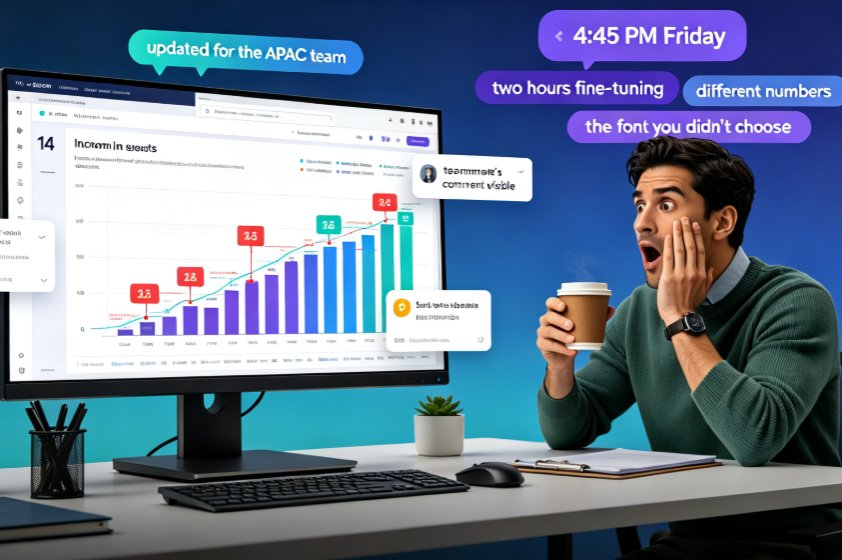
A teammate overwrote your slide and your work is gone — but in Zendeck, you can recover every edited slide with version history and restore points. This guide walks you through the exact recovery workflow: how to open revision history, preview the version before the overwrite, and restore one slide without rolling back your team's other progress. Learn why version chaos happens in team decks, how Zendeck's revision comparison and conflict-resolution features turn a Friday-afternoon panic into a two-minute fix, and which collaboration habits keep your deck workflow from ever needing a rescue. If your team builds AI presentations together in real time, this is the safety net that makes overwrites a non-event and lost work a thing of the past.
How to Collaborate on Presentations in Real Time with Zendeck

Office Efficiency 2026-08-26 3303

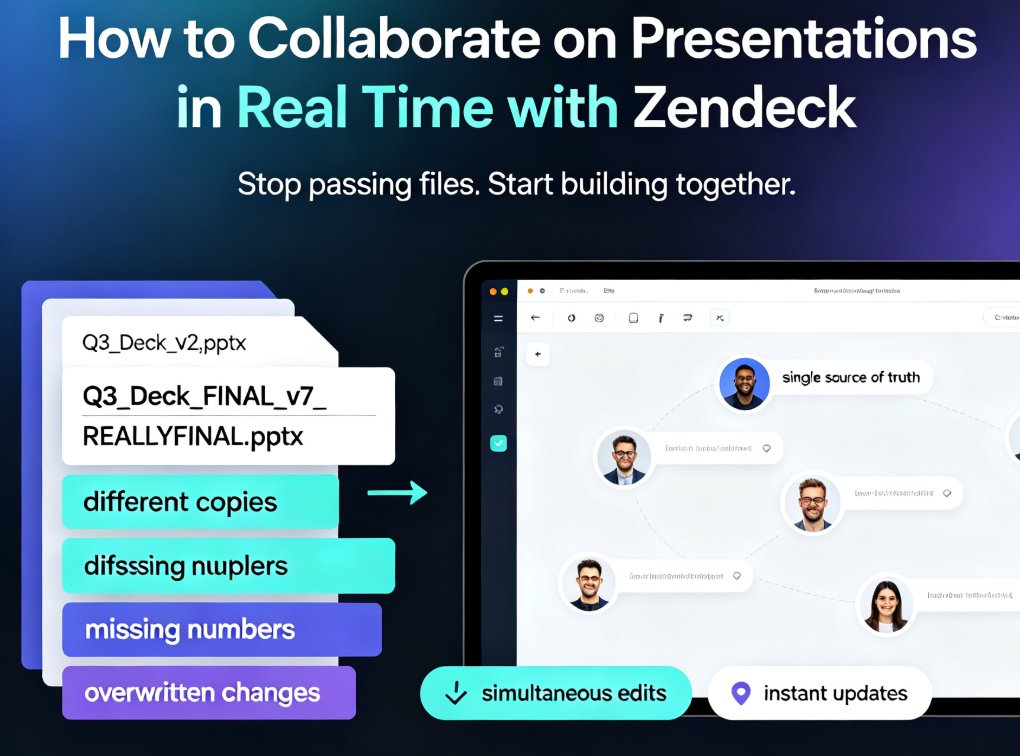
Zendeck's real-time collaboration tools let your team co-edit presentations online, track version history, and share secure links — no more version chaos. This step-by-step guide covers inviting teammates, managing edit and view permissions, restoring past versions, and building a group workflow that keeps every deck organized and on schedule. Whether you're a remote team, an L&D group, or a marketing squad, you'll learn how to turn messy group projects into a single source of truth, cut review cycles, and present with confidence. Real-time co-editing, version control, and secure link sharing are the three pillars that keep group presentations on track — and this guide shows you exactly how to use them in Zendeck.