Tags:real-time collaboration

15 articles

Team Presentation Collaboration: Real-Time Editing and Shared Templates

Office Efficiency 2026-09-02 1522

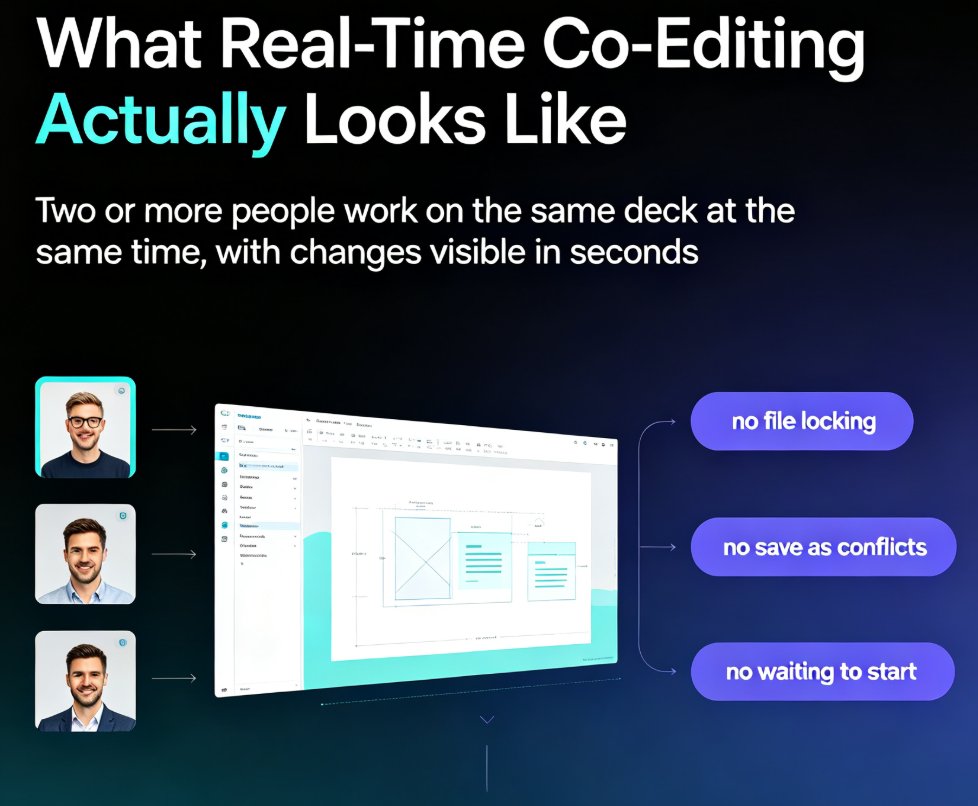
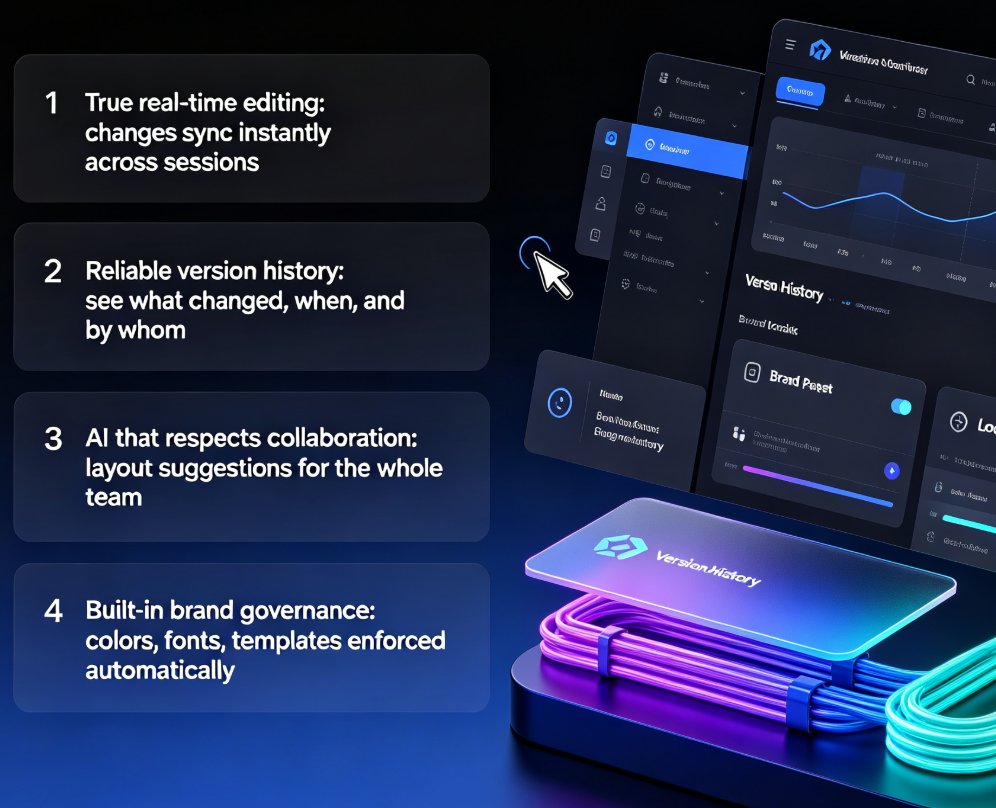
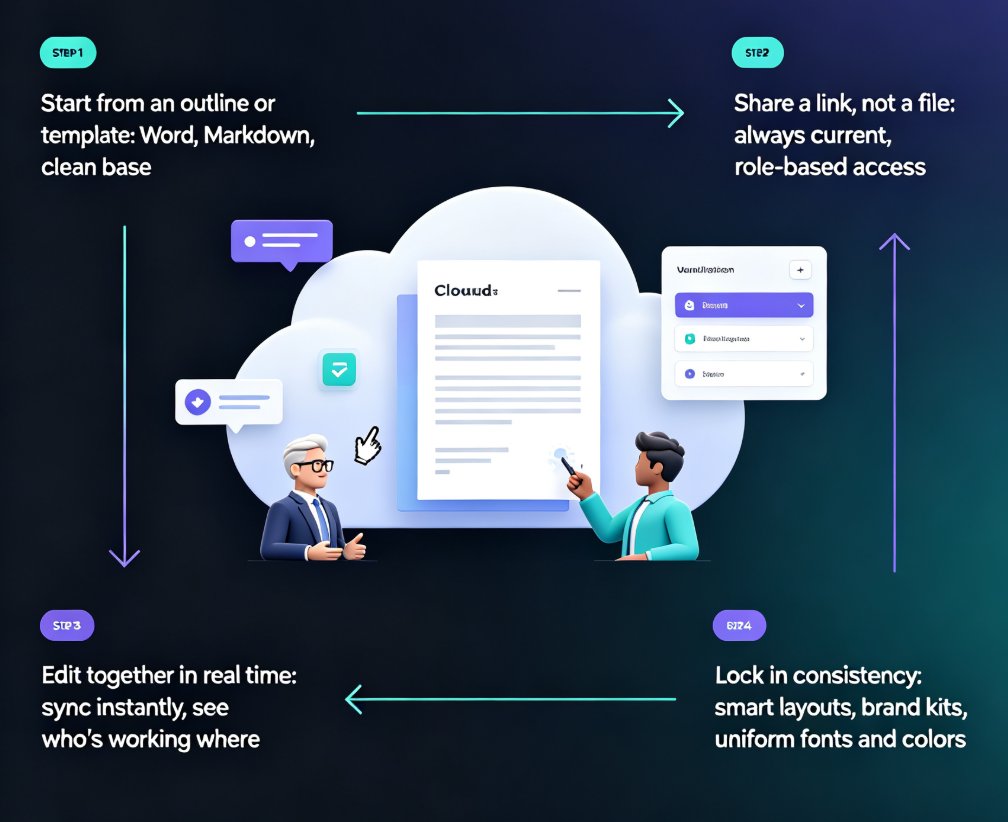
Real-time collaboration in presentation tools has become essential for team productivity — but shared templates are the missing piece for brand consistency. This guide breaks down how multi-user editing, version history, and shared asset libraries work together to eliminate version-control chaos, showing how Zendeck's collaborative platform lets teams edit decks simultaneously while keeping every slide on-brand. Based on real workflows from Google Slides, PowerPoint, and modern AI presentation platforms, you'll learn a practical five-step collaboration workflow, what to look for in a collaboration stack, and why auto-applied brand kits beat manual design discipline. Whether you're a team lead, trainer, or content operator, this is the playbook for shipping better decks faster.
Zendeck Team Collaboration: How to Co-Create Slides in Real Time

Office Efficiency 2026-08-28 1195

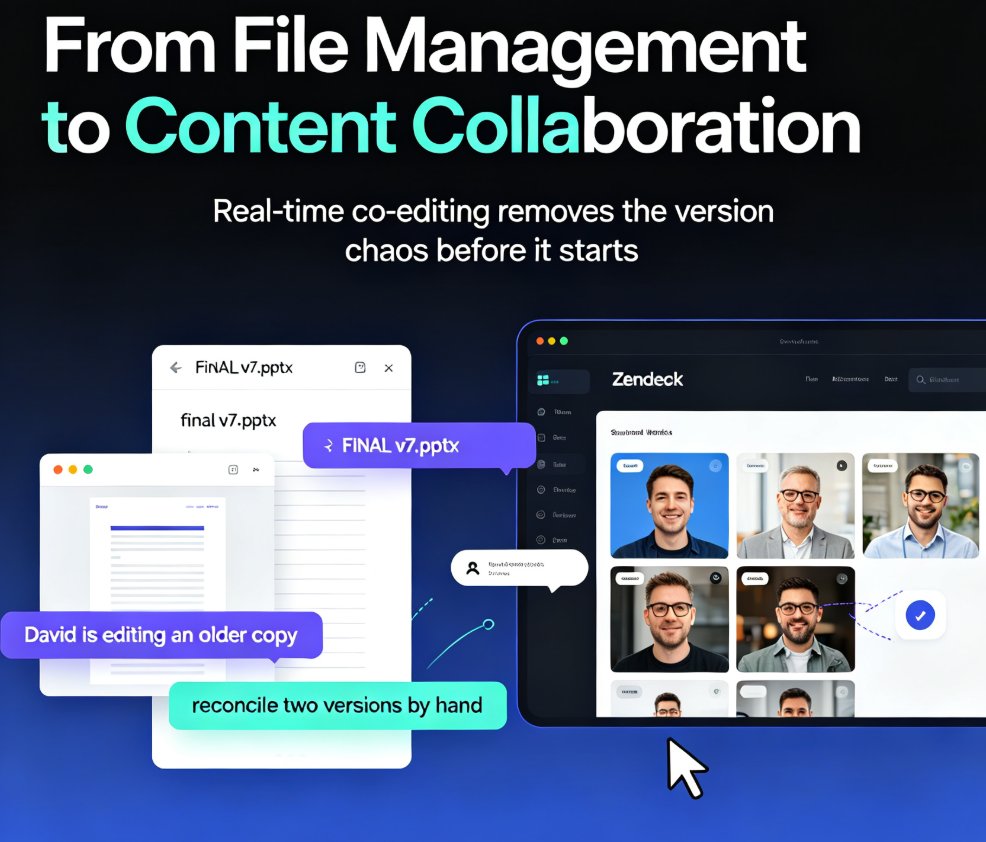
Zendeck's real-time collaboration lets your whole team co-create slides in one shared workspace—no more emailing .pptx files or reconciling conflicting versions. With version history, in-slide comments, and granular sharing permissions, remote teams and classrooms can build polished decks together without the chaos. This guide walks you through the core features, a practical workflow, and the exact ways Zendeck's version control keeps your project on track. You'll learn how to set up a shared workspace, assign sections in parallel, and use version history as a safety net. If you're tired of 'FINAL_v7' confusion and want a single source of truth for every presentation, here's how real-time collaboration changes the game.

How to Collaborate on Presentations in Real Time with Zendeck

Office Efficiency 2026-08-26 3303

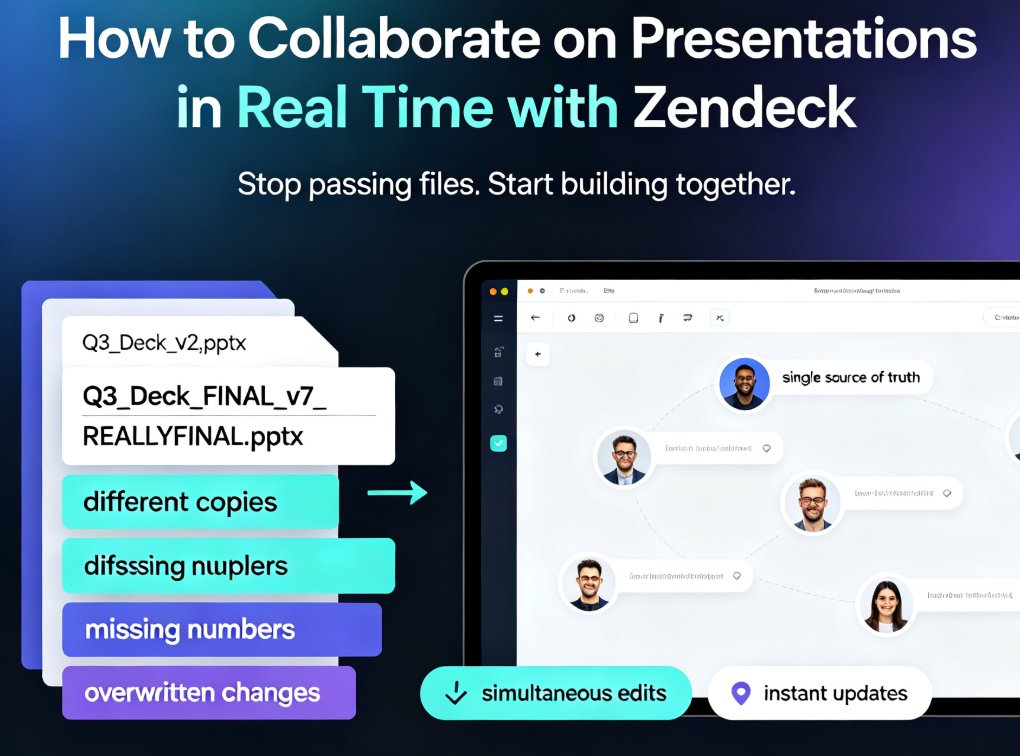
Zendeck's real-time collaboration tools let your team co-edit presentations online, track version history, and share secure links — no more version chaos. This step-by-step guide covers inviting teammates, managing edit and view permissions, restoring past versions, and building a group workflow that keeps every deck organized and on schedule. Whether you're a remote team, an L&D group, or a marketing squad, you'll learn how to turn messy group projects into a single source of truth, cut review cycles, and present with confidence. Real-time co-editing, version control, and secure link sharing are the three pillars that keep group presentations on track — and this guide shows you exactly how to use them in Zendeck.

How to Co-Edit a Presentation in Real Time with Your Remote Team

Office Efficiency 2026-08-26 844

Co-editing a presentation with a remote team shouldn't mean emailing PPT files back and forth. This guide shows how Zendeck's real-time collaboration, link sharing, and version management keep distributed teams aligned from first draft to final deck. Learn the exact workflow — live cursors, shared links, automatic version history — that eliminates the chaos of 'final_v7.pptx' and cuts review cycles from days to hours. Whether you're a trainer, HR lead, or content operator, you'll get practical steps for co-editing slides online, a comparison of traditional file-based workflows versus true real-time editing, and a repeatable review process your team can adopt this week. Stop losing edits, stop chasing the latest version, and start shipping decks your whole team actually owns.

Collaborative AI Workspaces: Real-Time Sharing for Team Presentations

Office Efficiency 2026-08-24 1896

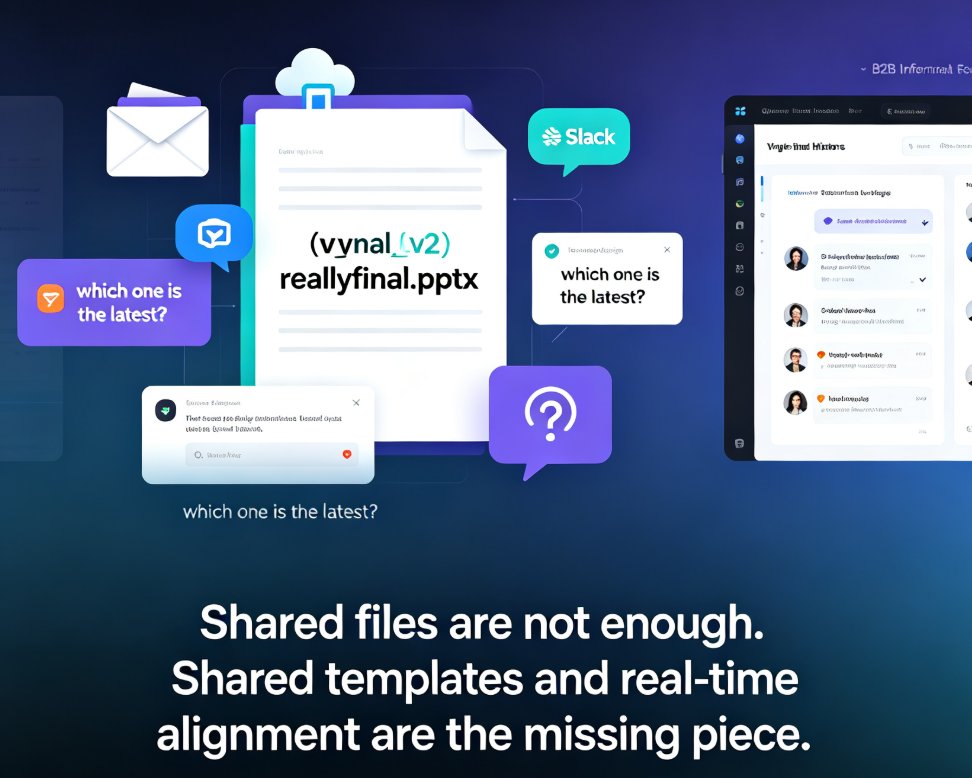
Real-time collaboration is the new baseline for team presentations, and Zendeck's link sharing and version control eliminate the chaos of emailing PPT files back and forth. This guide breaks down why file-based collaboration fails, what cloud-native sharing actually changes for teams, and the five features that matter most in a collaborative AI presentation tool. You'll see how Zendeck's online editor lets multiple teammates edit the same live deck simultaneously, how AI-enforced design rules keep brand consistency intact, and how share links replace attachments for distribution. If you're tired of 'Final_v3_REAL_FINAL.pptx' version confusion and slow send-and-wait edit cycles, this article walks you through the modern collaborative workflow — and why teams that adopt it stop losing hours to version chaos.

Real-Time Collaboration: How Zendeck Streamlines Team Deck Creation

Office Efficiency 2026-08-24 604

Zendeck's real-time collaboration and link sharing end version-control chaos for distributed teams. This guide shows how online editing, shared links, and smart templates let your whole team build decks together without emailing files back and forth. You'll see the exact workflow that replaces deck_final_v3.pptx chaos with a single live document, plus how inline comments, asset libraries, and brand kits keep everyone aligned. Whether you're a remote startup, a hybrid training team, or an HR department shipping quarterly updates, this is the practical playbook for collaborative presentation creation with Zendeck. Stop managing files and start building better decks together. Learn how to set permissions, divide work by section, and lock decks before presenting — so your team ships polished presentations every time, without the Friday-night panic.