
Tags:Zendeck online editing

2 articles

How to Co-Edit a Presentation in Real Time with Your Remote Team

Office Efficiency 2026-08-26 844

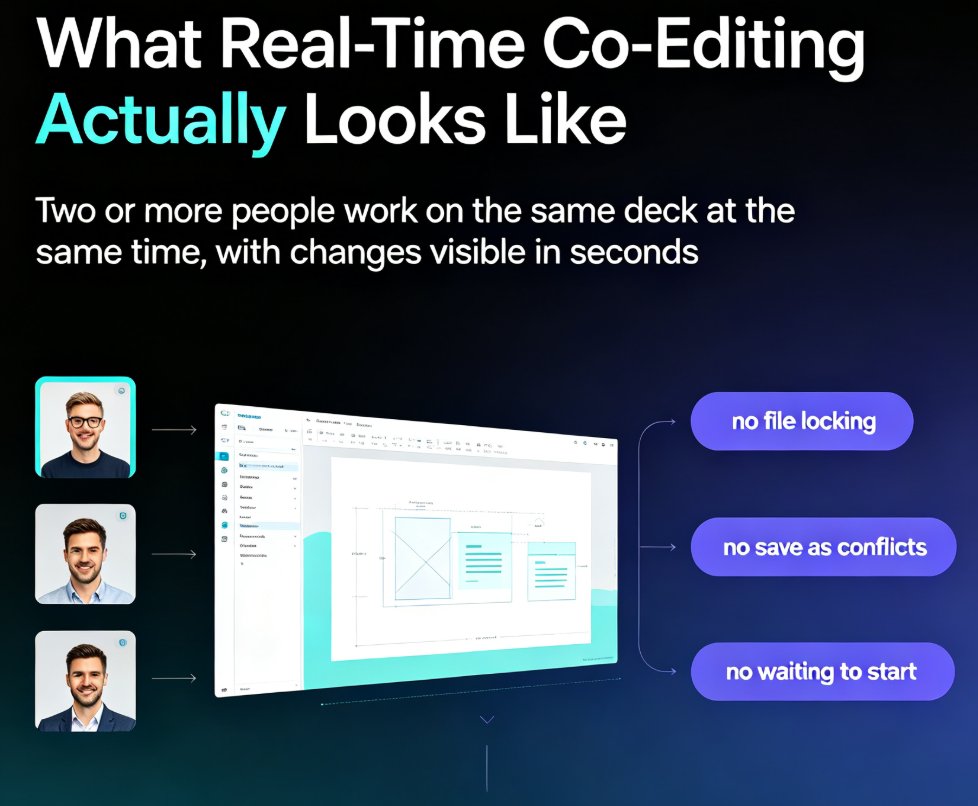
Co-editing a presentation with a remote team shouldn't mean emailing PPT files back and forth. This guide shows how Zendeck's real-time collaboration, link sharing, and version management keep distributed teams aligned from first draft to final deck. Learn the exact workflow — live cursors, shared links, automatic version history — that eliminates the chaos of 'final_v7.pptx' and cuts review cycles from days to hours. Whether you're a trainer, HR lead, or content operator, you'll get practical steps for co-editing slides online, a comparison of traditional file-based workflows versus true real-time editing, and a repeatable review process your team can adopt this week. Stop losing edits, stop chasing the latest version, and start shipping decks your whole team actually owns.
Real-Time Collaboration: How Zendeck Streamlines Team Deck Creation

Office Efficiency 2026-08-24 604

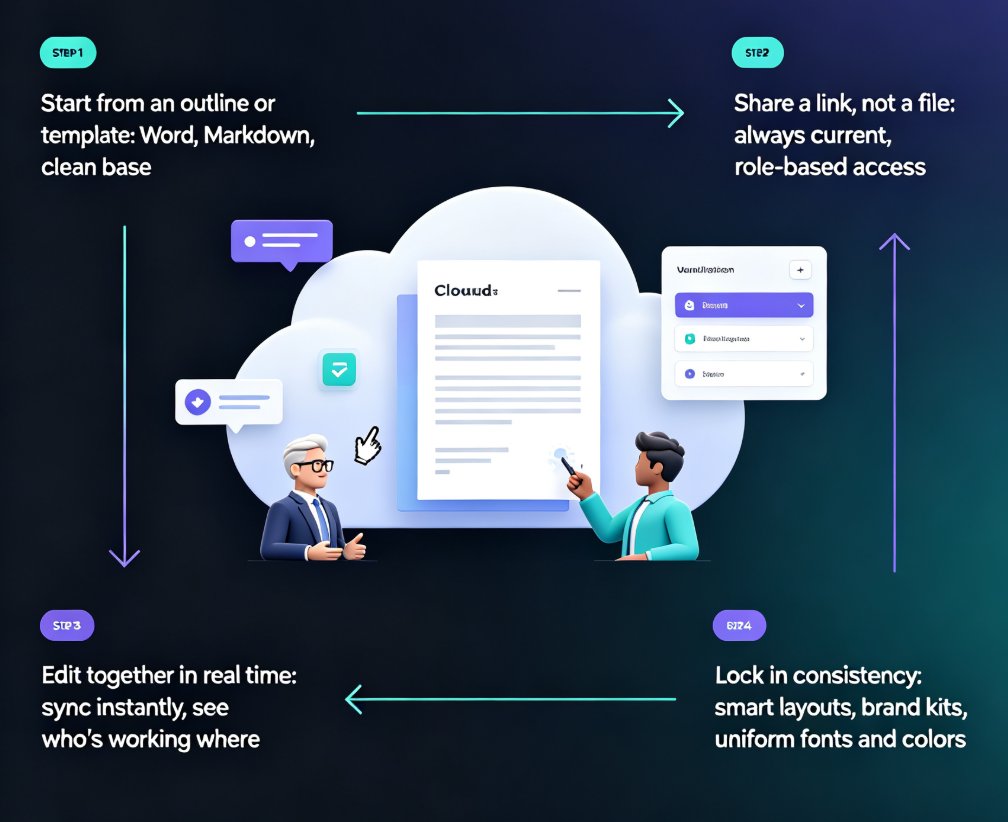
Zendeck's real-time collaboration and link sharing end version-control chaos for distributed teams. This guide shows how online editing, shared links, and smart templates let your whole team build decks together without emailing files back and forth. You'll see the exact workflow that replaces deck_final_v3.pptx chaos with a single live document, plus how inline comments, asset libraries, and brand kits keep everyone aligned. Whether you're a remote startup, a hybrid training team, or an HR department shipping quarterly updates, this is the practical playbook for collaborative presentation creation with Zendeck. Stop managing files and start building better decks together. Learn how to set permissions, divide work by section, and lock decks before presenting — so your team ships polished presentations every time, without the Friday-night panic.