Real-Time Collaboration: How Zendeck Streamlines Team Deck Creation
Real-Time Collaboration: How Zendeck Streamlines Team Deck Creation
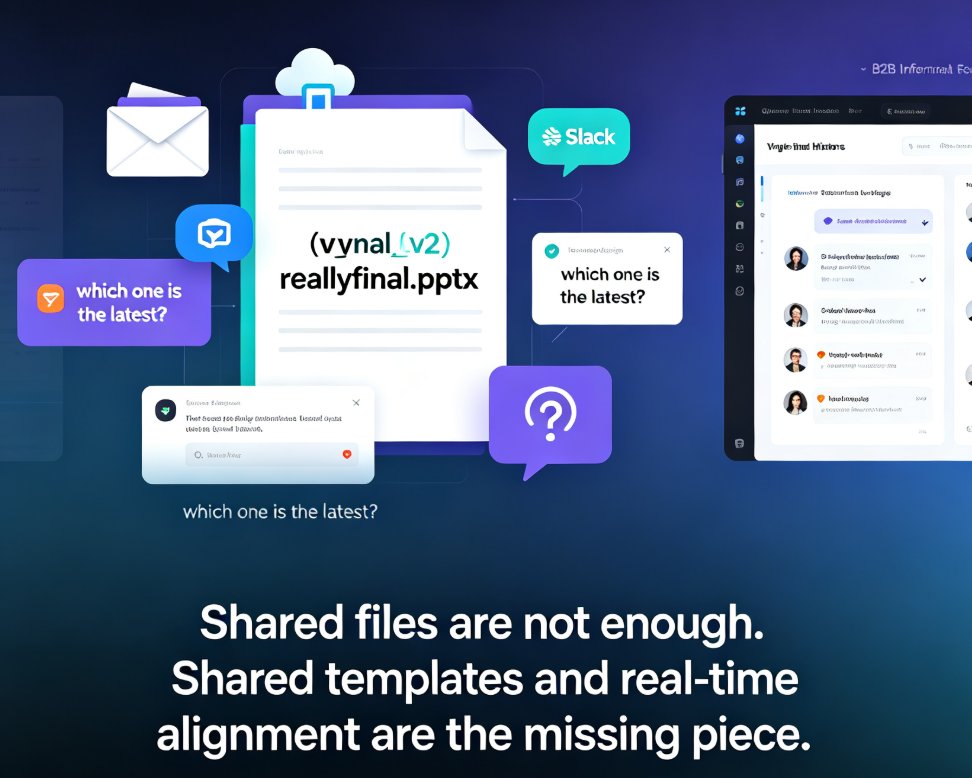
Let's be honest — you've been there. The email thread with "deck_FINAL_v3_REALLYFINAL.pptx" attached four times. The teammate who edited the wrong copy because they downloaded the file before your latest changes. The Friday-night panic when the client version and the internal version don't match. If you build presentations with anyone else, version chaos isn't a minor annoyance — it's the silent killer of team productivity.
The fix isn't more discipline or better file naming. It's a different way of working. Zendeck's real-time collaboration and link sharing turn a shared presentation into a single live document that your whole team can edit together — no file juggling, no merge conflicts, no "which version is this?"
01 Why Shared Decks Fall Apart
Here's what happens when three people build a deck the old way:
- Person A builds the skeleton in PowerPoint.
- Person B downloads it, adds their section, and emails it back.
- Person C opens the attachment, makes changes, and saves a new file.
- Nobody knows whose version is current.
The result? Duplicate files, lost edits, and meetings that start with "wait, is this the latest one?"
The root cause isn't careless teammates — it's a workflow built for single users. Traditional presentation tools treat a deck as a file you own, not a document you share. When you force a single-owner tool into a multi-person workflow, chaos is inevitable. It's not a discipline problem; it's a design problem.
This is exactly why so many remote and hybrid teams have quietly given up on collaborative deck building. They either accept the chaos or let one person own the whole deck while everyone else just sends "suggestions" via email. Neither is a real solution. The first wastes hours every week; the second silences the people whose input would actually improve the deck.
02 What Real-Time Collaboration Actually Means
Real-time collaboration isn't just "multiple people can open the file." It means:
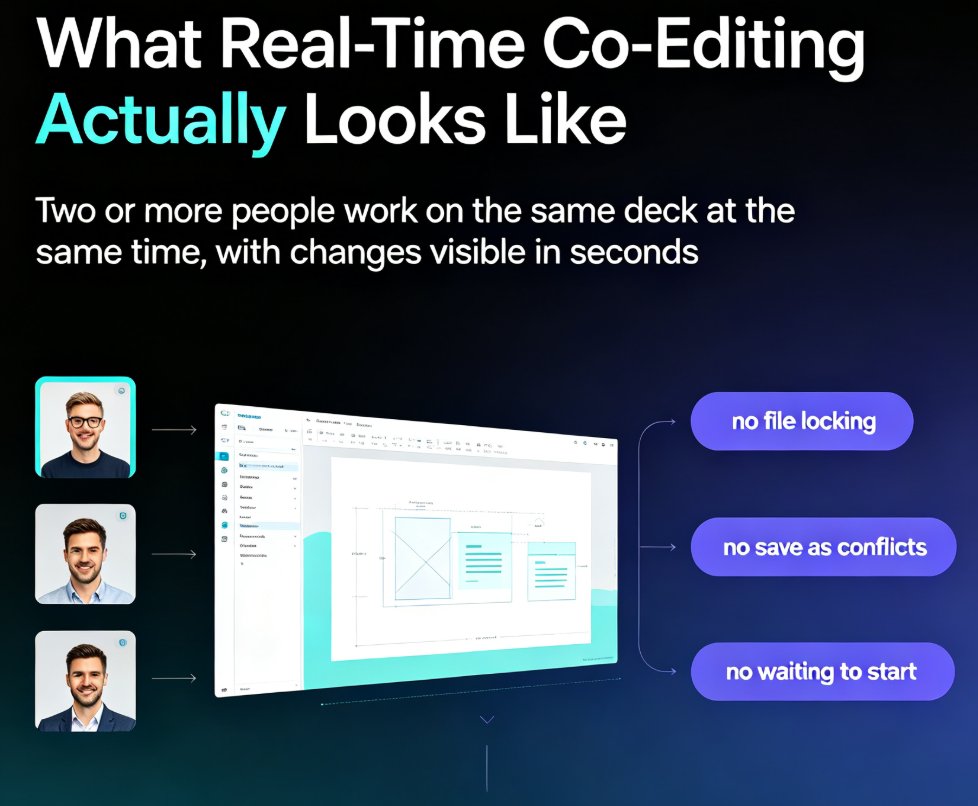
- Simultaneous editing — two people can work on different slides at the same time, and changes appear instantly.
- A single source of truth — there's one live version, not five copies.
- Inline feedback — teammates leave comments directly on slides instead of writing vague emails.
- Access control — you decide who can view, comment, or edit.
This is the same shift that happened with Google Docs a decade ago — but for presentations. And it's long overdue.
When a deck becomes a live document instead of a file, the entire team workflow changes. Review cycles shrink from days to hours. Feedback lands where it belongs — on the slide, not buried in an email thread. And nobody ever has to ask "which version am I looking at?" The tool handles the mechanics so your team can focus on the content.
03 How Zendeck Handles Team Collaboration
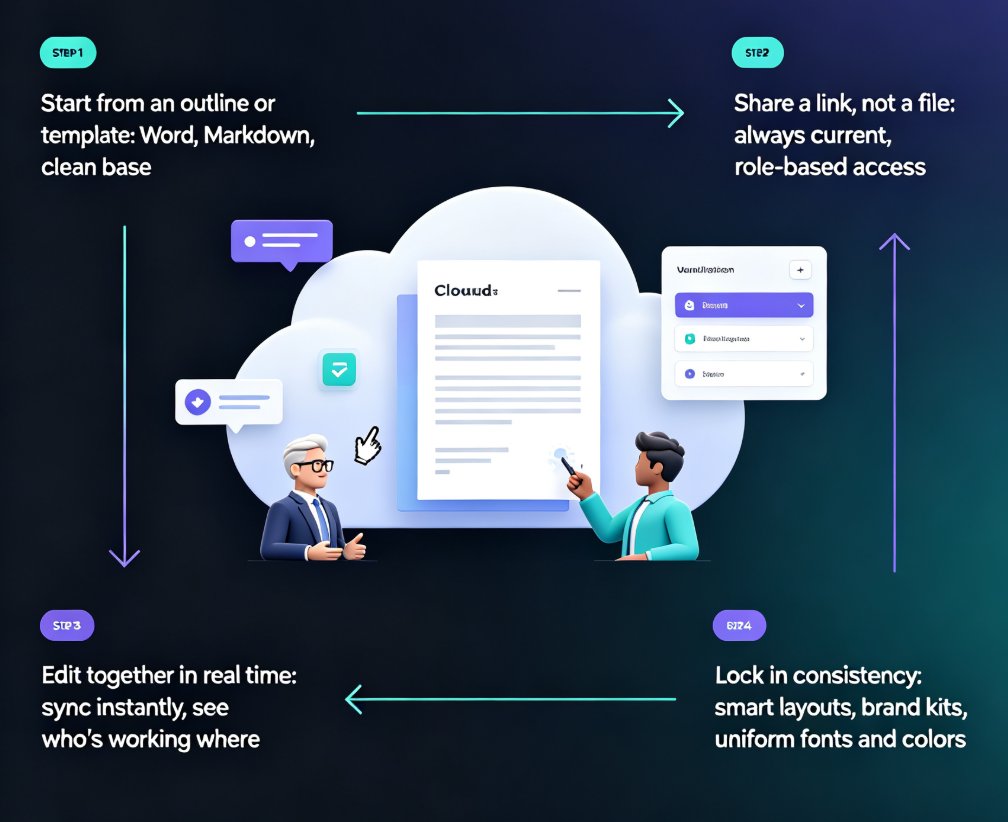
Zendeck was built with this exact pain in mind. Here's the workflow that replaces version chaos:
Step 1: Start from an outline or a template
Drop in a Word outline or paste Markdown, and Zendeck generates a structured deck. Or pick a template from the library. Either way, you're starting from a clean base — not a half-edited file someone emailed you. If you're new to this, our guide on turning a brain dump into a structured presentation walks through the whole flow.
Step 2: Share a link, not a file
Instead of attaching a .pptx, you share a link. Teammates open the same live deck in their browser. No downloads, no "which version," no compatibility fights between PowerPoint and Keynote. The link is the deck — and it's always current. You control access too: view-only for stakeholders, comment for reviewers, edit for contributors.
Step 3: Edit together, in real time
Your teammate in Berlin adjusts the charts while you rewrite the speaker notes in New York. Changes sync instantly. Comments appear on specific slides, so feedback is contextual, not cryptic. If someone's working on the same slide as you, you see them — no more stepping on each other's toes.
Step 4: Lock in consistency
Zendeck's smart layouts and brand kits keep fonts, colors, and spacing uniform — even when five different people are touching the deck. No more one slide in Comic Sans and another in Helvetica. This matters more than you'd think: a deck that looks inconsistent reads as unprofessional, no matter how good the content is. For teams that care about this, our guide on creating a custom brand kit is a good next read.
04 The Old Way vs. The Zendeck Way
Let's put the two workflows side by side:
| Workflow step | Traditional (email + files) | Zendeck (real-time collaboration) |
|---|---|---|
| Sharing the deck | Attach file, email it, wait for reply | Share a link, teammates open instantly |
| Multiple editors | Sequential — one person at a time | Simultaneous — everyone edits live |
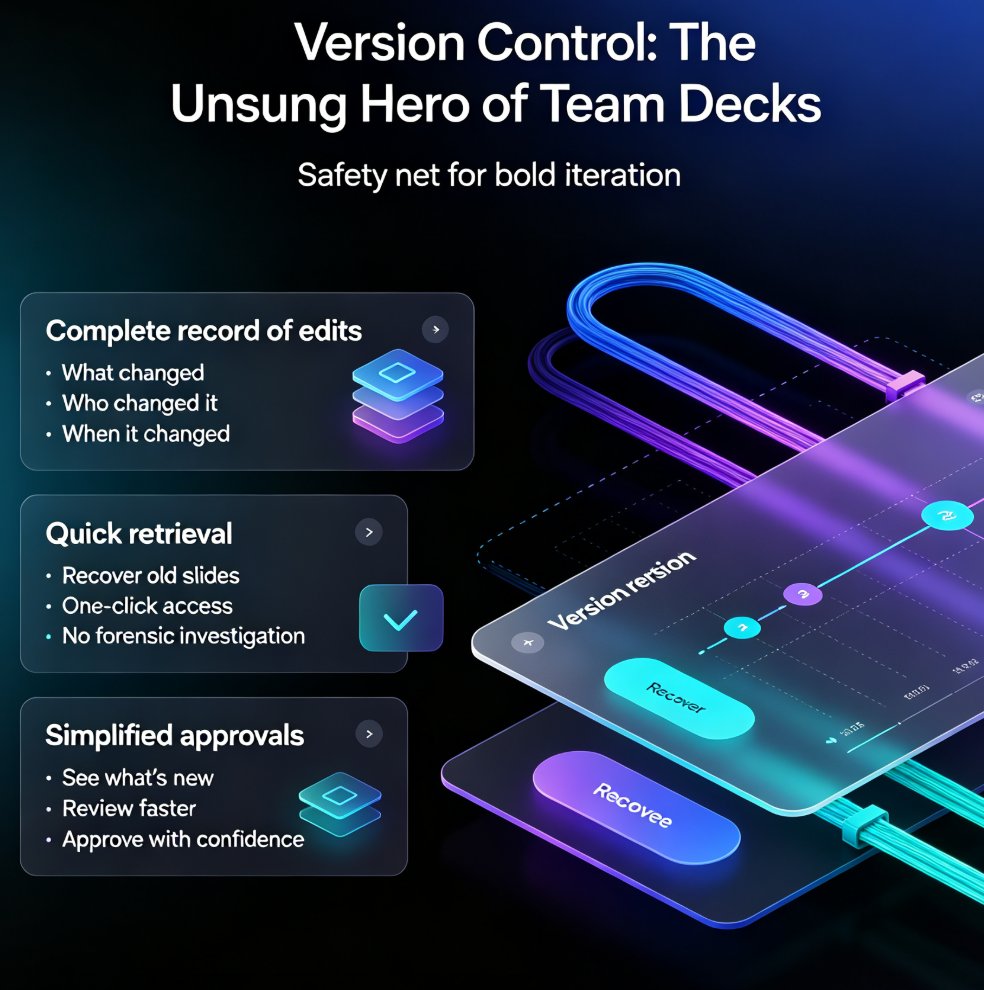
| Version control | Manual — "v3_FINAL_edit2" | Automatic — one live document |
| Feedback | Email threads, vague references | Inline comments on specific slides |
| Brand consistency | Depends on everyone's discipline | Enforced by smart layouts and brand kits |
| Final export | Merge files, hope nothing broke | One click, always the latest version |
The difference isn't incremental — it's a different way of working. Teams that switch from file-based to link-based collaboration typically stop asking "which version is this?" within the first week. That's not a small win; it's the difference between dreading deck season and shipping with confidence.
05 A Practical Team Workflow for Zendeck
Here's a workflow you can adopt tomorrow, whether you're a five-person startup or a fifty-person training team:
- One owner, one deck. Assign a single deck owner who creates the initial structure from an outline or template. This gives the deck a clear direction from day one.
- Share the link early. Don't wait until the deck is "done" — share it as soon as the skeleton exists. Early sharing means early feedback, and early feedback means fewer rewrites later.
- Divide by section, not by file. Each teammate owns specific slides, not a separate copy of the whole deck. This keeps ownership clear without fragmenting the document.
- Use comments for feedback. If something needs changing, comment on the slide. The owner (or the person responsible) resolves it. This creates a clean audit trail of decisions.
- Lock the deck before presenting. When the deck is final, stop editing and export. With Zendeck, the export is always the latest version — no "wait, did I export the right one?"
This works because it matches how teams actually think. You don't want to manage files — you want to build a great deck together. And when the tool handles the mechanics, your team can focus on the content.
If you're still running into messy output even with collaboration, check out our piece on why AI-generated slides still look messy and how Zendeck fixes it — it covers the common pitfalls teams hit during shared editing.
06 Beyond the Deck: Keeping the Whole Team Aligned
Real-time collaboration is the foundation, but Zendeck goes further. When your team is already working in one place, you can also:
- Enforce brand consistency with custom brand kits, so every deck looks like it came from the same company — even when six people touched it. We covered this in depth in our guide to creating a custom brand kit for consistent decks.
- Turn finished decks into narrated videos with the PPT-to-video feature, so the same content reaches people who missed the live meeting. See how adding narration to your slides works.
- Keep assets consistent with the shared asset library — icons, charts, and illustrations that everyone on the team can reuse. That's how AI asset libraries support brand consistency across an organization.
- Keep data secure — collaboration doesn't mean open access. Zendeck's permission controls and security practices matter for teams handling sensitive content. The data security trends in AI presentation tools article covers what to look for.
The bigger picture: collaboration isn't just about editing together — it's about building a shared visual language. When your team uses the same templates, assets, and brand rules, every deck reinforces the last one. That's compounding value — and it's something a folder full of .pptx files can never give you.
For more on how AI presentation tools boost team productivity, take a look at our roundup of hidden features that help teams work faster. And if you're curious about the broader shift, our office efficiency category has more practical guides.
FAQ
How does Zendeck's real-time collaboration work?
Zendeck lets multiple people edit the same deck simultaneously in the browser. Changes sync instantly, comments attach to specific slides, and there's always one live version — no more emailing files back and forth.
Can multiple people edit the same deck at the same time?
Yes. Teammates can work on different slides simultaneously, and their changes appear in real time. This is the core difference between Zendeck and traditional file-based tools like PowerPoint.
How do I share a deck with my team using a link?
You generate a shareable link from within Zendeck and set access permissions (view, comment, or edit). Anyone with the link can open the live deck in their browser — no downloads or software installs required.
Does Zendeck keep track of who changed what?
Yes. The collaboration view shows who's editing and what they're working on. Combined with inline comments, this gives you full visibility into the team's activity on the deck.
How is Zendeck different from emailing PowerPoint files?
Emailing files creates version chaos — multiple copies, lost edits, and confusion about what's current. Zendeck replaces that with a single live document that everyone edits together, eliminating the "which version is this?" problem entirely.