How a Distributed Team Delivered a Pitch Deck in 48 Hours with Zendeck
How a Distributed Team Delivered a Pitch Deck in 48 Hours with Zendeck
Let's be real: a 48-hour deadline for a client pitch deck is the kind of thing that keeps consultants up at night. You've got five people spread across three time zones, a client who expects a polished, on-brand deck, and zero room for error. The old way—emailing PowerPoint files back and forth, waiting for feedback, fixing design inconsistencies—would blow the deadline before you even started.
But it doesn't have to be that way. Here's how a distributed consulting team used Zendeck's real-time collaboration and sharing to turn a potential fire drill into a calm, coordinated delivery. And how you can do the same.
01 The 48-Hour Deadline That Almost Broke Us
It was a Tuesday afternoon when the email landed. A client needed a full pitch deck for an investor meeting—Thursday, 9 AM sharp. That gave us 48 hours. The team: five consultants, each with their own expertise, none in the same city. The deck: 20 slides covering market analysis, financial projections, and a go-to-market strategy.
Immediately, the panic set in. We all knew what this meant: endless email threads, version conflicts, and a last-minute scramble to make the design look professional. In past projects, we'd spent more time managing files than actually creating content. Someone would update the financials, but forget to tell the person working on the narrative. Another person would redesign a slide, and suddenly the whole deck looked like it was made by three different agencies.
The pain point is universal: distributed teams lose hours to coordination overhead, not actual work.
We needed a better way. That's when we decided to try Zendeck.
02 Why Traditional Collaboration Fails Distributed Teams
Let's break down why the old workflow is broken. When you're working across time zones, the classic 'email the file' approach has three fatal flaws:
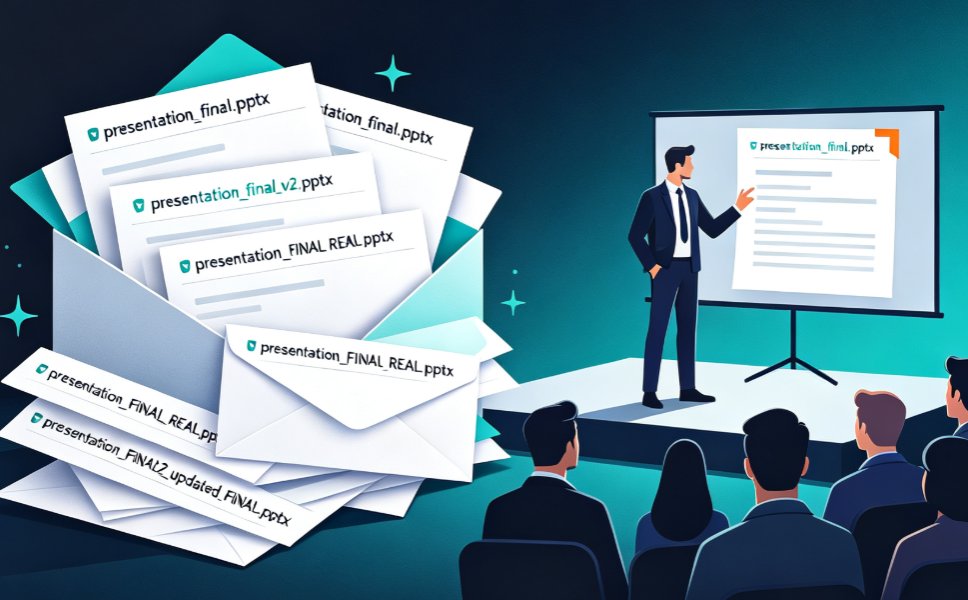
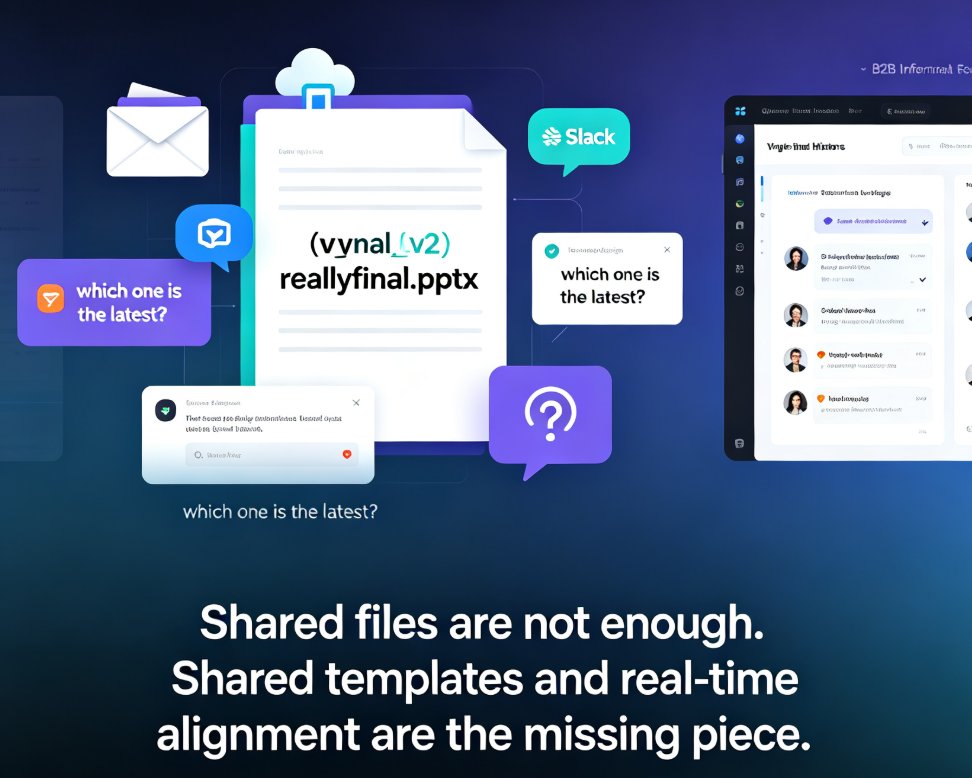
- Version chaos: Someone saves 'final_v3' but someone else is editing 'final_v2'. Nobody knows which is current.
- Design drift: Each person has their own idea of what 'on-brand' means. Fonts, colors, and layouts start to diverge.
- Feedback loops: Comments come in via email, get lost, or are applied inconsistently. There's no single place to track decisions.
These aren't just annoyances—they're productivity killers. A study from McKinsey found that knowledge workers spend 20% of their week just searching for information and coordinating with others. That's a full day lost every week. When you're on a 48-hour deadline, you can't afford to lose even an hour.
The solution isn't more discipline—it's a better tool. Zendeck was built to eliminate these bottlenecks by putting everything in one collaborative workspace.
03 How Zendeck Turned Chaos into a Single Source of Truth
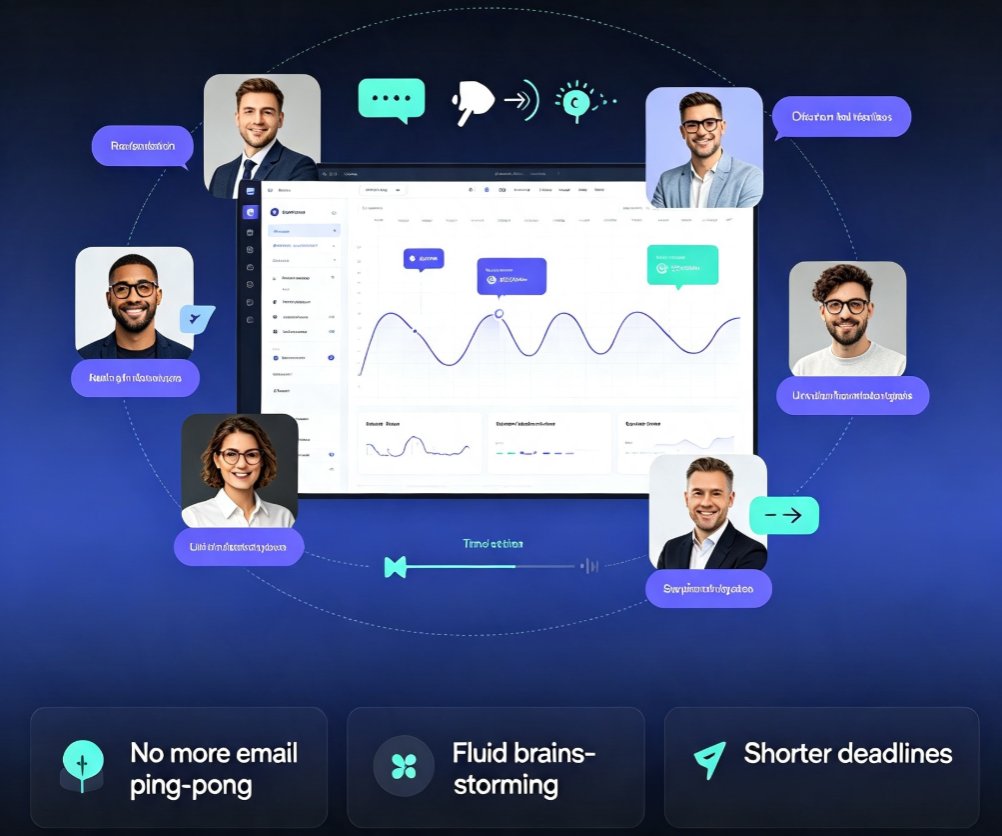
Zendeck isn't just another presentation tool. It's a real-time collaboration platform designed for teams that need to move fast. Here's what changed for us:
- Live co-editing: We all opened the same deck and worked simultaneously. No more waiting for someone to 'finish their part'—we could see each other's cursors and edits in real time.
- Inline comments: Instead of emailing feedback, we left comments directly on slides. The person responsible got notified instantly, and the thread stayed attached to the slide for context.
- Version history: Every change was saved automatically. We could see who edited what, when, and roll back if needed. No more 'I accidentally deleted the revenue chart' panic.
- Brand kit: We set up our client's brand colors, fonts, and logo once. Every slide we created or edited automatically stayed on-brand, so design consistency was never a question.
Zendeck's real-time collaboration turned a 48-hour fire drill into a calm, coordinated effort.
But the real magic was in the workflow we built around it.
04 The Workflow: From Outline to Client-Ready Deck in Two Days
Here's exactly how we pulled it off. It's a repeatable process you can use for any tight-deadline project.
Step 1: Import the Outline
We started with a rough outline—just bullet points of what each section needed to cover. Instead of formatting slides from scratch, we pasted the outline into Zendeck's AI generator. Within seconds, it produced a structured deck with placeholder content and suggested layouts. This gave us a skeleton we could all work on.
Step 2: Assign Ownership and Co-Edit
We divided the slides among the team based on expertise. Since Zendeck supports real-time editing, we all worked on our sections simultaneously. The financial modeler updated the projections while the narrative lead refined the story. No one was blocked waiting for someone else.
Step 3: Use Comments for Fast Feedback
Instead of scheduling a review call, we used inline comments. The client's key concerns were flagged, and team members responded directly on the slides. This cut our feedback loop from hours to minutes. We could see the whole conversation in context, which eliminated misunderstandings.
Step 4: Apply the Brand Kit
Our client's brand kit was already set up in Zendeck. With one click, we applied their colors, fonts, and logo across all slides. Even the slides that were AI-generated matched perfectly. No more manual tweaking or 'close enough' design.
Step 5: Share and Deliver
When we were done, we exported the deck to PDF and also shared a live link with the client for final review. They could leave comments directly, and we could make last-minute changes without resending files. The client saw a polished, on-brand deck—and we delivered it with hours to spare.
| Task | Traditional Workflow | Zendeck Workflow |
|---|---|---|
| Outline creation | Email back-and-forth | Import directly |
| Slide design | Manual, inconsistent | AI-generated, on-brand |
| Feedback | Comments in email | Inline comments |
| Version control | Multiple files | Single source of truth |
| Sharing | Attach files | Live link |
05 Version Control Without the Headaches
Version control is the silent killer of team productivity. In the old world, we'd have 'final_v2_approved_FINAL.pptx' and still worry we were looking at the wrong file. Zendeck solved this with automatic versioning.
Every edit is saved, and you can see a full history of changes. If someone accidentally deleted a slide or messed up a chart, we could roll back in one click. No more digging through email attachments or trying to reconstruct what was there before.
Version control isn't a nice-to-have—it's the difference between a smooth delivery and a disaster.
For our team, this meant we could experiment freely. We knew we could always revert, so we tried different layouts and phrasings without fear. That freedom made the final deck better.
06 The Result: Delivered on Time, On Brand, On Point
We delivered the deck at 8 PM on Wednesday—13 hours before the deadline. The client was impressed, not just with the content, but with the polish. Every slide looked like it had been designed by a professional studio, because Zendeck's brand kit and AI templates ensured consistency.
The real win? We didn't burn out. No all-nighters, no frantic emails, no last-minute design fixes. The team actually got a full night's sleep before the client meeting.
When you remove coordination overhead, you don't just meet deadlines—you exceed expectations.
This experience changed how we work. Now, Zendeck is our default for any client-facing deck, whether we have 48 hours or 48 days. It's not just a tool; it's a competitive advantage.
If you're part of a distributed team, you know the pain. But you don't have to live with it. Try Zendeck for your next pitch deck, and see how quickly the chaos disappears.
FAQ
Q: How does Zendeck handle real-time collaboration for distributed teams?
A: Zendeck supports live co-editing, where multiple team members can work on the same deck simultaneously. You see each other's cursors, edits appear instantly, and inline comments let you discuss changes without leaving the slide. This eliminates the need for email chains and makes remote teamwork feel like you're in the same room.
Q: Can multiple people edit a Zendeck presentation simultaneously?
A: Yes. Zendeck is built for real-time collaboration. Every team member with edit permissions can open the deck at the same time, make changes, and see updates live. There's no locking or waiting—just seamless co-editing that keeps everyone in sync.
Q: How does Zendeck manage version control and avoid conflicts?
A: Zendeck automatically saves every change and keeps a full version history. You can review past versions, see who made what change, and roll back to any previous state with one click. This means no more 'final_v2_approved' files or accidental overwrites—everything lives in a single source of truth.
Q: What features help teams meet tight deadlines like a 48-hour pitch?
A: Zendeck accelerates the entire process: AI-generated slides from an outline, one-click brand kit application for instant design consistency, inline comments for fast feedback, and live sharing links for client review. These features remove the two biggest time sinks—design formatting and feedback loops—so your team can focus on content and strategy.
Q: How do you share a Zendeck deck with external clients for feedback?
A: You can share a live link with view-only or comment-only permissions. Clients can leave comments directly on slides, and you'll get notified in real time. No more emailing PDFs back and forth—everything stays in one place, and you can track who's viewed the deck and when.
Want to dive deeper? Check out our guide on creating a winning pitch deck with AI, or learn how to collaborate with external clients on Zendeck. For more on keeping your decks on-brand, see our brand consistency tips.