Create a Sales Training Deck Using Zendeck Templates and Assets
You're a sales trainer. You've got a room full of reps who've seen it all — and a deadline. The deck needs to teach, persuade, and actually stick. But here's the thing: you're not a designer, and you don't have time to become one.
Let's be real. Most sales training decks are either a wall of bullet points or a default template that screams "I gave up." Neither one trains anyone. What you need is a deck that looks professional, stays on-brand, and teaches — without you touching a single design tool.
That's exactly where Zendeck comes in. With its template library and asset library, you can assemble a polished, on-brand sales training deck in minutes. Here's how.
01. Why Sales Training Decks Fail (and What to Do About It)
Here's a number that should stop you cold: 87% of sales training is forgotten within 30 to 90 days. That's not a guess — it's a well-documented finding in sales enablement research. Your reps sit through the session, nod along, and then... forget almost everything by the time they're back on the phone.
Why? Because most training decks are built backward. They lead with the company, the product, the features. They dump information instead of telling a story. They use visuals as decoration, not as communication tools.
The fix is structural. A sales training deck that sticks is built around the learner's journey, not the company's history. It starts with the rep's problem, walks through the solution, and ends with a clear action. That's not just good pedagogy — it's good sales.
And here's the good news: you don't need to be a designer to build it. You need the right structure and the right tools.
02. Start with the Learner, Not Your Company
One of the most common mistakes in sales training decks — and in sales decks generally — is opening with "About Us." Your reps don't care about your company's founding story. They care about their quota, their pipeline, their next call.
The first slide of your training deck should be about the learner's situation, not your brand. What are they struggling with? What's the gap between where they are and where they need to be? What happens if they don't close that gap?
This is the same principle that top sales consultants use in client-facing decks: start with the customer's problem, then pass the torch. In a training context, it means starting with the rep's pain points — missed quotas, stalled deals, awkward discovery calls — and building from there.
A simple structure that works:
- Slide 1: The rep's current challenge (a question or a bold stat)
- Slide 2: What most reps try, and why it fails
- Slide 3: One painful narrative that ties it together
- Slide 4: The training objective — what they'll walk away with
This mirrors the "problem → solution → outcome" arc that makes any presentation memorable. And it's the exact structure Zendeck's templates are designed to support.
03. The Anatomy of a Great Sales Training Deck
Before you open any tool, it helps to know what you're building. A great sales training deck isn't just a slide deck — it's a learning experience. Here's a proven structure:
| Deck Section | Purpose | What to Include |
|---|---|---|
| Hook | Grab attention | A bold stat, a question, or a short story |
| Problem | Build relevance | The rep's current challenges and stakes |
| Solution | Teach the method | Step-by-step process, frameworks, examples |
| Practice | Reinforce learning | Role-play scenarios, quizzes, case studies |
| Action | Drive behavior | Next steps, goals, follow-up plan |
Each section has a job to do. The hook makes reps lean in. The problem makes them feel seen. The solution gives them something to use. Practice makes it stick. Action makes it real.
If you skip any of these sections, your training deck is incomplete. Most decks fail because they're all solution and no hook — or all problem and no action.
04. Build the Skeleton with Zendeck Templates
Here's where the magic happens. Instead of staring at a blank slide, you start with a professionally designed template that already has the right structure.
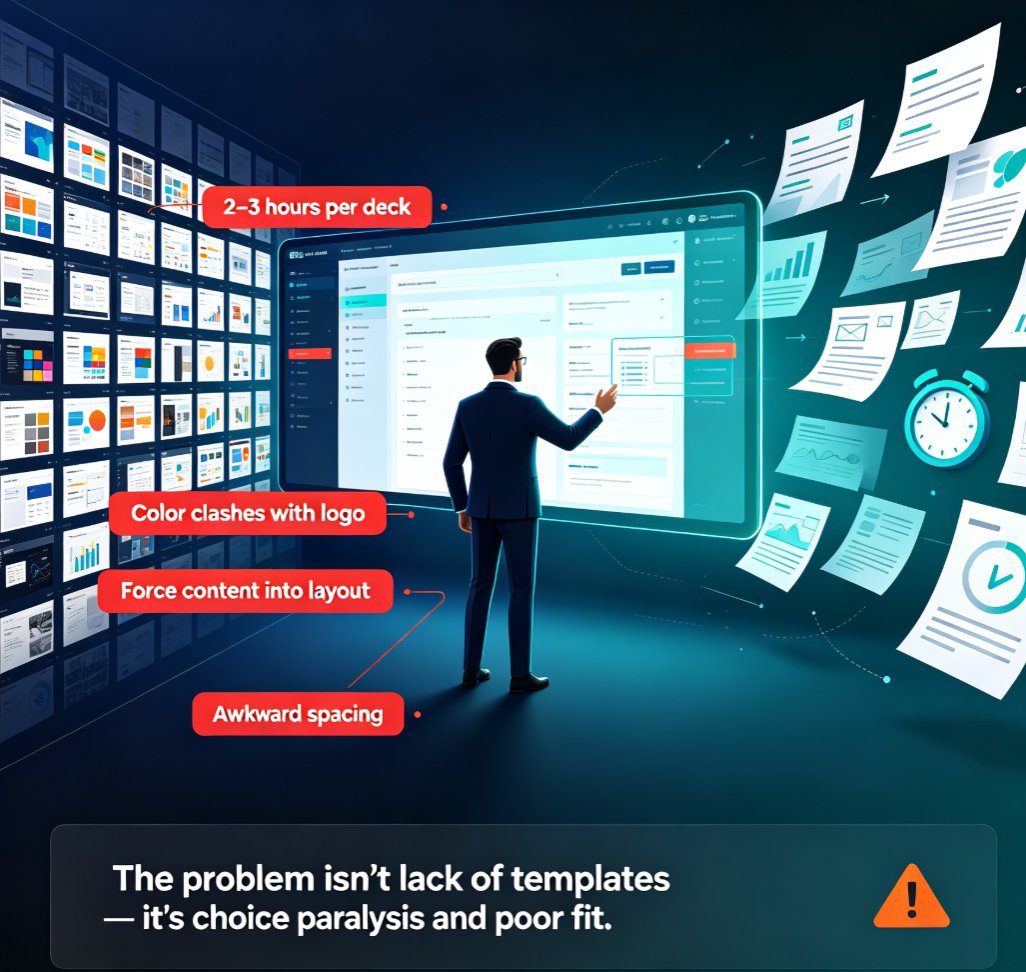
Zendeck's template library gives you a head start on layout, typography, and visual hierarchy — so you can focus on content, not design.
Here's the workflow:
- Pick a template that matches your training style — whether that's a clean corporate look, a bold workshop vibe, or something in between.
- Drop in your outline — Zendeck can take a Word document or Markdown outline and generate structured slides automatically.
- Let the AI handle the layout — Zendeck's smart layout engine arranges your content into visually consistent slides, so nothing looks cramped or awkward.
- Adjust and refine — you're not locked in. Every slide is editable, so you can tweak wording, reorder sections, or swap visuals.
The result? A deck that looks like it took a design team a week to build — in about the time it takes to drink your coffee.
If you want to go deeper on keeping things consistent across hundreds of slides, check out how brand kits in Zendeck work. It's a game-changer for training programs that repeat quarterly.
05. Fill It with the Asset Library: Icons, Charts, and Illustrations
Here's the part that separates a memorable training deck from a forgettable one: visuals. But not just any visuals — visuals that clarify, not decorate.
The rule is simple: every visual in your deck should reduce cognitive load, not increase it. A giant data dump with no takeaway is useless. A bar chart with the key insight highlighted? That's gold.
The asset library gives you access to icons, charts, and illustrations that you can drop in without hunting through stock sites. Here's a quick guide to choosing the right visual for the job:
| Visual Type | Best For | Example in Sales Training |
|---|---|---|
| Bar chart | Comparisons | Quota attainment by region |
| Line chart | Trends over time | Pipeline growth across quarters |
| Pie/donut chart | Proportions | Revenue mix by product line |
| Flowchart | Processes | The sales qualification process |
| Icon set | Concepts | Communication, negotiation, closing |
| Illustration | Storytelling | Customer journey scenarios |
The key is to match the visual to the message. If you're comparing numbers, use a bar chart. If you're showing a process, use a flowchart. If you're explaining a concept, an icon can do more than a paragraph.
And here's a pro tip from someone who's built a lot of decks: use one visual per slide, and make sure it supports the headline. If the visual doesn't add clarity, cut it. Your reps will thank you.
For more on how asset libraries are changing the game, take a look at how AI asset libraries are revolutionizing brand consistency.
06. Keep It On-Brand with Zendeck's Brand Kit
Here's a scenario every sales trainer knows: you build a great deck, send it to the team, and someone's cousin "who's good with PowerPoint" redesigns it with Comic Sans and neon colors. Suddenly your training material looks like a garage sale flyer.
Brand consistency isn't vanity — it's credibility. When your training deck looks like it belongs to your company, reps take it more seriously. And when reps take it seriously, they retain more.
The brand kit feature solves this. Set up your brand colors, fonts, and logo once, and every template you use automatically conforms. No more hunting for the right hex code. No more "close enough" font matches.
The workflow is simple:
- Set up your brand kit with your logo, colors, and typography.
- Apply it to any template — Zendeck reskins the entire deck in one click.
- Share it with your team — everyone builds on-brand decks, every time.
This is especially powerful for sales training programs that run across multiple regions or teams. Instead of each trainer building their own version, you get a consistent, professional look everywhere.
If you want to dig into the details, here's a guide on maintaining brand consistency across hundreds of slides.
07. Take It Further: Interactive and Video Training
Here's where you can really level up. A static deck is fine for a live session, but what about reps who miss the training? Or need a refresher three months later?
Zendeck's PPT-to-video feature turns your training deck into a narrated micro-course — so reps can review it on their own time, at their own pace. That's a huge win for retention, especially given that 87% statistic we talked about earlier.
The workflow is dead simple:
- Build your deck as we've described.
- Add speaker notes to each slide — Zendeck can even auto-generate them.
- Convert to video — Zendeck creates a narrated walkthrough of your deck.
- Share the link — reps can watch it on any device, anytime.
You can also add interactive elements like quizzes to reinforce learning. Instead of passively watching, reps answer questions and get immediate feedback. That's the difference between training that's "done" and training that actually sticks.
For a deeper dive, check out how to create interactive training modules with Zendeck's PPT-to-video feature.
FAQ
Q: Do I need design skills to use Zendeck templates? A: No. Zendeck's templates are professionally designed, and the smart layout engine arranges your content automatically. You focus on the content; Zendeck handles the design.
Q: Can I use my company's brand colors and fonts? A: Yes. Set up a brand kit with your logo, colors, and typography, and Zendeck will apply it consistently across all your decks.
Q: What types of assets are available in the asset library? A: The library includes icons, charts, and illustrations that you can drop directly into your slides. No need to hunt through stock photo sites.
Q: Can I convert my sales training deck into a video? A: Yes. Zendeck's PPT-to-video feature turns your deck into a narrated micro-course that reps can watch on demand.
Q: How long does it take to build a sales training deck with Zendeck? A: Most users can assemble a polished, on-brand deck in under an hour — often in as little as 10-15 minutes if you start with a template and a clear outline.