Tags:micro-course creation

18 articles

PPT to Video: Turn Slides into Engaging Micro-Courses in 5 Steps

PPT to Video 2026-09-22 2829

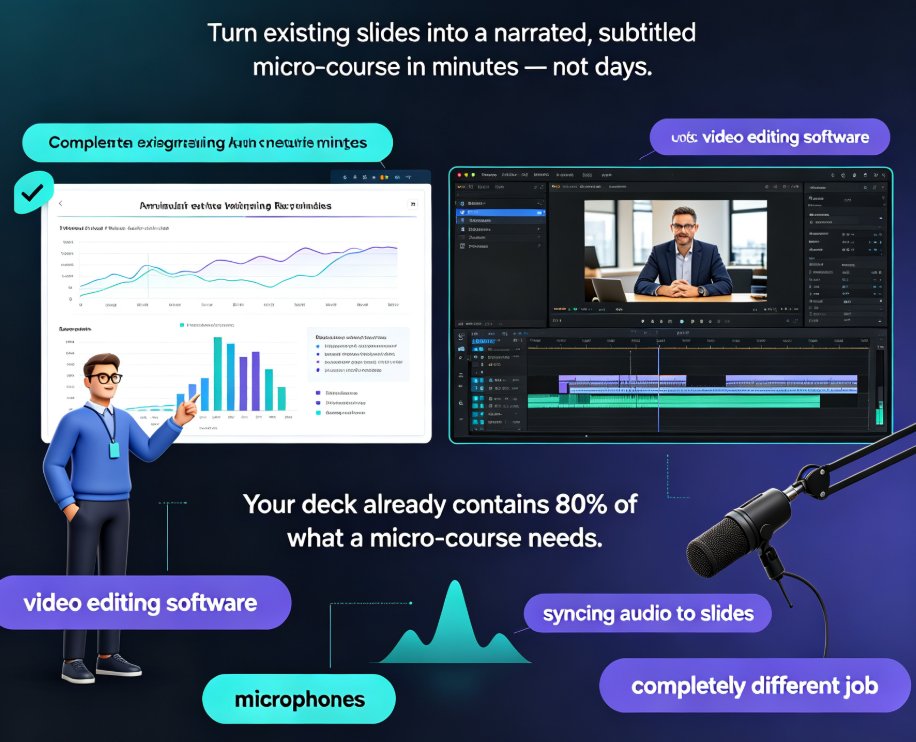
Convert any PPT into a narrated, subtitled micro-course in minutes with Zendeck's PPT-to-video workflow — no video editing skills needed. This step-by-step guide covers deck trimming, AI narration, smart layout reskinning, auto-subtitles, and export, with a comparison table showing hours saved per video. Built for educators and corporate trainers who want engaging learning videos from existing slides, Zendeck's automation replaces time-consuming screen recording and manual syncing, letting you publish polished micro-courses and boost learner engagement without learning complex editing software. You'll also find common PPT-to-video mistakes to avoid, practical tips for scripting at the right pace, and answers to the most frequent questions about output formats, subtitle editing, and mixing your own voice with AI narration. If your team already builds courseware in PowerPoint, this guide shows how to extend that investment into a video library your learners will actually finish.
PPT to Video: How to Add Voiceover Without Recording Yourself

PPT to Video 2026-09-21 3953

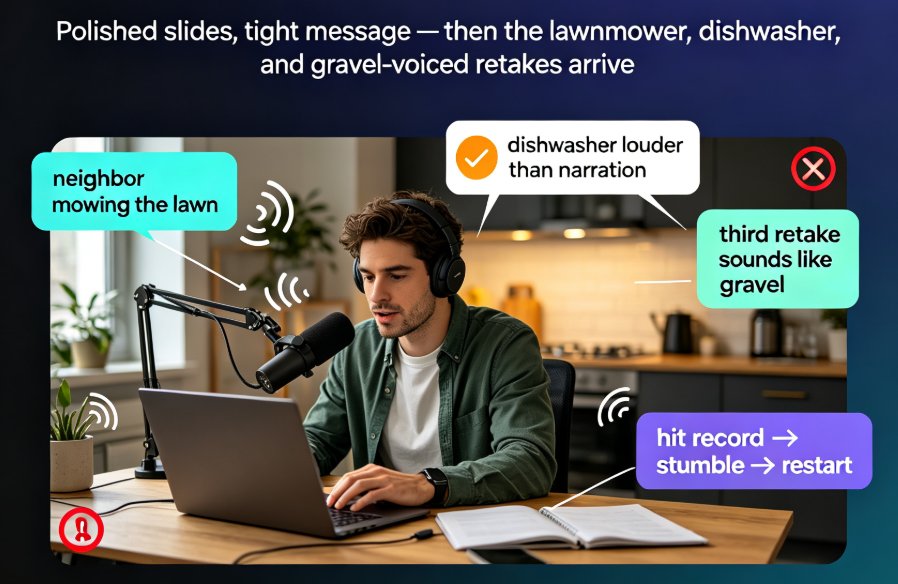
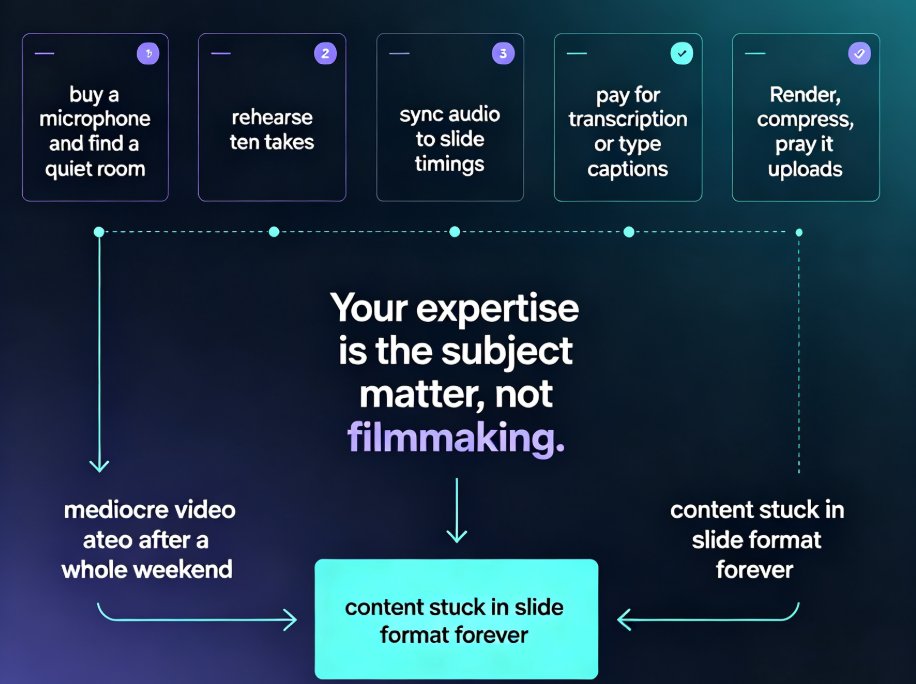
Adding voiceover to a PPT doesn't require a studio, a condenser mic, or a golden radio voice. Thanks to AI narration, you can convert PPT to video with a natural-sounding voice in minutes — and Zendeck's PPT-to-video feature makes it a one-click job. This guide covers the real bottleneck (retakes and sync, not equipment), how AI voice synthesis works and its limits, a step-by-step workflow, and the script pacing and slide timing tricks that keep narrated decks crisp. You'll also get a recording-vs-AI comparison table, honest use-case advice, and answers to the questions educators and trainers ask most.

No Camera, No Studio: Turn PPT into Narrated Micro-Courses with Zendeck

PPT to Video 2026-09-11 2347

Turn static PowerPoint decks into professional narrated micro-courses with Zendeck's PPT-to-video feature. No camera, microphone, or editing skills required — just upload your slides, pick an AI voice, and Zendeck generates a polished MP4 with synchronized subtitles and an optional digital human presenter. This walkthrough covers the complete workflow: importing decks, choosing narration voices, editing auto-captions, using the presenter avatar, and exporting for your LMS or YouTube. We also compare production times against traditional studio and DIY recording so you can plan your course pipeline with real numbers. Whether you're a teacher who needs reusable video lessons, an HR trainer shipping compliance modules, or a content operator building a micro-course library, this guide shows why PPT-to-video is becoming the 2026 corporate training standard.

Autonomous AI Agents: Automating the Entire Presentation Workflow

Micro-Course Production 2026-09-02 3433

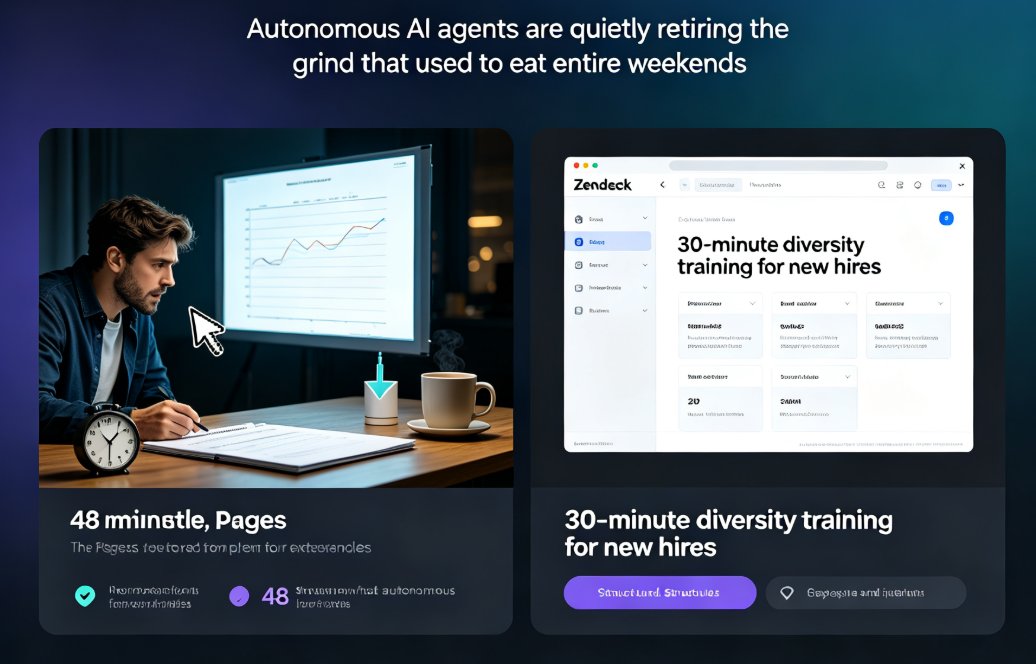
Autonomous AI agents can now manage the entire presentation workflow—research, slide design, narration, and video output—with minimal human intervention. Zendeck's AI Agent turns a simple prompt into a fully narrated, branded video presentation, cutting production time by up to 90%. This guide shows how educators and business teams use agentic workflows to build micro-courses and training decks from scratch in minutes, not days. You'll get a stage-by-stage breakdown of what the agent handles, real use cases for trainers and L&D teams, a time-saving comparison of traditional vs AI-agent production, and practical tips on setting boundaries and reviewing output. If you've been spending weekends on slide decks, this is the workflow shift you've been waiting for.

How to Convert Your PPT into a Narrated Micro-Course with Zendeck

PPT to Video 2026-08-26 2182

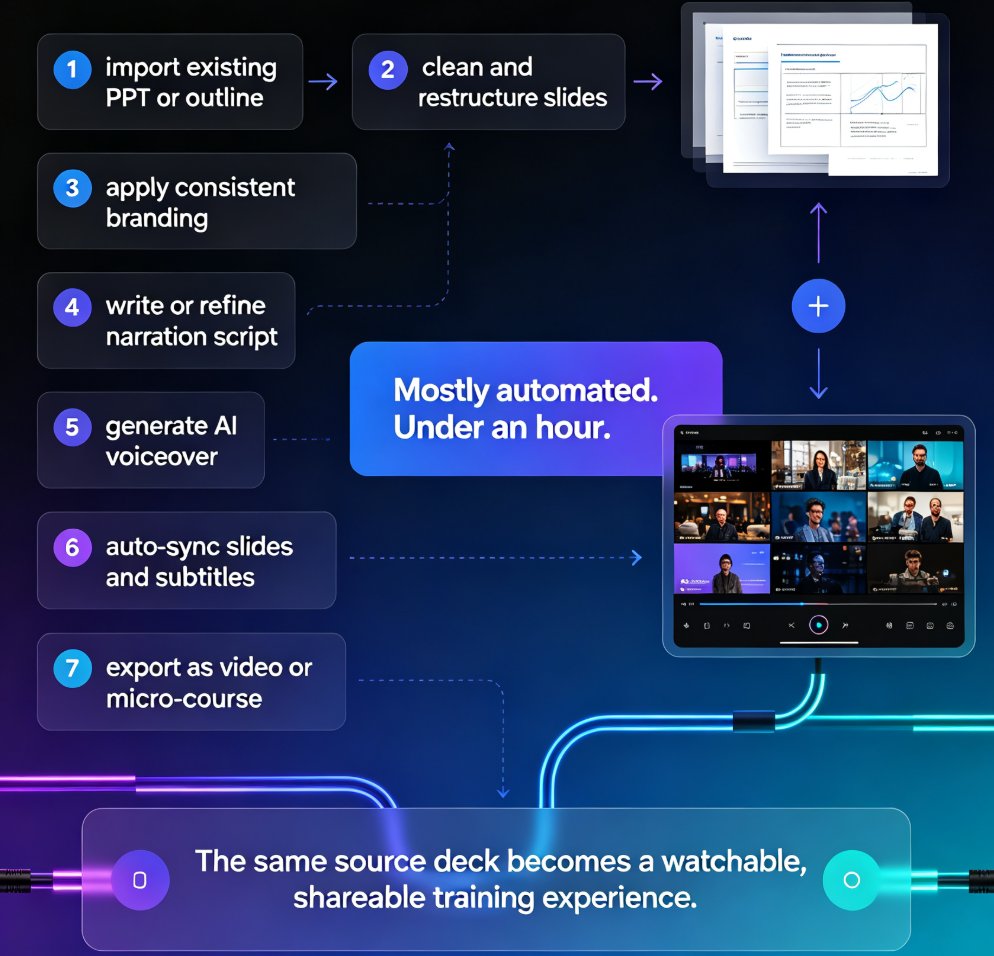
Learn how to convert your PPT into a narrated micro-course with Zendeck's PPT-to-video feature. This tutorial walks through AI voiceover, auto-generated subtitles, and export settings so you can publish crisp, shareable video lessons in under an hour. Zendeck turns static slides into engaging narrated courses without any design or editing skills, making it the fastest path from outline to published micro-course for trainers, educators, and teams.

One PPT, Many Formats: How to Turn Slides into Micro-Courses

Knowledge Video 2026-08-25 1217

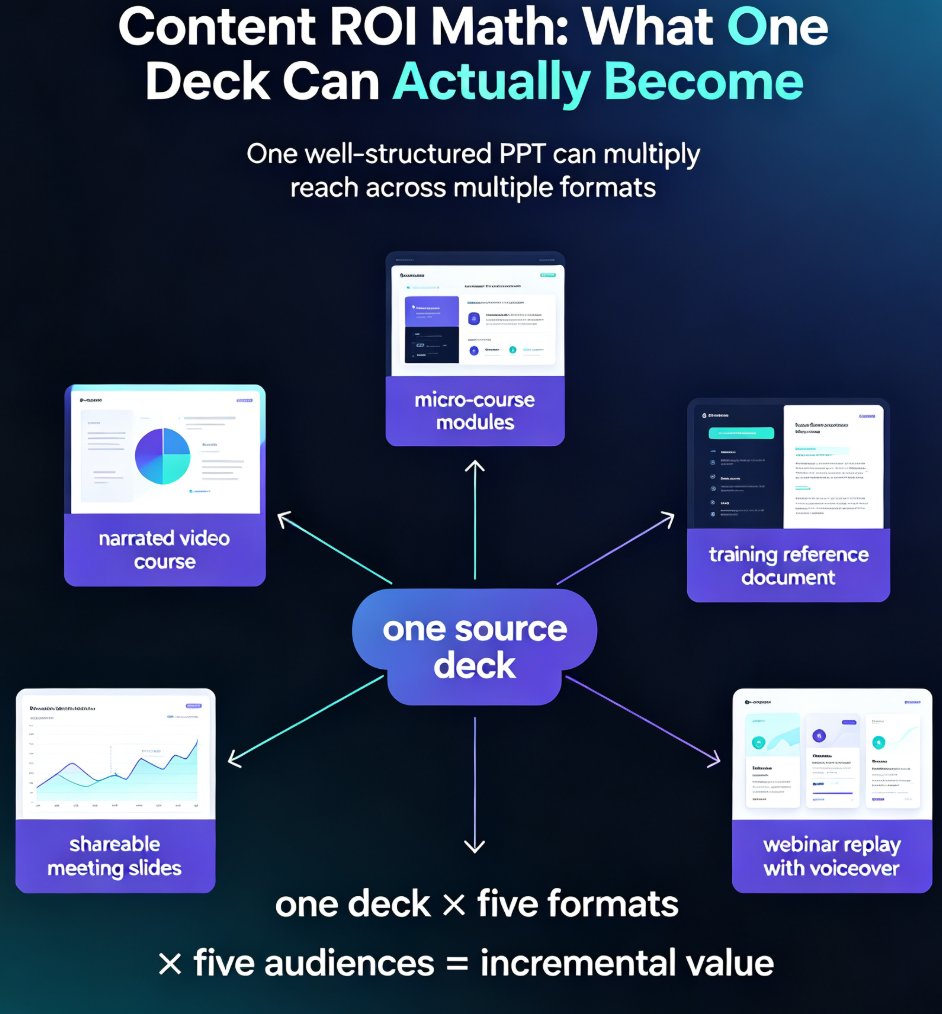
Learn how to repurpose a single PPT into micro-courses and video formats with Zendeck. Maximize content ROI by turning one deck into multiple learning assets — narrated videos, micro-course modules, and shareable slides — without rebuilding from scratch. This guide covers the step-by-step workflow, a manual vs. AI-assisted comparison, and best practices for multi-format content creation. Whether you're an educator, trainer, or knowledge creator, discover how Zendeck's PPT-to-video and AI segmentation features let you multiply the reach of every hour you invest in your original content. Stop creating from zero and start repurposing smarter. Learn the exact steps to convert your existing presentations into engaging learning experiences that reach more learners, save production time, and build a reusable content library that compounds in value month after month.