
Tags:PPT-to-Video

4 articles

Turn Training Decks into Narrated Videos: The 2026 Guide

PPT to Video 2026-09-02 2324

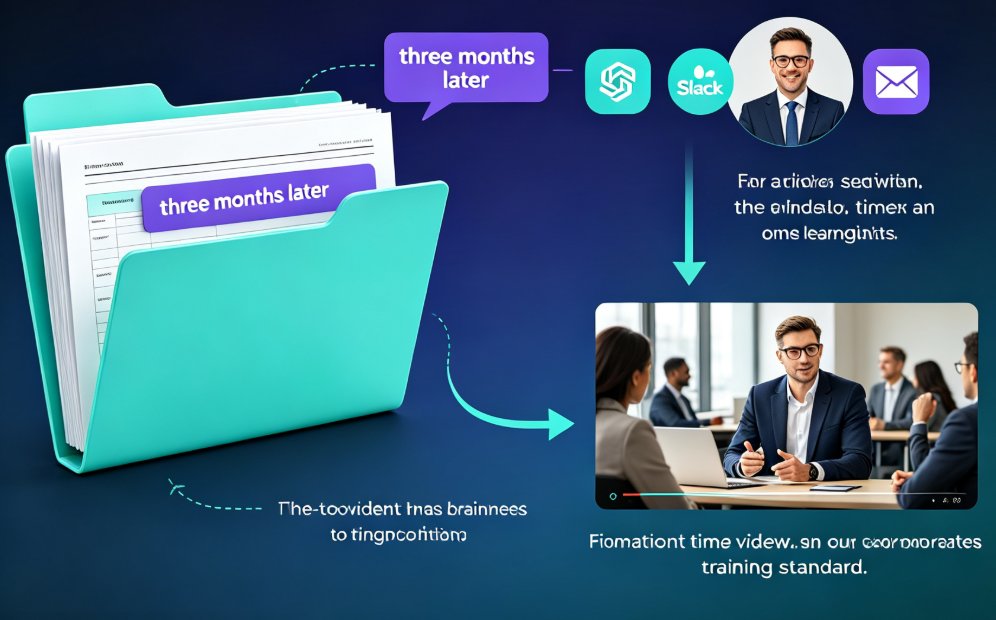
Turning training decks into narrated videos with Zendeck's PPT-to-Video engine cuts production from days to hours while lifting completion rates. This 2026 guide walks step-by-step through the conversion workflow: how AI rebuilds slides into watchable scenes, writes narration, adds motion graphics and subtitles, and exports a replayable MP4. You will see which training decks benefit most, the real time savings compared with traditional editing, and the accessibility wins that come free with captions. If your team builds training decks that nobody rewatches, this guide shows the practical path from static slides to narrated micro-courses with Zendeck.

How to Use Zendeck's PPT-to-Video to Create a Product Demo Video

PPT to Video 2026-08-12 808

Learn how to use Zendeck's PPT-to-Video to create a professional product demo video in minutes. This step-by-step guide covers the entire workflow, from preparing your script to adding overlays, CTAs, and chapters. Discover how Zendeck's AI-powered tool turns your slides into engaging video demos that convert viewers into customers. Save hours of editing time and produce polished demos without any video editing skills. Perfect for marketers, product managers, and SaaS teams looking to showcase features effectively.

How to Add Narration to Your Slides with Zendeck's PPT-to-Video

PPT to Video 2026-08-11 3604

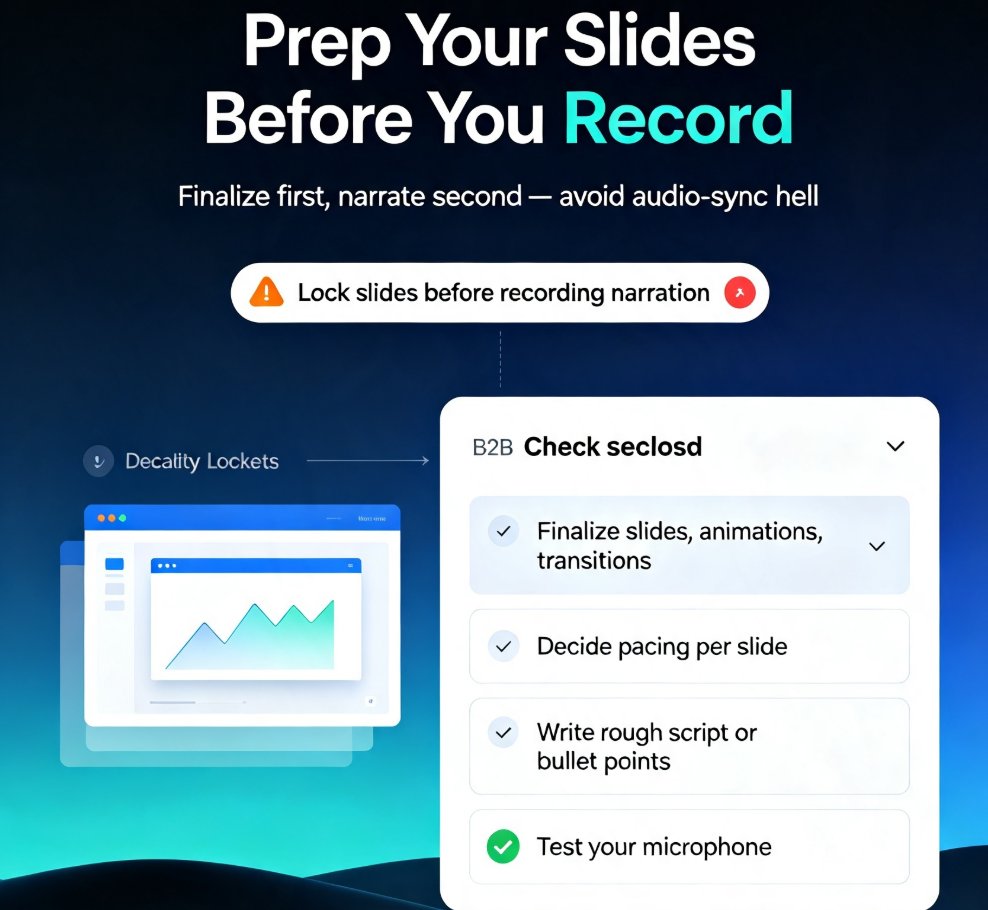
Learn how to add narration to your slides with Zendeck's PPT-to-Video feature. Turn static decks into engaging narrated video lessons in minutes — record, sync, and export with ease. This step-by-step guide covers slide prep, recording best practices, export settings, and common pitfalls like audio sync issues. Whether you're building micro-courses, onboarding materials, or asynchronous training, narrated video decks keep learners engaged and reduce rework. Zendeck's PPT-to-Video streamlines the entire workflow, so you can produce professional voiceover presentations without design or editing skills. We'll also show you how to fix audio sync problems, choose the right export format, and make your narration sound natural. If you're tired of silent decks that fail to engage, this guide gives you everything you need to create narrated video lessons that actually work. Start today.

Turn a Training Manual into a Micro-Course with Zendeck's PPT-to-Video

Micro-Course Production 2026-08-10 3447

Zendeck's PPT-to-Video turns static training manuals into narrated micro-courses in minutes. Learn the 5-step workflow, see time savings, and boost learner engagement. Convert your text-heavy slides into interactive video lessons with AI narration, animations, and brand consistency. Perfect for HR, L&D, and educators who need faster onboarding and better completion rates.