Tags:narrated micro-courses

4 articles

PPT-to-Video Without Losing Design? Zendeck Keeps Visuals & Narration

PPT to Video 2026-11-04 2843

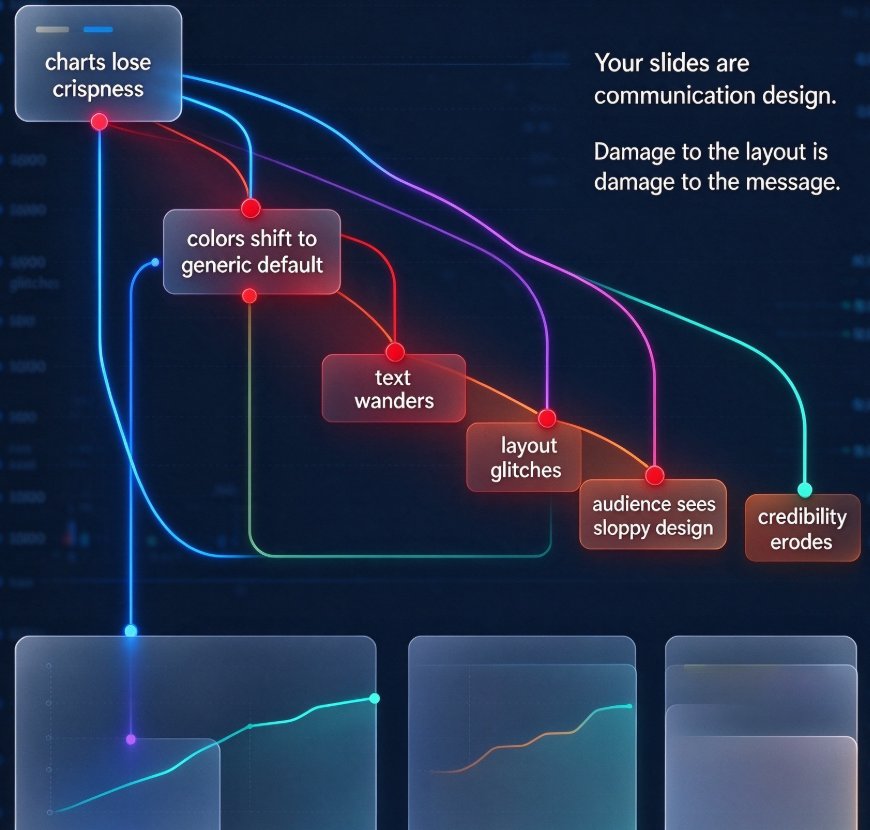
Forgetting design quality when converting PPT to video? Zendeck's PPT-to-video keeps your slides' visuals, charts, and layout intact while auto-generating crisp narration, so you can turn static decks into engaging micro-courses in minutes. No manual recording, no rework, no pixel loss. Built for educators, trainers, and teams, Zendeck handles the whole pipeline — conversion, voiceover, editing, and sharing — in one place. This guide walks through the workflow, the common conversion pitfalls to avoid, and how to produce narrated videos from PowerPoint files while keeping your brand quality consistent. Whether you're repurposing a training deck or building a five-part course, you'll see how design preservation and automatic narration change what's possible.
Turn Training Decks into Narrated Videos: The 2026 Guide

PPT to Video 2026-09-02 2324

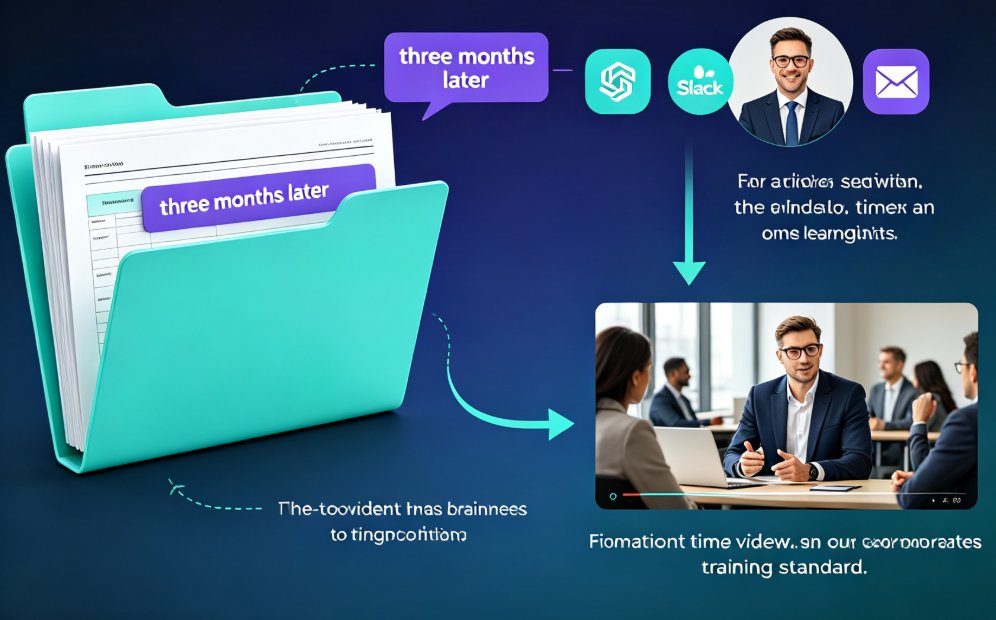
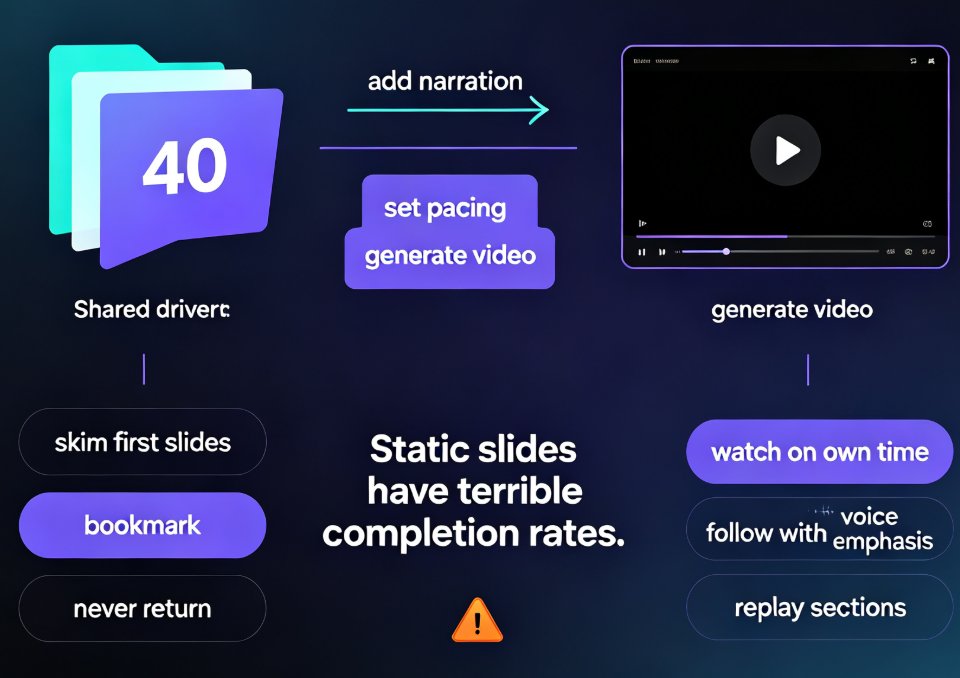
Turning training decks into narrated videos with Zendeck's PPT-to-Video engine cuts production from days to hours while lifting completion rates. This 2026 guide walks step-by-step through the conversion workflow: how AI rebuilds slides into watchable scenes, writes narration, adds motion graphics and subtitles, and exports a replayable MP4. You will see which training decks benefit most, the real time savings compared with traditional editing, and the accessibility wins that come free with captions. If your team builds training decks that nobody rewatches, this guide shows the practical path from static slides to narrated micro-courses with Zendeck.

How to Convert PPT to a Narrated Video with Zendeck: Step-by-Step

PPT to Video 2026-08-27 2098

Learn how to convert PPT to a narrated video with Zendeck's PPT-to-video feature. This step-by-step guide walks through the entire workflow: importing a Word outline or Markdown file, letting AI generate structured slides, adding AI voiceover narration, and exporting to MP4 for sharing. We also cover practical tips for educators and trainers — how to keep slides visual, script before you record, and add subtitles for accessibility. By the end, you'll know exactly how to turn a static deck into a narrated micro-course in minutes, without a microphone, design skills, or expensive video editing software. Whether you're building corporate training, courseware, or knowledge videos, this workflow saves hours and produces consistent, professional results.

Turn Legacy Training PPTs into Narrated Micro-Courses with Zendeck

PPT to Video 2026-08-27 3354

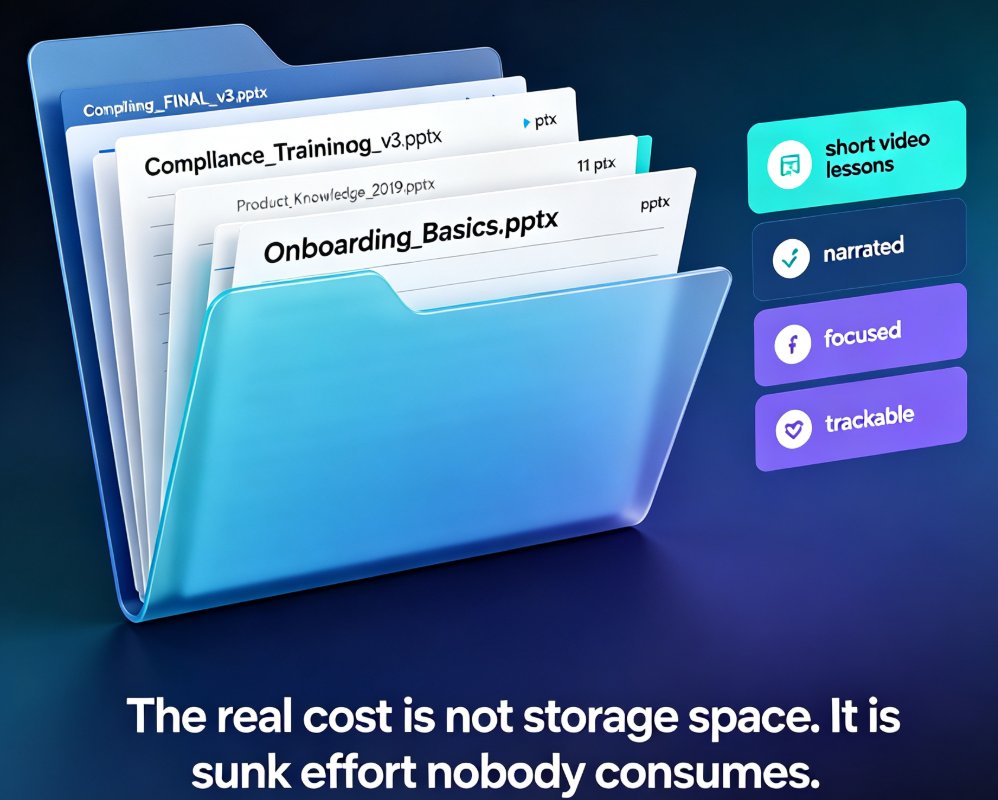
Turn legacy training PPTs into narrated micro-courses with Zendeck. This step-by-step guide shows trainers how to convert existing PowerPoint decks into engaging video lessons with auto-generated subtitles, saving hours of rework. Learn the exact workflow — import, generate, narrate, export — and see why repurposing beats rebuilding. Includes real scenarios for onboarding, compliance, and product training, plus a time comparison showing that converting 20 legacy decks can save roughly 360 hours versus rebuilding from scratch. If your team has a library of approved training slides gathering dust, this guide explains how to turn that content into courses learners actually finish.

▲