Tags:corporate training

17 articles

Why AI PPT-to-Video Is the 2026 Standard for Corporate Training

PPT to Video 2026-10-28 1858

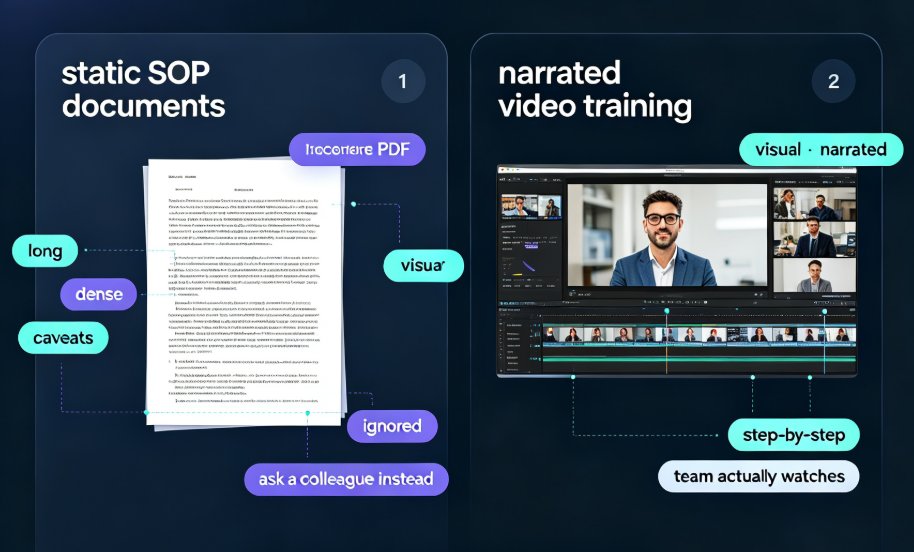
AI PPT-to-video is becoming the 2026 standard for corporate training, replacing static slide decks that fail to hold attention and drive poor retention. This guide explains why narrated micro-courses outperform traditional training PDFs, how AI removes the production bottleneck that kept L&D teams stuck with slides, and what to look for in a conversion tool. We walk through Zendeck's PPT-to-video pipeline — auto-narration, subtitles, and smart layouts that reflow content for the video frame — and share best practices for building a scalable, on-demand training library. If your team still ships 60-slide decks to new hires, this analysis shows why video-first learning is the answer and how to get there without a production budget.
How a Corporate Trainer Cut Course Creation Time 80% with Zendeck AI

Office Efficiency 2026-10-27 929

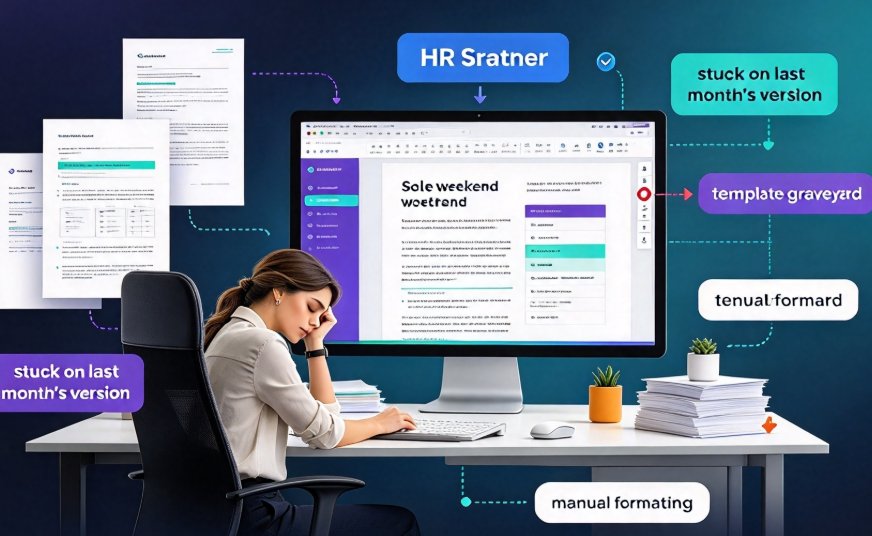
Learn how a corporate trainer cut course creation time by 80% using Zendeck AI. This real-world case study follows an HR and OD trainer who transformed her monthly sales training workflow from 10 hours to just 2 hours. We break down exactly how she shifted from manually dragging layout pieces across PowerPoint to a streamlined process: AI-generated slide outlines, smart layout automation, brand kit application, one-click reskinning, and PPT-to-video conversion for reusable micro-courses. You will see a task-level time comparison, a practical step-by-step workflow, and the broader impact on L&D teams, including brand consistency, cross-team standardization, and faster review cycles. Whether you run sales onboarding, compliance training, or product enablement, this case study shows how AI-driven course creation can reduce prep time dramatically while improving quality and consistency across every training session you deliver.

Brand Consistency for Training Decks: One-Click Reskin Solutions

Courseware Design 2026-10-23 1924

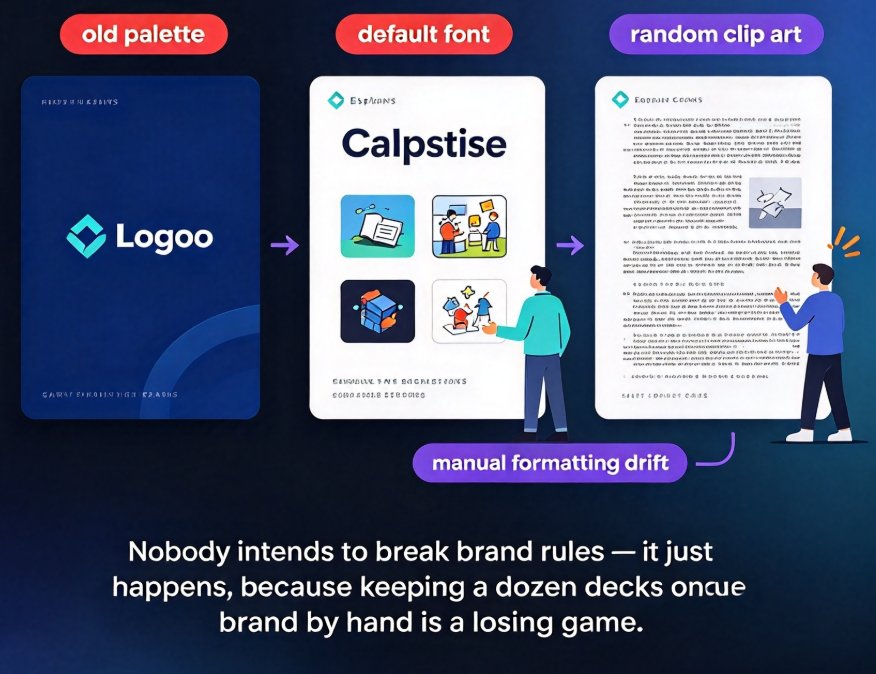
Keeping every training deck on-brand is a constant battle. One-click reskin tools unify fonts, colors, and layouts across all slides in seconds, and Zendeck's reskin feature makes this effortless — turning brand consistency from a chore into a default. This guide breaks down why manual branding keeps failing, what reskin actually does under the hood, and how to build a repeatable brand system for every department. You'll get practical steps you can implement this week, real workflow examples from training teams, and the common pitfalls to avoid before they cost you another rebrand. By the end, you'll have a clear path to consistent, professional decks without the late-night formatting marathons — and a workflow your whole team can actually adopt, starting from your very next project.

How to Build a Corporate Training Presentation in 6 Steps with Zendeck

Knowledge Video 2026-10-23 3164

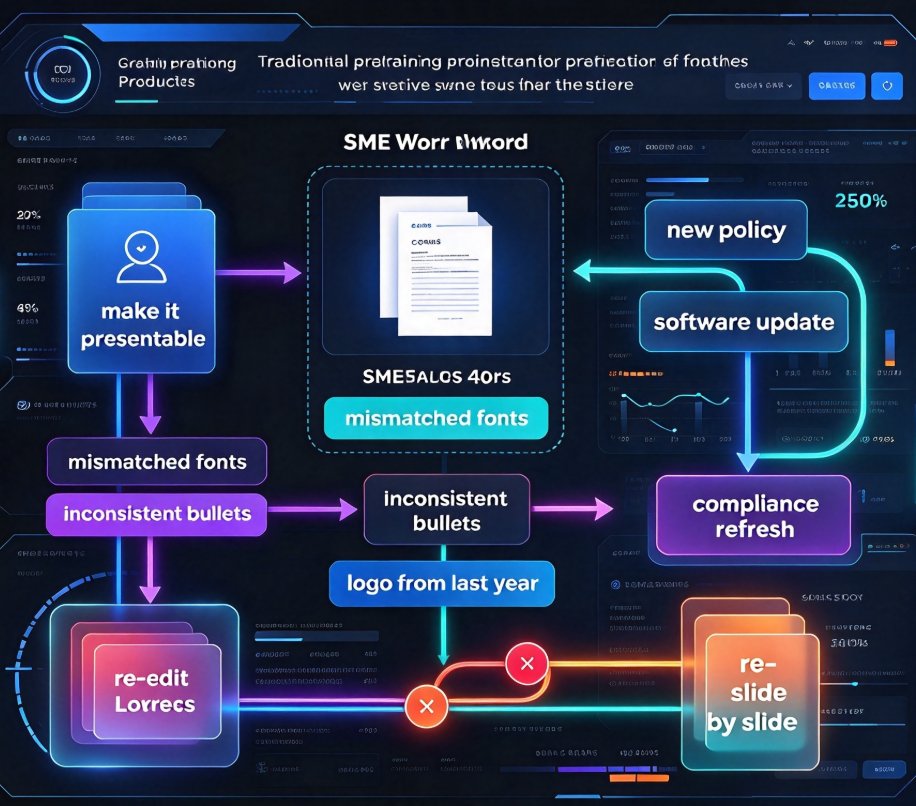
Building a corporate training presentation has always meant days of manual layout, logo placement fixes, and emailing PowerPoint attachments that go stale within a week. The smarter way is to use AI. This guide shows HR and L&D teams how Zendeck compresses production into a repeatable six-step workflow: import a course outline, apply a branded template, let smart layout handle the design, pull charts and icons from the asset library, convert slides into a narrated micro-course, and ship via secure link or LMS export. The outcome is an on-brand, consistent, accessible training asset built in hours — not days or weeks — with no design skills required, and every future policy update re-syncs automatically for the whole team. Read on for the exact steps, the time savings to expect, and the three pitfalls that still trip up training teams.

How Zendeck AI Automates Standard Decks for HR and Corporate Trainers

Office Efficiency 2026-09-08 676

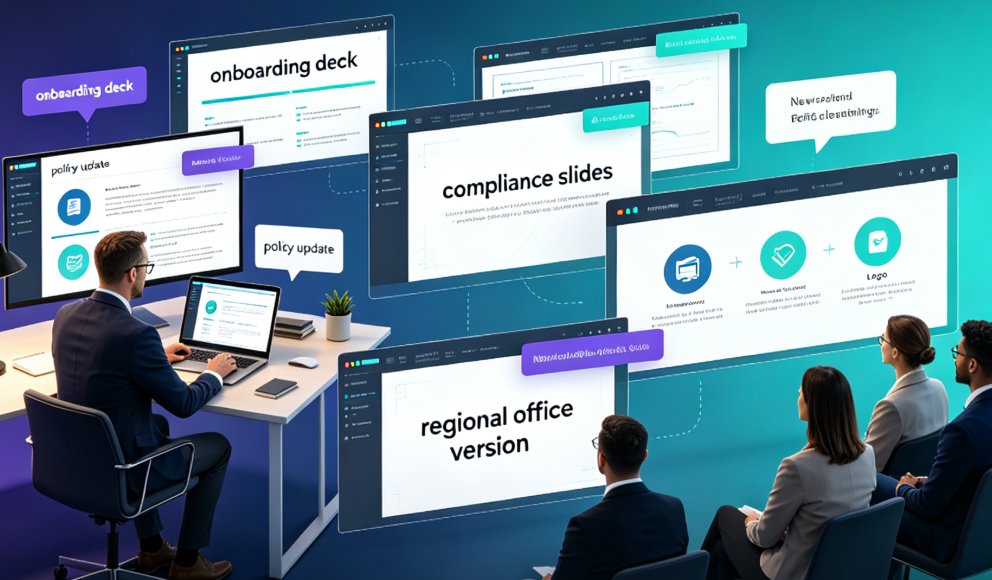
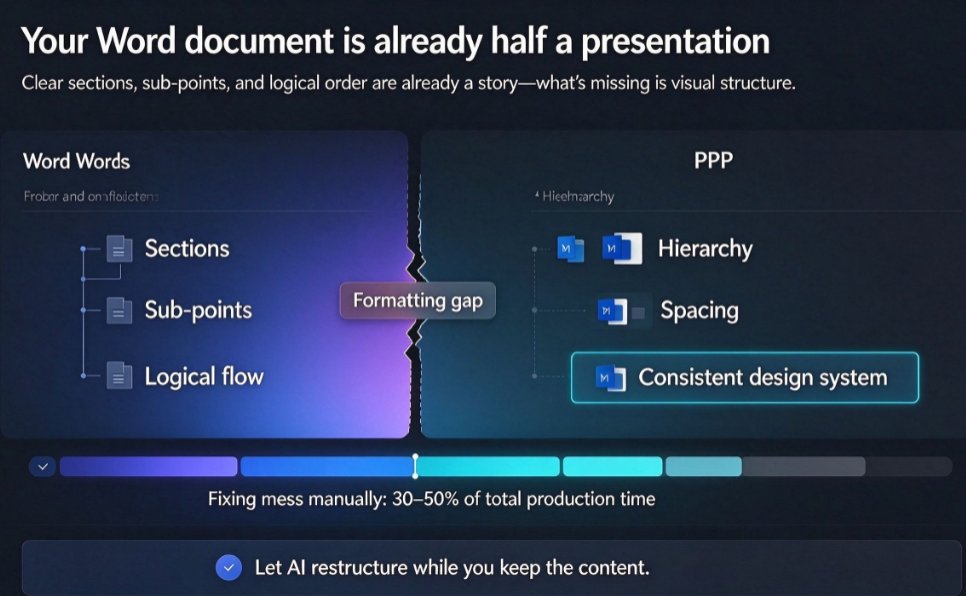
Zendeck AI automates standard HR and corporate training decks, slashing creation time by 85-92% while ensuring on-brand consistency. Learn how Word import and a 1,500+ template library turn mundane onboarding and policy updates into a 3-step process. This guide covers the exact workflow, real scenarios, and pro tips for HR teams that want to stop building slides and start impacting people.

▲