Tags:PPT-to-video

9 articles

No Camera, No Studio: Turn PPT into Narrated Micro-Courses with Zendeck

PPT to Video 2026-09-11 2347

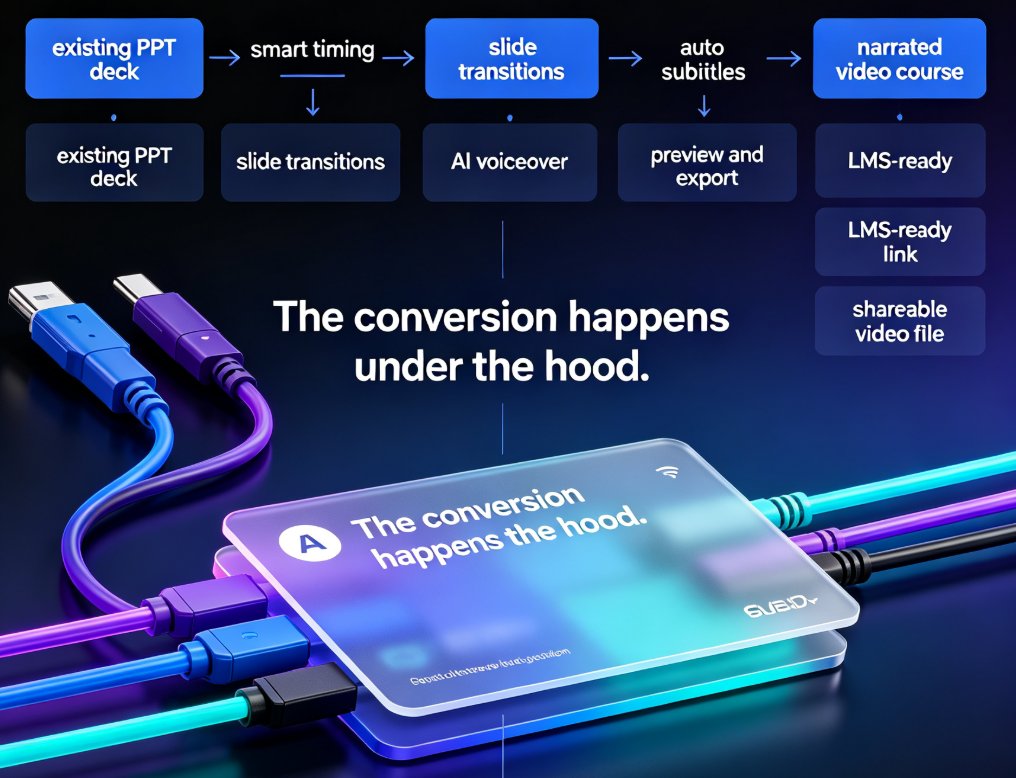
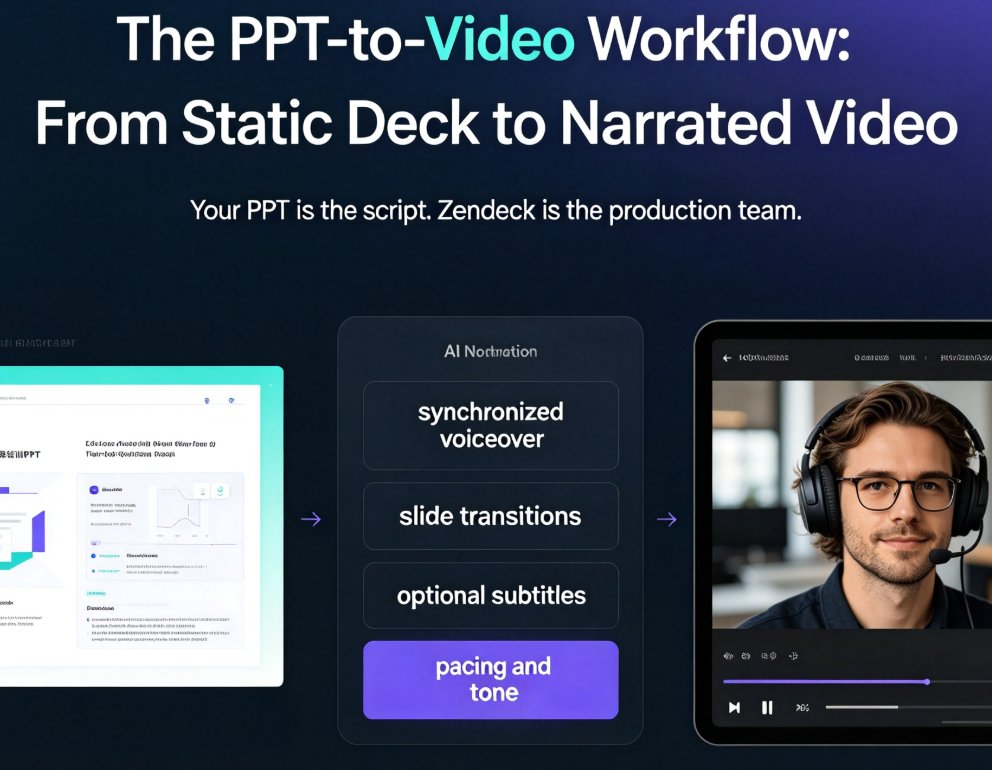
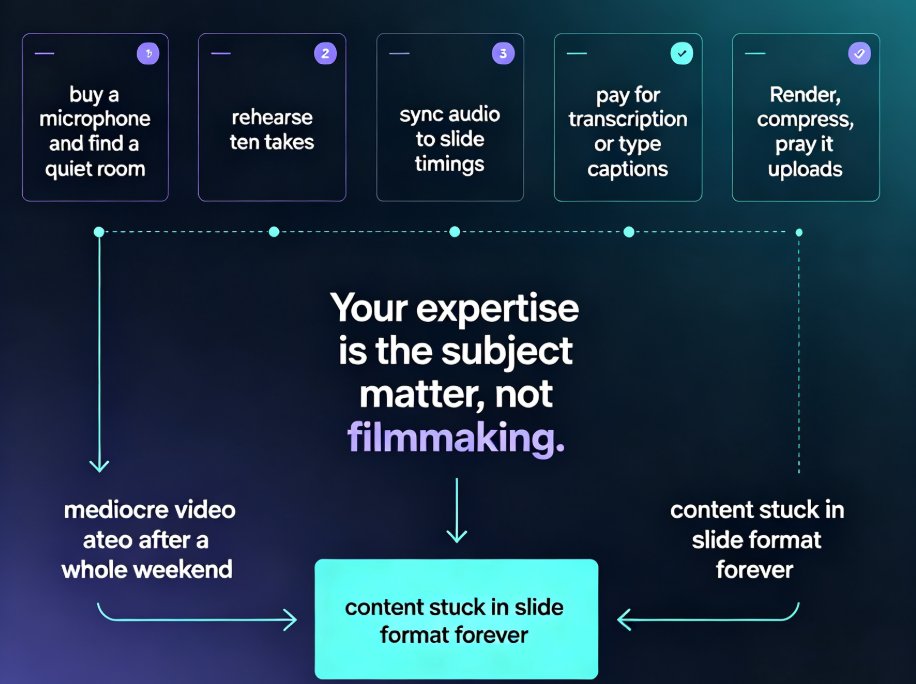
Turn static PowerPoint decks into professional narrated micro-courses with Zendeck's PPT-to-video feature. No camera, microphone, or editing skills required — just upload your slides, pick an AI voice, and Zendeck generates a polished MP4 with synchronized subtitles and an optional digital human presenter. This walkthrough covers the complete workflow: importing decks, choosing narration voices, editing auto-captions, using the presenter avatar, and exporting for your LMS or YouTube. We also compare production times against traditional studio and DIY recording so you can plan your course pipeline with real numbers. Whether you're a teacher who needs reusable video lessons, an HR trainer shipping compliance modules, or a content operator building a micro-course library, this guide shows why PPT-to-video is becoming the 2026 corporate training standard.
Zendeck vs Gamma vs Canva: Best AI Presentation Tool for Educators 2026

AI Courseware 2026-09-07 2483

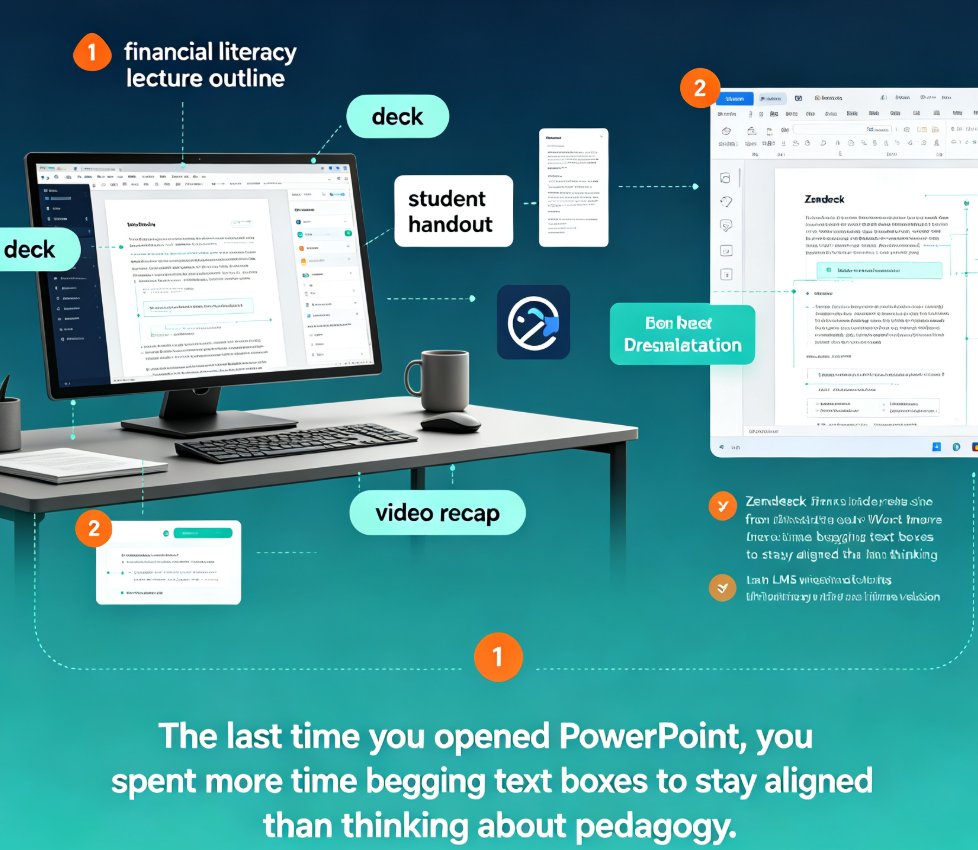
Zendeck vs Gamma vs Canva: best AI presentation tool for educators in 2026. This head-to-head comparison benchmarks all three platforms against a real course-design workflow — Word outline import, AI deck generation, smart layout, brand consistency, and PPT-to-video. Gamma is fast and straightforward; Canva offers maximum design control. But neither converts slides into narrated micro-courses natively. Zendeck is the only tool built for educators that pairs AI deck generation with PPT-to-video export, auto subtitles, and automatic accessibility checks. Backed by 2026 third-party tests and educator community ratings, this review shows which tool actually saves time for course designers, trainers, and L&D teams. Includes benchmark charts, comparison tables, and practical recommendations. Read this before you pick another presentation tool.

How to Convert Your PPT into a Narrated Micro-Course with Zendeck

PPT to Video 2026-08-26 2182

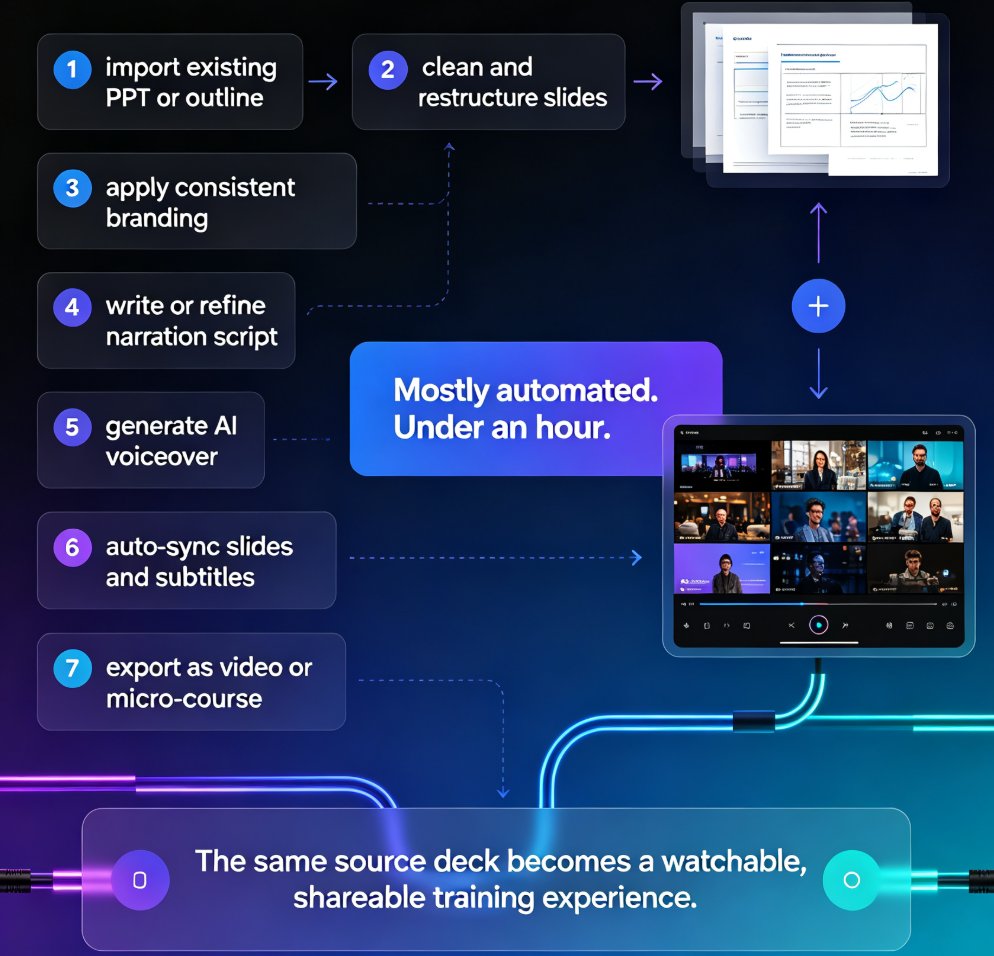
Learn how to convert your PPT into a narrated micro-course with Zendeck's PPT-to-video feature. This tutorial walks through AI voiceover, auto-generated subtitles, and export settings so you can publish crisp, shareable video lessons in under an hour. Zendeck turns static slides into engaging narrated courses without any design or editing skills, making it the fastest path from outline to published micro-course for trainers, educators, and teams.

Turn Static Training Decks into Video Courses with AI Narration

PPT to Video 2026-08-26 3455

Static training decks are the graveyard of corporate learning. Zendeck's PPT-to-video feature turns those legacy slides into narrated video courses with AI voiceover — no re-creating content, no video editing skills, no studio time. This guide walks you through the exact workflow: upload your deck, let Zendeck structure the narration, pick a voice, and export a polished micro-course. You'll learn how to make AI narration sound natural, which slides work best for video conversion, and when to skip the video route entirely. If your L&D team has years of PowerPoint content sitting unused, this is the fastest way to repurpose it into modern micro-learning your employees will actually watch. We also cover voice selection, pacing, subtitle best practices, and how to keep your brand consistent across every video you produce.

No Video Skills? Zendeck Turns PPT into Narrated Onboarding Videos

PPT to Video 2026-08-25 3497

You don't need video editing skills to create professional onboarding videos. Zendeck's PPT-to-video feature turns your existing onboarding deck into a narrated video with AI or human voiceover, subtitles, and consistent branding — in about an hour instead of weeks. This guide walks HR and L&D teams through the exact workflow: preparing your deck, generating narration, adding subtitles, and exporting. We compare traditional agency production against the PPT-to-video approach, share best practices for onboarding videos that new hires actually watch, and explain why this workflow makes content updates a five-minute task instead of a re-hire-the-agency project. If your team has been avoiding video onboarding because it feels like a different profession, this is the practical path forward. No timeline editing, no studio, no agency — just your existing deck and a workflow that takes minutes.

Broken Media in PPT? Zendeck Converts Slides to Video That Plays

PPT to Video 2026-08-25 1286

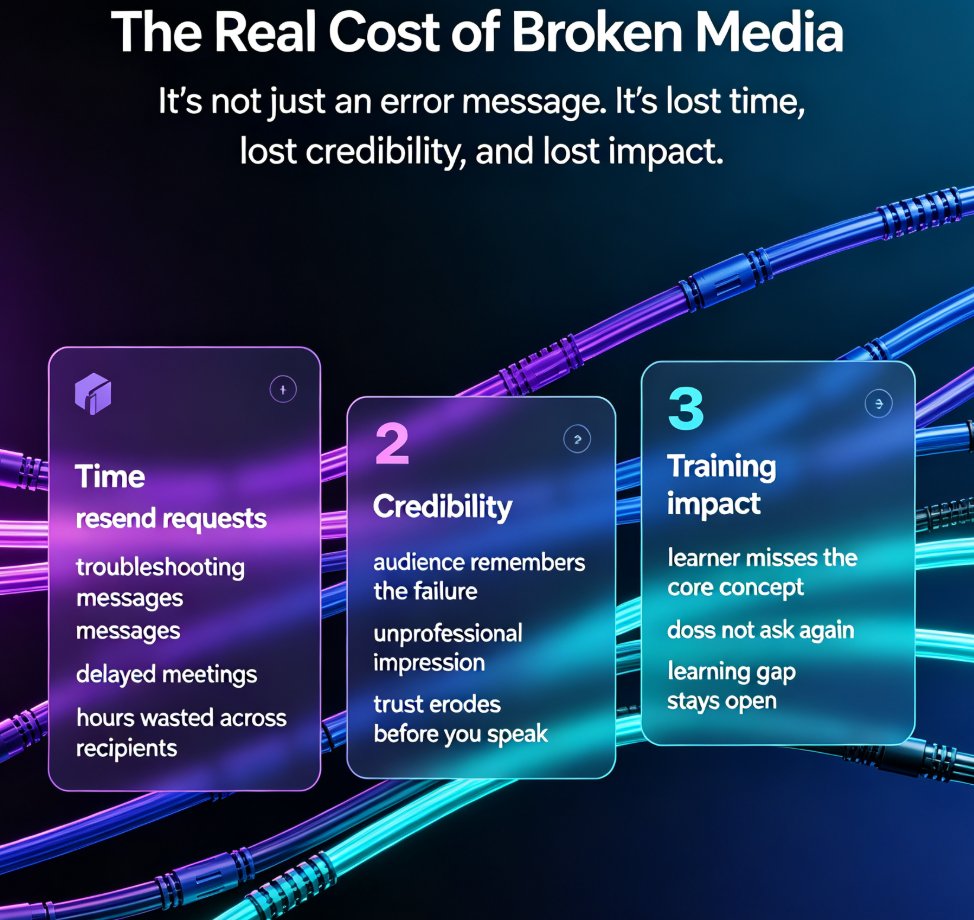
Broken embedded media in PPT is a reliability nightmare — videos that won't play, links that die, codecs that mismatch across devices. Zendeck's PPT-to-video feature converts your slides into a single, self-contained video file that plays anywhere, ending the pain of broken media forever. This guide explains why embedded media breaks, the real cost of failed decks, and how Zendeck bakes every element — slides, narration, charts, demo clips — into one universally playable format. You'll learn the exact workflow to convert slides to video, when to convert versus keep interactive slides, and how to add narration and subtitles before rendering. Stop troubleshooting per-recipient playback issues and start shipping decks that always work. Whether you're a trainer, educator, or corporate communicator, Zendeck's PPT-to-video is the reliability solution your workflow is missing.